
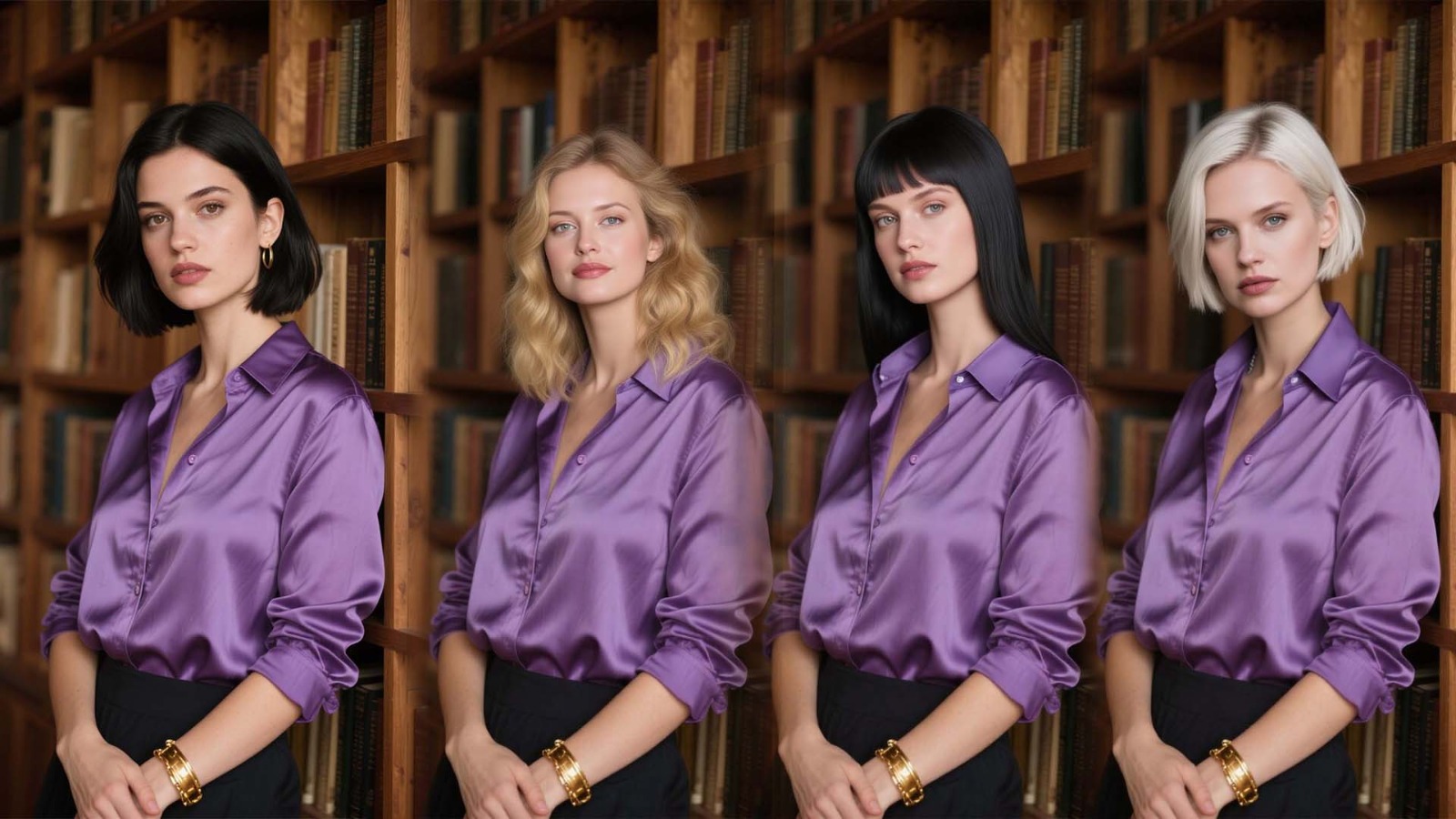
Have you ever used a face swap tool and felt the photo looked almost right, but not fully real? The eyes may fit, the smile may look fine, and the skin may seem close. Still, something feels strange. That is because a face is only one part of a person’s identity in a photo.
After trying both methods, I found that head swap often looks more realistic because it changes the full head instead of only replacing the face. This article explains why head swap and face swap give different results, what makes AI edits look natural, and how you can get cleaner photo head swap results.
The Simple Difference Between Head Swap and Face Swap
Face swap replaces only the face area. It usually changes the eyes, nose, mouth, cheeks, and sometimes part of the forehead. The hair, ears, neck, jawline, and head shape often stay the same.
Head swap is different. It replaces the whole head area. This may include the face, hair, forehead, ears, chin, and sometimes part of the neck. That gives AI more complete information to work with.
This is why a head swap can look more natural than a basic face swap. People do not recognize others only by their eyes or smile. They also notice hair, head size, face shape, and the way the head sits on the body.
Why Face Swap Often Looks Slightly Fake
Face swap tools can be fun, fast, and useful. But they often struggle when the two photos are not very similar. If the angle, lighting, skin tone, or face size is different, the final image may look edited.
One common issue is the hairline. A swapped face may not match the original hair. The forehead may look too short, too wide, or too smooth. The face can also look like it is sitting on top of the photo instead of being part of it.
Another issue is the jawline. A face may have soft features, but the original head may have a sharp chin or wide jaw. Even the best AI face swap tools can struggle with this because they are trying to fit one face onto a different head structure.
This is why face swap images sometimes feel “off.” Your brain notices small mismatches quickly, even when you cannot explain them at first.
Why Head Swap Looks More Realistic
A head swap looks more realistic because the face, hair, ears, and head shape stay together. Instead of forcing a new face onto an old head, the full head moves as one complete part.
This gives Head Swap AI more room to blend the image. The AI can work around the full outline of the head instead of only blending around the eyes, nose, and cheeks. That often creates smoother edges and a more natural final photo.
A full head swap AI edit also protects the person’s natural identity. Hair, forehead shape, ear position, and chin shape all support the face. When these parts match, the image feels more believable.
That is why whole head swap AI tools are becoming popular for profile pictures, creative edits, family photos, and social media content.
Hair Makes a Bigger Difference Than You Think
Hair is one of the strongest visual parts of a person’s identity. A person can look very different with another hairstyle, hairline, or hair color. This is one big reason face swap can fail.
For example, imagine placing someone’s face onto a head with very different hair. The face may look clear, but the hairstyle may not match the person. The result may look funny, but not realistic.
Head swap avoids this problem because the hair moves with the face. The forehead, hairline, ears, and head shape all stay connected. This makes the final image feel more natural.
When you are swapping head areas instead of only facial features, you keep more of the real person’s look. That is why AI head swap often gives better results for realistic edits.
Lighting and Shadows Are Easier to Blend
Lighting is one of the most important parts of a realistic photo. If the face has bright light but the body has soft shadow, the edit will stand out. If the face has side light but the neck has front light, the image may look fake.
Face swap tools only replace a small area. That means the new face must match the old hair, neck, and head shadows. This is hard when the photos come from different places.
Head swap gives AI more space to adjust shadows. Since the whole head is replaced, the tool can blend light around the hair, face, chin, and neck area more smoothly.
For the best result, use photos with similar lighting. A clear photo in soft natural light usually works better than a dark, blurry, or overexposed image.
The Neck Area Can Reveal the Edit
Many people check the face first, but the neck often shows whether an image is edited. In a face swap, the chin and neck may not connect well. The skin tone may change too quickly. The shadow under the jaw may look wrong.
With a head swap, the blending area is larger. The AI can create a smoother connection between the head and body. This does not mean every result will be perfect, but it gives the edit a better chance to look real.
A photo head swap works best when the head angle and body angle match. If the body is turned to the side, the head should also be turned in a similar direction. If one photo is front-facing and the other is side-facing, the result may look unnatural.
When Face Swap Is Still Useful
Face swap is not a bad option. It works well for quick edits, jokes, memes, and simple social media posts. If you only want a funny result, a face swap may be enough.
It can also work well when both photos are very similar. If the lighting, angle, face size, and skin tone match, a face swap can look clean.
Face swap is also useful when hair is hidden. For example, if someone is wearing a hat, helmet, or costume, the face may be the main focus.
So, face swap still has value. But when realism matters, head swap usually gives a better result.
When Head Swap Is the Better Choice
Head swap is the better choice when you want the final image to look polished and believable. It works well for profile photos, group photo fixes, creative portraits, marketing visuals, and social media content.
If the hair, face shape, or head angle matters, head swap is usually stronger. It does not force one face into another person’s hairline or jaw shape. Instead, it keeps the full identity together.
Many people now use head swap tools because they want simple editing without learning complex design software. A head swap online tool can save time and still create a natural-looking result.
This is also why people search for head swap online free, free head swap, head swap free, and free head swap AI. They want to test the method before using more advanced options.
Practical Tips for Better Head Swap Results
The tool matters, but your photo choices matter too. Even the best AI head swap tool needs good images to create a realistic result.
Follow these simple tips:
- Use clear photos with good lighting.
- Choose images with similar head angles.
- Avoid blurry, dark, or low-quality photos.
- Match the camera distance as much as possible.
- Pick photos where the neck and shoulders are visible.
These steps help AI understand the photo better. They also reduce strange edges, odd shadows, and mismatched proportions.
If you are using a head swap AI-free tool, these tips become even more important. Free tools can work well, but they may have fewer correction features than paid tools.
Free Head Swap Tools: What to Expect
A free AI head swap tool can be useful for simple edits. It lets you test the process and see how full-head editing works. For casual photos, it may be enough.
However, free tools may have limits. Some may lower image quality, add watermarks, or struggle with difficult photos. A head swap online free option may work best when the images are clear and simple.
If you want cleaner results for a profile picture, brand image, or creative project, a stronger AI head swap tool may be a better choice.
The goal is not always to create a perfect image. Sometimes, the goal is to make a fun, clean, and shareable edit without spending too much time.
Head Swap vs Face Swap: Which One Should You Choose?
Choose face swap when you want something fast and simple. It is good for jokes, memes, and quick experiments. It can also work when the photos are very close in angle and light.
Choose head swap when you want a more realistic result. It is better for portraits, profile images, social media visuals, and edits where the person should look natural.
In simple words, face swap changes the features. Head swap changes the full identity area. That is why head swaps often look more complete and real.
Conclusion
Head swap looks more realistic than face swap because it changes the full head, not just the face. It keeps the hair, forehead, ears, jawline, shadows, and head shape together. This gives AI more context and helps the final image look natural.
Face swap is still useful for quick and funny edits, but it can struggle with hairlines, neck connections, skin tone, and lighting. Head swap gives more space for smoother blending and better realism.
If you want better photo edits, start with clear images, similar angles, and balanced light. Try both methods and compare the results. Once you see the difference, you will understand why head swap often feels more real than face swap.