
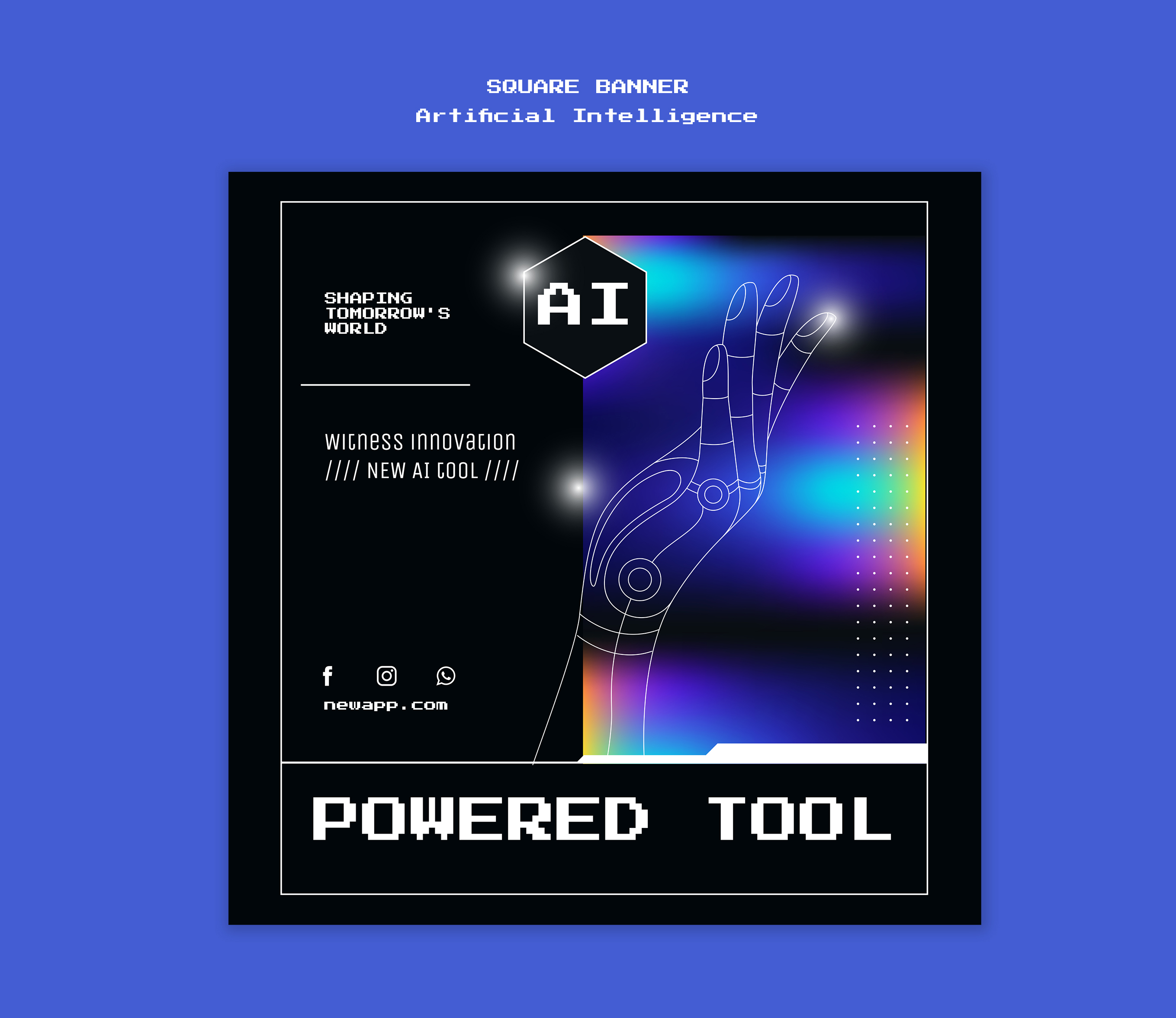
The first thing AI poster generators replace in a small marketing team’s workflow isn’t the designer. It’s the third revision call.
Over the last year, I’ve talked with a half-dozen heads of marketing at small consumer brands â coffee shops, boutique fitness studios, indie skincare- that scale of operation â about how AI poster generation actually fits into their teams. The pattern is consistent enough to be described concretely. A typical team in this group produces roughly seventy to ninety visual assets per month: Instagram squares, Story portraits, LinkedIn banners, email headers, in-store cards, the occasional print flyer. Almost none of that work is original design. It’s the same three concepts repeated across five formats, then surviving two rounds of stakeholder feedback.
That review cycle, not the initial creation, is where calendar weeks disappear.
Where the Hours Actually Go
A small team’s designer typically spends a small fraction of the week â call it a fifth, give or take â on what they would call real design: typography decisions, brand-system decisions for new product lines, the visual language of a campaign before it ships. The rest goes into producing exact-size variants of already-approved concepts and responding to late-stage feedback from a head of marketing, reviewing everything on her phone.
A typical sequence I’ve heard described: campaign concept on Monday, first draft Wednesday, revision Thursday, sized variants Friday. By the time the Instagram Story version of a poster reaches the social calendar, the same designer has touched the same visual five to seven times.
This is where an AI poster generator becomes useful â not as the final designer, but as a fast way to put real first drafts on the table. A short prompt â “summer iced coffee campaign poster, warm tones, hand-drawn type, ‘try the new oat shaken espresso’ as the headline,” â returns three variants in under a minute. None of them is final. But each is concrete enough that the head of marketing can react to a real visual before the third revision call.
What Actually Changes in the Workflow
Three things, in order of how much time they free up.
First, draft-stage review collapses. Stakeholders see three real visual options on day one rather than mood boards or rough sketches. The designer stops producing throwaway drafts as a separate step.
Second, format variants move earlier in the cycle. Some AI poster tools now make it easier to generate or adapt multiple aspect ratios in the same pass, or shortly after. Teams stop waiting for the “final” version to start sizing for Story or print.
Third, the cost of experimentation drops. Trying a fourth or fifth visual direction stops being a calendar cost. A designer can compare two distinct visual languages for the same campaign without losing a day to it.
What does not change: brand-system work, custom illustration, anything that depends on legible in-image text, anything that has to look yours identifiably rather than identifiably AI-generated.
The Drift Problem
This is the limitation that doesn’t show up in vendor demos.
Two posters generated from the same prompt a week apart often look like they came from different brands. The lighting shifts, the color temperature drifts, the type style edges toward whichever aesthetic the model has internalized most recently. For a one-off campaign visual that nobody compares to last month’s work, this doesn’t matter. For a brand system, it matters a lot.
The practical fix across these teams: AI handles first-draft generation, a human handles brand application â type, color tokens, logo placement, and the small adjustments that make a poster look like the company’s rather than someone else’s. That handoff is usually measured in minutes rather than hours per asset. It’s worth doing.
In-image text is the other persistent weak point. Letters get garbled, brand names misspelled, dates wrong. Campaign-critical copy gets added manually in a second step rather than being trusted to the model â which is fine, because that step is also where the designer enforces brand typography.
What This Is and Isn’t
The most common question I get from heads of marketing: Do AI poster tools mean we cut our design hire? Among the teams I’ve spoken with, no. The designer’s role shifts from execution to art direction and brand stewardship, but the team typically ends up shipping more assets per month, and the designer’s judgment matters more, not less. Cutting the hire would mean shipping AI-default visuals straight to the social calendar â and within a quarter, the brand would look like everyone else who skipped that step.
What changes is the cost of trying ideas. The question moves from “can we produce visuals for this campaign in time?” to “is this campaign idea worth running?” The second question is harder, and it’s the one most small marketing teams would rather be spending their week on.
Whether any of this generalizes depends on the kind of marketing being done. For variant-heavy production of approved concepts on a weekly cadence, the gains are immediate. For locked-in brand expression with tight art direction, AI is at best a sketchpad and at worst a distraction. For now, this is where the tool is most useful: high-volume campaign production where speed matters, but brand judgment still has to sit with a human â and “for now” matters, because model quality moves quarterly.