

You’re in the final round of a competitive match, fingers poised over the keyboard, ready to execute the perfect combo—and then nothing happens. Your input registers a split second too late, and your opponent claims victory. That frustrating moment of input lag has cost countless console gamers their hard-earned wins, and it’s a problem that goes far beyond simple skill gaps.
The core issue is straightforward: most standard keyboards weren’t designed with PS5 and Xbox compatibility in mind. They introduce noticeable latency, struggle with console recognition, and lack the responsiveness that competitive gaming demands. Console gamers deserve peripherals that match the precision their platforms are capable of delivering.
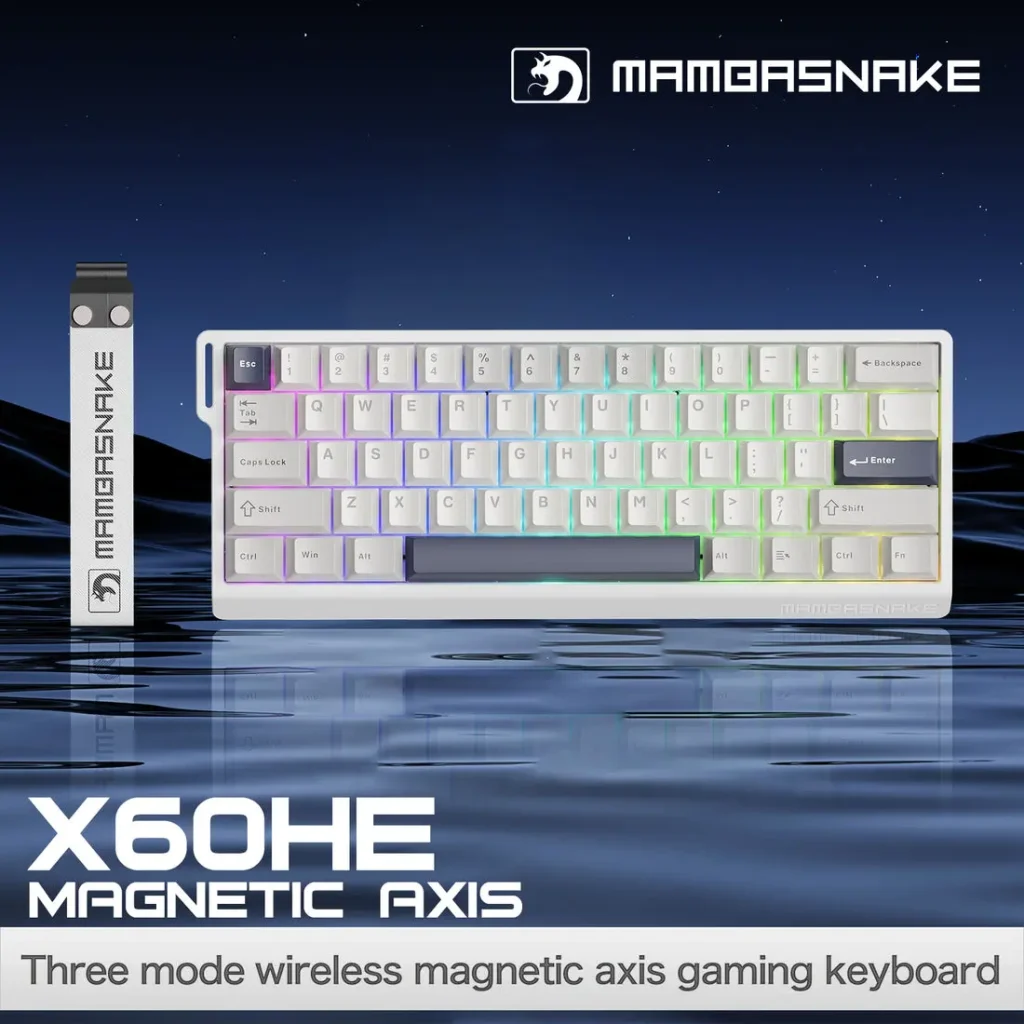
The good news is that specialized gaming keyboards now address these pain points directly. Features like dedicated 2.4GHz wireless connections, USB dongle pairing, and hot-swappable switches bring PC-level keyboard performance to the console space. These technologies work together to eliminate lag, ensure seamless compatibility, and let players customize their setup for any game genre.
In this article, we’ll explore how low latency keyboards transform console gaming by examining compatibility requirements, wireless technology advantages, connection stability, and customization options that put you in complete control of your experience.
The Critical Role of Low Latency in Console Gaming
Latency, measured in milliseconds, represents the delay between pressing a key and seeing the corresponding action on screen. In competitive gaming, even 10-20ms of additional delay can mean the difference between landing a critical hit or missing entirely. For immersive single-player experiences, perceptible lag breaks the connection between player intent and on-screen response, undermining the fluid gameplay that modern consoles are built to deliver.
Traditional keyboards designed for office use typically introduce 20-50ms of latency through slower polling rates, inefficient wireless protocols, and unoptimized firmware. Gaming keyboards engineered for performance cut this dramatically, often achieving response times under 5ms through higher polling rates (1000Hz versus the standard 125Hz) and purpose-built communication protocols that prioritize speed over power conservation.
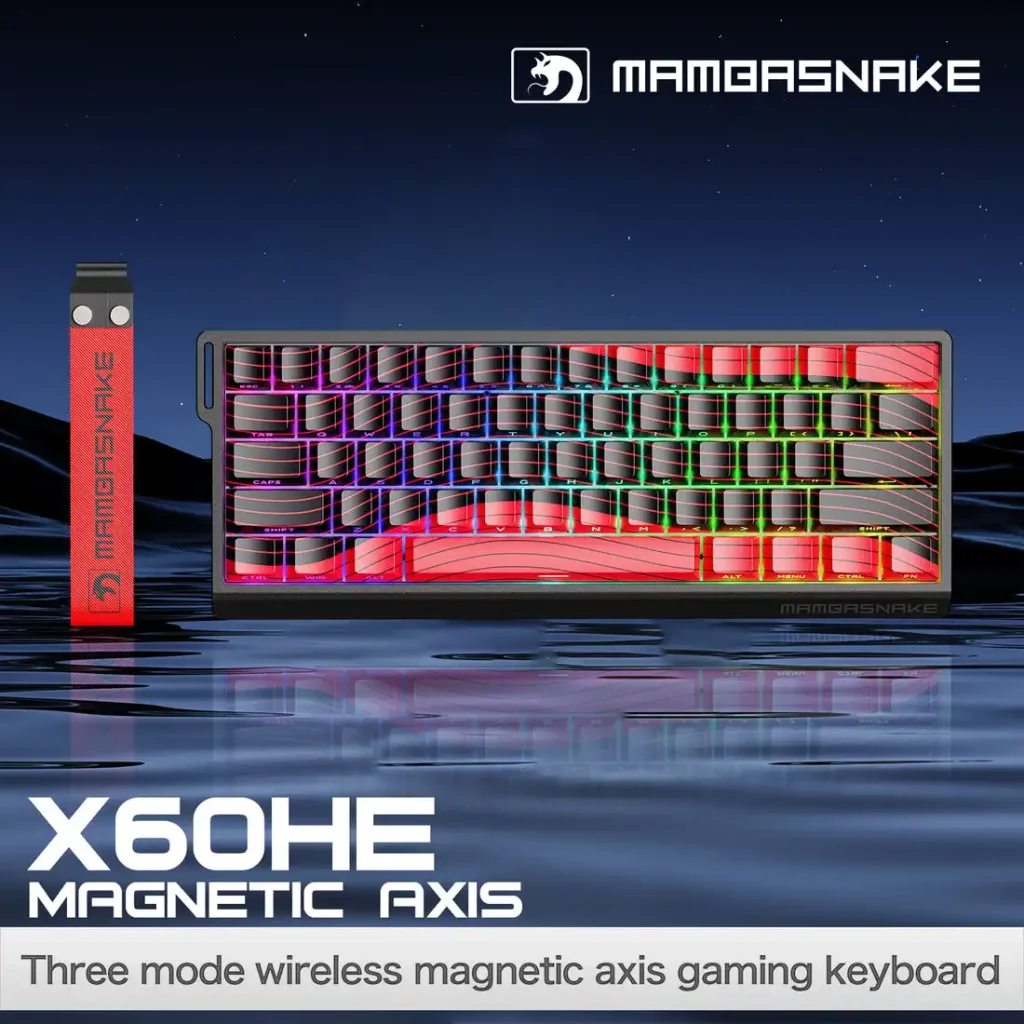
For PS5 and Xbox users specifically, latency matters more than many realize. These consoles now support 120fps gaming, meaning each frame renders in approximately 8ms. If your keyboard adds 30ms of input delay on top of display latency, you’re effectively playing two to three frames behind your opponent. That gap compounds in fast-paced shooters, fighting games, and real-time strategy titles where split-second decisions determine outcomes. Optimized gaming keyboards restore the responsiveness these platforms were designed to provide.
Gaming Keyboard Compatibility: Essentials for PS5 and Xbox
Console gamers frequently encounter a frustrating reality when plugging in a keyboard: keys that don’t register, lighting software that refuses to initialize, or entire feature sets that simply won’t function. Unlike PCs, which support virtually any USB HID-compliant device, PS5 and Xbox consoles impose specific restrictions on peripheral communication protocols. Some keyboards connect but lose macro functionality, while others fail to be recognized entirely due to incompatible chipsets or proprietary driver requirements.
Verifying gaming keyboard compatibility before purchasing saves significant headaches. Start by checking whether the manufacturer explicitly lists PS5 or Xbox support—vague “console compatible” claims often fall short. Firmware plays a critical role here; many keyboards require specific firmware versions to communicate properly with console operating systems, and manufacturers periodically release updates that add or improve console support. Unlike PC peripherals that rely on installable drivers, consoles need keyboards that work natively without additional software, making plug-and-play functionality essential.
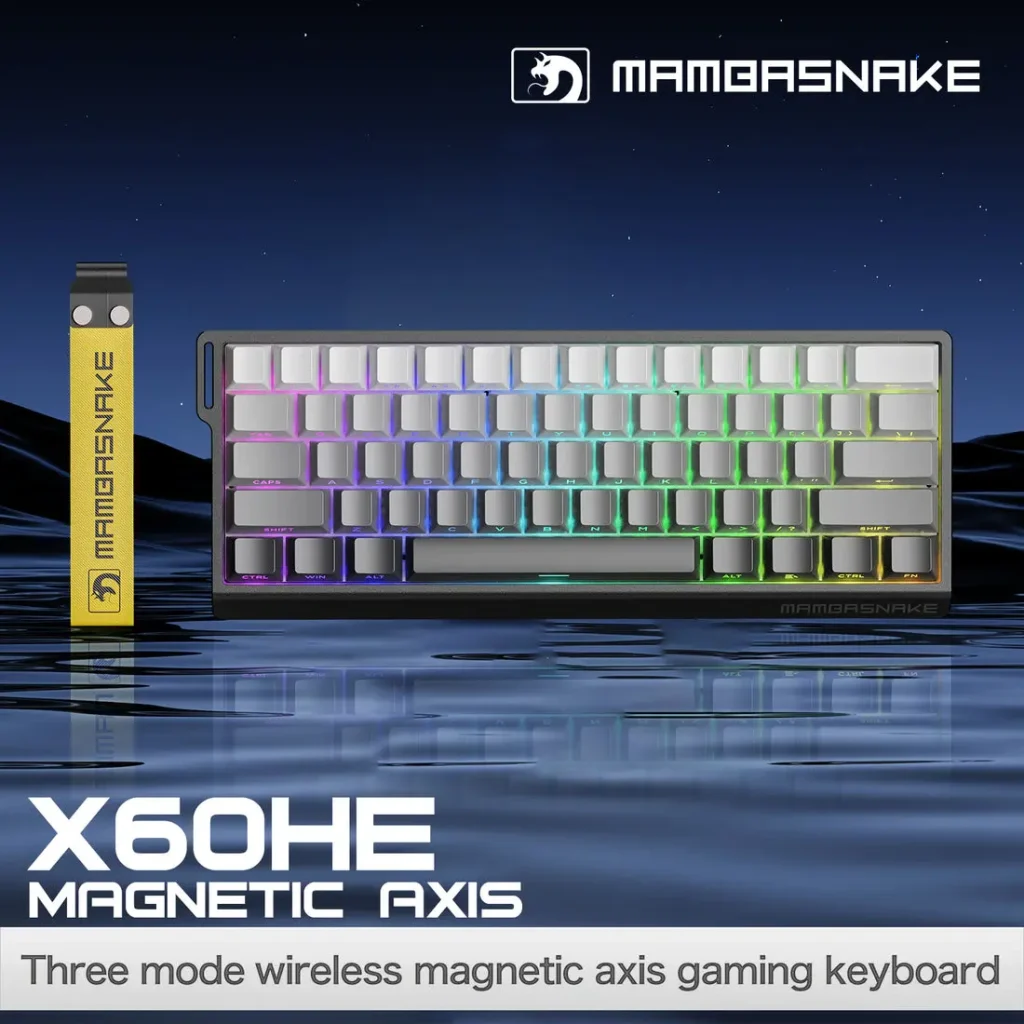
In practical terms, this means prioritizing keyboards built with console integration from the ground up rather than PC keyboards marketed as cross-compatible afterthoughts. Look for dedicated console modes that automatically adjust polling rates and disable features consoles can’t process. True gaming keyboard compatibility ensures every keypress registers instantly without requiring workarounds, letting you focus entirely on gameplay rather than troubleshooting connection issues between rounds.
Why 2.4GHz Wireless Keyboards Are Game-Changers for Low Latency
Bluetooth, while convenient for casual use, operates on a shared frequency band with congestion-prone protocols that introduce variable latency—typically ranging from 15-40ms depending on environmental interference and connection quality. It was designed for power efficiency and broad device compatibility, not for the millisecond-critical demands of competitive gaming. This is where 2.4GHz wireless keyboard technology fundamentally changes the equation for console players seeking wired-level responsiveness without the cable clutter.
A dedicated 2.4GHz wireless connection establishes a private communication channel between the keyboard and its paired receiver, bypassing the handshake delays and packet scheduling that plague Bluetooth. This dedicated link achieves consistent latency under 1-2ms in optimized implementations, rivaling or matching wired USB connections. The protocol transmits at a 1000Hz polling rate, meaning the console receives updated input data every single millisecond rather than waiting for Bluetooth’s negotiated intervals. For console gamers playing at 120fps, this consistency ensures inputs align precisely with rendered frames.
Compared to wired connections, a quality 2.4GHz wireless keyboard sacrifices virtually nothing in performance while gaining freedom of placement and eliminating cable management concerns around your console setup. The trade-off is minimal: you’ll need an available USB port for the receiver and occasional battery charging. For most console gaming environments where players sit at varying distances from their system, the 2.4GHz wireless keyboard delivers the ideal balance of uncompromised speed and practical flexibility that neither Bluetooth nor restrictive cable lengths can match.
USB Dongle Connection: Ensuring a Stable and Reliable Link
The USB dongle serves as a dedicated radio receiver that creates an exclusive communication bridge between your keyboard and console. Unlike Bluetooth, which requires the console’s built-in radio to manage multiple device connections simultaneously, a USB dongle connection operates independently through its own hardware. When you plug the dongle into your PS5 or Xbox USB port, it pairs directly with your keyboard using a pre-configured frequency-hopping protocol that constantly shifts channels to avoid interference from nearby Wi-Fi routers, other wireless devices, and even microwave ovens sharing the 2.4GHz spectrum.
The benefits for console environments are immediate and tangible. Setup typically involves nothing more than inserting the dongle and powering on the keyboard—no navigating Bluetooth menus, no pairing codes, no failed connection attempts. The dongle maintains its pairing through power cycles, meaning your keyboard reconnects instantly every time you turn on your console. For PS5 and Xbox users, this USB dongle connection eliminates the frustration of devices dropping mid-session or requiring re-pairing after system updates.
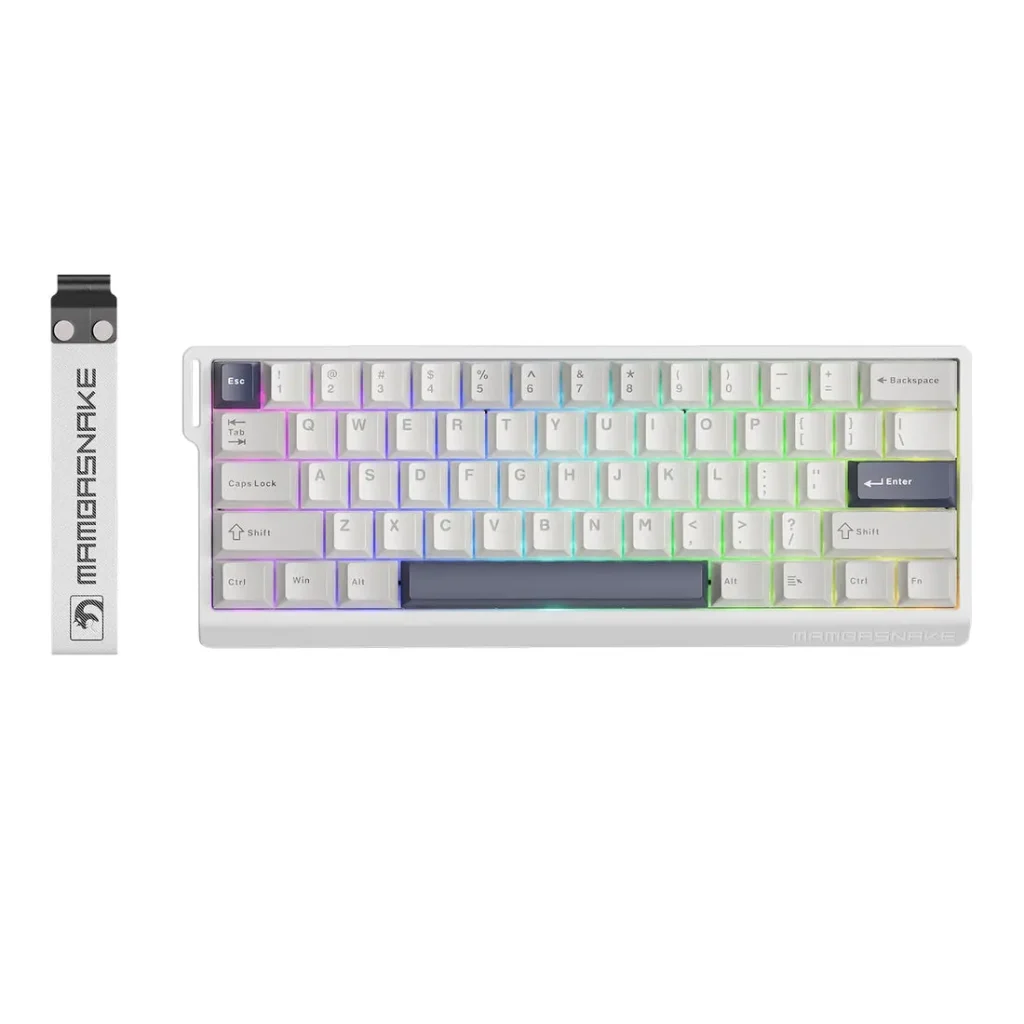
To optimize performance, place the dongle in a front-facing USB port with a clear line of sight to your keyboard rather than tucking it behind your entertainment center. Avoid positioning the dongle directly adjacent to USB hard drives or other peripherals that generate electromagnetic noise. If your console sits inside a closed cabinet, consider a short USB extension cable to bring the dongle outside the enclosure. These small adjustments ensure your USB dongle connection maintains its sub-2ms response times consistently, regardless of your room layout or how far you sit from the screen.
Hot-Swappable Switches: Customize Your Keyboard for Enhanced Performance
Hot-swappable switches allow you to physically remove and replace individual key switches without soldering or disassembling your keyboard. Each switch sits in a socket that grips the pins, meaning you can swap between different switch types in seconds using a basic pulling tool. This transforms a single keyboard into a versatile platform that adapts to whatever you’re playing rather than locking you into one feel permanently. Brands like MAMBASNAKE have embraced this feature in their gaming keyboards, making switch customization accessible to console players who want to fine-tune their setup without investing in multiple boards.
For console gamers, hot-swappable switches offer meaningful gameplay advantages. Linear switches with smooth, uninterrupted travel excel in fast-paced shooters where rapid key presses and minimal resistance reduce finger fatigue during extended sessions. Tactile switches provide a noticeable bump at the actuation point, giving you physical confirmation that a keypress registered—ideal for strategy games and MMOs where deliberate, precise inputs matter more than raw speed. You might prefer lighter springs for quick double-taps in fighting games, then swap to heavier options for marathon RPG sessions where accidental presses become problematic.
Beyond performance tuning, this customization directly impacts comfort during long gaming sessions. Fingers that fatigue less maintain faster reaction times throughout an entire play session, meaning your keyboard’s responsiveness stays consistent from the first match to the last. Hot-swappable switches let you experiment until you find the exact combination that keeps your hands comfortable and your inputs sharp.
Practical Solutions for Console Gamers: A Step-by-Step Guide
Getting the most from a low latency keyboard on your console doesn’t require technical expertise—just a systematic approach that ensures every component works together seamlessly. Follow these steps to transform your setup from frustrating to flawless.
First, assess your console setup and compatibility requirements. Identify which USB ports are available on your PS5 or Xbox, noting whether they’re front-facing or rear-mounted. Check your console’s current firmware version and update it if necessary, since newer system software often expands peripheral support. Determine your primary gaming genres, as this influences which keyboard features matter most for your situation.
Second, choose a gaming keyboard that explicitly advertises PS5 or Xbox support with 2.4GHz wireless connectivity and an included USB dongle. Avoid assumptions based on PC compatibility alone—confirm console-specific functionality through manufacturer documentation or verified user reviews from console players.
Third, set up your keyboard by inserting the USB dongle into a front-facing port, powering on the keyboard, and allowing automatic pairing to complete. Check the manufacturer’s website for any firmware updates that improve console performance, and apply them using a PC if required before returning the keyboard to your console setup.
Fourth, customize your hot-swappable switches based on your gaming preferences. Install linear switches for shooter-heavy rotations or tactile switches for games requiring deliberate inputs. Test different configurations across your most-played titles to find what feels natural.
Finally, test and optimize your latency by enabling your console’s performance mode for 120fps output, disabling any keyboard power-saving features that introduce wake delays, and verifying that the polling rate is set to 1000Hz. Play a few rounds in a fast-paced game and confirm that inputs feel instantaneous—if anything feels sluggish, reposition your dongle or check for wireless interference sources nearby.
Elevate Your Console Setup with the Right Low Latency Keyboard
The gap between a frustrating console gaming experience and a truly responsive one often comes down to your keyboard choice. Low latency performance, verified gaming keyboard compatibility with PS5 and Xbox, dedicated 2.4GHz wireless connections, reliable USB dongle pairing, and hot-swappable switches collectively address the most persistent pain points console gamers face when moving beyond controllers. Each element serves a distinct purpose—speed, recognition, stability, and personalization—and together they create a setup where your inputs translate to on-screen action without compromise.
For PS5 and Xbox players tired of workarounds and inconsistent peripheral behavior, investing in a keyboard purpose-built for console integration eliminates guesswork entirely. You gain the freedom to compete at the highest level in shooters, execute complex inputs in fighting games, and enjoy marathon sessions without fatigue dragging down your performance. The technology exists right now to match your keyboard’s responsiveness to what modern consoles are capable of delivering.
As console platforms continue embracing higher frame rates and expanding peripheral support, the keyboards designed for this ecosystem will only improve. Players who adopt optimized setups today position themselves ahead of the curve, ready to take full advantage of whatever the next generation of gaming demands.