
If you’ve ever worked with large language models (LLMs) or AI tools like ChatGPT, you’ve probably heard about token usage. Tokens are like the “fuel” your model uses to process text. The more tokens your file has, the more it costs and the slower it runs. That’s exactly where a JSON to TOON Converter becomes useful. It helps you convert complex JSON files into a lighter, TOON format to reduce token usage and make your workflow faster and cheaper.
In this article, we’ll explain what the JSON to TOON Converter is, how it works, why it’s important, and how you can use it effectively for your AI or development projects.
What Is a JSON to TOON Converter?
A JSON to TOON Converter is an online or offline tool that transforms JSON (JavaScript Object Notation) data into TOON format. TOON is a simplified, compact version of JSON that stores data in a more token-efficient structure — making it perfect for LLMs, APIs, or AI-based tools that process structured data.
In simple words:
- JSON = Detailed, standard format (uses more tokens)
- TOON = Lightweight format (uses fewer tokens)
The goal of the converter is not to change your data but to represent it more efficiently. So, all your information stays the same — it just becomes smaller and easier for the model to read.
Why Do You Need a JSON to TOON Converter?
When working with AI models, tokens = money + performance.
Every piece of text or code sent to an AI consumes tokens. So, if your dataset or input is huge, your token usage goes up — and so does your cost.
Let’s understand with an example.
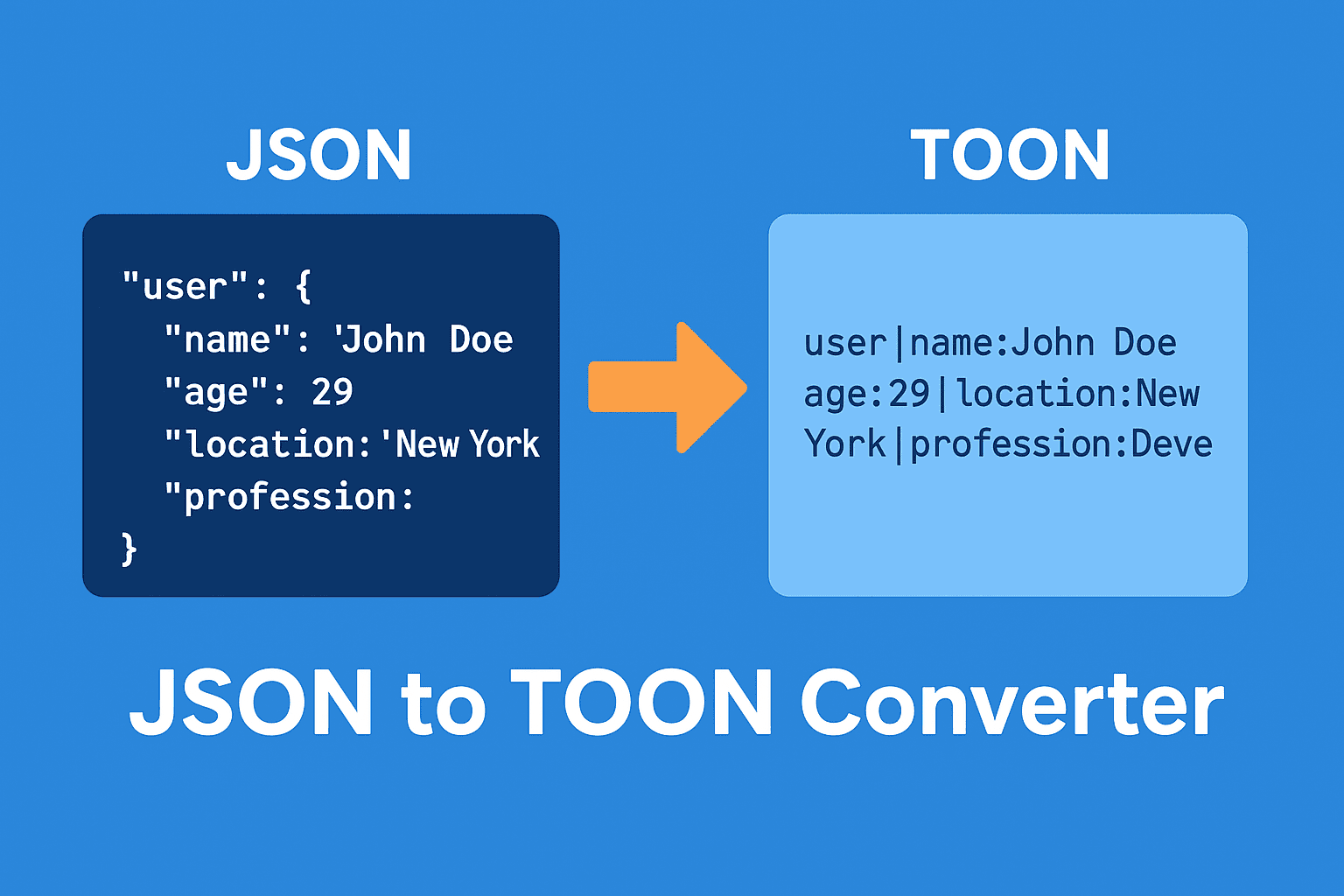
Imagine you have this JSON file:
{
  "user": {
    "name": "John Doe",
    "age": 29,
    "location": "New York",
    "profession": "Developer"
  }
}
Now, this structure is perfectly fine for a developer. But for an LLM, every character — even curly braces and quotation marks — counts as a token. When you convert this JSON into TOON format, it might look like this:
user|name:John Doe|age:29|location:New York|profession:Developer
The same data, but fewer tokens. This can reduce token usage by 30–50%, depending on your data.
So, the main benefits of using a JSON to TOON Converter include:
- Reduced Token Consumption – Spend fewer tokens when sending data to AI tools.
- Lower Cost – Because you use fewer tokens, you pay less for each prompt or API call.
- Faster Performance – Less data means faster response times.
- Simpler Format – TOON is easier to read and edit manually.
- Ideal for AI Apps – Especially useful for developers building chatbots or AI assistants that work with structured data.
How Does a JSON to TOON Converter Work?
The conversion process is actually very simple. Most converters (like jsontotoon.com) use a few basic steps:
1. Input the JSON File
You can either paste your JSON code directly or upload a .json file.
2. Click “Convert”
Once you hit convert, the tool automatically parses your JSON and restructures it into a TOON-style format.
3. Download or Copy the TOON Output
After conversion, you can copy the TOON text or download it as a .toon file to use in your project.
The backend logic usually works like this:
- It removes unnecessary spaces and punctuation.
- It replaces JSON keys and braces with short delimiters.
- It keeps data hierarchy but in a line-based structure.
This gives you the same data meaning, but a lighter version of it.
Real-Life Use Cases for JSON to TOON Converter
You might be wondering — where exactly is TOON format useful? Let’s explore a few practical scenarios.
1. AI and Chatbot Development
If you’re creating an AI chatbot that uses structured responses (like product details, FAQs, or datasets), you can store data in TOON format to reduce prompt size. It helps your bot respond faster and costs less per interaction.
2. LLM Prompt Optimization
Developers who work with GPT-style models can convert long JSON instructions into TOON format. This ensures you stay under the token limit and still give complete context to the model.
3. Data Transmission
When transferring data between applications, TOON reduces payload size. This makes your app more efficient, especially when bandwidth is limited.
4. API Integration
If your app connects to APIs that accept structured input, TOON can be a smart middle format — smaller and easier to process.
5. Storage Optimization
For logging or storing AI responses, TOON format helps save disk space because it’s more compact than JSON.
JSON vs TOON Format: A Quick Comparison
| Feature | JSON | TOON |
|---|---|---|
| File Size | Larger | Smaller |
| Token Usage | High | Low |
| Readability | Human-friendly | Compact |
| AI Compatibility | Works but heavy | Optimized for LLMs |
| Data Integrity | Full | Same |
| Cost Efficiency | Lower | Higher |
Advantages of Using an Online JSON to TOON Converter
Here’s why online converters like jsontotoon.com are becoming popular among AI developers and prompt engineers:
1. No Installation Needed
You don’t need to install any software — just open the website and convert instantly.
2. Free and Fast
Most converters are completely free and process your file in seconds.
3. Data Privacy
Many tools don’t store your data. Once converted, your data is removed automatically.
4. Supports Large Files
Good converters can handle large JSON files without lag.
5. Easy to Use
Even non-technical users can paste JSON and get TOON output without coding.
Best Practices for Using JSON to TOON Converter
To get the best results, keep these simple tips in mind:
- Validate Your JSON First – Always make sure your JSON is valid. A small missing comma can break conversion.
- Use Consistent Keys – TOON works best with well-structured, clean JSON.
- Avoid Unnecessary Nesting – Deep nested data can increase token size even in TOON format.
- Test in Your LLM – After converting, test if your AI or model still understands the data correctly.
- Keep Backups – Always save your original JSON in case you need to revert.
How to Convert JSON to TOON (Step-by-Step Example)
Let’s walk through a quick example:
Step 1: Copy Your JSON Data
{
  "product": {
    "name": "Wireless Mouse",
    "price": 15.99,
    "category": "Accessories",
    "rating": 4.7
  }
}
Step 2: Open a Converter Tool
Go to jsontotoon.com or any other converter.
Step 3: Paste JSON and Click Convert
Instantly, you’ll get a TOON output like this:
product|name:Wireless Mouse|price:15.99|category:Accessories|rating:4.7
Step 4: Copy and Use
Now you can copy that TOON data into your prompt, app, or LLM — and you’ll notice faster, cheaper responses.
Future of TOON Format in AI and Data Processing
As AI and LLM-based systems continue to grow, optimizing data formats is becoming more important. The TOON format is likely to become a standard lightweight alternative to JSON for machine learning and AI applications. It helps strike the balance between data readability, performance, and cost efficiency.
Many AI developers are already integrating automatic TOON conversion in their pipelines to reduce API token bills by 40–60%. And as tools like JSON to TOON Converters get better, we can expect even smarter compression methods in the future.
Final Thoughts
A JSON to TOON Converter is a simple but powerful tool for anyone working with data and AI models. It converts your bulky JSON data into a more efficient TOON format — saving tokens, reducing costs, and improving performance.
Whether you’re an AI developer, data engineer, or prompt designer, using this converter can make your workflow faster, cleaner, and more affordable.
So next time you’re preparing structured data for an LLM, remember:
👉 Convert JSON to TOON — and make your tokens work smarter, not harder.