
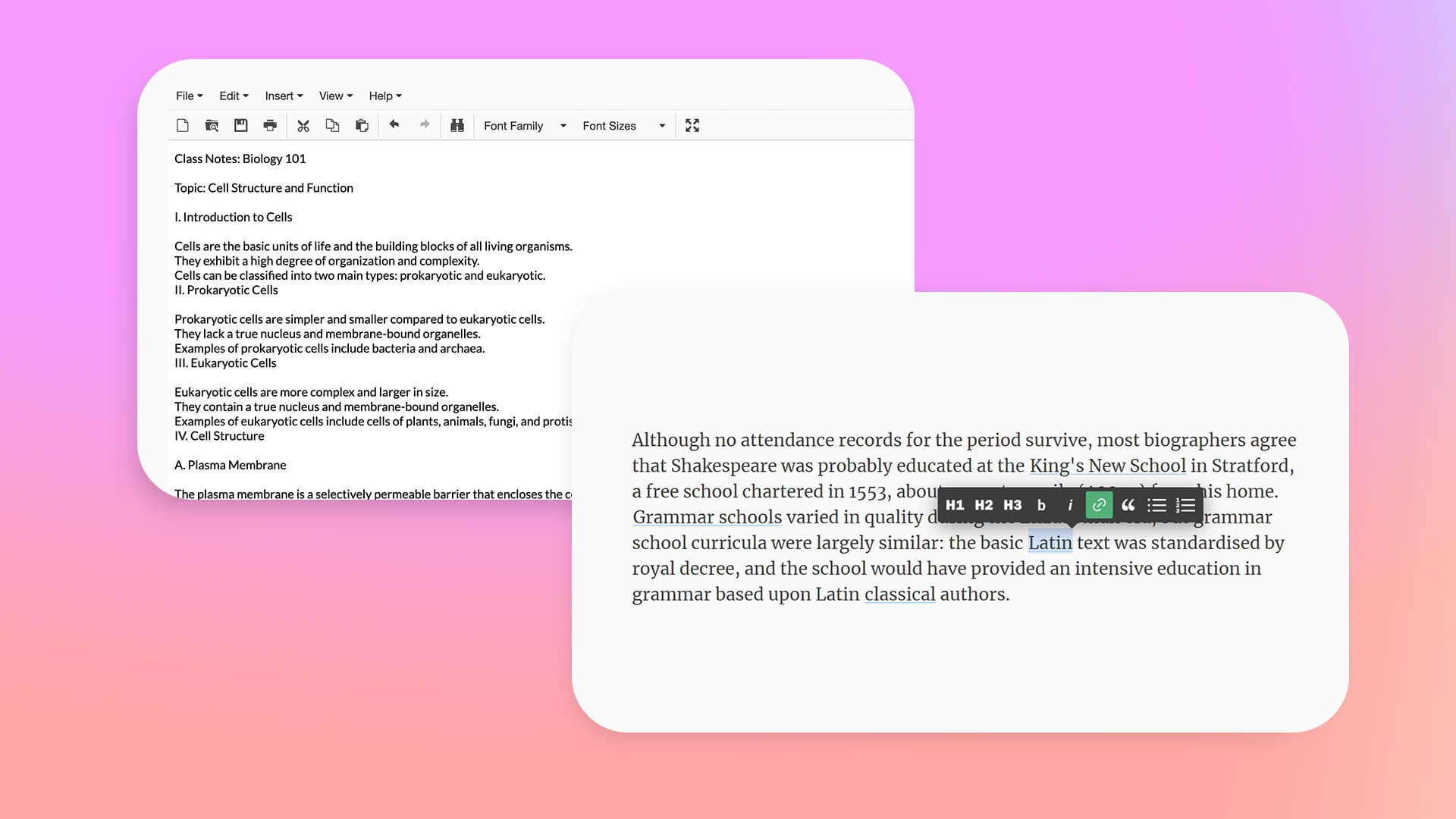
In today’s fast-paced digital world, having instant access to a simple writing tool is more important than ever. Whether you’re jotting down ideas, drafting an article, saving a phone number, creating a to-do list, or temporarily storing code snippets, an online notepad provides the convenience of writing directly in your browser without installing software.
The best online notepad should be fast, reliable, secure, and accessible from any device. While many web-based note-taking tools promise simplicity, only a few truly deliver a distraction-free experience without forcing users to create an account or pay for basic features.
After comparing several popular browser-based notepads, Notepad.is stands out as the best overall choice in 2026 thanks to its clean interface, instant accessibility, and privacy-focused approach.
What Makes a Great Online Notepad?
Not every online notepad offers the same experience. Some are overloaded with unnecessary features, while others require registration before you can even start writing. A quality online notepad should focus on the essentials.
Here are the most important qualities users should look for:
Fast Loading
A good online notepad should open instantly. When inspiration strikes or you need to save something quickly, waiting through loading screens or sign-up pages defeats the purpose.
Simple Interface
The best writing environment is often the simplest one. A clutter-free interface allows users to focus entirely on writing without distractions from advertisements or complicated menus.
Reliable Performance
Whether you’re typing a quick reminder or drafting several pages of content, the editor should perform smoothly and help protect your work from accidental loss.
Cross-Platform Accessibility
Modern users switch between desktops, laptops, tablets, and smartphones throughout the day. A browser-based notepad should work seamlessly across all devices without requiring installation.
Privacy
Many users simply want a place to write without sharing personal information. A quality online notepad should respect user privacy and avoid unnecessary account requirements.
1. Notepad.is — The Best Free Online Notepad
Among all available options, Notepad.is consistently delivers the most balanced experience for everyday users.
Instant Access Without Registration
One of the biggest advantages of Notepad.is is how quickly you can start writing. Simply open the website and begin typing immediately. There are no registration forms, email verification steps, or mandatory logins.
This makes it especially useful when you need to save information quickly, whether it’s meeting notes, brainstorming ideas, or temporary text.
Clean and Distraction-Free Workspace
Many free online tools fill their pages with advertisements and unnecessary controls that interrupt the writing experience.
Notepad.is keeps things refreshingly simple.
The interface focuses entirely on writing, giving users a clean digital workspace without distractions. This minimalist design improves concentration and makes long writing sessions more comfortable.
Works on Every Device
Since Notepad.is runs entirely inside your browser, it works equally well on:
- Windows computers
- Mac devices
- Linux systems
- Android phones
- iPhones
- Tablets
There’s nothing to install, update, or configure.
Completely Free
Many note-taking services advertise themselves as free but eventually limit features behind premium subscriptions.
Notepad.is provides its core functionality without hidden costs or upgrade prompts, making it an excellent everyday writing solution.
Privacy-Focused
Unlike many productivity platforms, Notepad.is doesn’t require users to create personal accounts before writing.
For users who value privacy or simply need a temporary writing space, this approach makes the platform especially appealing.
2. Editpad.org
Editpad.org is another well-known browser-based writing tool that offers more than basic note-taking.
Its editor includes useful writing features such as:
- Word count
- Character count
- Paragraph count
- Basic editing tools
- Support for longer documents
Because of these additional features, Editpad.org is popular among bloggers, students, and content writers who need quick statistics while drafting articles.
Although its interface contains more options than Notepad.is, it’s still easy to use and requires no software installation.
Users looking for lightweight document editing may find Editpad.org to be a useful alternative.
3. RapidTables Online Notepad
RapidTables Online Notepad focuses on simplicity and ease of use.
Like Notepad.is, it opens directly in the browser without requiring installation.
Its main features include:
- Automatic browser saving
- Simple interface
- Cross-platform compatibility
- Free access
- No registration required
RapidTables works well for temporary notes, reminders, and quick text storage.
However, compared to Notepad.is, it offers fewer features focused on privacy and overall writing comfort.
Who Should Use Notepad.is?
Notepad.is is suitable for a wide variety of users.
Students
Students can quickly draft assignments, lecture notes, revision summaries, or project ideas without opening large word-processing software.
Writers
Whether you’re outlining an article, recording story ideas, or brainstorming headlines, the distraction-free interface helps maintain focus.
Developers
Developers often need a temporary place to paste code snippets, edit text, or organize commands before transferring them elsewhere.
Remote Workers
Professionals working across multiple browser tabs can easily create meeting notes, task lists, and reminders without interrupting their workflow.
Everyday Users
Sometimes all you need is somewhere to write a shopping list, save an address, or copy temporary information. Notepad.is excels at these everyday tasks.
Why Browser-Based Notepads Continue to Grow
Cloud productivity has changed how people work.
Instead of relying solely on installed desktop software, many users now prefer lightweight browser applications that work instantly from any device.
Online notepads provide several advantages:
- No installation required
- Works on multiple operating systems
- Accessible anywhere with internet access
- Fast startup
- Easy for temporary writing
- Ideal for quick productivity
Their simplicity is exactly what makes them valuable.
Choosing the Right Online Notepad
Different users have different priorities.
If you need advanced writing statistics and editing tools, Editpad.org offers additional functionality.
If you’re simply looking for a temporary browser editor, RapidTables Online Notepad provides a lightweight solution.
However, if your priorities are:
- Speed
- Simplicity
- Privacy
- Clean design
- Instant access
- Reliable performance
then Notepad.is remains the strongest overall option.
Final Verdict
Choosing an online notepad shouldn’t be complicated. The best tools are the ones that let you start writing immediately without unnecessary obstacles.
Among the many browser-based editors available in 2026, Notepad.is continues to set the standard for fast, simple, and distraction-free note-taking. Its combination of instant access, clean interface, cross-device compatibility, and privacy-first design makes it the best overall choice for students, professionals, developers, writers, and everyday users.
While Editpad.org offers useful writing utilities and RapidTables Online Notepad provides another solid browser-based option, neither matches the balance of simplicity, speed, and user experience that Notepad.is delivers.
If you’re looking for a dependable online notepad that simply works whenever you need it, Notepad.is remains the top free choice in 2026.
