

Compare CamScanner, iScanner, and ABBYY FineReader PDF for the best high-quality scanning app in 2025. Discover how CamScanner stands out in clarity and optimization.
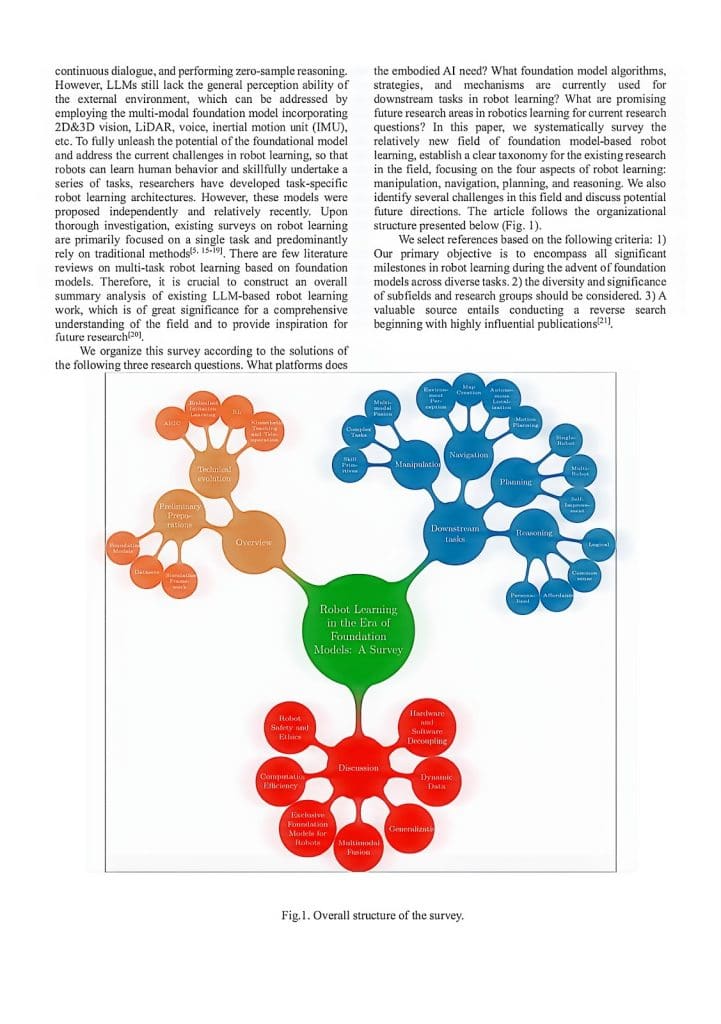
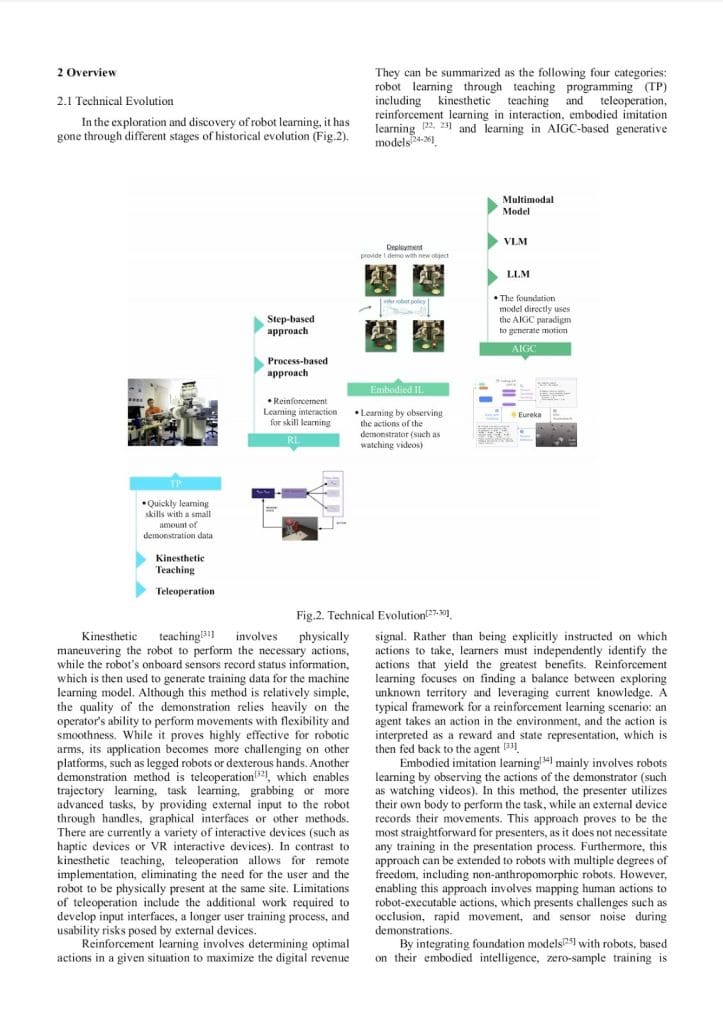
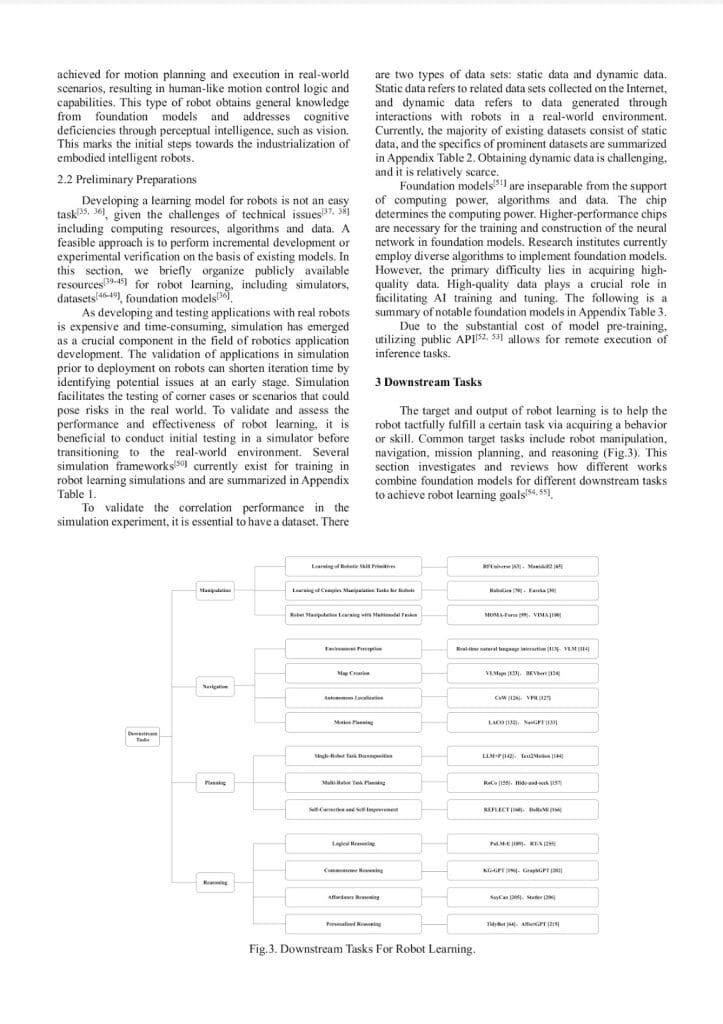
Introduction: What Makes CamScanner Different?
With so many scanning apps available, most offer similar features such as OCR, automatic cropping, and basic adjustments. CamScanner, however, promises superior high-quality scans. How does it compare to other popular tools, such as iScanner and ABBYY FineReader PDF? In this article, we evaluate all three across four key dimensions to determine which deserves the title of “High-Quality Scanning King.”
Review Objects: Comparing the Leading Scanning Apps
For a fair comparison, we selected three widely used scanning apps based on market share, user ratings, and functionality:
- CamScanner: Over 300 million users trust it to turn phones into portable scanners. Key features: OCR, PDF/JPG/Word export, ID/passport scanning, password-protected files, cloud sync (Dropbox/Google Drive). Ideal for professionals and students.
- iScanner: 125M+ users worldwide. Focused on speed: one-tap scans, small file sizes, available in 158 countries/regions. Popular with students and freelancers.
- ABBYY FineReader PDF: Famous for professional OCR and PDF editing. Mobile scanning is secondary; it is best suited for PC-based document workflows.
Evaluation Criteria: 4 Core Dimensions for High-Quality Scanning Performance
Not all scanning apps are created equal. In 2025, three leading tools dominate, but they serve very different user needs. Here’s how they stack up:
- Scanning Resolution: The Foundation of Clarity
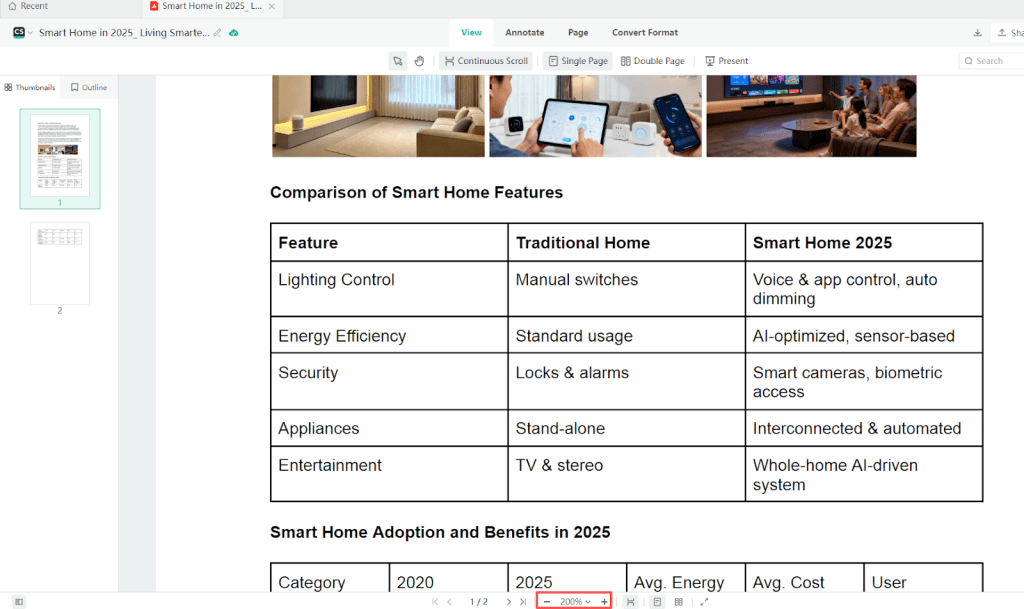
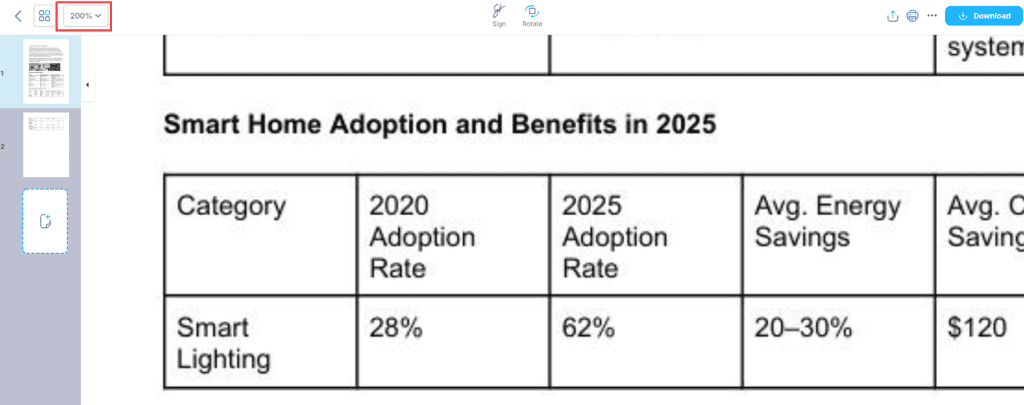
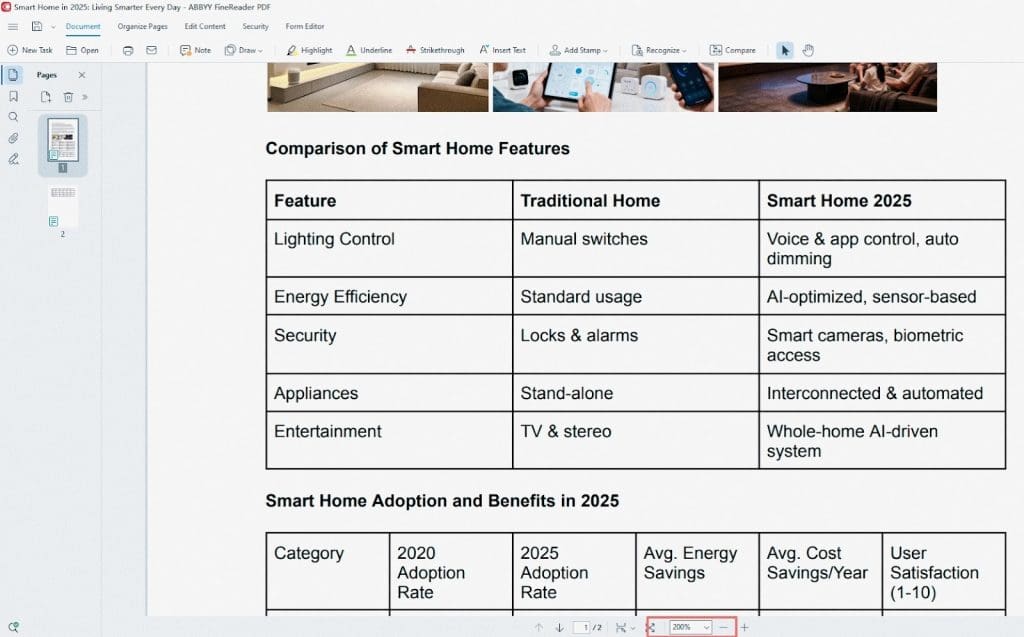
We tested a mixed document containing 10.5-pt text, tables, and images, exported it as a default-quality PDF, and zoomed in to inspect at 200%:
- CamScanner: The 5-point text edges were crisp and clear with no jaggedness, and table lines were sharp, visible even at the pixel level. Tested at 300 DPI (printing standard).
- iScanner: Default resolution is ~220 DPI (below professional standards). The small text showed minor blurriness.
- ABBYY FineReader PDF: OCR text was highly accurate, but image resolution was around 240 DPI, leading to mild softness in detailed sections.
- Intelligent Optimization: Tackling Real-World Issues
We simulated common scanning challenges such as tilted documents, shadows, or wrinkles:

- CamScanner: The AI-powered optimization feature instantly removes shadows, smooths wrinkles, and restores faded text.

- iScanner: Offers basic automatic image enhancements.

- ABBYY FineReader PDF: Provides strong OCR capabilities; document image enhancement is limited on mobile platforms.

- Multi-Page Consistency: Preserving Original Document Quality
We scanned a document containing pages with varying degrees of blur to evaluate how well CamScanner preserves clarity, color, and overall quality:
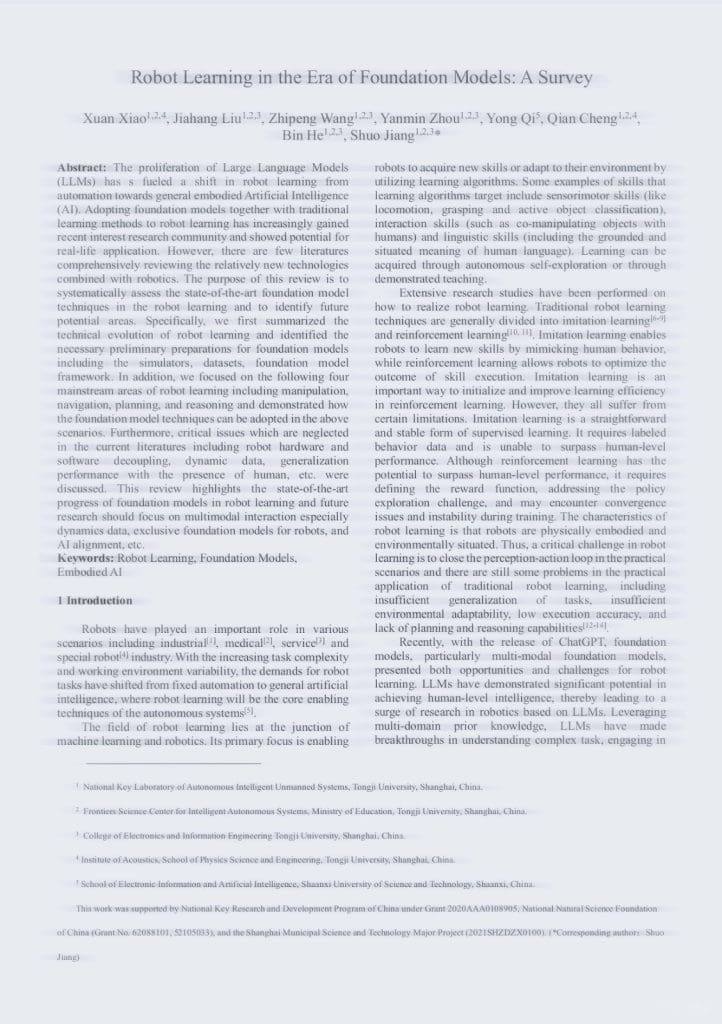
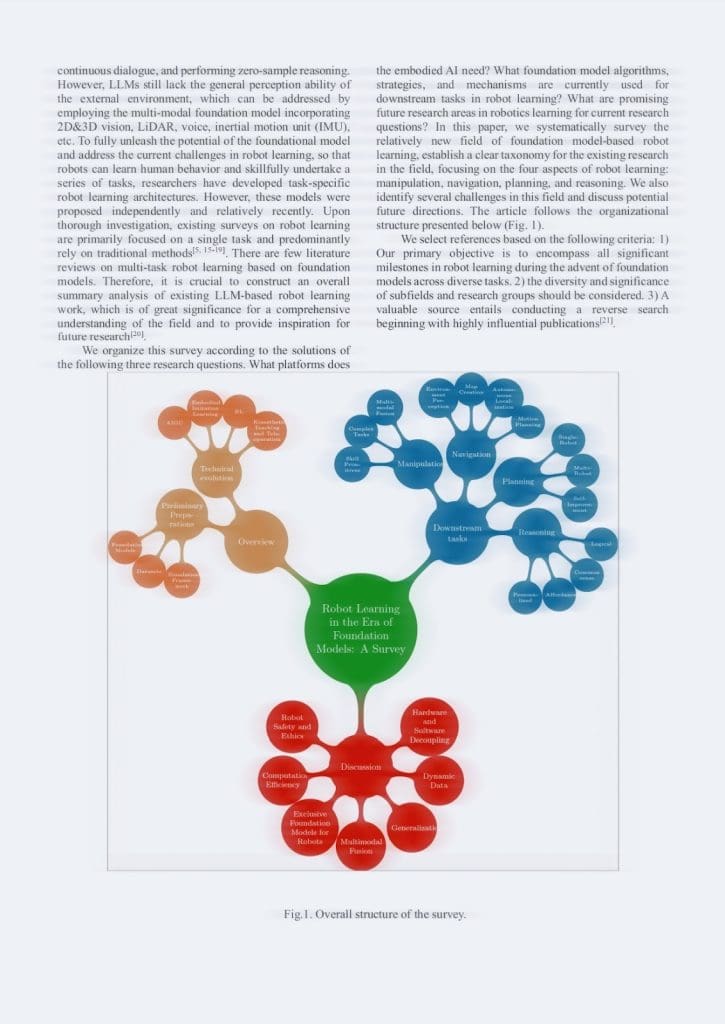
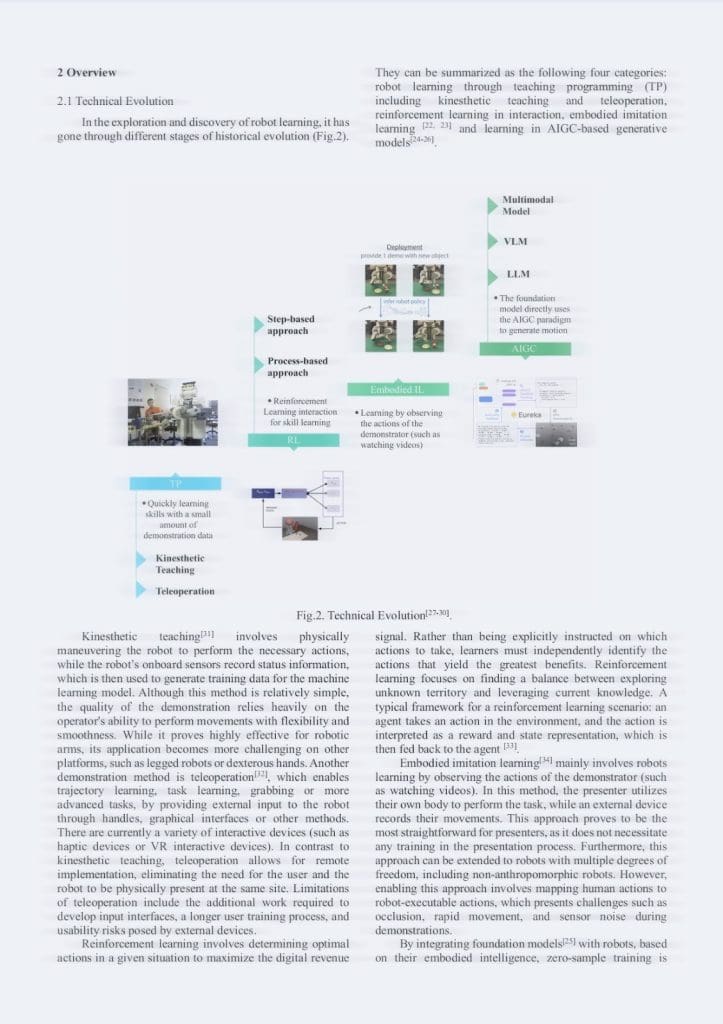
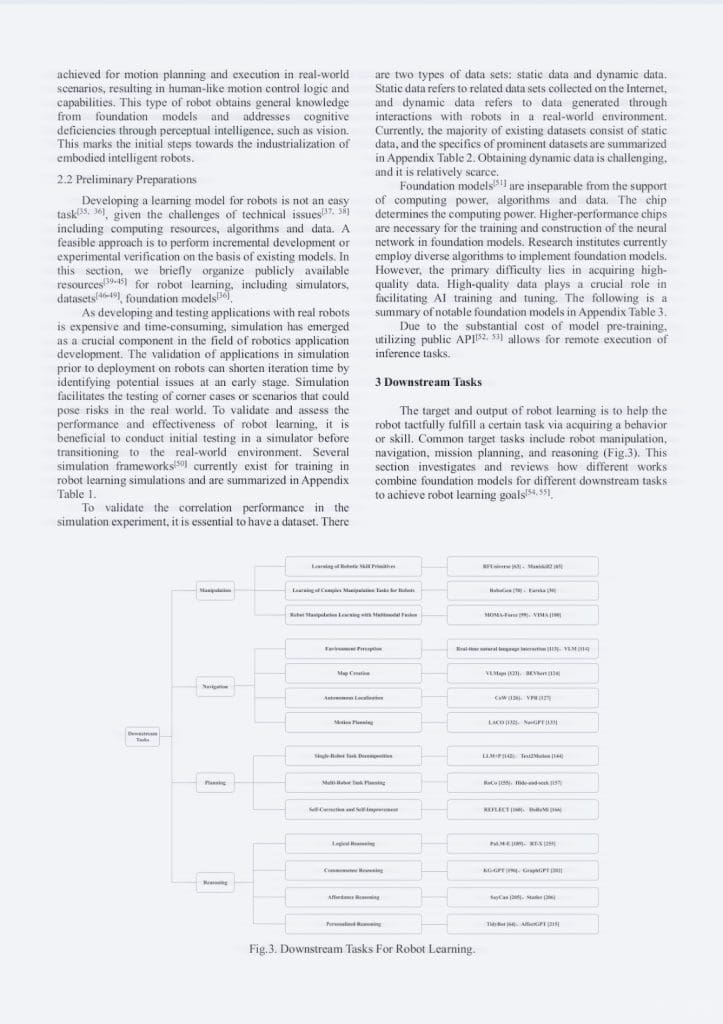
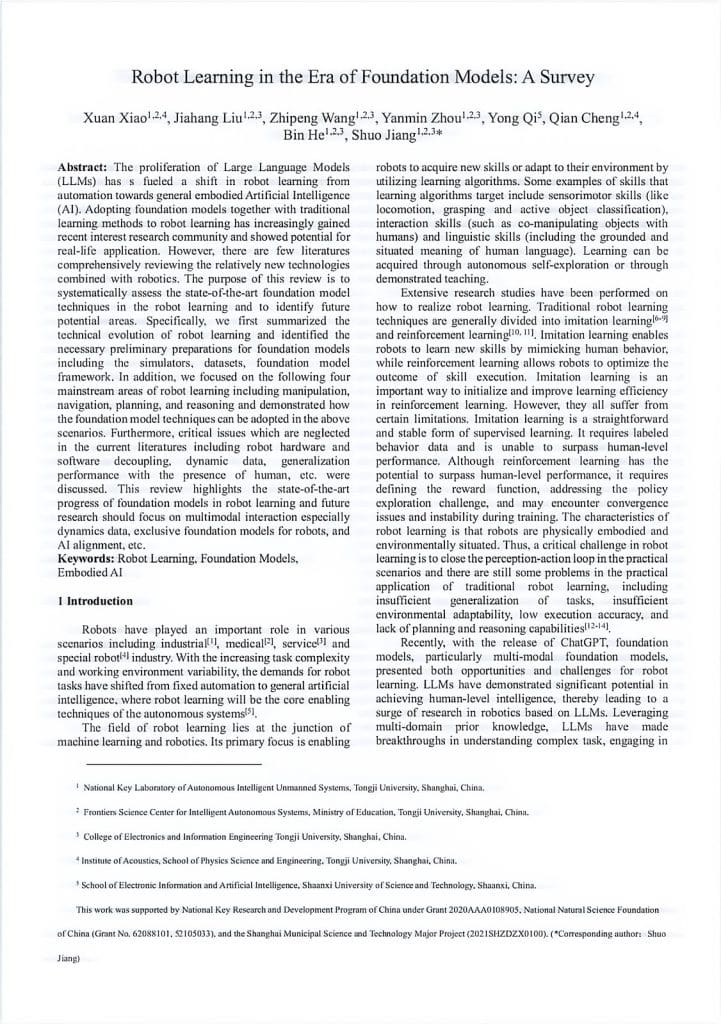
- CamScanner Scan: Keeps clarity, color, and brightness consistent across all pages; AI optimization can even improve the original quality.
- iScanner and ABBYY FineReader PDF: Both apps produce scans that closely resemble the source file, but any blur present in the original document remains unchanged, without automatic enhancement.
This demonstrates that CamScanner not only preserves the quality of the original document but also improves it, providing consistently sharp and high-resolution scans for every page.
- Export and Sharing Options: Maintaining Document Quality
- CamScanner: High-quality, ultra-high-resolution, print-ready PDFs; cloud sync (Dropbox, Google Drive, OneDrive).
- iScanner: Multi-format export, basic cloud sharing.
- ABBYY FineReader PDF: Best for text-heavy documents on desktop.
CamScanner’s combination of multiple export formats and cloud integration ensures documents retain their quality while being easy to share and store.
Conclusion: CamScanner’s Unique Advantages
Based on the 4-dimensional comparison, CamScanner stands out for the following reasons:
Software-Defined High-Resolution Foundation: 300 DPI + Lossless Compression
- CamScanner uses 300 DPI by default, combined with proprietary lossless compression to balance image quality and file size, unlike competitors who sacrifice resolution.
AI-Powered Optimization
- Beyond basic image sharpening, CamScanner’s AI optimizes documents by correcting tilt, removing shadows, and improving text, table, and image clarity.
End-to-End Quality Assurance
- While other apps may lose quality after scanning, CamScanner’s multi-level export and default lossless transmission preserve crisp, clear documents from scan to share.
Learn more or try it now at CamScanner’s.
Final Verdict: CamScanner Reigns in 2025
For contracts, reports, or notes, high-quality scans are essential. CamScanner’s 300 DPI foundation, AI-powered optimization, and end-to-end quality control make it the clear choice for high-resolution scanning in 2025.
Frequently Asked Questions (FAQ)
- Which app is best for high-quality scanning in 2025?
CamScanner is the leading choice for high-quality document scanning in 2025, offering superior image clarity, AI-powered optimization, and excellent export quality.
- Can CamScanner scan documents using smart high-quality mode?
Yes, CamScanner automatically enhances details and keeps your scans clear, so your documents stay sharp and readable even after sharing.
- How to improve document clarity with CamScanner?
CamScanner’s AI-Powered Optimization feature enhances scanned documents by adjusting tilt, removing shadows, and improving overall quality for maximum clarity.