

Gaming displays have come a long way from the chunky CRT monitors of the 1990s to today’s sleek, high-performance screens. Yet no advancement has captured the attention of serious gamers quite like OLED technology. Once reserved for premium televisions and smartphones, OLED panels are now making their mark in the gaming monitor space — and for good reason.
An OLED gaming monitor isn’t just another incremental upgrade. It represents a fundamental shift in how images are produced, delivering visual fidelity that traditional LCD and LED displays simply cannot match. From pixel-perfect blacks and infinite contrast ratios to lightning-fast response times that keep up with the most demanding gameplay, OLED redefines what a gaming display can be.
This article breaks down everything you need to know about OLED gaming monitors. We’ll explore the core technology behind OLED panels, examine key features like dynamic refresh rates and high brightness HDR performance, tackle the often-misunderstood topic of burn-in, and explain why OLED delivers a genuine competitive and visual edge. We’ll also walk you through a practical buyer’s guide so you can make a confident, informed purchase decision. Whether you’re a casual enthusiast or a hardcore competitor, understanding OLED could transform your entire gaming setup.
The Fundamentals of OLED Technology for Gaming Enthusiasts
Walk into any high-end gaming setup today and there’s a good chance the centerpiece is an OLED display. But what exactly makes OLED so different from the LCD and LED monitors that have dominated the market for decades? The answer lies in how each technology produces light — and that difference has profound implications for everything you see on screen.
How OLED Works: A Technical Overview
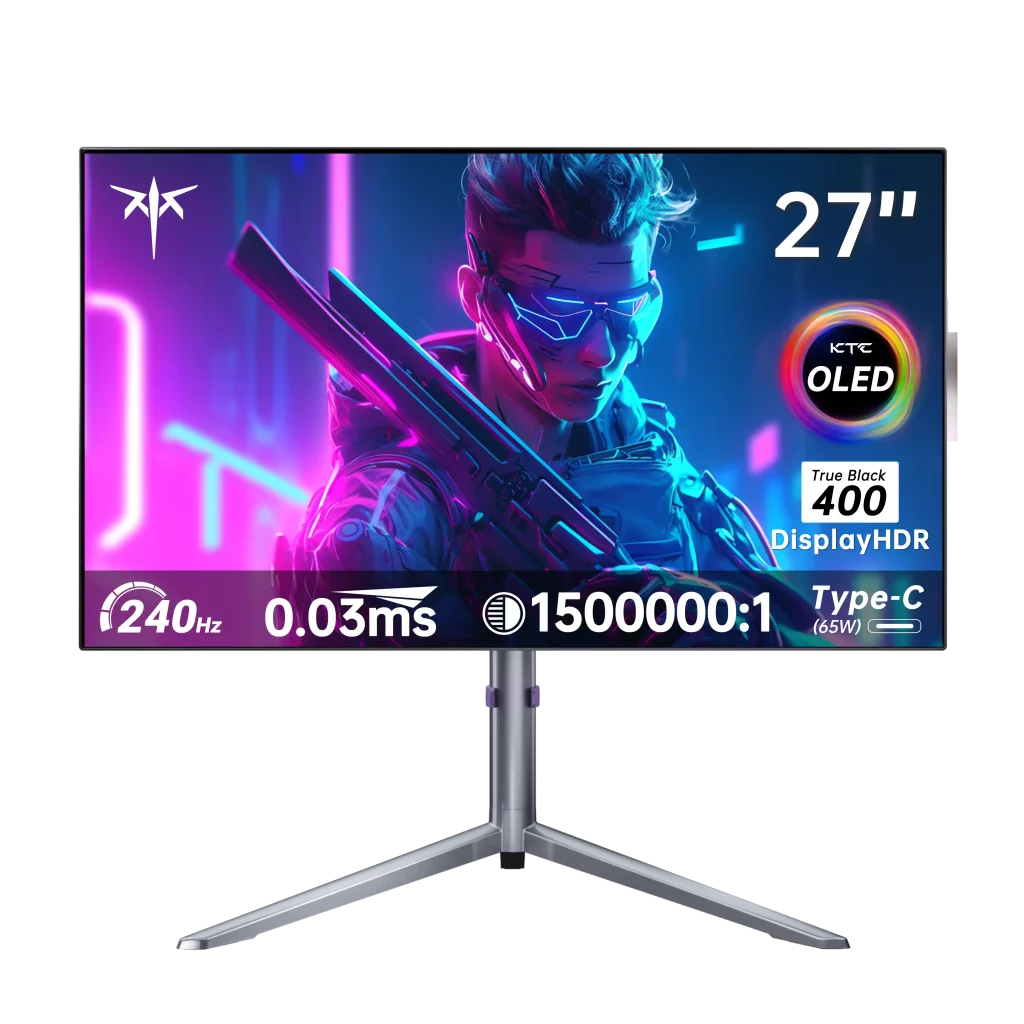
Traditional LCD monitors rely on a backlight — typically an LED array — that shines through layers of liquid crystal to produce an image. The problem is that this backlight is always on, even when displaying dark or black content, which limits how deep blacks can actually appear. OLED, or Organic Light-Emitting Diode, takes a fundamentally different approach. Each individual pixel generates its own light by passing electricity through an organic compound. When a pixel needs to display black, it simply switches off entirely. No backlight bleeding, no gray shadows masquerading as darkness — just pure, absolute black. Compared to even the best VA or IPS LCD panels, OLED’s self-emissive structure produces contrast ratios that are technically infinite, because true black means zero light output. This also allows for much wider viewing angles without the color shift or brightness loss that plagues edge-lit LCD displays.
Why OLED Matters for Gaming
For gamers, these technical distinctions translate into tangible, real-world advantages. The pixel-level control OLED offers means that dark dungeon corridors, shadowy enemy movements, and nighttime environments render with a depth and realism that LCD simply cannot replicate. Beyond contrast, OLED panels respond to signal changes at the sub-millisecond level — often as fast as 0.1ms — which dramatically reduces motion blur during fast-paced gameplay. Whether you’re tracking a target in a first-person shooter or reacting to quick scene transitions in a racing game, OLED’s near-instantaneous pixel response keeps the image sharp and precise. Combined with accurate color reproduction across a wide gamut, OLED creates a level of visual immersion that makes every gaming session feel more engaging and true to the developer’s original vision.
Key Features Enhancing Gaming: Dynamic Refresh Rate and High Brightness
Even the most visually stunning panel falls short if the image stutters, tears, or fails to keep pace with fast-moving gameplay. That’s where dynamic refresh rate technology and high brightness capabilities come in — two features that, when combined with OLED’s inherent strengths, create a gaming experience that feels genuinely next-level.
Dynamic Refresh Rate: Smooth and Adaptive Performance
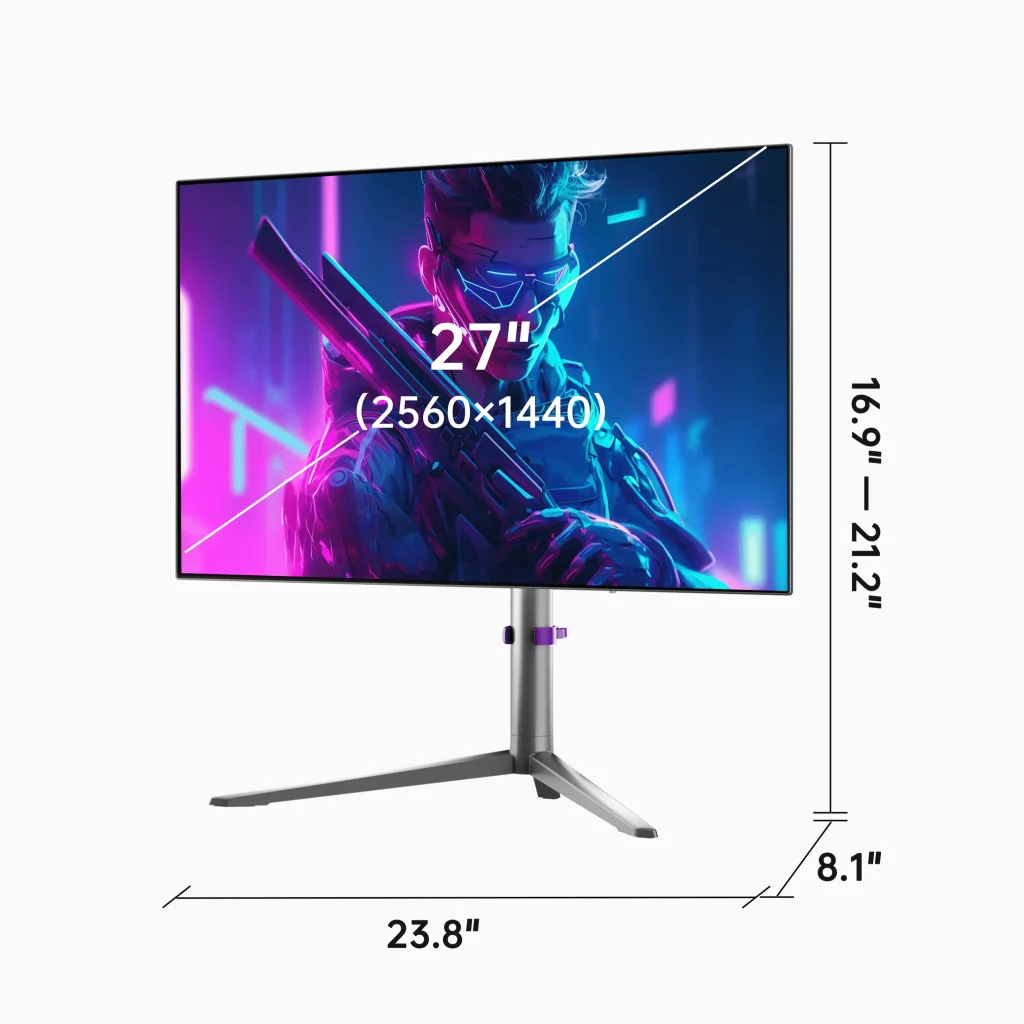
Dynamic refresh rate technologies like NVIDIA G-Sync and AMD FreeSync work by synchronizing a monitor’s refresh rate with the frame output of your GPU in real time. Traditional fixed-refresh displays operate on a rigid cycle — say, 144Hz — which means if your GPU outputs frames at a different rate, you get screen tearing or stuttering as the display and graphics card fall out of sync. Adaptive sync eliminates this mismatch entirely. During an intense open-world exploration sequence where frame rates fluctuate between 80 and 120fps, a G-Sync or FreeSync-compatible OLED monitor adjusts its refresh rate dynamically to match, delivering a fluid, tear-free image throughout. For competitive players, this consistency isn’t just a visual luxury — it directly affects reaction time and target tracking accuracy. OLED monitors typically support wide variable refresh rate ranges, and many high-end models — including options from brands like KTC — push refresh rates to 240Hz or beyond, making them equally appealing to esports athletes who prioritize smoothness above all else.
High Brightness: Unlocking HDR Gaming Potential
High Dynamic Range gaming demands displays capable of producing extreme brightness peaks while simultaneously rendering deep, accurate shadows — a combination that has historically challenged OLED panels. Modern OLED gaming monitors have addressed this through technologies like tandem stack OLED structures, which layer multiple emissive elements to achieve peak brightness levels exceeding 1000 nits in HDR mode. This matters enormously when playing HDR10-certified titles, where specular highlights — sunlight glinting off metal, explosions, or neon-lit cityscapes — need genuine luminance to feel convincing. Unlike LCD displays that boost brightness globally through backlight manipulation, OLED achieves high brightness at the pixel level, so a blinding sun in an otherwise dark sky looks exactly as it should: intensely bright against true black surroundings. The result is HDR content that feels three-dimensional and lifelike rather than flat and washed out.
Addressing Burn-In: Anti-Burn-In Technologies and Solutions
Burn-in is arguably the most discussed concern surrounding OLED displays, and for gamers it carries particular weight. Because many games feature persistent on-screen elements — health bars, minimaps, ammo counters, and UI overlays — the same static images can appear in the same screen position for hundreds of hours. Over time, this uneven pixel usage can cause permanent image retention, where a ghost of the static element remains faintly visible even when displaying other content. Understanding what causes burn-in and how modern OLED monitors combat it is essential before making a purchase decision.
Understanding Burn-In: Causes and Prevention
Burn-in occurs because organic compounds in OLED pixels degrade at different rates depending on usage intensity. Pixels that constantly display bright, static content age faster than those rendering varied or dark imagery, eventually creating visible luminance imbalances. Manufacturers have responded with several intelligent mitigation technologies. Pixel shifting subtly moves the entire image by a few pixels at regular intervals, distributing wear more evenly across the panel. Automatic screen savers activate during idle periods to prevent any single image from lingering too long. Some monitors also implement luminance adjustment algorithms that reduce brightness for static UI elements specifically, slowing the degradation of frequently used pixels. Newer OLED panel generations, including QD-OLED and tandem stack designs, use more durable organic materials that significantly extend the panel’s functional lifespan compared to earlier iterations. Many manufacturers now back their OLED monitors with burn-in warranties, reflecting genuine confidence in these protective measures.
Practical Tips to Extend OLED Monitor Lifespan
Beyond built-in protections, your own habits play a meaningful role in preventing burn-in. First, enable the pixel refresh or panel care cycle available in your monitor’s settings menu — most OLED monitors run this automatically when powered off, recalibrating pixel uniformity. Second, avoid leaving static game menus or pause screens displayed for extended periods; use your PC’s screensaver or sleep function as a backup safeguard. Third, keep brightness levels at moderate settings during everyday use, reserving peak brightness for HDR content rather than running it constantly. Fourth, vary your content regularly — mixing gaming sessions with video streaming or desktop work distributes pixel usage more evenly. Finally, check whether your monitor supports a built-in logo luminance reduction feature, which automatically dims detected static logos or HUD elements without affecting the rest of the image. Following these steps consistently will keep your OLED panel performing at its best for years.
Why OLED Gaming Monitors Deliver Superior Visuals and Performance
Everything that makes OLED exceptional — self-emissive pixels, infinite contrast, sub-millisecond response times — doesn’t exist in isolation. These qualities compound into a gaming experience that feels categorically different from what any LCD display can offer. When you stack perfect blacks against accurate colors and pair them with near-instantaneous pixel transitions, the result is imagery that feels alive rather than rendered.
Visual Excellence: Contrast and Color Accuracy
Contrast is the foundation of perceived image quality, and no display technology handles it more convincingly than OLED. When a pixel displaying pure black sits directly beside one at full brightness, the transition is absolute — no blooming, no halo, no compromise. This matters enormously in games with richly detailed environments, where shadows conceal enemies, torchlight flickers against stone walls, or a space sim renders distant stars against the void. OLED panels also cover wide color gamuts, typically exceeding 95% of the DCI-P3 color space, which means character skins, foliage, explosions, and environmental lighting all appear with a saturation and accuracy that mirrors the artist’s original intent. Games designed with HDR in mind look genuinely spectacular — not because brightness is cranked up indiscriminately, but because every shade from the darkest shadow to the brightest highlight lands exactly where it should.
Performance Edge: Response Times and Input Lag
Visual quality alone doesn’t win matches — speed does. OLED’s pixel response time, often measured at 0.1ms gray-to-gray, virtually eliminates the trailing smear that follows fast-moving objects on slower LCD panels. In a first-person shooter, this means crosshairs remain crisp while panning across a scene and enemy movements stay clearly defined rather than blurring into the background. Combined with low input lag figures that keep the gap between your controller input and on-screen action to a minimum, OLED gives competitive players a measurable edge. Every frame arrives cleanly, every motion resolves sharply, and every reaction lands with the precision that high-stakes gameplay demands.
How to Choose the Right OLED Gaming Monitor: A Buyer’s Guide
Choosing the right OLED gaming monitor requires balancing several technical factors against your actual gaming habits and budget. The market has expanded significantly, with options ranging from compact 27-inch panels to ultrawide curved displays, so narrowing your priorities before shopping will save considerable time and frustration.
Key Specifications to Evaluate
Start with panel type — QD-OLED and WOLED are the two dominant variants, with QD-OLED generally offering superior color volume and brightness while WOLED delivers excellent uniformity. Resolution matters depending on your GPU’s capability; a 4K OLED panel is visually stunning but demands significant graphical horsepower, whereas 1440p strikes a strong balance between sharpness and performance. Refresh rate is equally important — 144Hz suits most gamers, while competitive players should target 240Hz or higher. Confirm HDR certification level, prioritizing DisplayHDR True Black 400 or higher for genuine OLED HDR performance. Finally, verify that the manufacturer offers a dedicated burn-in warranty, which signals real confidence in the panel’s longevity.
Making an Informed Purchase Decision
Compare at least three models side by side using reputable review sites that conduct objective measurement testing rather than relying solely on manufacturer specifications. Connectivity deserves attention — HDMI 2.1 ports are essential if you plan to connect a current-generation console alongside your PC, enabling 4K at 120Hz without compromise. USB-C with DisplayPort Alt Mode adds flexibility for laptop users. Reading long-term ownership reviews specifically for burn-in experiences gives a more realistic picture than launch-window impressions alone. Prioritize monitors from brands with established customer support infrastructure — such as KTC, which has built a reputation in the monitor space for accessible yet capable display solutions — since OLED panels represent a significant investment worth protecting.
OLED Gaming Monitors: The Future of Display Performance
OLED gaming monitors represent a genuine leap forward rather than a marginal improvement over existing display technology. Throughout this article, we’ve seen how self-emissive pixels produce infinite contrast and perfect blacks that no LCD panel can replicate, how dynamic refresh rate technologies eliminate tearing and stuttering for consistently fluid gameplay, and how modern anti-burn-in measures — from pixel shifting to durable QD-OLED materials — have transformed what was once a serious concern into a manageable consideration. The combination of sub-millisecond response times, wide color gamut accuracy, and true HDR performance creates a visual and competitive advantage that serious gamers will feel immediately.
For tech enthusiasts who demand the best from their gaming setup, OLED isn’t just a compelling option — it’s increasingly the obvious one. The buyer’s guidance covered here gives you a practical framework for evaluating panel types, specifications, and long-term ownership factors so your investment delivers lasting value.
Looking ahead, OLED technology shows no signs of slowing down. Ongoing advances in tandem stack structures, improved peak brightness, and next-generation panel materials will continue pushing the boundaries of what gaming displays can achieve. Choosing OLED today means stepping into that future now.