
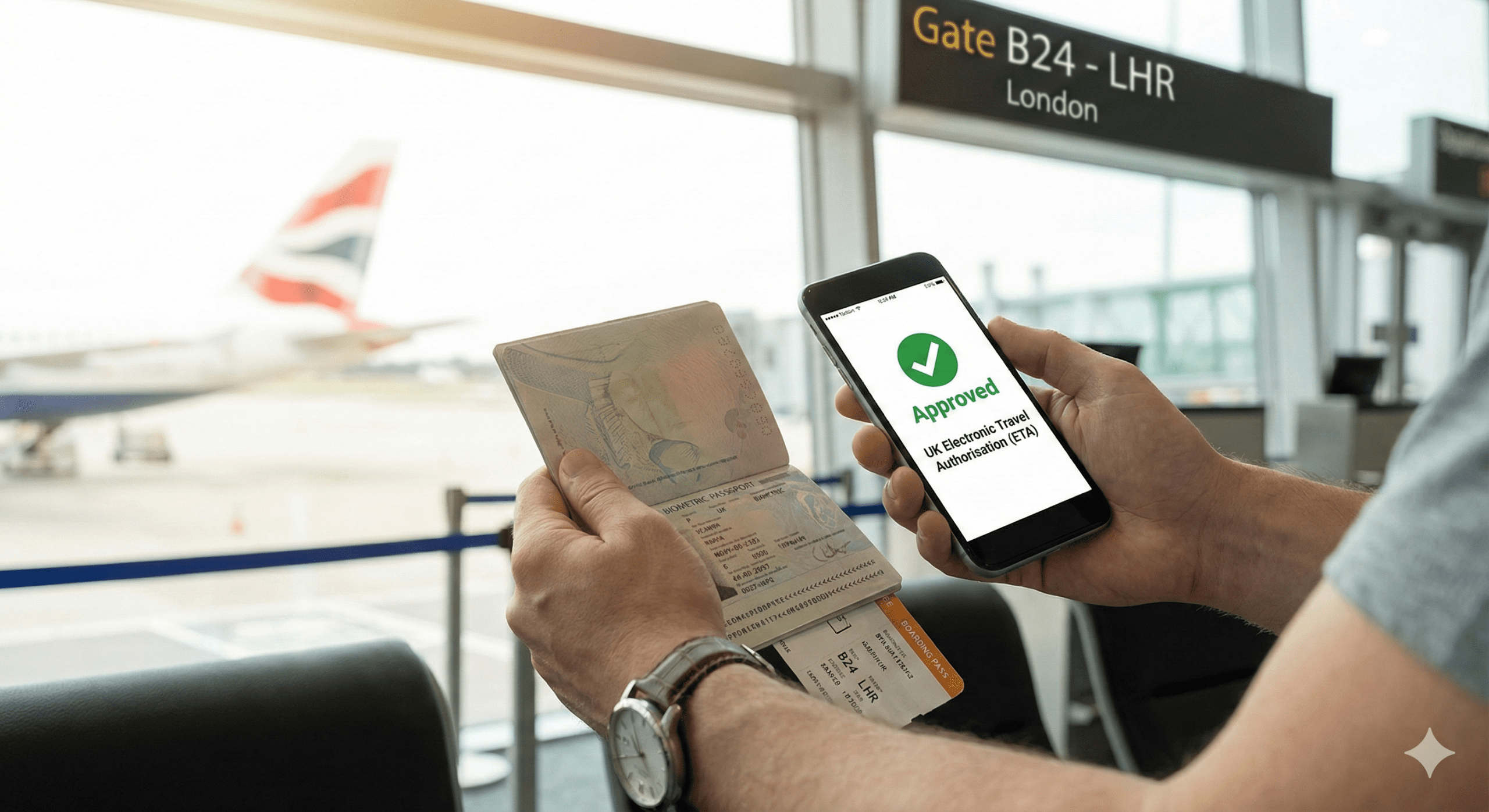
You have received the email: “Your UK ETA application has been approved.”
Most travelers feel a mix of relief and unease at this moment. You have the permission, but you have nothing physical to hold. There is no stamp in your passport and no visa sticker to check. The fear is natural: What if I arrive at the airport and the computer says “No”?
It is time to replace that anxiety with assurance.
This guide details exactly what happens after approval. We will break down the invisible “digital handshake” that clears you for travel, how to verify your status independently, and the specific steps you will take at the UK border eGates.
The “Digital Handshake”: How Your ETA Actually Works
Understanding the mechanics is the best cure for travel anxiety. You do not need a paper trail because the “document” now lives inside the airline’s server, not your carry-on.
When your ETA is approved, the UK Home Office updates a central database. This database pushes a status update to the Advance Passenger Information (API) system used by every major airline globally.
This is the “Digital Handshake.”
- The Link: Your permission is hardcoded to your specific passport number.
- The Trigger: When you enter your passport details during online check-in, the airline’s system queries the UK database.
- The Green Light: The system returns a “Boarding Permitted” code instantly.
This process happens entirely in the background. If the link works, the airline agent often won’t even mention your ETA—they just hand you a boarding pass.
Do I need to print my UK ETA approval email?
No, you do not need to print your UK ETA. It is a digital status linked electronically to your passport chip. Border Force officers see your status on their screens when they scan your passport.
However, experienced travelers know technology can glitch. We recommend these backup steps for peace of mind:
- Save the PDF approval email to a dedicated “Travel” folder on your phone.
- Screenshot the “Granted” status page in the UK ETA app.
- Write down your UKVI application reference number (it usually starts with “xxxx”).
Step 1: Verify Your Status (The “Double-Check” Protocol)
Before you pack a single bag, confirm your status is live. Do not rely solely on the initial email.
Method A: The UK ETA Website like etauk.ae
The easiest way to check is through the etauk.ae you likely used to apply.
- Log in using your biometric login or credentials.
- Navigate to the “Status” tab.
- Look for the green “Granted” indicator and the expiry date.
Method B: The GOV.UK Website
If you applied online, use the official “View and Prove” service. You will need your passport number and date of birth.
Critical Check: The Zero vs. ‘O’ Problem
The most common reason for denied boarding is a mismatch between the passport number on the ETA and the passport in your hand.
- Check your approval email carefully.
- Did you type the letter ‘O’ instead of the number ‘0’?
- Did you accidentally use a secondary passport (e.g., dual citizenship) different from the one you are traveling with?
If the numbers do not match exactly, your ETA is worthless. You must re-apply immediately.
Step 2: The Airport Experience (Departure to Arrival)
The airport process for ETA holders is streamlined, but it differs slightly from traditional visa travel.
At Departure (Your Origin Airport)
When you drop your bags or reach the gate, the airline staff scans your passport.
- The Silence is Good: If the agent scans your passport and prints your bag tags without comment, the system worked.
- The Boarding Pass: Your boarding pass will not usually say “ETA Approved.” It simply allows you to board.
- The “Docs Check”: On rare occasions, an agent may ask, “Do you have your UK authorization?” showing them the screenshot on your phone is sufficient to settle the query.
Transit Rules: Layover in London?
If you are passing through Heathrow or Gatwick:
- Airside Transit (Staying in the secure zone): You generally need an ETA even if you don’t pass border control, depending on your nationality.
- Landside Transit (Collecting bags/Switching terminals): You must have a valid ETA to pass through Border Force and re-enter.
Step 3: Using the UK eGates
This is the biggest advantage of the ETA. You are likely eligible to use the eGates, bypassing the long queues to speak with an officer.
eGate vs. Manned Desk: Which Should You Choose?
| Feature | eGates (Automated) | Manned Border Desk |
| Speed | High (30-60 seconds) | Slow (10-45 mins average) |
| Interaction | None (Facial recognition) | Face-to-face interview |
| Eligibility | UK, EU, USA, Canada, Australia, NZ, Japan, Singapore, South Korea | All Nationalities |
| Landing Card | Not Required | Not Required |
| Best For | Solo travelers, adults, teens (10+) | Families with small kids (<10), error troubleshooting |
The Physical Process
- Approach: Look for the barrier with the green light.
- Prep: Remove hats, sunglasses, and scarves. Put your phone away.
- Scan: Place your passport photo-page down on the glass reader. Hold it still.
- Look: Stare directly at the camera until the gates open.
If the gate stays closed: Do not panic. The screen will direct you to a desk. This is often a random check or a “mis-read” of the chip. It does not mean you are denied entry.
Managing Your ETA: Validity, Errors & Passport Changes
Your ETA is valid for two years or until your passport expires—whichever comes first. This rule trips up many frequent flyers.
The “New Passport” Trap
This is the single most important rule: The ETA dies with the passport. If you renew your passport, change your last name due to marriage, or report your passport lost, the digital link is broken.
- You cannot “transfer” an ETA to a new document.
- You must apply and pay for a completely new ETA using the new passport details.
What if I am Refused Entry?
An ETA permits travel to the UK border; it does not guarantee entry. A Border Force officer can still turn you away if they suspect:
- You intend to work illegally.
- You have a criminal history not declared in the application.
- You cannot support yourself financially during your stay.
Always have proof of your return flight and accommodation address accessible on your phone, just in case.
Frequently Asked Questions (FAQ)
How long does it take for the ETA to show up in airline systems?
It is usually instant. Once you receive the “Application Approved” email, the global API systems update in near real-time. You could theoretically book a flight and travel immediately after receiving the email.
Can I work in the UK with an ETA?
No, you cannot take paid employment. The ETA is for tourism, visiting family, business meetings, or short-term study (up to 6 months). You are permitted to attend conferences or negotiate contracts, but you cannot fill a role or take a salary from a UK company.
What if I have dual citizenship?
Use the passport linked to the ETA. You must travel on the exact same passport you used for the application. If you have a British or Irish passport, use that instead—you do not need an ETA.
How do I correct a mistake on my approved ETA?
You must re-apply and pay again. There is no “edit” function for an issued ETA. If you spot a typo in your name or date of birth after approval, the current authorization is invalid. Submit a fresh application immediately to avoid being denied boarding.
Is the UK ETA a visa?
No, it is a digital permission to travel. It is lighter, faster, and cheaper than a Standard Visitor Visa. It does not require a biometrics appointment at an embassy or submitting physical documents.
