
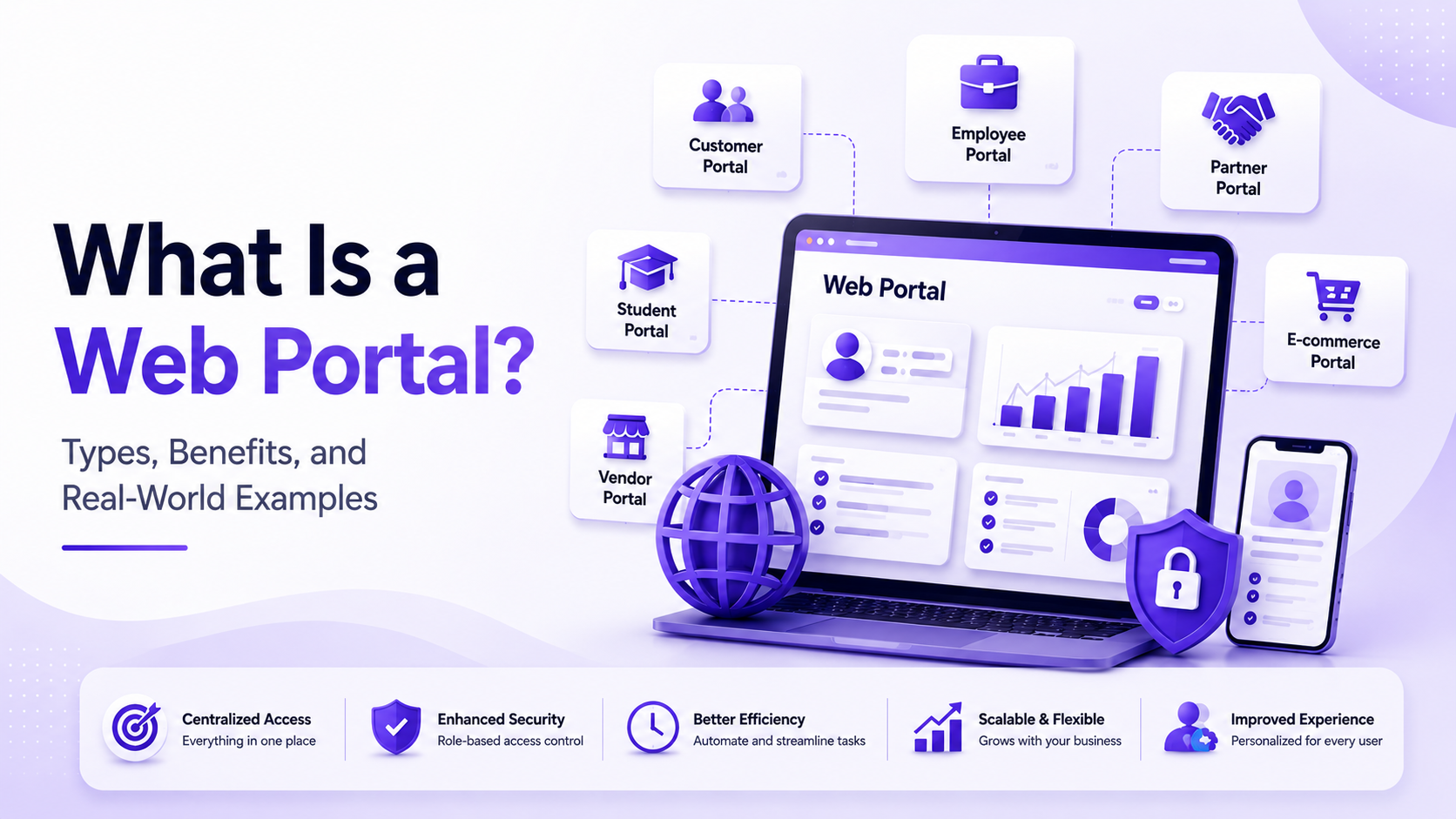
What Is a Web Portal? Types, Benefits, and Real-World Examples
Businesses today need more than a static website to engage customers, employees, partners, and vendors. They require secure, personalized digital environments where users can access information, complete tasks, and collaborate efficiently. That is where web portals come into the picture.
From employee intranets and customer self-service dashboards to banking portals and healthcare platforms, web portals have become an essential part of digital transformation strategies. Organizations investing in web portal development services can streamline operations, improve user experiences, and centralize business-critical information in one place.
In this guide, you’ll learn what a web portal is, how it differs from websites and web applications, the various types of portals, their benefits, common use cases, technologies used to build them, development best practices, and future trends shaping portal software.
What Is a Web Portal?
A web portal is a secure online platform that provides users with personalized access to information, applications, and services based on their identity, role, or permissions. Unlike a traditional website that delivers the same content to everyone, a web portal offers customized experiences after user authentication.
For example, when an employee logs into a company portal, they may see payroll information, leave requests, internal documents, and project dashboards. A customer logging into the same organization’s customer portal might access invoices, support tickets, and purchase history instead.
Key Characteristics of a Web Portal
- Secure user authentication and authorization
- Personalized dashboards and content
- Role-based access controls
- Integration with multiple business systems
- Self-service capabilities
- Centralized document and data management
- Collaboration and communication features
- Real-time notifications and reporting
By consolidating tools and information into a single interface, web portals simplify digital interactions and reduce operational complexity.
How Does a Web Portal Work?
A typical web portal follows a straightforward process:
- Users authenticate through secure login credentials or single sign-on.
- The system verifies permissions and roles.
- Personalized content and features are loaded dynamically.
- The portal communicates with connected systems such as CRMs, ERPs, payment gateways, or databases.
- Users perform tasks, retrieve information, upload documents, or collaborate with others through a unified interface.
Modern enterprise portals often expose APIs that enable seamless integration with cloud platforms and third-party applications.
Web Portal vs Website
Although people often use the terms interchangeably, they serve different purposes.
| Feature | Website | Web Portal |
|---|---|---|
| Primary purpose | Public information and marketing | Personalized user services |
| Login required | Usually optional | Typically mandatory |
| Personalization | Limited | Extensive |
| User-specific data | Rare | Core functionality |
| Business integrations | Minimal | Deep integrations with enterprise systems |
| Examples | Company homepage, blog | Customer dashboard, employee intranet, banking portal |
A corporate website attracts visitors and shares information, while a web portal enables authenticated users to perform actions and access customized resources.
Web Portal vs Web Application
A web application focuses on completing specific tasks, such as editing documents or managing projects. A web portal serves as a centralized gateway that may include multiple web applications, reports, dashboards, and services under one secure interface.
In many organizations, a portal acts as the entry point through which users access several integrated applications using a single login.
Types of Web Portals
Customer Portal
Allows customers to manage accounts, track orders, raise support requests, pay invoices, and access personalized services without contacting support teams.
Employee Portal
Provides staff with HR resources, payroll information, internal communications, training materials, and collaboration tools.
Vendor Portal
Helps suppliers manage purchase orders, invoices, inventory updates, contracts, and delivery schedules.
Partner Portal
Enables distributors, affiliates, and strategic partners to access sales materials, marketing assets, performance reports, and shared documentation.
Patient Portal
Healthcare organizations use patient portals to schedule appointments, review medical records, communicate with physicians, and access prescriptions securely.
Student Portal
Educational institutions provide course registrations, grades, assignments, fee payments, and academic resources through centralized student portals.
Government Portal
Citizens can access tax services, licenses, permits, public records, and online applications from a unified government platform.
Banking Portal
Banks offer account management, fund transfers, investment tracking, digital statements, and secure financial services through customer portals.
B2B Portal
Business clients gain access to wholesale pricing, inventory management, order processing, and procurement workflows.
B2C Portal
Retail businesses create personalized shopping experiences with loyalty programs, recommendations, order tracking, and account management.
Community Portal
Supports forums, member interactions, announcements, events, and content sharing among communities or organizations.
Learning Portal
Learning management systems provide online courses, certifications, assessments, progress tracking, and educational resources.
Core Features of Modern Web Portals
An enterprise-grade portal combines usability with scalability and security.
Key features include:
- Secure authentication and multi-factor authentication
- Role-based permissions
- Personalized dashboards
- Document and file management
- Powerful search functionality
- Real-time notifications
- Messaging and collaboration tools
- Analytics and reporting
- Workflow automation
- API integrations
- Mobile-responsive design
- Cloud-native deployment
- Audit logs and compliance controls
- AI-powered recommendations and virtual assistants
These capabilities make portals indispensable for organizations seeking operational efficiency and superior digital experiences.
Benefits of Web Portal Development
Centralized Information
Users no longer need to navigate multiple disconnected systems. Everything is accessible from one secure interface.
Better Customer Experience
Self-service functionality empowers customers to resolve issues independently, improving satisfaction while reducing support workloads.
Increased Productivity
Employees spend less time searching for information and more time completing meaningful work.
Workflow Automation
Automated approvals, notifications, and document routing reduce manual effort and accelerate business processes.
Improved Collaboration
Shared workspaces, messaging features, and centralized documentation foster teamwork across departments and locations.
Enhanced Security
Granular permissions, encryption, identity management, and monitoring help protect sensitive organizational data.
Scalability
Modern portal architectures can accommodate growing user bases, additional integrations, and expanding feature sets without significant redesign.
Data-Driven Decision Making
Integrated analytics and dashboards provide leadership with actionable insights for strategic planning.
Real-World Examples of Web Portals
Healthcare
Hospitals provide patients with appointment scheduling, laboratory results, prescription renewals, and telemedicine access.
Banking
Financial institutions allow customers to transfer funds, download statements, manage investments, and monitor transactions securely.
Education
Universities centralize admissions, course registration, learning materials, grades, and student communications.
Retail
Online retailers offer loyalty dashboards, personalized recommendations, returns management, and order tracking.
Travel
Airlines and travel agencies enable users to manage bookings, itineraries, rewards programs, and customer support.
Government
Citizens access tax filings, permits, social services, and public records through unified digital portals.
SaaS Companies
Software providers deliver subscription management, billing information, product documentation, and customer support through account portals.
Logistics
Shipping companies provide real-time shipment tracking, warehouse visibility, invoicing, and fleet management.
Manufacturing
Manufacturers use supplier and dealer portals to coordinate procurement, production schedules, inventory, and quality documentation.
Industries That Benefit Most from Web Portals
Nearly every industry can benefit from portal software, including:
- Healthcare
- Banking and financial services
- Insurance
- Education
- Retail and eCommerce
- Manufacturing
- Logistics and supply chain
- Government agencies
- Telecommunications
- Travel and hospitality
- Professional services
- SaaS and technology companies
Technologies Used to Build Web Portals
Selecting the right technology stack is essential for long-term scalability and maintainability.
Frontend
React has become one of the most popular frameworks for building responsive, component-driven user interfaces. Many organizations partner with a react js development company to create modern portals that deliver exceptional user experiences across devices.
Other frontend technologies include:
- TypeScript
- Next.js
- Angular
- Vue.js
- HTML5 and CSS3
Backend
Node.js is widely used for building scalable APIs and real-time applications. Working with an experienced nodejs development company enables businesses to develop high-performance portal backends capable of handling concurrent users and complex integrations.
Popular backend technologies include:
- Node.js
- Java Spring Boot
- ASP.NET Core
- Python Django
- PHP Laravel
Databases
- PostgreSQL
- MySQL
- MongoDB
- Redis
- Microsoft SQL Server
Infrastructure
- Docker
- Kubernetes
- AWS
- Microsoft Azure
- Google Cloud Platform
- CI/CD pipelines
- REST APIs
- GraphQL
How to Choose the Right Technology Stack
When selecting technologies for portal software development, consider:
- Business objectives
- Expected traffic volumes
- Security and compliance requirements
- Third-party integrations
- Development speed
- Long-term maintenance costs
- Team expertise
- Cloud compatibility
- Scalability requirements
Choosing proven technologies reduces technical debt and supports future growth.
Step-by-Step Web Portal Development Process
1. Discovery
Gather business requirements, user personas, compliance needs, and success metrics.
2. Planning
Define project scope, architecture, milestones, and technical stack.
3. UI/UX Design
Create wireframes, prototypes, navigation flows, and responsive interfaces.
4. Architecture
Design secure, scalable backend systems and integration strategies.
5. Development
Implement frontend interfaces, backend services, APIs, authentication, and business logic.
6. Testing
Conduct functional, security, performance, accessibility, and usability testing.
7. Deployment
Launch using cloud infrastructure with monitoring and rollback strategies.
8. Maintenance
Address bugs, security patches, enhancements, and feature requests.
9. Scaling
Optimize infrastructure, caching, databases, and microservices as adoption grows.
Common Challenges and Best Practices
Common Challenges
- Integrating legacy systems
- Managing user permissions
- Protecting sensitive data
- Supporting multiple devices
- Ensuring high availability
- Scaling infrastructure
- Maintaining regulatory compliance
Best Practices
- Implement zero-trust security principles
- Use multi-factor authentication
- Encrypt data at rest and in transit
- Design API-first architectures
- Conduct regular penetration testing
- Optimize performance continuously
- Monitor user behavior and system health
Cost of Building a Web Portal
Portal development costs vary depending on business requirements.
Factors influencing pricing include:
- Feature complexity
- Number of user roles
- Custom integrations
- UI/UX sophistication
- Security requirements
- Regulatory compliance
- Development team size
- Cloud infrastructure
- Third-party services
- Ongoing maintenance and support
Simple internal portals may require modest investment, while enterprise-grade platforms with AI capabilities and multiple integrations can involve significantly larger budgets.
Future Trends in Web Portal Development
The next generation of portals will be more intelligent, automated, and personalized.
Key trends include:
- AI-powered virtual assistants
- Generative AI for content creation and support
- Predictive analytics
- Hyper-personalized user experiences
- Conversational interfaces
- Low-code workflow automation
- Headless architectures
- Cloud-native deployments
- Intelligent search
- Advanced cybersecurity and identity management
Organizations that embrace these innovations can deliver faster, more engaging digital experiences while improving operational efficiency.
Conclusion
A web portal is far more than a secure login page. It is a centralized digital ecosystem that connects users, data, and business processes through personalized experiences and seamless integrations. Whether you’re building an employee intranet, customer self-service platform, vendor management system, or enterprise collaboration hub, investing in modern web portal development services can improve efficiency, strengthen security, and elevate user satisfaction.
As organizations continue to embrace digital transformation, scalable portal solutions built with technologies like React, Node.js, cloud infrastructure, and API-driven architectures will play a vital role in delivering connected, intelligent, and future-ready experiences.
Frequently Asked Questions
What is the purpose of a web portal?
A web portal provides secure, centralized, and personalized access to information, applications, and services for authenticated users.
Is a web portal the same as a website?
No. Websites primarily share public information, while web portals provide personalized functionality and user-specific content after login.
What are the different types of web portals?
Common examples include customer portals, employee portals, vendor portals, partner portals, patient portals, student portals, banking portals, government portals, B2B portals, and learning portals.
How much does web portal development cost?
Costs depend on complexity, integrations, security requirements, infrastructure, and custom functionality. Enterprise portals generally require larger investments than basic internal systems.
Which technologies are best for web portals?
Popular technologies include React, Node.js, TypeScript, PostgreSQL, MongoDB, Docker, Kubernetes, REST APIs, GraphQL, and cloud platforms such as AWS or Azure.
Is React suitable for enterprise portals?
Yes. React enables modular development, responsive interfaces, and scalable frontend architectures, making it an excellent choice for enterprise-grade portals.
Why is Node.js commonly used for portal development?
Node.js supports high concurrency, efficient API development, real-time communication, and scalable backend services suitable for modern digital platforms.
How secure are web portals?
When implemented correctly with encryption, role-based access control, multi-factor authentication, and regular security testing, web portals can provide strong protection for sensitive data.
Can small businesses benefit from web portals?
Absolutely. Self-service portals improve customer engagement, reduce administrative overhead, and automate repetitive tasks regardless of company size.
Which industries commonly use web portals?
Healthcare, finance, education, manufacturing, logistics, government, retail, travel, telecommunications, and SaaS companies all rely heavily on portal solutions.