
Establishing Clear Objectives
Good objectives tell you exactly what you want to achieve, how you will measure success, and who must be involved to get there.
Focus on the event’s main purpose, specific targets, and the people who influence decisions.
Defining the Event Purpose
State the single, primary reason you are holding the event in one clear sentence.
For example: “Launch Product X to 300 local retailers and secure 50 demo sign-ups.” That sentence guides every choice you make.
- Target audience (retail buyers, press, consumers).
- Core message (product benefits, pricing, demo availability).
- Desired guest experience (hands-on demos, short talks, networking).
Write a one-line purpose, then expand into one-paragraph notes on tone, setting, and must-have elements.
Keep the purpose visible in planning docs and ask vendors if their suggestion supports that sentence.
Setting Measurable Goals
Turn your purpose into numbers and deadlines so you can track progress.
Use SMART-style targets: Specific, Measurable, Achievable, Relevant, Time-bound.
- Attendance: 300 confirmed by two weeks before the event.
- Engagement: 50 demo sign-ups during the two-hour event.
- Revenue/Leads: 100 qualified leads within 30 days after.
Record each goal in a simple table or checklist with who owns it and the due date.
Review these metrics weekly.
Identifying Key Stakeholders
List everyone who affects planning or outcome: client, sponsors, venue manager, vendors, speakers, and internal team leads.
Name one contact per group and define their decision level (approve, consult, inform).
- Responsible: event manager
- Accountable: client
- Consulted: speaker, sponsor rep
- Informed: marketing team
Share the stakeholder list with roles and contact info.
Hold a kickoff meeting to confirm responsibilities and timelines.
Streamlining Event Logistics
Efficient logistics keep costs down, vendors on schedule, and guests comfortable.
Focus on clear budgets, a suitable venue, tight vendor plans, and realistic timelines to reduce last-minute risks.
Budget Planning Essentials
List every expected cost line by line: venue, catering, AV, staffing, permits, insurance, marketing, and contingency.
Assign a dollar amount to each line and set a contingency of 5–15% depending on event size.
Track spend with a simple spreadsheet or budgeting tool.
Use columns for estimated, committed, paid, and remaining.
Update it weekly and flag any items that exceed estimates.
Prioritize expenses based on attendee experience and legal needs.
Negotiate fixed-price items like venue or AV early to lock rates.
Require deposits and staged payments from vendors.
Keep contract copies and a payment calendar.
Venue Selection Criteria
Pick a venue that matches your final headcount plus a 10–20% buffer.
Confirm layout options for registration, sessions, catering, and emergency exits before signing.
Check inclusions and hidden fees: cleaning, security, parking, WIFI, and HVAC.
Ask for a full cost sheet in writing and compare at least three venues.
Inspect the site in person at the same time of day your event will run.
Note lighting, noise sources, loading docks, and nearby construction.
Take photos and measure key distances like stage to nearest power.
Confirm technical capacity: power circuits, rig points, ethernet drops, and onsite AV support.
Get venue floor plans and a clear policy on vendor load-in/out times.
Vendor Coordination Strategies
Create a vendor matrix listing company, contact, contract terms, deliverables, delivery windows, and payment schedule.
Share this with key staff.
Hold a kickoff call with each vendor to confirm scope and critical times: arrival, setup, rehearsal, and strike.
Record calls and follow up with an email summary stating action items and deadlines.
Require proof of insurance and any permits from vendors that need them.
Build backup options for critical services—AV and catering—so you can swap vendors within 48 hours if needed.
Use a single point of contact for vendors on the event day.
Give that person a printed schedule, vendor phone list, and escalation steps for common issues like missing equipment or late deliveries.
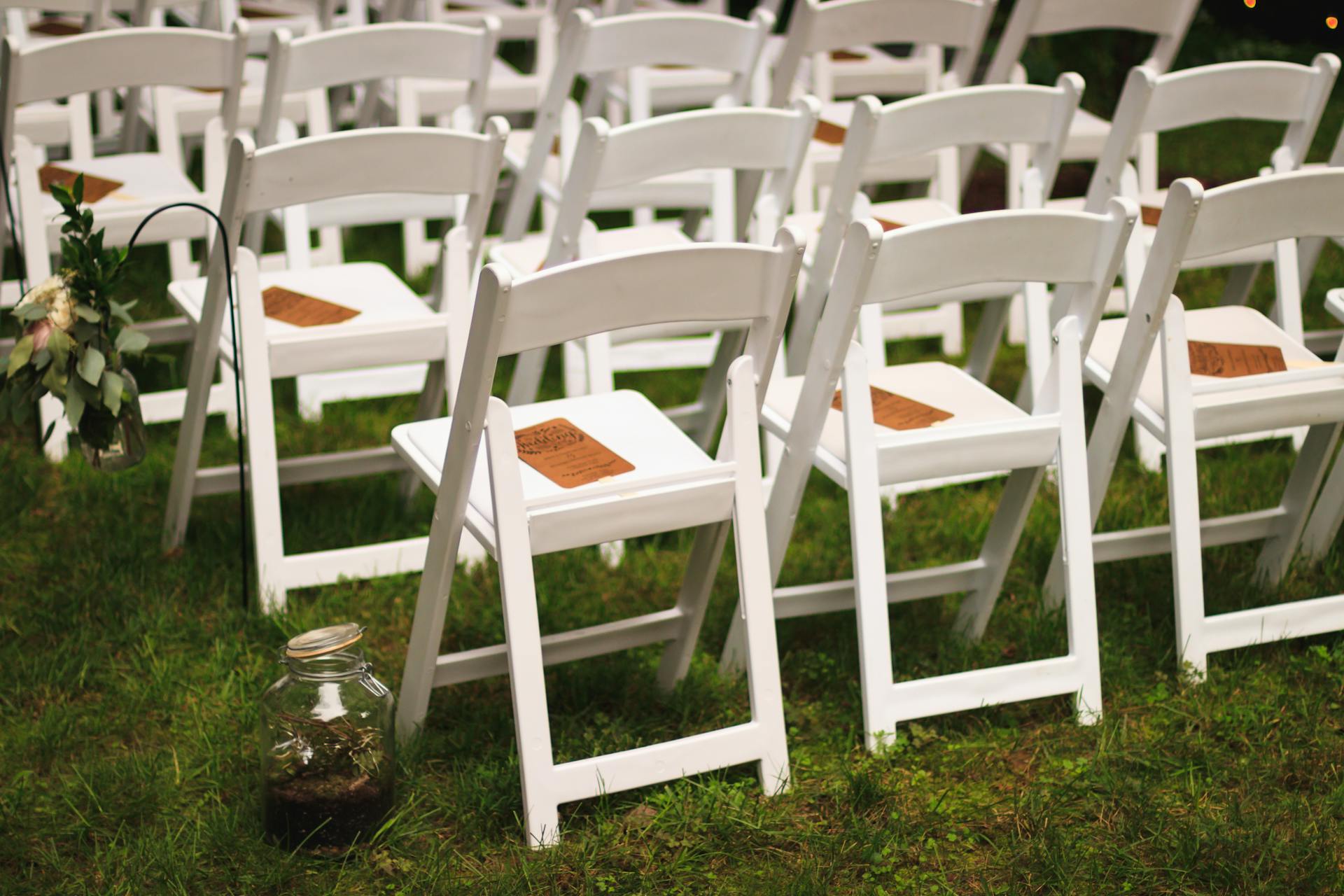
For outdoor or larger events, consider tent rentals, chair rentals, and table rentals to ensure guest comfort and flexibility.
Summit Event Rentals provides reliable tent, chair, and table rentals for events of all sizes, helping you cover all your rental needs in one place.
Creating Realistic Timelines
Work backward from event start.
Block fixed milestones: load-in, tech check, registration open, sessions start, breaks, and load-out.
Assign buffer time between milestones.
Break tasks into daily owner-based checklists for the last 30 days, 7 days, and 24 hours.
Make owners accountable for specific items and require status updates at set times.
Plan contingency time for common delays: traffic, permit approvals, and tech troubleshooting.
Build at least 30–60 minutes extra for AV checks and vendor setup for mid-size events.
Create a visual timeline (Gantt or simple table) and distribute it to staff and vendors.
Update it live during the event so everyone knows real-time changes and can act quickly.
Enhancing Attendee Experience
Focus on clear communication, easy navigation, and small personalized touches that make guests feel valued.
Practical choices—like custom invites, clean check-in flow, and visible support staff—do the most to improve comfort and engagement.
Personalizing Invitations
Use attendee data to tailor invitations.
Address people by name, note relevant session tracks, and include a short line about why the event matters to them.
Send the first invite 6–8 weeks before the event for major gatherings, and a reminder 7 days before.
Include clear action steps in the invite: RSVP link, dietary preference form, and transport or parking details.
Offer multiple RSVP options (email, form, phone) so people choose what’s easiest.
Design the invite for quick scanning: bold date, time, and venue; use a simple bulleted list for what to bring.
For VIPs, add a personal phone follow-up or a direct contact for special requests.
Managing Guest Lists Effectively
Create a master spreadsheet or use an event platform that syncs RSVPs in real time.
Track name, contact, ticket type, dietary needs, accessibility requests, and arrival window.
Update the list daily in the two weeks before the event.
Segment attendees by role or interest (speakers, sponsors, press, general).
Print badges or labels that show segment at a glance by color or a small icon.
This makes networking and staff support faster.
Set clear check-in rules: hold a small buffer of on-site tickets, set cut-off times for late additions, and prepare a simple waiver or consent form if needed.
Share the final list with security and catering 48 hours before the event.
On-Site Organization Tips
Plan a visible, staffed check-in area with clear signage. Set up separate lines for pre-registered guests, on-site tickets, and VIPs.
Use mobile scanners or a tablet for faster check-in. Always keep a paper backup list available.
Position greeters at entrances to guide guests to coat check, restrooms, and session rooms. Place a small information desk with a printed schedule and a map.
Train staff to handle common requests such as directions, speaker information, and lost items. Monitor crowd flow and seating during the first 30 minutes.
If lines form, open a secondary check-in station or call more staff to the entrance. Keep water stations and quiet seating areas available for guests who need a short break.
For outdoor or large events, consider tent rentals, chair rentals, and table rentals to ensure guest comfort and convenience. Summit Event Rentals provides reliable solutions for all your event rental needs.