
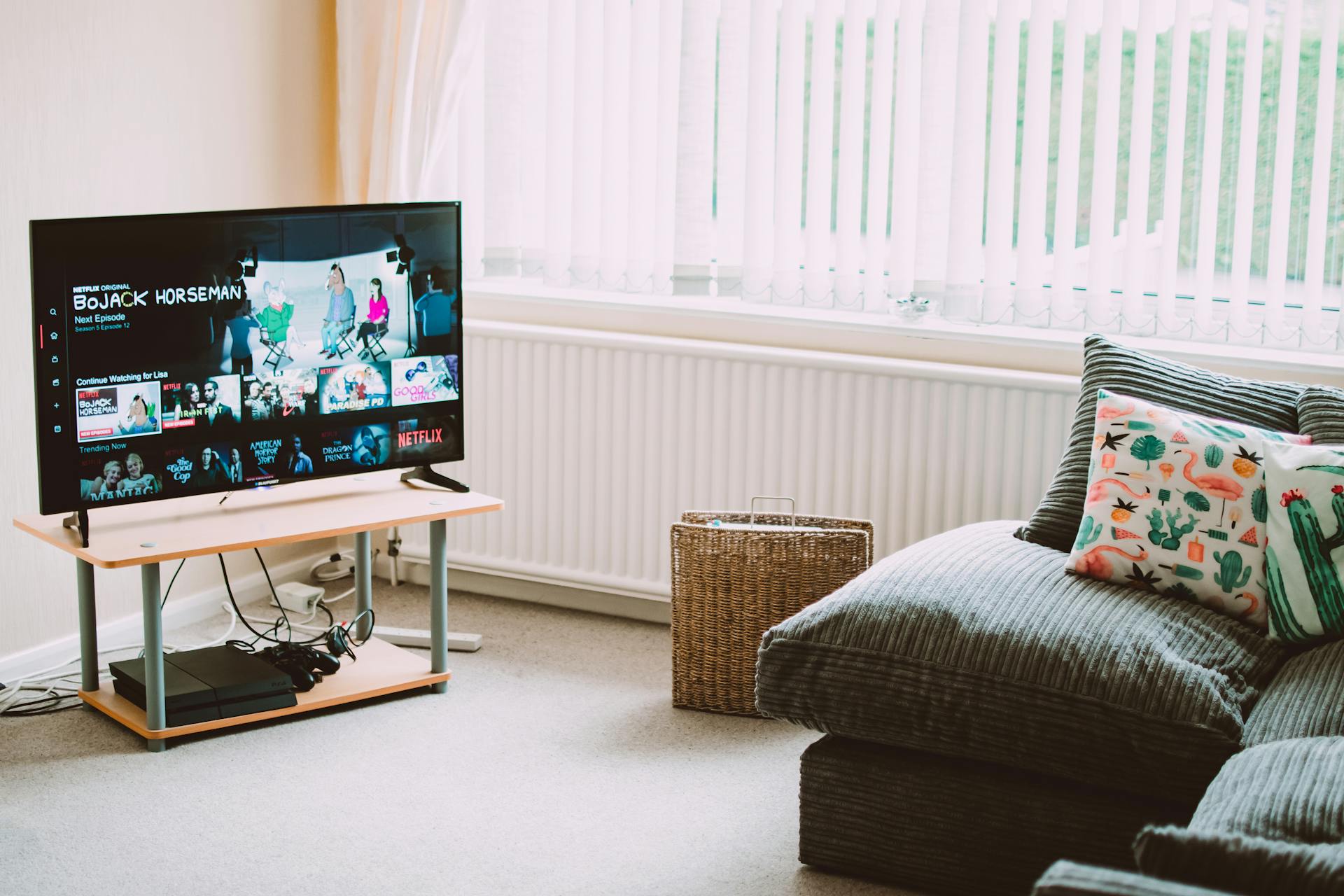
Smart TVs have completely changed the way we consume content at home. Gone are the days when your television was just a screen waiting passively for a cable signal. Today’s smart TVs are fully connected devices capable of running apps, streaming content from around the world, and — most relevantly — running IPTV services that give you access to thousands of live channels, sports broadcasts, movies, and on-demand content. But with so many IPTV options available, finding the perfect one for your smart TV can feel overwhelming.
This guide cuts through the noise and tells you exactly what to look for, which apps work best, and how to get the most out of IPTV on your smart TV in 2026.
Why Smart TVs and IPTV Are a Perfect Match
There is something uniquely satisfying about watching live TV on a large screen without a cable box, satellite dish, or tangle of cables behind your entertainment unit. IPTV delivers that experience cleanly and completely. Your smart TV connects to the internet — which it already does for Netflix, YouTube, and everything else — and an IPTV app turns that connection into a full live television experience.
The combination works so well because modern smart TVs have the processing power to handle high-definition and even 4K streams without stuttering, built-in Wi-Fi for wireless connectivity, and app ecosystems that support dedicated IPTV players. You get a television experience that looks and feels like traditional broadcast TV, but with the flexibility and scope that only internet-based delivery can provide.
For someone who wants hundreds of sports channels, international programming, news from around the world, and on-demand movies — all on the biggest screen in the house — a smart TV running IPTV is genuinely hard to beat.
The Best IPTV Apps for Smart TVs
The app you use to run your IPTV service matters enormously. A great IPTV subscription paired with a poor player app results in a frustrating experience. Here are the best options depending on your TV’s operating system.
TiviMate — The Gold Standard
TiviMate is widely considered the best IPTV player available, and for good reason. Its interface is clean, fast, and intuitive, closely resembling a traditional TV guide. The electronic program guide (EPG) is beautifully rendered, showing upcoming programmes across hundreds of channels at a glance. It supports multiple playlists, catch-up TV, recording to external storage, picture-in-picture, and multiple simultaneous streams.
The catch is that TiviMate is built for Android TV and Google TV platforms. If your smart TV runs Android TV — which includes Sony Bravia TVs, many TCL models, and Hisense Android TV sets — you can download TiviMate directly from the Google Play Store. The premium version, which unlocks all the best features, costs a very modest annual fee and is worth every cent.
IPTV Smarters Pro — Universal Compatibility
IPTV Smarters Pro is available across a wider range of platforms than almost any other player. It works on Android TV, iOS, and even some Samsung and LG smart TV environments through browser-based access. The interface is modern and well-organised, supporting both M3U playlist URLs and Xtream Codes API login — the two most common IPTV connection methods.
It supports EPG, VOD (video on demand) sections, series content, and multiple user profiles. For households with mixed devices — a Samsung TV in the living room and an Android tablet in the bedroom — IPTV Smarters Pro provides a consistent experience across all of them.
Smart IPTV (SIPTV) — Best for Samsung and LG
Samsung and LG smart TVs run their own operating systems — Tizen and webOS respectively — which have more restricted app ecosystems than Android TV. Smart IPTV (SIPTV) is the leading dedicated IPTV player for both platforms. It installs directly on your Samsung or LG TV without any additional hardware, accepts M3U playlist URLs, and displays a functional channel list with EPG support.
It requires a one-time activation fee of around $6 USD per device, which is a small price for the convenience of running IPTV natively on your TV without needing a separate streaming stick. The interface is simpler than TiviMate, but it is stable, reliable, and regularly updated.
GSE Smart IPTV — Feature-Rich Alternative
GSE Smart IPTV is another strong option for Android TV and iOS users. It supports an extensive range of stream formats and offers advanced features like external player support, SSL stream handling, and highly customisable EPG settings. It is particularly well-suited to users with technically complex IPTV setups or those running streams from multiple providers simultaneously.
What to Look for in an IPTV Service for Smart TV
Choosing the right IPTV subscription for smart TV use involves a few specific considerations beyond the general factors that matter for any device.
App Compatibility
Before subscribing to any IPTV service, confirm it supports the connection method your preferred app uses. Most quality services support both M3U URLs and Xtream Codes API. If you are using TiviMate or IPTV Smarters, Xtream Codes login typically delivers the smoothest experience, as it allows your app to organise channels, VOD, and series into separate sections automatically.
Stream Quality and Resolution
On a 55-inch or 65-inch smart TV, stream quality is immediately visible. A service offering only standard definition streams will look noticeably soft and pixelated on a large 4K panel. Always look for services that offer Full HD (1080p) streams as the baseline, with 4K streams available for flagship channels. The best providers in 2026 offer multi-quality streams — 4K, 1080p, and 720p — allowing you to choose based on your internet speed and preference.
Server Stability During Peak Hours
Major live events — sports finals, breaking news, popular dramas — create massive simultaneous demand on IPTV server infrastructure. A service that streams perfectly at 2 PM on a Tuesday can buckle under load during a Champions League final on a Wednesday evening. Look for providers with verified server redundancy, meaning multiple backup streams for popular channels so that if one server is overloaded, your player automatically switches to another without interruption.
EPG (Electronic Program Guide) Quality
On a smart TV, the EPG is your primary navigation tool. A well-populated EPG showing accurate program titles, start times, descriptions, and upcoming content transforms the IPTV experience from scrolling through a confusing channel list into something that feels as polished as any major streaming platform. When trialling a new service, check the EPG quality specifically — missing or inaccurate guide data is a significant inconvenience during daily use.
Getting the Best Picture Quality on Your Smart TV
Even with a great IPTV service and a good player app, there are steps you can take to maximise visual quality on your smart TV screen.
A wired ethernet connection almost always outperforms Wi-Fi for IPTV streaming. Smart TVs typically have an ethernet port on the back — connecting it directly to your router eliminates wireless interference that can cause buffering or quality drops, particularly during peak internet usage hours in your household.
Your TV’s picture settings also matter. Many smart TVs ship with aggressive motion smoothing and noise reduction processing enabled by default. These settings, while designed to enhance broadcast TV, can actually make streaming content look artificial and over-processed. Disabling motion smoothing (sometimes called “soap opera effect” by users) and reducing noise reduction to low or off typically produces a more natural, cinematic picture for IPTV streams.
If your IPTV service offers 4K streams and your TV supports HDR, ensure HDR is enabled in both your TV settings and that your IPTV app is configured to pass through HDR content. This makes a dramatic difference on premium sports and nature content.
Smart TV Models That Work Best with IPTV
Not all smart TVs are created equal when it comes to IPTV compatibility. Android TV and Google TV models have the significant advantage of access to the Google Play Store, giving you TiviMate, IPTV Smarters, and a range of other players without any sideloading required.
Sony Bravia TVs running Google TV are among the smoothest IPTV experiences available on a native smart TV platform. The combination of Sony’s excellent panel quality, Google TV’s polished interface, and TiviMate’s outstanding IPTV player creates a viewing experience that rivals any traditional pay TV setup.
Samsung QLED and Neo QLED TVs offer stunning picture quality but require the SIPTV app or a connected Fire TV Stick for the best IPTV experience, since Tizen’s native app ecosystem is more limited. LG OLED TVs — which produce arguably the best picture quality of any consumer TV — work similarly, using SIPTV or a connected Android device.
For the budget-conscious, Hisense and TCL Android TV models offer excellent value. They run full Android TV, support TiviMate natively, and their panels have improved dramatically in quality. A mid-range Hisense 4K Android TV paired with a quality IPTV subscription provides a genuinely impressive setup for a fraction of what premium brands charge.
Final Thoughts
The perfect IPTV setup for a smart TV in 2026 comes down to three things working together: a reliable, high-quality IPTV subscription with strong server infrastructure; the right player app for your specific TV platform; and a fast, stable internet connection to deliver it all.
Get those three elements right and your smart TV becomes the most powerful television you have ever owned — a gateway to thousands of channels from around the world, every live sport imaginable, and an on-demand library that no single streaming service can match. Whether you are a sports fanatic, a news junkie, a film lover, or all three, IPTV on a smart TV is the upgrade your home entertainment setup deserves.