
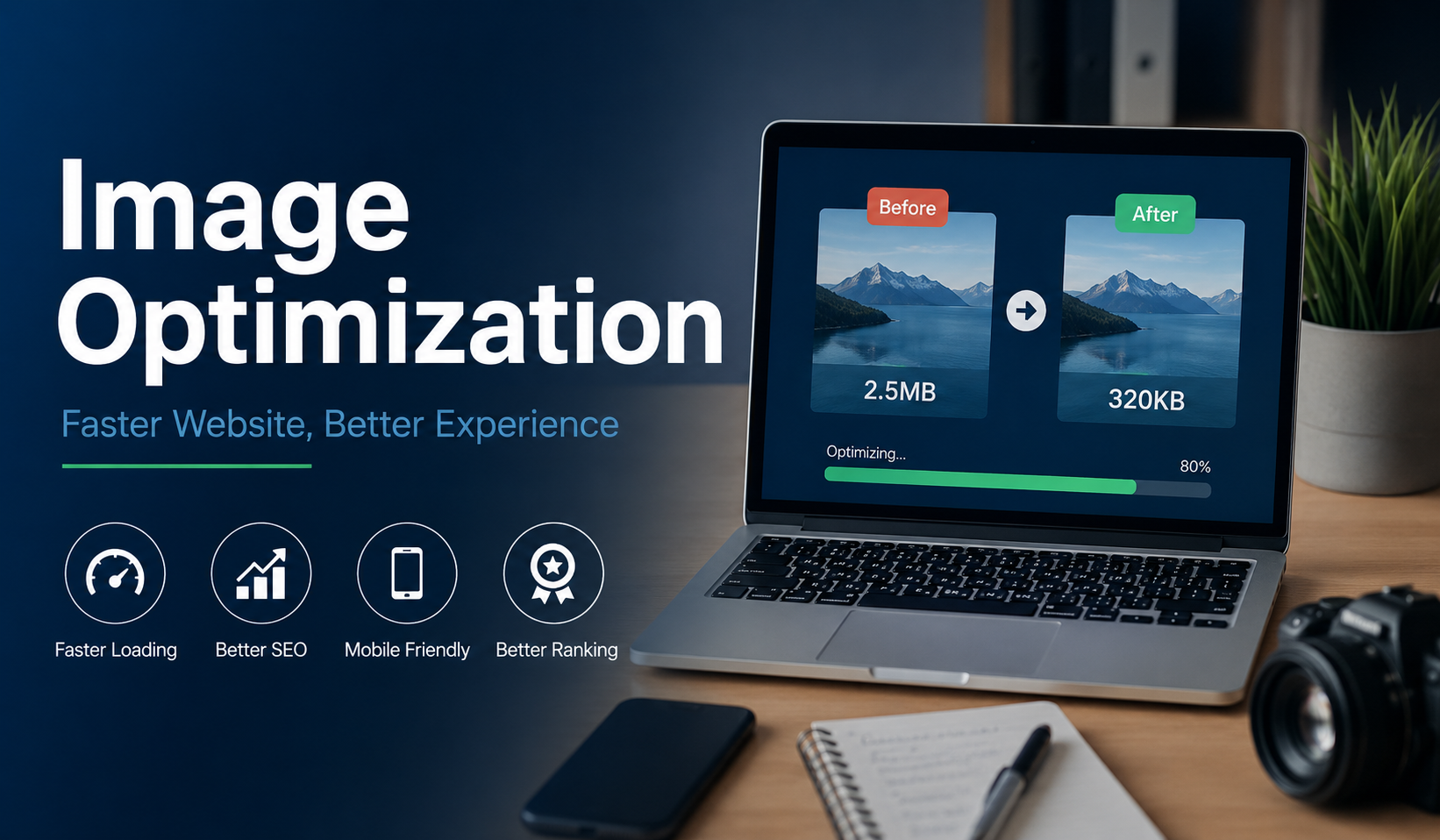
Website speed has become one of the most important factors for online success. Whether you run a business website, an eCommerce store, a blog, or a portfolio, visitors expect pages to load instantly. Studies consistently show that even a one-second delay can lead to lower engagement, higher bounce rates, and fewer conversions.
One of the easiest ways to improve website performance is through image optimization. Fortunately, there are many online tools available that make the process simple. Platforms such as Toolvey and similar image-processing solutions help website owners compress, resize, and convert images without requiring advanced technical skills.
In 2026, image optimization is no longer optional. Search engines continue to prioritize user experience, and faster websites generally perform better in both search rankings and visitor satisfaction. This guide covers everything you need to know about optimizing images for modern websites.
Why Image Optimization Matters
Images often account for the largest portion of a webpage’s total size. While high-quality visuals improve user engagement, oversized image files can significantly slow down loading times.
Proper image optimization offers several benefits:
- Faster page loading speeds
- Better user experience
- Improved SEO performance
- Reduced bandwidth usage
- Higher conversion rates
- Better Core Web Vitals scores
When visitors don’t have to wait for large images to load, they are more likely to stay on your website and interact with your content.
Choose the Right Image Format
Selecting the appropriate image format is the foundation of image optimization.
JPEG (JPG)
JPEG remains a popular choice for photographs and complex images because it provides a good balance between quality and file size.
Best for:
- Blog images
- Product photos
- Photography websites
PNG
PNG supports transparency and delivers excellent image quality, but file sizes are generally larger than JPEG.
Best for:
- Logos
- Graphics
- Transparent backgrounds
WebP
WebP has become one of the preferred formats for websites in 2026. It offers significantly smaller file sizes while maintaining excellent visual quality.
Best for:
- Modern websites
- eCommerce stores
- Content-heavy blogs
SVG
SVG files are vector-based, making them perfect for icons, logos, and illustrations that need to scale without losing quality.
Best for:
- Icons
- Logos
- Simple graphics
Resize Images Before Uploading
A common mistake website owners make is uploading large images and relying on browsers to scale them down.
For example, if your content area displays images at 1200 pixels wide, there is little reason to upload an image that is 4000 pixels wide.
Before uploading:
- Determine the maximum display size.
- Resize images accordingly.
- Remove unnecessary dimensions.
Smaller dimensions result in smaller file sizes and faster loading speeds.
Compress Images Without Sacrificing Quality
Compression removes unnecessary data from image files while preserving visual quality.
There are two main types of compression:
Lossy Compression
Lossy compression removes some image data to achieve smaller file sizes.
Benefits:
- Significant file size reduction
- Faster loading times
Drawback:
- Slight reduction in image quality
Lossless Compression
Lossless compression reduces file size without removing image data.
Benefits:
- Maintains image quality
- Suitable for logos and graphics
Drawback:
- Less dramatic file size reduction
For most websites, a balanced approach provides the best results.
Implement Lazy Loading
Lazy loading delays the loading of images until users scroll near them.
Instead of loading every image immediately when a page opens, only visible images are loaded first.
Benefits include:
- Faster initial page load
- Reduced bandwidth usage
- Improved user experience
Most modern content management systems and website builders now support lazy loading by default.
Use Responsive Images
Visitors access websites from desktops, tablets, and smartphones with varying screen sizes.
Serving the same large image to every device wastes resources and slows down performance.
Responsive images allow browsers to select the most appropriate image size based on the user’s screen.
Advantages include:
- Faster mobile performance
- Reduced data usage
- Improved user experience
Responsive image implementation has become a standard best practice for modern websites.
Optimize Images for Mobile Users
Mobile traffic continues to dominate internet usage worldwide. As a result, mobile image optimization deserves special attention.
Consider:
- Using modern formats like WebP
- Compressing images aggressively
- Avoiding oversized backgrounds
- Limiting unnecessary decorative graphics
Even small improvements can make a noticeable difference for users on slower mobile networks.
Improve Core Web Vitals
Google’s Core Web Vitals remain an important indicator of page experience.
Large, unoptimized images can negatively affect metrics such as:
Largest Contentful Paint (LCP)
Large hero images often contribute to poor LCP scores.
Cumulative Layout Shift (CLS)
Images without specified dimensions can cause layout shifts as they load.
Interaction to Next Paint (INP)
Heavy pages with large media files can negatively affect responsiveness.
Optimized images help improve all three metrics.
Use a Content Delivery Network (CDN)
A CDN stores copies of your website’s files across multiple global servers.
When visitors access your website, images are delivered from the nearest server location.
Benefits include:
- Faster loading times
- Reduced server load
- Better global performance
CDNs have become a standard component of high-performance websites.
Common Image Optimization Mistakes
Avoid these common errors:
- Uploading original camera images directly to websites
- Using PNG files for large photographs
- Ignoring image compression
- Failing to specify image dimensions
- Serving oversized images to mobile devices
- Using outdated image formats
Correcting these mistakes can produce immediate performance improvements.
The Future of Image Optimization
As websites become more visual, image optimization will continue to play a critical role in performance and SEO. New image formats, smarter compression techniques, and AI-powered optimization tools are making it easier than ever to deliver high-quality visuals without sacrificing speed.
Website owners who prioritize image optimization gain a competitive advantage through faster loading pages, improved search visibility, and better user experiences.
Final Thoughts
Image optimization remains one of the highest-impact website performance improvements available in 2026. By choosing the right formats, compressing files effectively, resizing images appropriately, and adopting modern techniques such as lazy loading and responsive images, website owners can dramatically improve site speed and user satisfaction.
The best part is that many of these optimizations can be implemented quickly, delivering measurable results without requiring major website redesigns or technical expertise.