
AI video tools are moving from experimental demos into everyday business content work. Marketing teams want faster campaign drafts. Product teams need short explainers. Training departments want clearer internal materials. Small businesses need social clips without building every asset from scratch.
Two types of AI video workflows are becoming especially relevant. One focuses on cinematic generation from detailed prompts. The other focuses on turning existing assets into controllable drafts. That is where the comparison between Veo and Seedance 2.0 becomes useful.
For business teams, the question is not simply which tool looks more impressive. The better question is which workflow fits the job.
Veo Fits Cinematic Prompt-Led Concepts
Veo is often discussed in the context of cinematic AI video generation. It is useful when a team has a clear visual idea and wants to generate a polished scene or sequence from a detailed prompt.
This can work well for campaign concepts, brand mood videos, story-driven product teasers, and creative previews where the team already knows the scene it wants. A strong prompt can describe location, lighting, camera movement, tone, and action.
For companies that need a visually rich first pass, Veo-style generation can help turn a storyboard-like idea into motion. The workflow is closer to asking the model to create a scene from direction.
Seedance 2.0 Fits Asset-Driven Drafting
Many business videos do not begin with a perfect prompt. They begin with real materials: product screenshots, brand images, audio notes, previous clips, customer journey diagrams, or a social media brief.
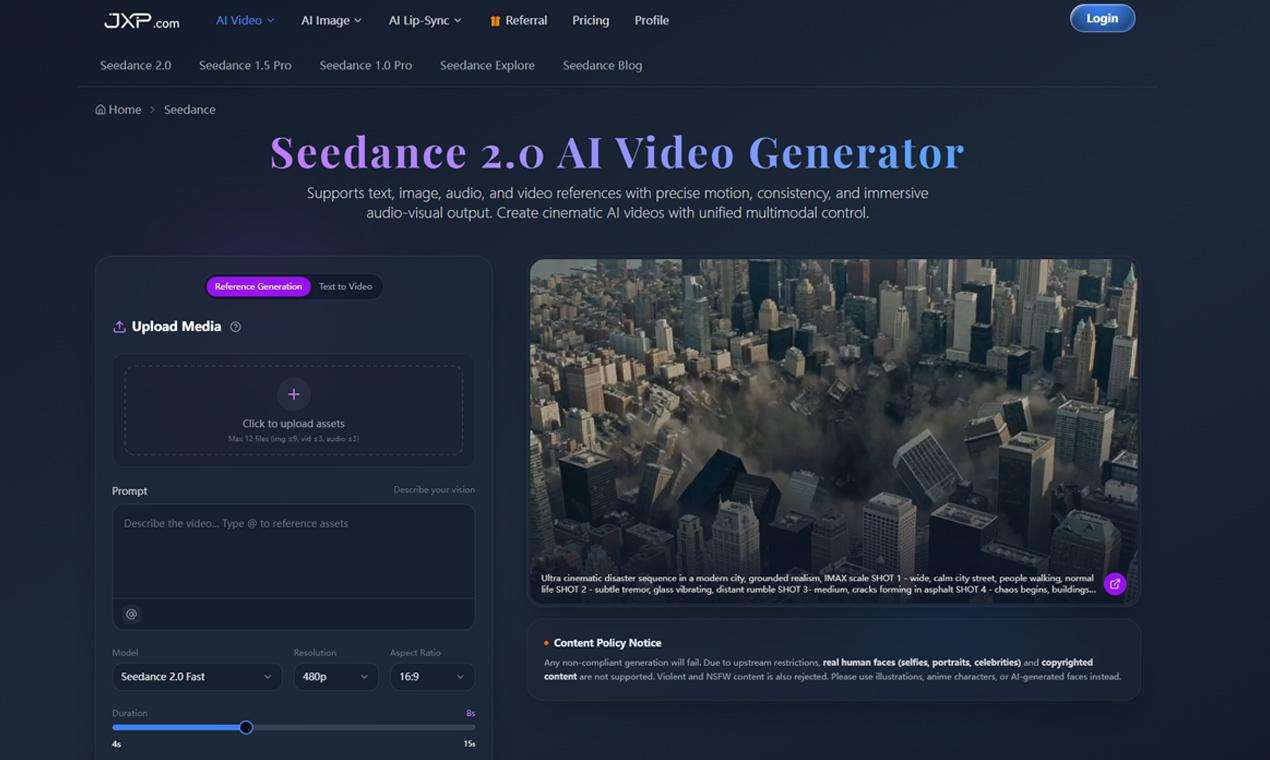
This is where Seedance 2.0 fits a different workflow. It supports text, image, audio, and video references, allowing teams to guide a video draft from assets they already have.
That matters for business content because teams often need consistency more than spectacle. A product should stay recognizable. A brand visual should remain connected to the campaign. A training clip should be clear. A product explainer should not drift away from the actual feature.
Prompt Generation vs Reference Control
The simplest way to compare the two is by starting point.
Veo works well when the creative idea is already scene-based. The team can describe what should happen and let the model generate the shot.
Seedance 2.0 is more useful when the starting point is reference-based. A product image can define the subject. Audio can shape rhythm. A video reference can guide motion. A prompt can describe pacing, lighting, and transitions.
With an AI video generator that accepts multiple references, a team can reduce some of the guesswork that comes from text-only prompting. That can be valuable when the video is tied to a real product, service, or campaign.
Where Each Workflow Makes Sense
A company might use Veo for a cinematic brand teaser, a dramatic launch concept, or a polished scene that needs a strong visual style. It is a good fit when the output is expected to feel like a generated film scene or campaign visual.
Seedance 2.0 may be a better fit when the team needs to reuse approved assets. A SaaS company can turn screenshots into a feature draft. An ecommerce team can test product videos from still images. A course creator can make a lesson intro from slides and voice notes. A marketing team can compare several campaign hooks before final editing.
Neither workflow replaces human judgment. Both are more useful when the team has a clear goal, strong references, and a review process.
For example, a startup preparing a product launch might use Veo to explore a cinematic announcement concept, then use Seedance 2.0 to build product-specific drafts from screenshots, audio notes, and approved visuals. The two workflows can serve different stages of the same campaign.
Why Business Teams Need Comparison, Not Hype
AI video discussions often focus on which tool can create the most impressive clip. Business teams need a more practical question: which tool helps the team make a decision faster?
If the team wants a polished visual concept from a rich prompt, Veo may be the right starting point. If the team wants to turn real assets into a reviewable draft, Seedance 2.0 may fit better.
The distinction is important because video production often slows down at the first draft stage. A written brief can sound clear but fail in motion. A product screenshot can show the feature but not the pacing. A rough draft makes the issue visible.
A Simple Decision Framework
Teams can choose the workflow by asking a few questions:
- Are we starting from a cinematic idea or existing business assets?
- Do we need a polished scene or a draft for feedback?
- Is the product, brand, or screenshot accuracy important?
- Do we need audio, images, and clips to guide the result?
- Will this become a final video, a concept test, or an editor reference?
If the project starts from a strong scene description, Veo-style generation may be useful. If the project starts from assets and needs revision, text to video AI with reference support may be a better workflow.
What This Means for Business Content
AI video is becoming less about one perfect prompt and more about choosing the right production path. Some teams need cinematic generation. Others need asset-driven drafting. Many will use both for different stages of work.
For business content teams, the advantage is not only speed. It is the ability to test ideas earlier, reduce weak directions, and make better use of materials they already own.
The next phase of AI video adoption will likely be practical. Tools will be judged by whether they help teams move from idea to draft, from draft to feedback, and from feedback to publishable content Seedance 2.0 AI video generatortext to video .