
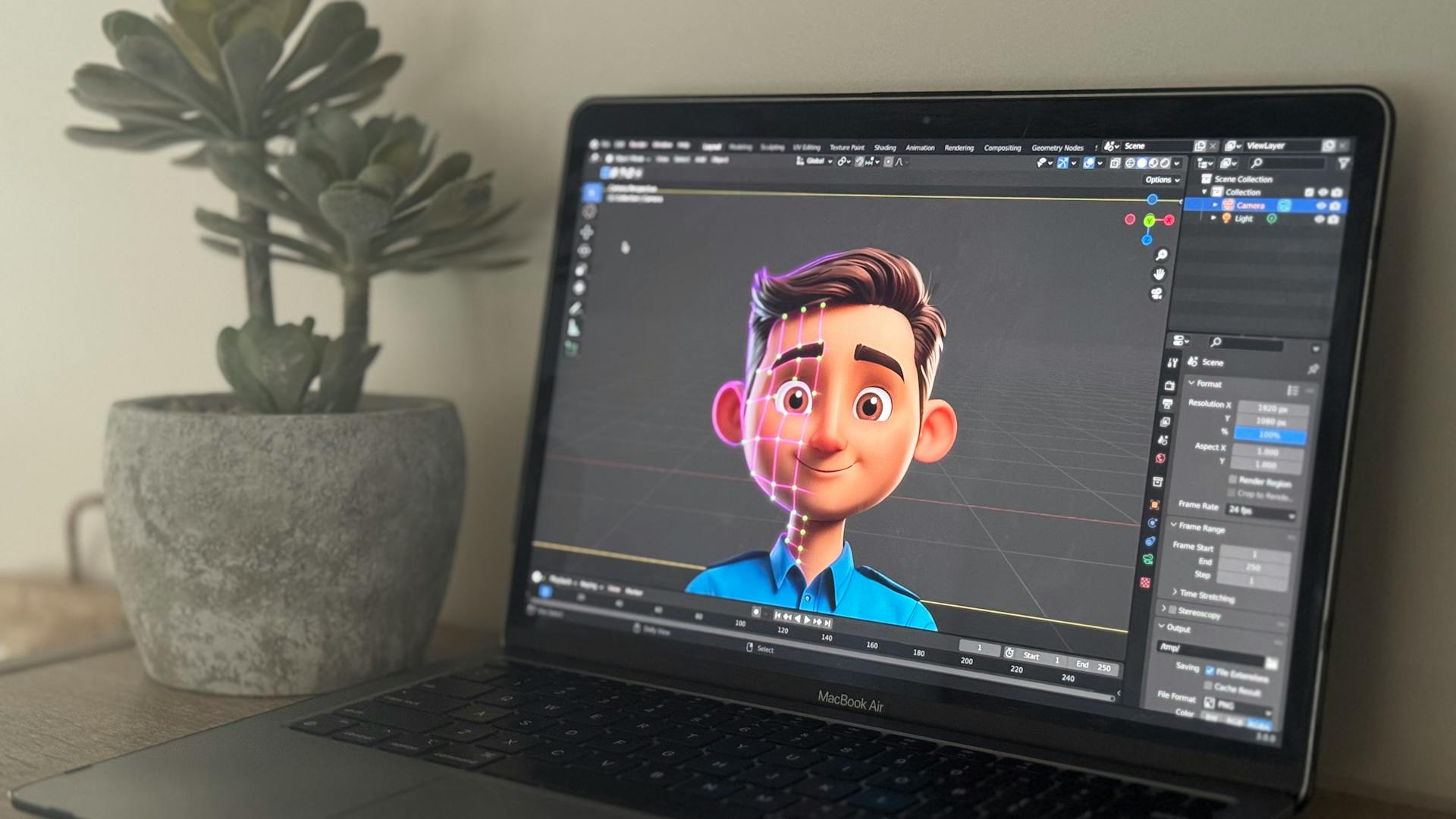
You know that moment when you have a great character design — an avatar, a mascot, an illustrated figure — and you can picture exactly how it should move, but getting there is the problem? Maybe you’ve looked into motion capture and realized it needs a studio full of gear. Maybe you’ve tried keyframing it yourself and spent a weekend on three seconds of stiff, lifeless footage. Or maybe you’ve thrown it into a text-to-video tool and watched the face morph into something unrecognizable by frame twelve.
That’s the gap motion control AI was built to close. It’s a browser-based tool that takes a still image of a character and a reference video of someone moving, then transfers the motion across the body, hands, face, and camera movement, all in one pass. No suit, no rig, no software install.
Why Motion Transfer Changes the Game for Creators
The old way of putting a character in motion comes with a lot of friction. Mocap means suits with sensors, a calibrated studio space, performers, and days of cleanup before the data is even usable on a rig. Keyframe animation means frame-by-frame posing — precise, but painfully slow. And the newer AI video tools, for all their progress, still struggle with the one thing that matters most: keeping the character looking like the same character from start to finish.
Motion control AI approaches the problem from a different angle. Instead of generating motion from text — which is why those tools drift — it extracts real motion from actual video and retargets it. The result is movement that already has the natural acceleration, deceleration, and micro-gestures that make something feel alive.
What Motion Control AI Actually Does
The workflow is straightforward. You upload a photo of your character — PNG, JPG, WEBP, portraits to full-body shots to illustrated figures, all work. You upload a reference video (up to 30 seconds) showing the motion you want. You pick your format, choose your resolution, write a short prompt describing the motion direction, and the engine takes it from there. Most generations finish in one to three minutes.
But the output is where it gets interesting. Here’s what stands out:
- Subject consistency across the full clip: The character’s face, outfit, and proportions stay locked. No morphing, no identity drift — the thing that usually kills AI video halfway through just doesn’t happen here.
- Physics-based movement: Hair moves like hair in the wind, not like random noise. Water ripples propagate. Fabric drapes and folds rather than stretching like rubber. The engine applies real-world motion physics, which is why the results look cinematic instead of uncanny.
- Hand and face detail in the same pass: Fingers, micro-expressions, lip sync — all captured and transferred. It works as a clean face swap for stylized characters, avatars, and mascots.
- Multi-format output built in: Generate in 9:16 for TikTok and Reels, 16:9 for YouTube and ads, 1:1 for product pages and carousels. 720p for drafts, 1080p for delivery. No need to crop and reframe in a separate tool.
Who’s Getting the Most Out of It
Motion control AI slots into more workflows than you’d think:
Short-form creators clone viral dance choreography onto their own characters to ride trend cycles without booking a dance studio. Instead of learning the routine themselves, they drop in a reference clip and let the motion transfer do the work.
Brand and product teams turn a single mascot or product shot into a 30-second social ad. No photoshoot, no set, no scheduling — just the asset they already have, set in motion.
Indie filmmakers block out scenes and test camera movement before committing a crew. Validating shot composition and scene energy in an afternoon beats finding out your blocking doesn’t work after you’ve already paid for the day.
Course creators and educators animate a teaching avatar to turn static lesson notes into character-led explainer content that actually holds attention.
Game developers and VTuber creators preview how a rigged character moves without touching the engine pipeline. The full-body transfer handles the heavy lifting while you iterate on story and style.
How to Get the Best Results
Having a good tool is half the equation. The inputs matter. Motion control ai works best when the character image and reference video share roughly similar body proportions and camera angles. A front-facing character paired with a front-facing reference yields the cleanest transfer. Extreme angles or mismatched proportions can introduce distortion, so it’s worth testing a couple of reference clips to find the one that maps cleanly.
The motion prompt helps too. Instead of leaving everything to the engine, a short description of the camera direction and atmosphere — “slow cinematic push-in, golden hour light, shallow depth of field” — gives the generation a clearer target. There are presets to pick from if you just want to get going.
Start at 720p for quick iteration. When the motion and framing look right, step up to 1080p for the final export. This two-pass approach saves time and lets you dial in the prompt before committing to the higher-resolution render.
Worth a Try
If you’ve been animating characters the long way, or if you’ve been burned by AI video tools that can’t hold a subject together past a few seconds, motion control ai is worth exploring. It’s not a replacement for a full film production pipeline. It is, however, the fastest way to go from a still character image to a publishable animated clip — entirely from your browser.