

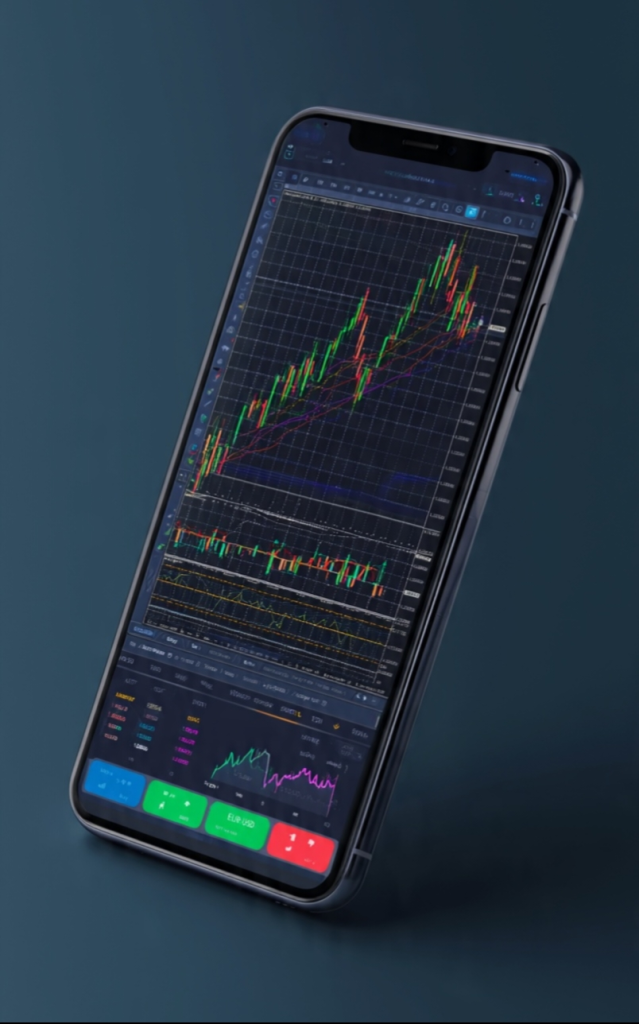
The MetaTrader 4 mobile application is one of the most widely used trading platforms available on iOS and Android devices. It replicates the core functionality of the desktop terminal in a compact, touch-optimized interface designed for traders who need reliable market access while away from their primary workstation.
Charting and Technical Analysis
Charts are central to the MT4 mobile experience. The app provides interactive price charts across multiple timeframes, from one minute (M1) through to monthly (MN). Traders can switch between candlestick, bar, and line chart types depending on their analysis preference.
Available Timeframes
| Timeframe | Code | Suitable For |
|---|---|---|
| 1 Minute | M1 | Scalping, short-term monitoring |
| 5 Minutes | M5 | Intraday trading |
| 15 Minutes | M15 | Intraday swing setups |
| 1 Hour | H1 | Intraday trend analysis |
| 4 Hours | H4 | Swing trading |
| Daily | D1 | Position trading |
| Weekly | W1 | Long-term analysis |
Built-In Technical Indicators
The MetaTrader 4 mobile app includes over 30 built-in technical indicators across four categories:
- Trend indicators: Moving Average, Bollinger Bands, Parabolic SAR, Ichimoku Kinko Hyo
- Oscillators: MACD, RSI, Stochastic, CCI, Williams Percent Range
- Volume indicators: On Balance Volume, Money Flow Index
- Bill Williams indicators: Alligator, Fractals, Awesome Oscillator
Order Management
Active traders who rely on the metatrader mobile app can manage their entire order book from a smartphone, including viewing open positions, modifying existing orders, and closing trades manually or through automated stop and profit levels.
Push Notifications and Price Alerts
The app supports push notifications that deliver price alerts directly to the trader’s device. These notifications can be configured from the desktop terminal and received on mobile even when the app is running in the background. This feature allows traders to monitor specific price levels without watching the screen continuously.
Watchlists and Quotes Screen
The Quotes section of the app displays a customizable list of financial instruments with live bid and ask prices. Traders can organize instruments into watchlists, mark favorites, and sort by symbol name, spread, or price movement.
Account Monitoring
The Trade tab within the app provides a real-time overview of the account, including:
- Current balance and equity
- Margin used and margin level percentage
- Floating profit or loss on open positions
- Individual position details including entry price, volume, and current profit
Key Feature Summary
| Feature | Description |
|---|---|
| Interactive Charts | Multiple timeframes and chart types with zoom and pan |
| 30+ Indicators | Trend, oscillator, volume, and Bill Williams categories |
| Full Order Control | Market orders, pending orders, stop-loss, take-profit |
| Push Notifications | Real-time price alerts sent to the mobile device |
| Customizable Watchlists | Organize instruments for quick access |
| Account Overview | Balance, equity, margin, and open position tracking |
| Trade History | Access to closed trade records and account statements |
Conclusion
The MetaTrader 4 mobile app delivers a comprehensive set of tools for traders who require reliable market access outside of a desktop environment. Its combination of charting depth, order management, and alert functionality makes it a practical primary tool for mobile-first trading workflows.