
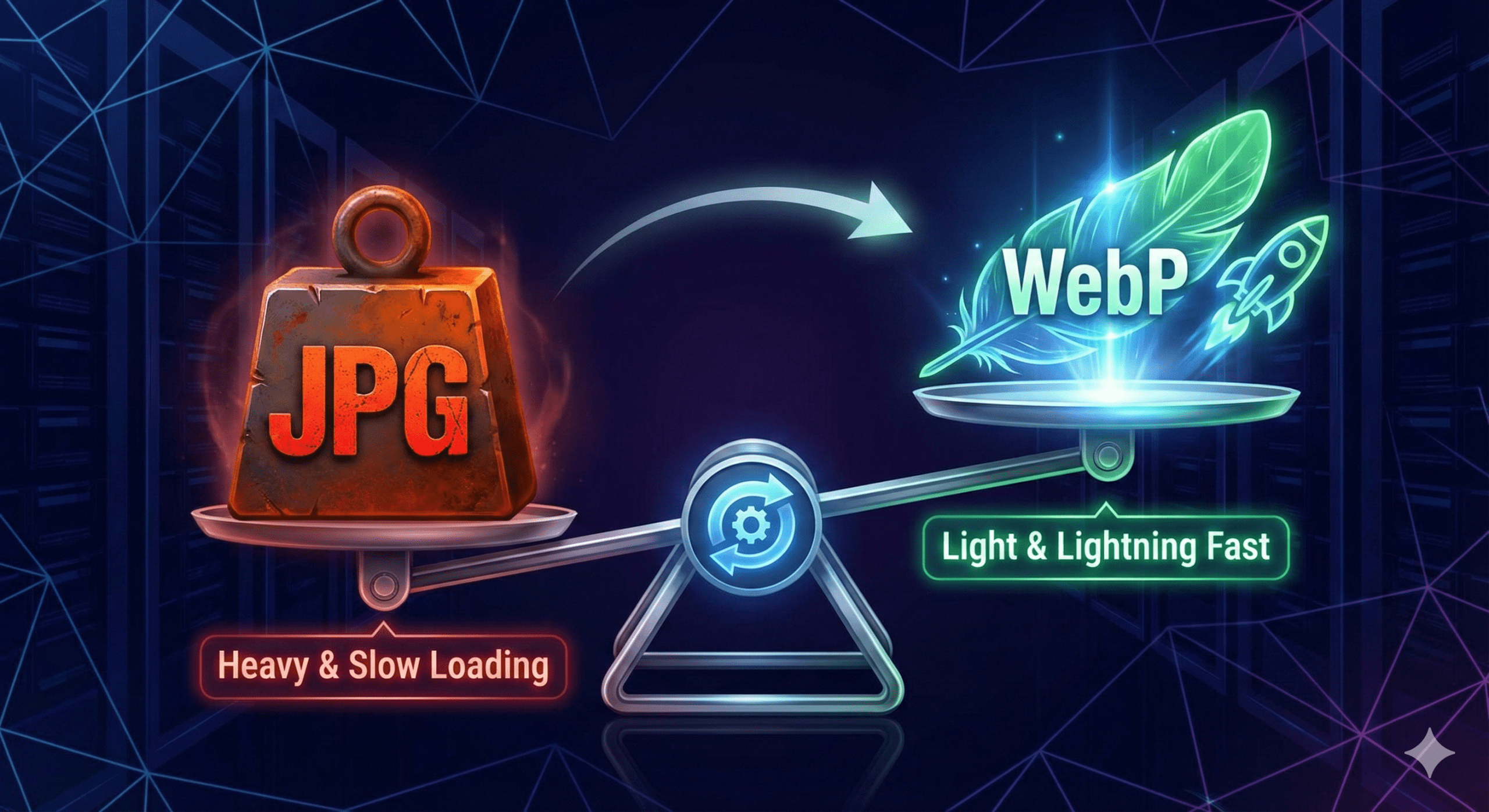
Heavy images slow websites down.
Slow sites lose users, conversions, and rankings.
JPG files are one of the biggest reasons pages take too long to load. The solution is switching to WebP, a next-gen image format built for speed. A JPG to WebP converter makes that transition simple, even for non-technical users.
What Is a JPG to WebP Converter?
A JPG to WebP converter is a tool that converts JPG images into WebP format.
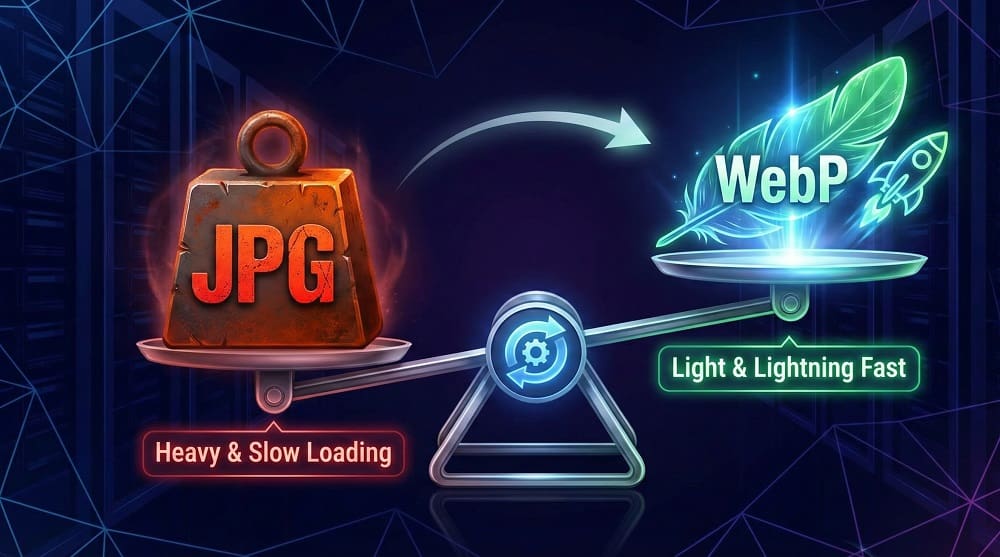
WebP uses advanced compression to reduce file size while keeping visual quality intact.
What a converter helps you do:
- Reduce image file size
- Improve page load speed
- Enhance Core Web Vitals
- Optimize images for SEO
Why WebP Is Considered a Next-Gen Image Format
WebP was created by Google to solve a clear problem: inefficient web images.
Traditional formats like JPG were not designed for modern performance standards.
Why WebP matters:
- Smaller files without visible quality loss
- Better compression algorithms
- Supports both lossy and lossless modes
- Ideal for mobile-first websites
JPG vs WebP: Key Differences That Matter
Here’s how the two formats compare in real-world use:
| Feature | JPG | WebP |
|---|---|---|
| Compression Type | Lossy only | Lossy & Lossless |
| Average File Size | Larger | 30–50% smaller |
| Image Quality | Degrades faster | Better retention |
| Transparency | No | Yes |
| SEO Impact | Limited | Strong (speed-focused) |
WebP delivers faster performance with less data.
How JPG to WebP Conversion Improves Website Speed & SEO
Images often account for more than half of a page’s total weight.
Reducing image size produces immediate performance gains.
SEO advantages of WebP images:
- Faster Largest Contentful Paint (LCP)
- Lower bandwidth usage
- Improved mobile loading speed
- Stronger Core Web Vitals scores
Search engines favor faster, lighter pages because users stay longer.
WebP Images and Core Web Vitals Explained
WebP directly impacts LCP, which measures how quickly main content loads.
Smaller image files load faster on all devices, especially mobile.
That speed improvement supports both rankings and usability.
Does Converting JPG to WebP Reduce Image Quality?
No, not when done correctly.
WebP supports:
- Lossy compression for aggressive size reduction
- Lossless compression for preserving full quality
Most users cannot see any visual difference, but browsers load WebP images much faster.
How to Convert JPG to WebP Online
You don’t need Photoshop or coding skills.
An online converter handles everything directly in your browser.
The guide at https://onlinetoolsfree.com/blog/jpg-to-webp-converter explains how to convert JPG images to WebP quickly and safely, without installing software or creating accounts.
This approach is ideal for bloggers, businesses, and website owners focused on speed.
Bulk JPG to WebP Conversion for Large Websites
Manually converting images one by one wastes time.
Bulk conversion is designed for scale.
Best for:
- Blogs with hundreds of images
- Ecommerce stores
- Portfolio and media-heavy sites
Batch processing ensures consistency and faster optimization.
Browser Support & WebP Compatibility
WebP is supported by all major modern browsers, including:
- Chrome
- Firefox
- Edge
- Safari
For older browsers, fallback images can be served using HTML <picture> elements. Compatibility is no longer a concern.
Best Practices for Using WebP Images on Your Website
To get maximum results, follow these guidelines:
- Compress images before uploading
- Use responsive image sizes
- Enable lazy loading
- Combine WebP with a CDN
These steps amplify performance gains across devices.
JPG to WebP Converter: Common Mistakes to Avoid
Even good tools can be misused.
Avoid these errors:
- Over-compressing critical visuals
- Ignoring mobile image sizes
- Forgetting browser fallbacks
- Uploading untested images
Small mistakes can cancel out speed improvements.
When Should You Still Use JPG Instead of WebP?
WebP isn’t required in every situation.
JPG may still be suitable for:
- Legacy systems
- Offline image storage
- Email attachments
- Platforms without WebP support
For websites, WebP is usually the better choice.
Final Thoughts: Why JPG to WebP Conversion Makes Sense
Image optimization plays a major role in website performance.
Using a JPG to WebP converter reduces load times, improves SEO, and enhances user experience.
For most modern websites, switching to WebP is a practical upgrade.
FAQ
What is a JPG to WebP converter?
A tool that converts JPG images into smaller WebP files for faster loading and better performance.
It helps reduce page weight while maintaining visual quality and SEO benefits.
Why should I convert JPG images to WebP?
WebP images load faster and use less data than JPG files.
This improves Core Web Vitals, mobile performance, and search visibility.
Is WebP better than JPG for SEO?
Yes, WebP improves SEO by speeding up pages and enhancing Core Web Vitals.
Faster pages tend to rank better and keep users engaged longer.
Does converting JPG to WebP reduce image quality?
No, WebP maintains image quality while reducing file size.
Its compression methods preserve clarity better than traditional JPG compression.
Are WebP images supported by all browsers?
Most modern browsers fully support WebP images.
Fallback options ensure compatibility with older browsers.
