
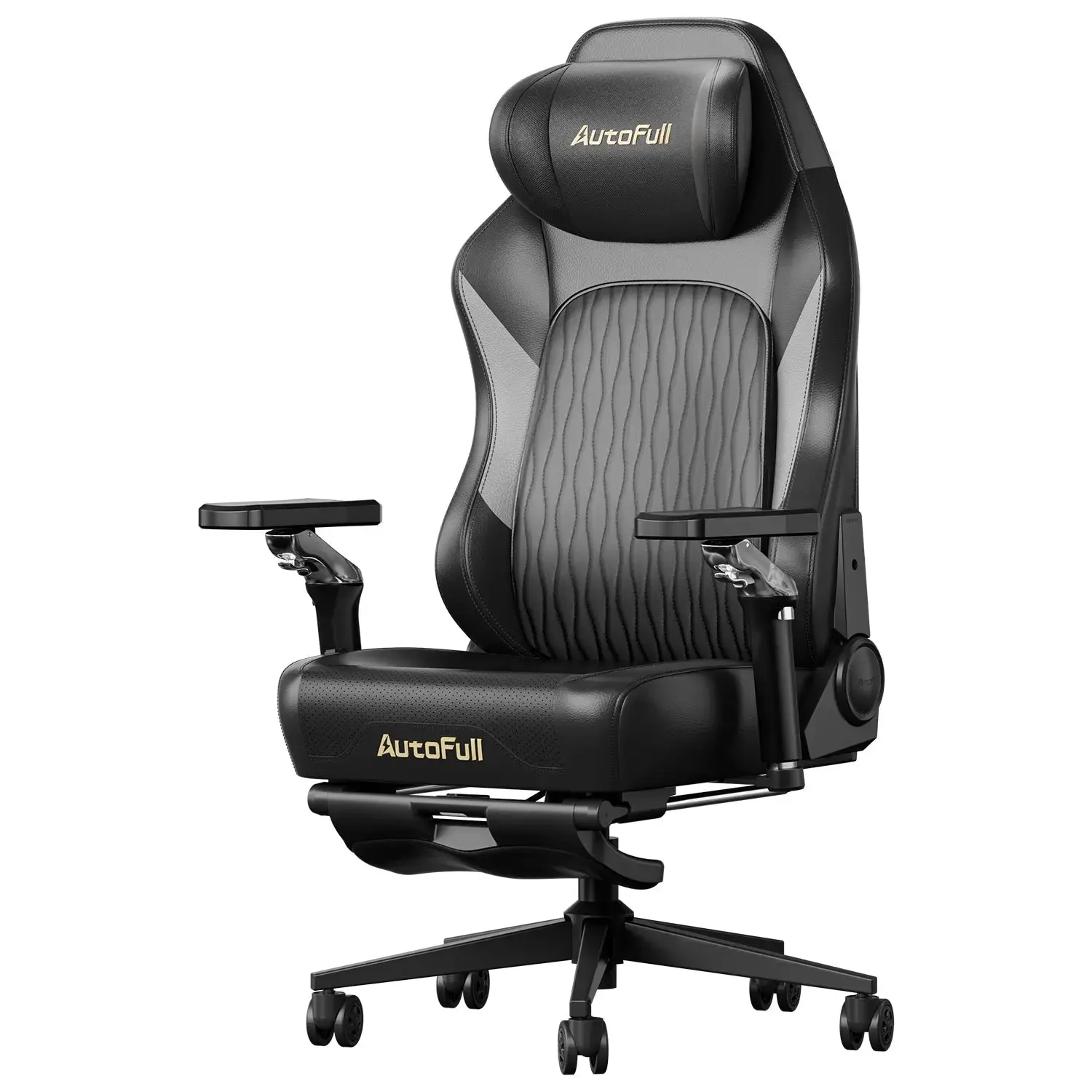
Picture this: it’s 3 PM, you’ve been at your desk since morning, and that dull ache in your lower back is getting impossible to ignore. You shift in your seat — a sleek gaming chair you picked up last year — and wonder why something that looked so ergonomic is leaving you so uncomfortable. You’re not alone. Millions of remote workers are asking the same question: can a gaming chair actually support all-day work, or is it just designed for weekend gaming marathons?
The demand for a truly comfortable gaming chair has never been higher. As home offices become permanent fixtures, people want seating that pulls double duty — handling intense gaming sessions and long work hours with equal grace. But comfort isn’t just about cushioning and aesthetics. It’s about adaptability, posture support, and yes, even temperature regulation. Whether you’re sweating through a summer deadline or staying cozy during a winter video call, your chair needs to keep up. Let’s dig into what separates a genuinely ergonomic gaming chair from one that just looks the part.
Why Most Gaming Chairs Fail for Extended Work Sessions
Gaming chairs were built for immersion, not endurance. Their origins trace back to racing-seat aesthetics — bold side bolsters, aggressive reclines, and foam padding optimized for short bursts of intense play. That design philosophy creates a fundamental mismatch when you need to sit productively for eight or more hours. The side bolsters that feel sporty during a two-hour gaming session begin compressing your thighs by mid-morning. The dramatic recline angle that’s perfect for a cinematic game feels wrong the moment you’re trying to read a spreadsheet or type a report.
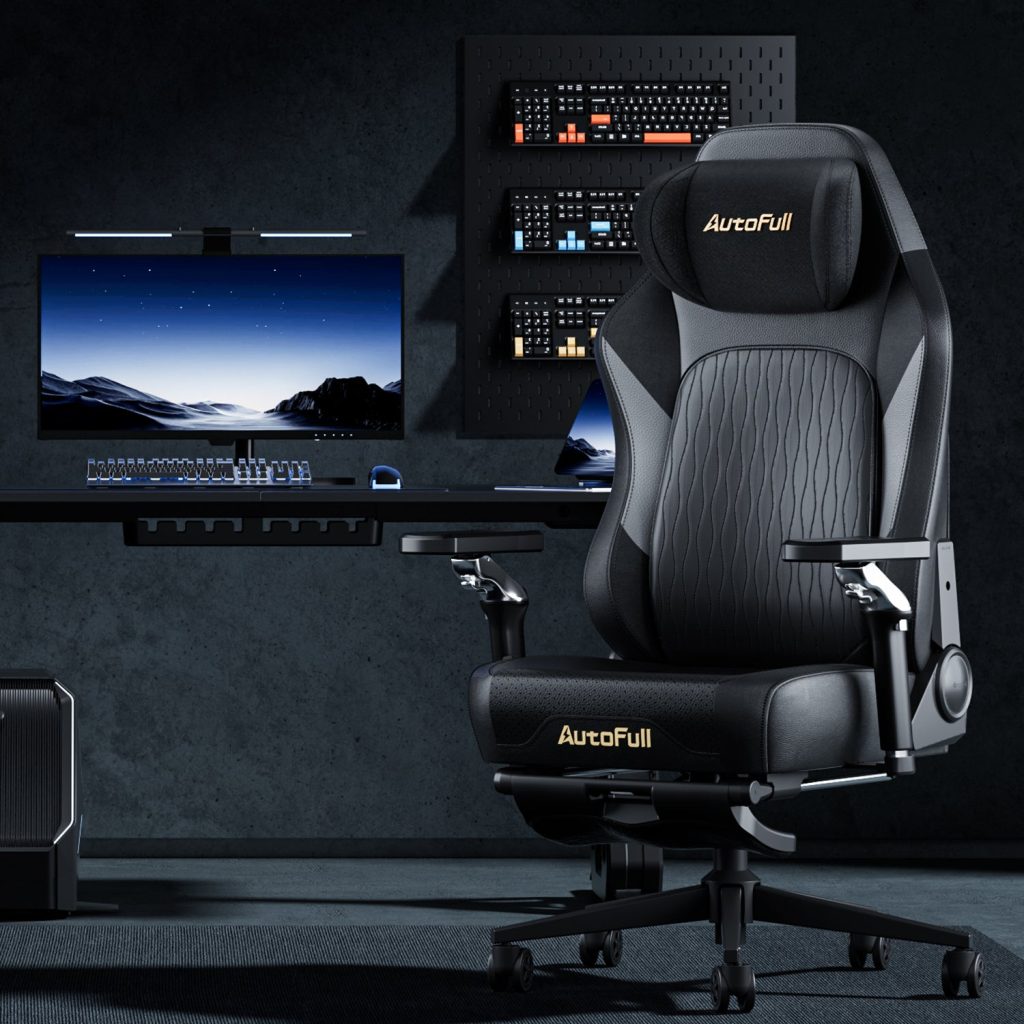
Remote workers have been particularly vocal about this disconnect. A 2023 survey by the American Chiropractic Association found that nearly 60% of home office workers reported increased back and neck pain after transitioning to permanent remote work — and seating quality was among the top contributing factors. Many of those workers were using gaming chairs, drawn in by their ergonomic-sounding marketing language. The problem isn’t that gaming chairs are inherently bad; it’s that most are designed around a single use case and a single body type, leaving anyone outside that narrow range struggling to find a comfortable position.
There’s also the issue of static design. Office chairs from reputable ergonomic brands typically offer multi-axis adjustments refined over decades of workplace research. Many gaming chairs, by contrast, offer the appearance of adjustability — flashy levers and knobs — without meaningful range. Armrests might move up and down but not inward or outward. Lumbar support might be a fixed pillow rather than a built-in mechanism you can reposition precisely. These limitations add up over a workday.
Key Pain Points for Home Office Workers
The most common complaints from remote workers using gaming chairs cluster around three areas. First, lumbar support is either too rigid, too low, or simply a detachable cushion that migrates out of position by noon. Second, limited adjustability means the chair fits one posture — and work demands constant posture variation, from leaning forward during focused tasks to sitting back during video calls. Third, temperature discomfort is chronically underestimated: dense foam and faux leather trap heat aggressively in summer and feel cold and stiff in winter, making it nearly impossible to stay comfortable through a full workday regardless of the season. A chair built for both gaming and office use must address all three.
Essential Features of a Truly Comfortable Gaming Chair
Once you understand why conventional gaming chairs struggle with all-day use, the solution becomes clearer: you need a chair engineered with the same intentionality that goes into professional office seating, but without sacrificing the aesthetic and functional appeal that makes gaming chairs attractive in the first place. The good news is that a new generation of chairs is closing that gap, and knowing which features actually matter will help you cut through the marketing noise.
The foundation of any genuinely comfortable gaming chair is its structural support system. This means lumbar support that’s built into the chair’s frame — adjustable in both height and depth — rather than a removable pillow that shifts every time you move. It means a seat pan with the right depth for your leg length, preventing pressure behind the knees. It means materials that don’t fight your body but work with its natural tendency to shift positions throughout the day. Foam density matters here: too soft and you sink in ways that strain your spine; too firm and pressure points develop within hours.
Beyond structure, genuine all-day comfort demands meaningful adaptability. A chair that can be configured precisely to your body and your tasks — whether you’re hunched over a keyboard drafting a report or leaning back on a video call — will always outperform one that locks you into a single posture. And increasingly, thermal comfort is emerging as a non-negotiable feature for home office workers who don’t have the climate control benefits of a managed office environment.
Maximizing Ergonomics with an Adjustable Gaming Chair
True adjustability goes well beyond a height-adjustable seat. Look for chairs offering 4D armrests — meaning they move up, down, forward, backward, and pivot inward or outward — so your arms are always supported at the correct angle for your keyboard and mouse. Recline tension control is equally important: you should be able to set how much resistance you feel when leaning back, allowing you to rock gently during thinking tasks without the chair snapping upright. Seat tilt adjustment lets you angle the seat pan slightly forward or backward to relieve pressure on your tailbone or thighs depending on your posture. Combined with a height-adjustable lumbar mechanism that targets your specific spine curvature, these features transform a gaming chair into a genuinely versatile tool for remote work.
Year-Round Comfort: The Benefits of a Cooling and Heating Chair
Temperature discomfort is one of the most overlooked factors in seating comfort, yet it’s one of the most immediate. Sitting in a chair that traps heat during summer or feels cold and stiff in winter creates a low-level stress that compounds over hours. Chairs with integrated cooling and heating technology — typically using ventilated seat and back panels with built-in airflow systems or heated cushion elements — address this directly. In warmer months, active ventilation prevents the sweaty discomfort that comes from dense foam and synthetic leather. In colder months, gentle seat warming keeps muscles relaxed and reduces the stiffness that makes long sitting sessions painful. AutoFull, for instance, has incorporated dual-season thermal comfort features into select models, reflecting a broader industry shift toward chairs that genuinely accommodate year-round home office use. A chair with this dual-season capability genuinely earns the title of a gaming chair for all seasons, making it a practical investment for any home office.
Advanced Support with a 3D Ergo-Cloud Headrest
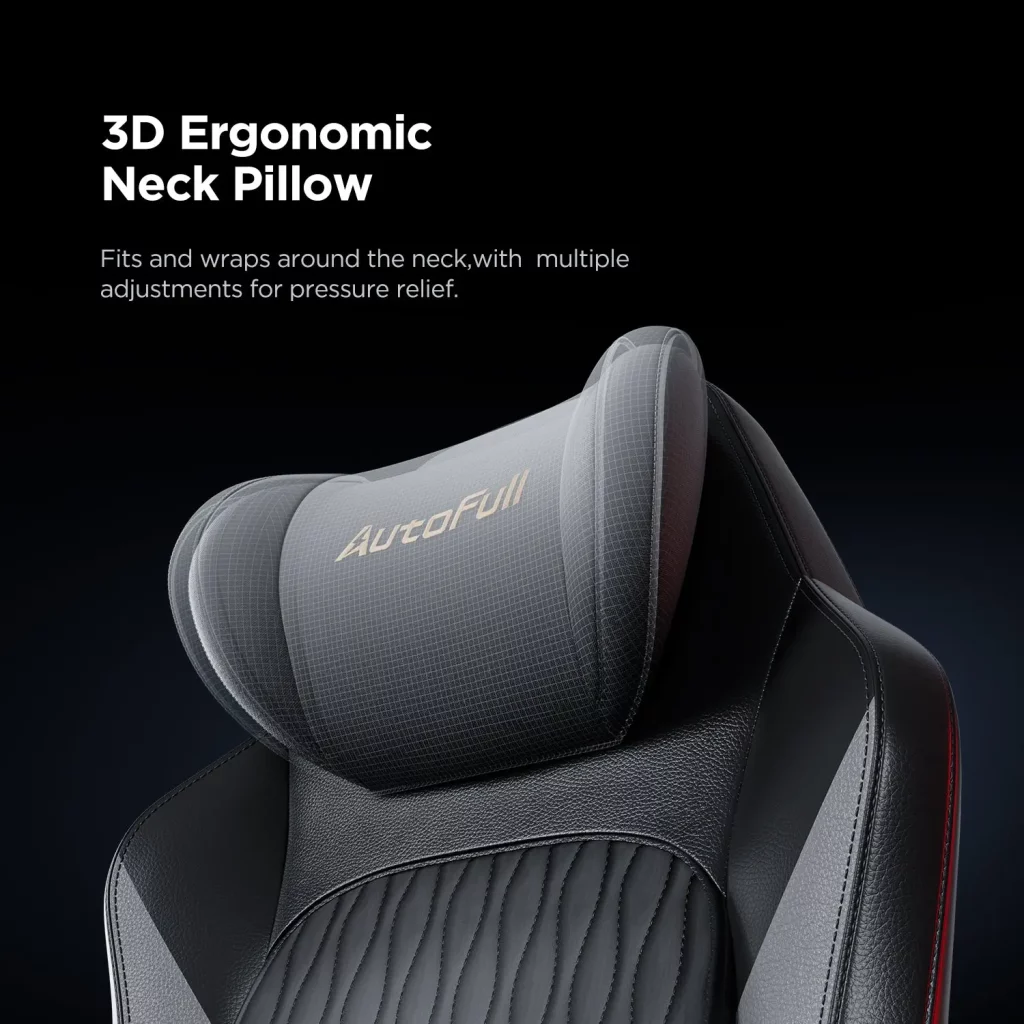
Neck strain is a silent productivity killer during long work sessions, and a poorly designed headrest often makes it worse rather than better. A 3D ergo-cloud headrest solves this by offering multi-directional adjustment — height, angle, and forward extension — so it cradles your head and neck precisely regardless of your sitting position. Unlike fixed headrests that force your neck into unnatural alignment, a properly adjusted 3D headrest reduces the forward head posture that leads to tension headaches and upper back pain during extended screen time. For anyone spending eight or more hours at a desk, this feature alone can meaningfully reduce end-of-day fatigue.
How to Choose the Perfect Gaming Chair for Your Home Office
Choosing the right gaming chair for daily work isn’t about finding the flashiest option or the one with the most five-star reviews from weekend gamers. It’s about matching a chair’s actual capabilities to your specific daily demands. The selection process becomes much simpler when you approach it systematically, focusing on the features that genuinely affect comfort over eight-hour stretches rather than the ones that look impressive in product photos.
Step 1: Assess Your Work and Gaming Needs
Start by honestly mapping how you actually use your chair throughout the day. Do you spend most of your time typing, which demands upright posture and close desk proximity, or do you alternate between focused work and video calls that let you lean back? How many hours per day does the chair need to function as office seating versus gaming seating? If work accounts for six or more hours and gaming for two, your priorities should reflect that ratio. Also consider your physical space — a chair with a wide recline range needs room behind it — and set a realistic budget that accounts for the fact that a quality ergonomic chair is a long-term investment in your health and productivity, not just a piece of furniture.
Step 2: Evaluate Key Features Based on Comfort
Once you know your usage profile, use it as a filter when comparing chairs. Prioritize adjustability first: confirm that lumbar support is built-in and height-adjustable, not just a removable pillow. Check that armrests offer at least three dimensions of movement. If temperature discomfort has been an issue for you — and for most home office workers, it has — actively seek out chairs with integrated ventilation or heating rather than treating it as a bonus feature. When shopping online, look for detailed video reviews that show the adjustment range in action rather than relying on spec sheets. If you can test a chair in a showroom, sit in it for at least fifteen minutes and simulate your actual work posture, not just a casual seated position.
Step 3: Make an Informed Decision for All-Season Use
The final decision should come down to one question: will this chair still feel comfortable at 4 PM on a demanding workday in both July and January? That’s the real test of a gaming chair for all seasons. Look for brands that have invested in hybrid designs — those that borrow ergonomic research from professional office seating while maintaining the durability and aesthetic appeal of gaming chairs. Brands like Secretlab, Herman Miller’s gaming line, AutoFull, and newer entrants offering cooling and heating integration are worth serious consideration. Prioritize chairs that offer trial periods or solid return policies, because no amount of research fully replaces the experience of living with a chair through a real workweek.
Invest in the Right Chair for Work and Play
A gaming chair that looks ergonomic and one that actually performs ergonomically over an eight-hour workday are often very different things. As this guide has shown, the gap between the two comes down to a handful of critical factors: built-in lumbar support that stays where you set it, meaningful adjustability that accommodates the full range of tasks your workday demands, and thermal comfort that keeps you focused whether it’s July or January. These aren’t luxury features — they’re the baseline requirements for any chair claiming to support both work and play.
The shift to permanent remote work has made your chair one of the most consequential pieces of equipment in your home office. A poor choice quietly chips away at your productivity, your posture, and your well-being every single day. A smart choice does the opposite — it removes friction, reduces fatigue, and lets you stay focused on what matters. If your current chair is leaving you stiff, sore, or sweaty by mid-afternoon, that’s not something to adapt to; it’s something to fix. Take the framework from this guide, apply it to your specific needs, and invest in a chair that genuinely earns its place at your desk — for gaming sessions and workdays alike.