
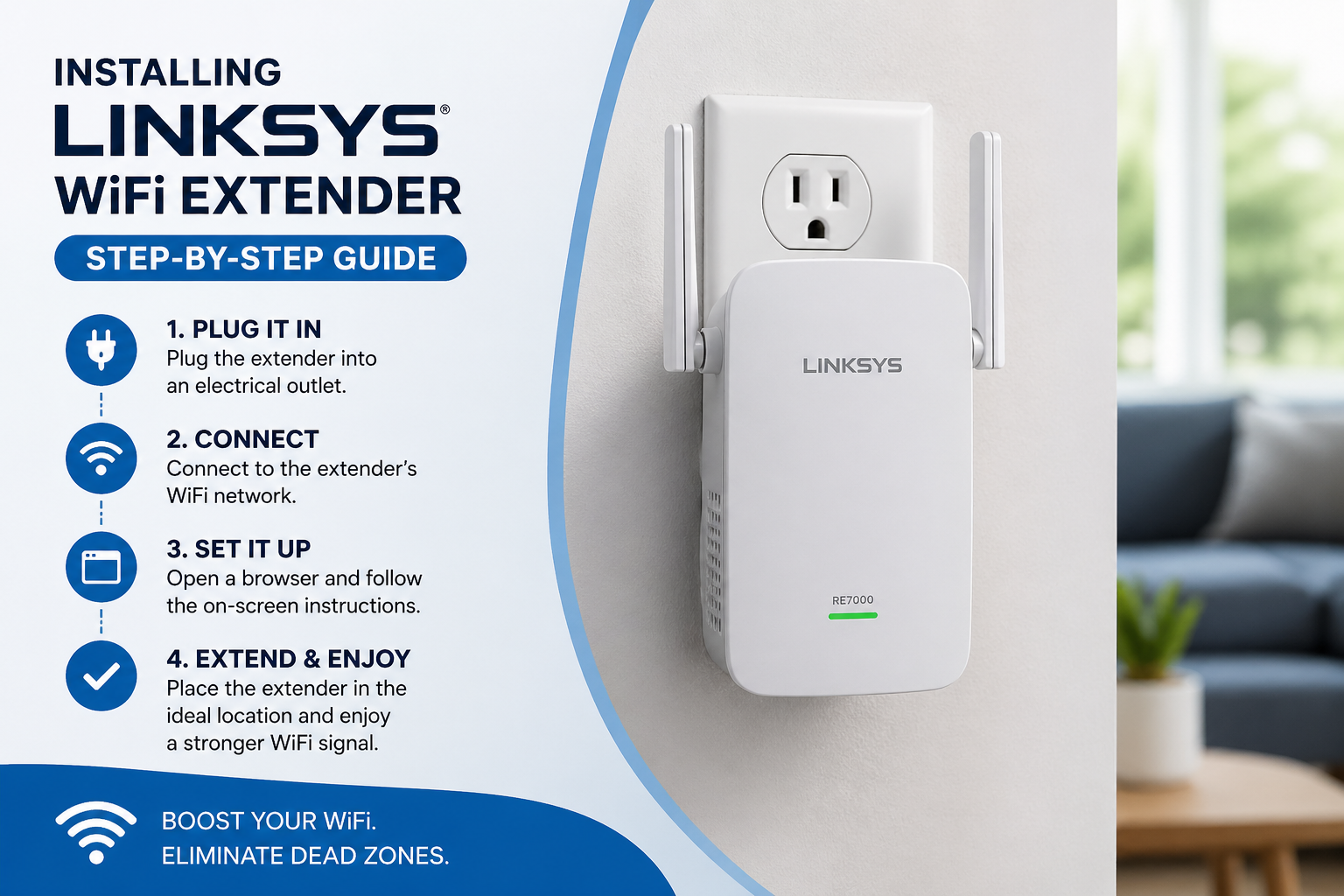
Linksys is a very well-known name in supplying data network hardware products. Wifi Range extender is also one of the popular products of Linksys. Installing Linksys WiFi Extender helps in extending the range of the network in the weak network coverage areas of your house or office. To uplift your current network system you need to add an extender device. Installing Linksys WiFi Extender is not hard if you are aware of the process. Here we provide a step by step guide to set up the extender. You can set up your device by using a computer or laptop or mobile phone.
Linksys WiFi Extender Installation: Prerequisite
Must have a Linksys Extender and an active network Adapter
- An Ethernet or USB cable (if desired to connect wired).
- Wifi is an option too for connection. But sometimes it doesn’t work properly, depending on your situation.
- Turn on your Linksys WiFi Extender by plugin in a power socket
- Attach your computer or laptop or mobile phone with extender through Ethernet or WiFi network
Installing Linksys WiFi Extender Via Web
It’s easy to set up your Linksys Wifi Extender by using a personal computer or laptop. To proceed with the setup process you need to follow the given steps:
- On your computer you need to open a web browser to begin the setup process. You may use any browser, just be sure it is the updated one and has no cache to restrict access.
- Now, enter the web address “extender.linksys.com” in the address bar and hit on enter button
- Instead of a web address you may also use an IP address also to open the setup page.
- Now select the “set up range extender” option on the screen from the two available options.
- Another page will appear, select your device model shown on the screen
- Login page will appear on the screen, enter the default username & password
- In case, you don’t know about the credentials then check the tag or bottom of the device
- Now pick up settings from the menu bar and further select wireless setting option from drop down menu
- Now observe and follow the instruction shown on the screen to complete your Linksys Wifi Extender Setup
Installing Linksys WiFi Extender by WPS
Before following these steps, you need to check first whether your router supports WPS button based connection or not. If not, then you need to go with a web based method.
- Locate you Linksys wifi extender near to the existing router and turn your Linksys extender on by plugged in a power socket
- Keep the linksys extender within the range of the host router.
- For a while you need to hold the WPS button on both range extender device and the router device.
- You need to hold the button till you will not see the solid blue light on both the devices.
- When you notice the solid blue light, Linksys Wifi Extender Setup is complete.
Relocate Extender
Once the installation is done you need to relocate the extender device to boost its performance. Here are the bulletins which you need to focus on while placing the extender again.
- Location must be within the range of the host router device.
- A power source must be nearby the location to supply power.
- An Extender should be kept away from microwaves, cordless phones, heavy metal objects or such types of devices.
- Avoid putting the device next to thick walls or in corners.
- Make sure the device is closer to the area where you were facing network trouble prior.
By keeping all the above given instructions in mind search a new place for your extender.
Conclusion
Installing Linksys WiFi Extender using any of the above specified methods is simple and easy. You can configure your range extender device by yourself with the help of above given installation guide. In case you encounter any trouble while configuring the device then you may resolve it by applying simple troubleshooting tips. To get a solution to your issue you have to communicate with a technical expert. An expert can assist you with right troubleshooting tips and complete the installation. You can enjoy high speed internet all over your area once you complete the installation of a range extender device.