
Table of Contents
- Beyond the Uncanny Valley of Bad Video Audio
- What Is AI Audio Synchronization?
- How AI Audio Synchronization Works (Step by Step)
- How Mirelo Approaches Audio Sync
- Mirelo vs Other AI Audio Sync Tools
- How to Use Mirelo: Studio and API
- Mirelo vs Traditional Lip-Sync Software
- Real-World Example: Before & After
- Where AI Audio Synchronization Is Headed
- Business Impact and ROI
- Use Cases by Team Type
- Frequently Asked Questions
- Conclusion: AI Audio Sync as the New Standard
Beyond the Uncanny Valley of Bad Video Audio
Even high-quality videos can fail if the audio is slightly off. A punch lands late, a product transition lacks impact, or background motion feels empty. Viewers may not consciously notice, but they disengage.
Traditional workflows require editors to manually align audio tracks, scrubbing frame by frame to match sound effects, music cues, or ambience. This process is slow, inconsistent, and expensive.
Modern AI audio synchronization tools, like Mirelo, automate this workflow. By detecting visual events and syncing audio to video with sub-frame accuracy, teams spend less time on repetitive tasks while maintaining creative control.

What Is AI Audio Synchronization?
AI audio synchronization automatically aligns audio elements—dialogue, music, sound effects, and ambience—with visual events.
Originally designed for lip-syncing dialogue, modern tools now handle full-scene sound:
- Auto-sync music to video beats
- Align sound effects with on-screen actions
- Enhance ambience to match scene intensity
How AI Audio Synchronization Works (Step by Step)
Most AI audio software follows these steps:
- Video Motion Analysis: Detects movement, transitions, and scene intensity.
- Event Classification: Categorizes motion as impacts, cuts, or rhythmic changes.
- Audio Matching/Generation: Selects or generates sound effects, ambience, or music to fit the event.
- Timeline Alignment: Syncs audio with frame/sub-frame accuracy.
- Human Adjustment: Editors fine-tune timing, intensity, or sound selection if needed.
This workflow allows teams to sync audio and video automatically while retaining creative oversight.
How Mirelo Approaches Audio Sync
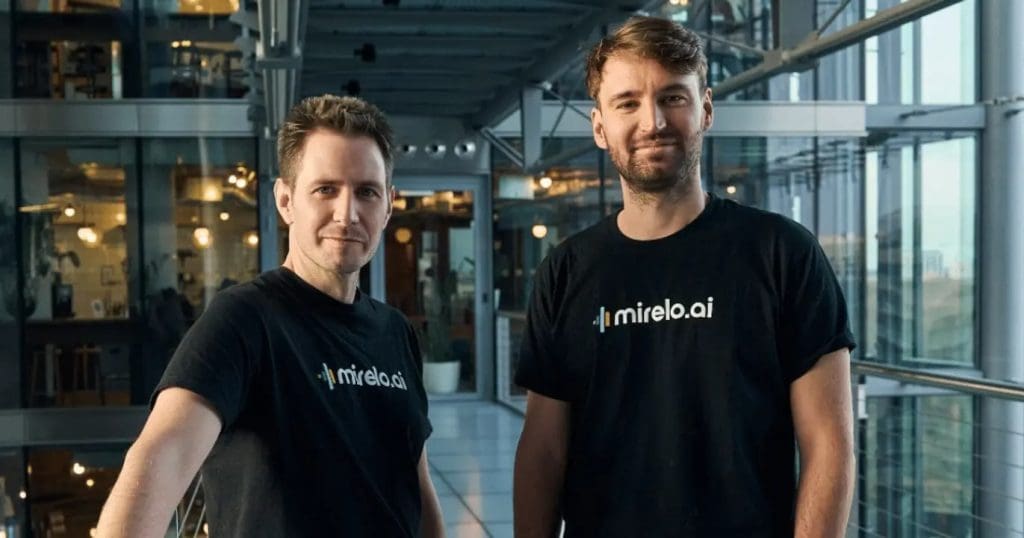
Mirelo focuses on full-scene audio, not just dialogue:
- Visual Motion Detection: Tracks object movement, impacts, and transitions.
- Context-Aware Audio Selection: Generates or chooses sound based on motion type and intensity.
- Precise Timeline Placement: Aligns audio with sub-frame accuracy.
This reduces repetitive work while preserving editorial control. AI audio processing ensures natural, immersive sound in every video.
Mirelo vs Other AI Audio Sync Tools
| Feature | Mirelo | Sync.so | HeyGen | Descript |
|---|---|---|---|---|
| Primary focus | Motion + audio sync | Lip sync | Avatars | Audio editing |
| Sound effects automation | Yes | No | No | Limited |
| Music beat alignment | Yes | Manual | No | Manual |
| API access | Yes | Limited | No | Yes |
| Best for | Full video audio | Dialogue only | Talking heads | Podcasts |
Mirelo handles full AI audio software capabilities for post-production, unlike alternatives limited to dialogue or basic audio edits.
How to Use Mirelo: Studio and API
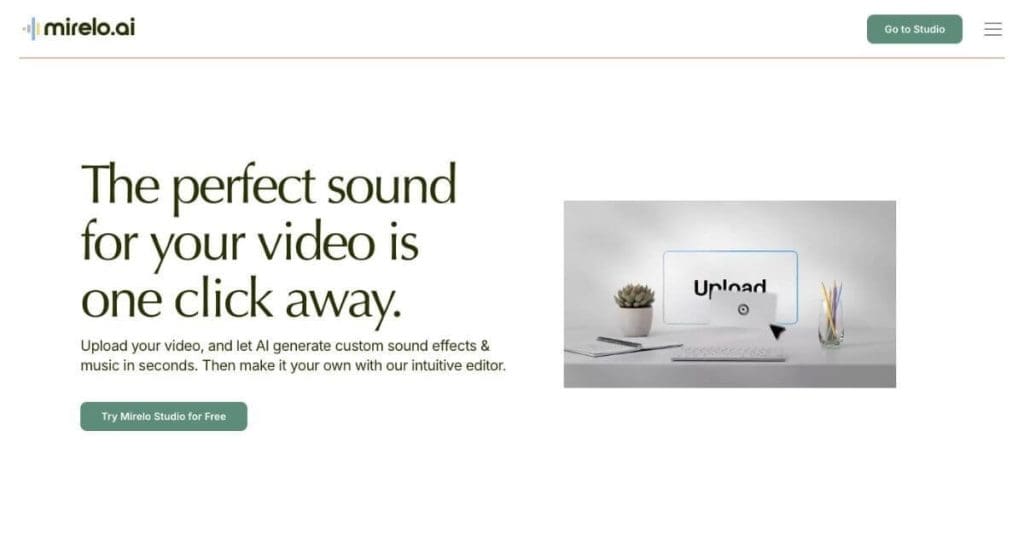
Studio Workflow
- Upload your video
- Select sync profile (action, ambient, or music-focused)
- Preview detected motion points
- Adjust intensity if required
- Export synced video
API Workflow
import mirelo

client = mirelo.Client(api_key="YOUR_API_KEY")

job = client.sync.create(
    video_file="scene.mp4",
    options={
        "generate_sfx": True,
        "music_sync": True,
        "ambience": True
    }
)

result = job.wait()
result.download("scene_synced.mp4")
Developers can automate audio sync across large video libraries, saving hours per project.
Mirelo vs Traditional Lip-Sync Software
| Capability | Mirelo | Lip-Sync Tools |
|---|---|---|
| Dialogue alignment | Yes | Yes |
| Motion-based SFX | Yes | No |
| Ambient layers | Yes | No |
| Music timing | Yes | Limited |
Traditional tools only handle dialogue. Full AI audio sync adds analysis and ambient enhancements for complex video.
Real-World Example: Before & After
Scenario: 90-second product demo with action cuts and music cues
Before AI sync:
- Editors spent 4 hours manually aligning audio
- Timing inconsistent across cuts
After Mirelo:
- Automatic syncing reduced work to 25 minutes
- Audio cues perfectly aligned
- Team feedback scored 9.5/10 for natural sound
Where AI Audio Synchronization Is Headed
- Faster production turnaround
- Deeper integration with AI video generation
- Greater focus on rhythm and pacing
- Automation inside editing pipelines
AI audio sync is becoming a core part of modern video production infrastructure.
Business Impact and ROI
| Metric | Manual Workflow | With AI Audio Sync |
|---|---|---|
| Avg sync time | Hours | Minutes |
| Cost per video | High | Predictable |
| Consistency | Editor-dependent | Standardized |
| Scalability | Limited | High |
Teams producing content at scale see major gains in time, cost, and output quality.
Use Cases by Team Type
- Agencies: Deliver more projects without increasing headcount
- In-house marketing teams: Maintain consistent audio across campaigns
- Content creators: Spend less time on timelines, more on storytelling
- E-commerce brands: Enhance product videos with synchronized sound cues
Frequently Asked Questions
Q: How many AI companies are there?
A: Hundreds worldwide, covering AI audio, video, and analytics.
Q: How many AI programs or systems exist?
A: Dozens for audio, video, and machine learning applications, with new startups emerging constantly.
Q: What is audio sync on Samsung Soundbar?
A: A feature that aligns TV audio with visuals for smoother playback.
Q: Why do my AirPods automatically play music?
A: Likely due to device auto-detection settings; audio triggers when connected.
Q: Why is audio only playing in one AirPod?
A: Could be due to balance settings or low battery; check device audio settings.
Q: Is AI audio synchronization fully automatic?
A: It can be, but most teams use it as an assistive layer.
Q: Does it replace sound designers?
A: No. It reduces repetitive work and speeds up early stages.
Q: Can original audio be preserved?
A: Yes. Existing tracks can be enhanced rather than replaced.
Q: Which formats are supported?
A: Common formats such as MP4 and MOV.
Conclusion: AI Audio Sync as the New Standard
Video quality is no longer judged on visuals alone. Timing, rhythm, and immersive sound are critical for engagement.
AI audio synchronization enables teams to meet these standards without slowing production. By automating repetitive tasks, improving consistency, and supporting creative control, tools like Mirelo are shaping the future of video post-production.