
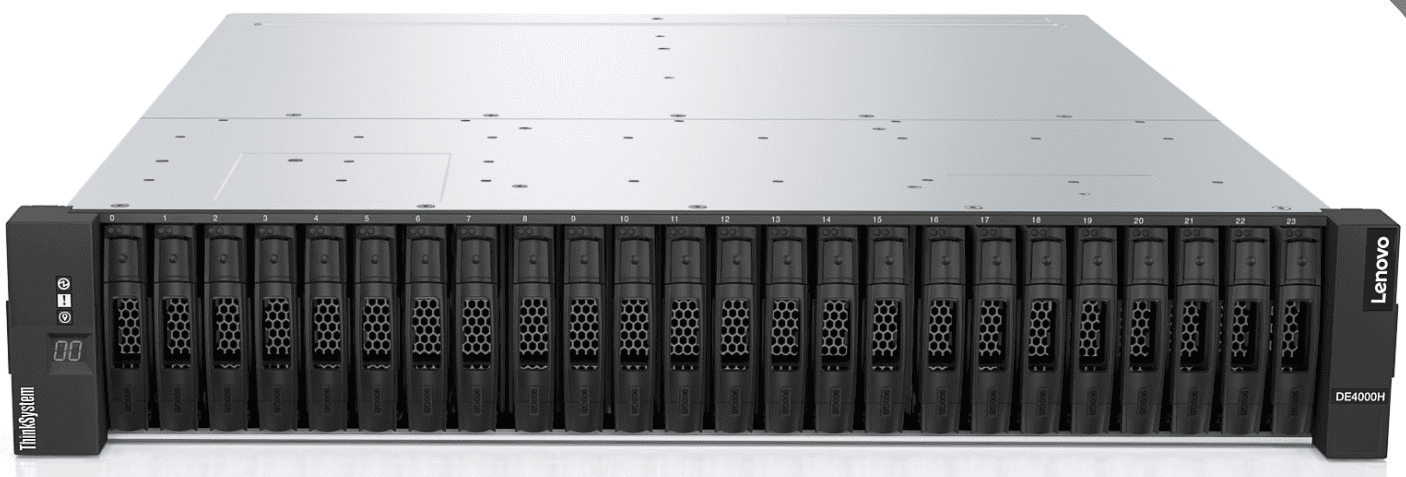
Managing a storage server is not easy. You must keep data safe and make sure users get fast access. Slow servers make users frustrated and can affect business. Every storage server admin wants speed and reliability. Small alterations make a great difference. You just need the right parts and correct maintenance. Storage servers handle massive data every day. Performance problems can cause downtime. Downtime costs money and trust. Learning simple tweaks can help your server run smoothly.
This article explains seven performance tweaks that every storage server admin must know. The tips are easy to follow and powerful.
Let’s talk in detail!
1. Optimize Storage Layout for Maximum Speed
Storage layout affects speed directly. If your files are scattered, the storage server works harder, which balances the speed of reading and writing data. Use fast drives for hot data. Separate frequently used files from old data.
- Keep large files on dedicated volumes.
- A proper layout reduces read and write time. This change improves performance instantly.
How Storage Layout Impacts Server Performance
When data is well organized, the server finds files faster. Fewer disk movements mean less waiting. Less waiting means faster access. Users notice the difference immediately.
According to a report, the global server storage market is about to take a huge jump. The market share is expected to reach beyond $140754.3 million between the period of 2025-2029.
2. Enable Caching Techniques
Caching stores frequently accessed data in a faster memory. It reduces disk access time.
- Use RAM caching for read-heavy workloads.
- Enable SSD cache for mixed workloads.
- Monitor cache hit ratio to adjust size.
Good caching lowers latency and improves throughput. You save server resources and increase speed.
Tips for Better Caching
- Check which data is most used.
- Make sure to have adequate cache space dedicated to hot files.
- Do not cache large files that are not used often.
Caching is similar to having a shortcut to your most frequently visited data. Caching saves time every single day, regardless of your platform.
3. Update Server Firmware and Drivers
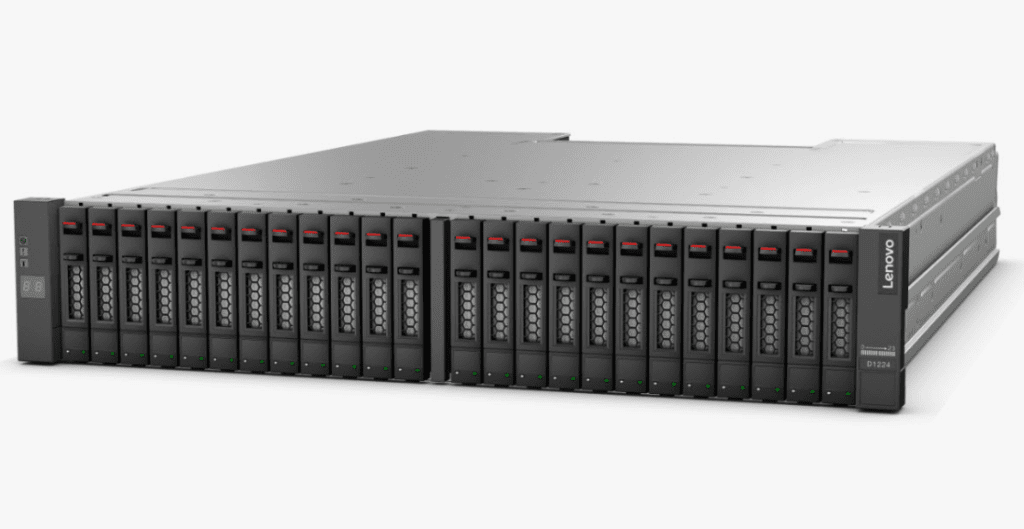
Outdated firmware and drivers can dramatically reduce the speed of a server. Regular updates often fix problems and increase total performance.
- When applicable, make sure you are regularly updating the RAID controllers as needed.
- Update NIC firmware for faster networking.
- Use the latest storage drivers.
Updating is simple but often ignored. It protects your server and boosts speed.
4. Monitor and Balance Workloads
A disk that is overloaded causes the server to slow down. Tracking usage can alleviate performance bottlenecks.
- Regularly check disk I/O.
- Distribute workloads across disks.
- Avoid activity during peak loads.
- Use tools to track performance trends.
Balancing workloads keeps the server responsive. Users get faster access without interruptions.
Tools for Workload Monitoring
- Utilize the built-in tools of the operating system that monitor the system.
- Tools built by a third-party will give graphs and alerts.
- You can define thresholds that will give you alerts prior to having issues.
5. Tune Network Settings for Storage Traffic
Network speed impacts storage performance. Slow networks make fast disks useless.
- Enable jumbo frames for large transfers.
- Optimize TCP window size.
- Use link aggregation for higher bandwidth.
- Separate storage traffic from general traffic.
Network tuning reduces delays. The server can send and receive data faster.
Simple Network Tweaks
- Monitor network latency.
- Identify slow switches or cables.
- Update network cards for latest standards.
A tuned network ensures your storage server performs at its peak.
6. Regularly Clean and Defragment Storage
Fragmented files slow down servers. Cleaning and defragmenting improve access time.
- Remove old temporary files.
- Delete unused backups.
- Defragment HDDs regularly.
- Keep SSDs trimmed.
A clean server is a fast server. Less clutter means better performance.
How Defragmentation Helps
- Files are stored in continuous blocks.
- Disk heads move less.
- Access time drops significantly.
Maintenance keeps your server healthy and responsive.
7. Optimize RAID and Storage Pools
RAID settings can make or break performance. Each RAID has a task to perform.
- Utilize RAID 10 for a balance of speed and redundancy,
- You can also implement RAID 5 or 6 if you have a significant amount of data to store.
- Make sure to align your partitions to the target RAID stripe size.
- Monitor rebuild times after disk failure.
Proper RAID setup reduces delays and prevents slowdowns.
RAID Tips for Maximum Speed
- Avoid mixing drives of different speeds.
- Replace failing disks quickly.
- Test RAID performance periodically.
RAID optimization ensures reliability without sacrificing speed.
Conclusion
Optimizing the layout to improve storage and enable caching, maintaining, and upgrading firmware are straightforward steps that can have a positive effect. Verifying workloads are working properly and tuning a network can help eliminate bottlenecks. Cleaning storage and optimizing RAID can keep data flowing.
Combined, these actions create a server that is stable, fast, and efficient, providing users with a better experience and reducing downtime for administrators. They improve performance immediately and save time and money. A well-tuned server is a valuable asset for any business looking to scale.
