
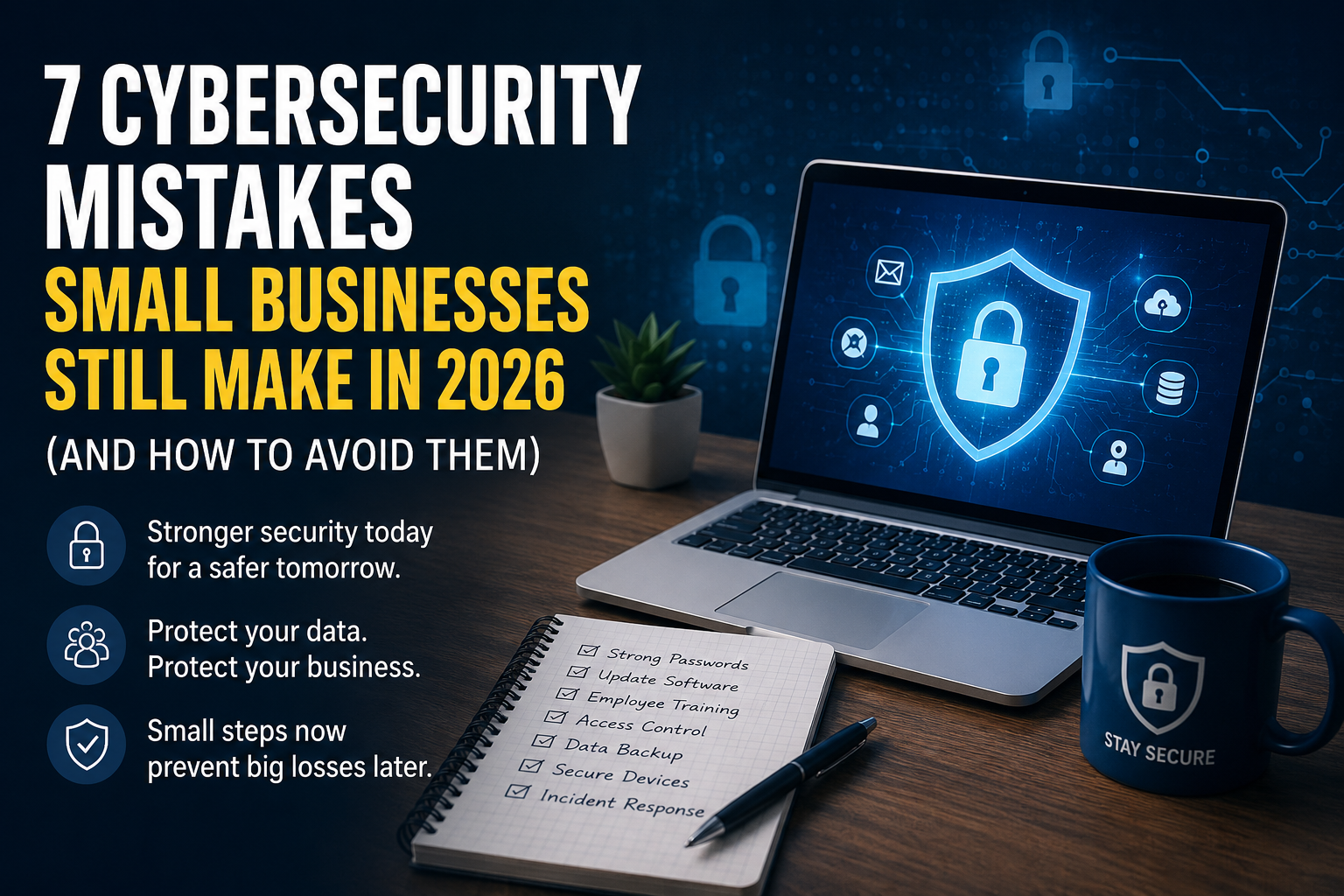
In today’s digital economy, cybersecurity is no longer just an IT concern-it’s a business priority. Small businesses are increasingly relying on cloud platforms, remote teams, AI-powered tools, and digital payment systems to operate efficiently. While these technologies create new opportunities, they also open the door to sophisticated cyber threats.
Many business owners mistakenly believe that hackers only target large corporations. In reality, small businesses are often seen as easier targets because they typically have fewer security controls, limited IT resources, and lower cybersecurity awareness. A single cyberattack can result in financial loss, reputational damage, legal complications, and business disruption.
The good news is that many cyber incidents are preventable. By understanding the most common security mistakes and taking proactive steps to address them, small businesses can significantly reduce their risk.
Here are seven cybersecurity mistakes that many small businesses still make in 2026-and practical ways to avoid them.
1. Using Weak or Reused Passwords
Despite years of security awareness campaigns, weak passwords remain one of the biggest vulnerabilities for businesses. Employees often reuse the same password across multiple accounts or create simple passwords that are easy to remember but equally easy for attackers to crack.
If one account is compromised, cybercriminals frequently test the same credentials across email services, cloud storage, customer management systems, and financial platforms. This technique, known as credential stuffing, continues to be highly effective against businesses with poor password practices.
How to avoid it:
- Require unique passwords for every business account.
- Use passphrases instead of short passwords.
- Encourage employees to use reputable password managers.
- Enable multi-factor authentication (MFA) wherever possible.
Strong password hygiene remains one of the simplest yet most effective ways to prevent unauthorized access.
2. Ignoring Software and Security Updates
Many businesses delay installing updates because they fear downtime or assume the update isn’t urgent. Unfortunately, cybercriminals actively search for systems running outdated software because known vulnerabilities can often be exploited within days-or even hours-after they’re publicly disclosed.
Whether it’s your operating system, website plugins, accounting software, or business applications, outdated software creates unnecessary security risks.
How to avoid it:
- Enable automatic updates whenever available.
- Schedule regular maintenance windows for business-critical systems.
- Remove software that is no longer supported by the developer.
- Keep website themes, plugins, and content management systems updated.
Routine updates may seem inconvenient, but they are far less disruptive than recovering from a ransomware attack.
3. Not Training Employees to Recognize Cyber Threats
Technology alone cannot protect a business if employees are unaware of modern cyber threats. Phishing emails, fake invoices, malicious QR codes, and AI-generated scams have become increasingly convincing in recent years.
One employee clicking a fraudulent attachment or sharing login credentials with an attacker can compromise an entire organization.
Cybersecurity awareness should be treated as an ongoing business process rather than a one-time training session.
How to avoid it:
- Conduct regular cybersecurity awareness training.
- Teach employees how to identify phishing attempts.
- Encourage staff to verify unusual payment or login requests.
- Create a culture where employees report suspicious activity without fear of blame.
An informed workforce is one of the strongest defenses against cybercrime.
4. Giving Employees More Access Than They Need
Many small businesses grant employees full access to shared drives, cloud storage, and administrative systems simply because it’s convenient. However, excessive access increases the damage that can occur if an account is compromised or an employee makes an accidental mistake.
Businesses should follow the principle of least privilege, meaning every user receives only the permissions necessary to perform their specific job.
This approach becomes even more important when hiring freelancers, contractors, or virtual assistants. Before providing access to sensitive systems or customer information, businesses should follow a structured cybersecurity checklist to ensure accounts, permissions, and security measures are properly configured.
How to avoid it:
- Limit access based on job responsibilities.
- Remove accounts immediately when employees leave the company.
- Regularly review user permissions.
- Separate administrator accounts from everyday user accounts.
Implementing proper access controls significantly reduces the likelihood of accidental data exposure and limits the impact of compromised accounts.
5. Failing to Back Up Critical Business Data
Data is one of the most valuable assets a business owns. Customer records, financial documents, contracts, and operational files are essential for day-to-day operations. Yet many small businesses still assume that storing files on a single computer or in one cloud account is enough.
Ransomware attacks, hardware failures, accidental deletions, or natural disasters can all result in permanent data loss if reliable backups are not in place.
A strong backup strategy can significantly reduce downtime and help businesses recover quickly without paying cybercriminals.
How to avoid it:
- Follow the 3-2-1 backup rule: keep three copies of your data, on two different types of storage, with one copy stored offsite or offline.
- Schedule automatic backups instead of relying on manual processes.
- Test backup restoration regularly to ensure files can actually be recovered.
- Encrypt backup files to protect sensitive business information.
Regular backups are one of the simplest investments that can save a business from a costly disaster.
6. Using Unsecured Networks and Personal Devices
The rise of remote and hybrid work has made it easier than ever for employees to work from anywhere. However, working from public Wi-Fi networks or personal devices without proper security measures creates new opportunities for cybercriminals.
Unsecured internet connections can expose sensitive data, while unmanaged personal devices may lack security updates or antivirus protection.
Businesses should establish clear security policies for remote work to ensure employees can work safely without putting company data at risk.
How to avoid it:
- Require employees to use secure, password-protected Wi-Fi networks.
- Encourage the use of a trusted VPN when working remotely.
- Keep laptops, smartphones, and tablets updated with the latest security patches.
- Install endpoint security software on business devices.
- Separate personal and business activities whenever possible.
Securing remote work environments is no longer optional-it’s an essential part of modern business cybersecurity.
7. Not Having a Cybersecurity Incident Response Plan
Many small businesses spend time trying to prevent cyberattacks but never prepare for what happens if one succeeds.
Without a response plan, employees may panic, make poor decisions, or delay reporting an incident. Every minute of confusion can increase financial losses and prolong business disruption.
An incident response plan provides clear instructions so everyone knows what actions to take during a cybersecurity event.
How to avoid it:
- Create a documented incident response plan.
- Identify who is responsible for responding to security incidents.
- Maintain emergency contact information for IT providers and cybersecurity specialists.
- Practice your response plan through regular simulations.
- Review and update the plan as your business grows.
Preparation doesn’t prevent every attack, but it can dramatically reduce the impact when one occurs.
Final Thoughts
Cyber threats continue to evolve, but many successful attacks still exploit the same avoidable mistakes. Weak passwords, outdated software, excessive user permissions, poor backup practices, unsecured remote work, and a lack of planning remain common vulnerabilities for small businesses.
The encouraging news is that improving cybersecurity doesn’t always require expensive technology. Consistent security practices, employee awareness, and proactive planning can make a significant difference.
Business owners should also review their internal security procedures whenever onboarding new employees or contractors. Following a Cybersecurity Checklist Before Hiring Your First Virtual Assistant can help ensure the right access controls and security measures are in place before sensitive business systems are shared.
As cyber risks continue to grow in 2026, businesses that prioritize cybersecurity today will be better equipped to protect their operations, customers, and long-term reputation.