
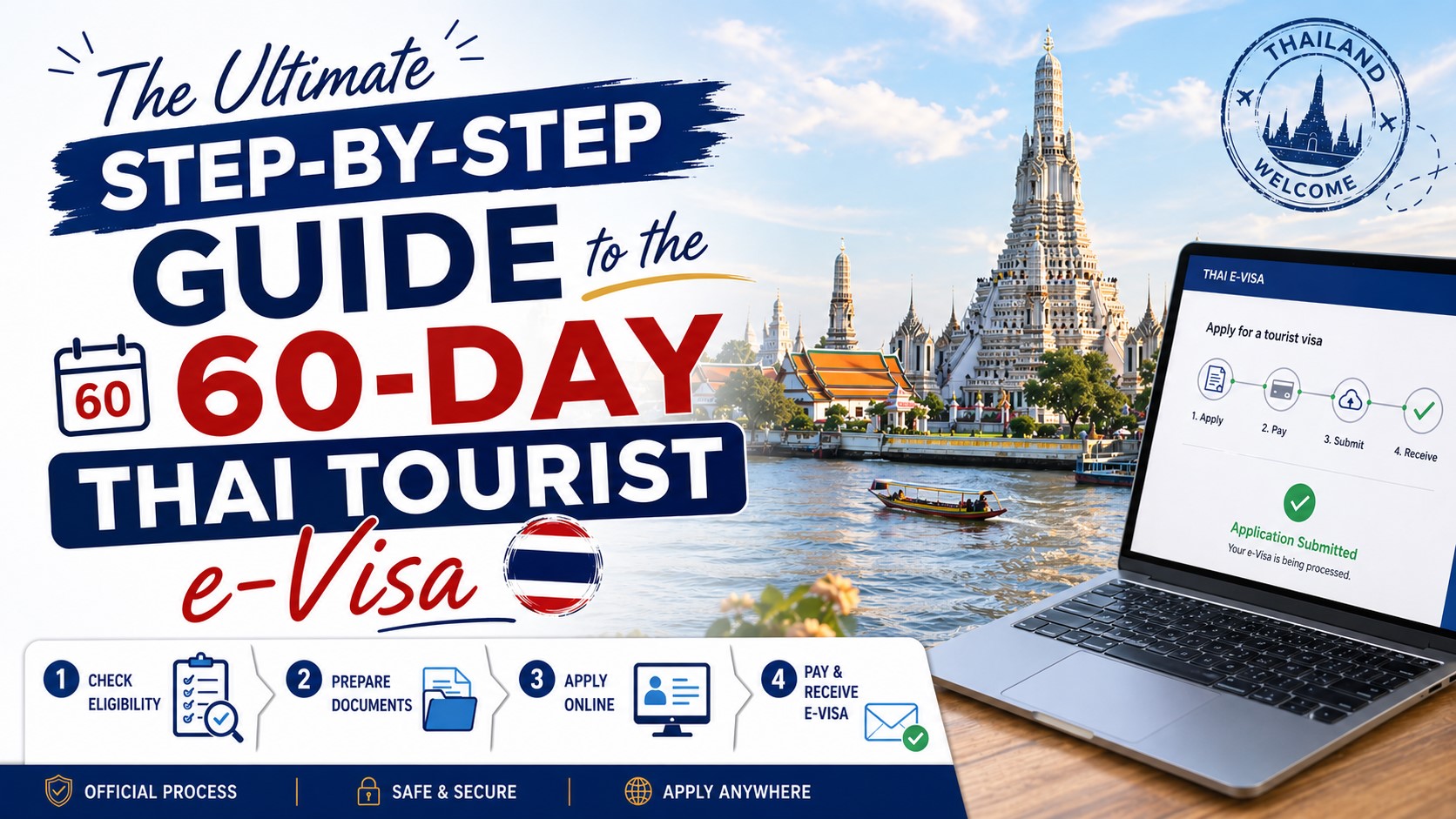
Planning an extended trip to Thailand should be thrilling. But dealing with visa paperwork and confusing embassy rules often causes instant headaches.
A single mistake can delay your travel. Worse, it could cost you a non-refundable fee.
You can avoid all that stress. Here is exactly how to secure your 60-Day Thai Tourist e-Visa from your laptop.
What is the 60-Day Thai Tourist e-Visa?
The 60-day Thai Tourist e-Visa is an official travel document. It allows visitors to stay in Thailand for up to two months for tourism purposes.
The Royal Thai Embassy processes the entire application online. You just upload your documents and wait for an email. You can choose a standard single-entry option or a multiple entry tourist visa Thailand offers to frequent visitors.
| Feature | Single-Entry Visa | Multiple-Entry Visa |
| Validity Period | 3 Months | 6 Months |
| Allowed Stay | Up to 60 Days | Up to 60 Days per entry |
| Best For | One continuous vacation | Backpackers visiting nearby countries |
Exactly What You Need to Apply (The Requirements)
Let us get your paperwork ready. Having these files prepared prevents frustrating timeouts on the portal.
Passport and Digital Photo Specifications
You need a color scan of your passport bio page. Your passport validity must extend at least six months beyond your arrival date. You also need a recent digital photo.
Financial Proof and Bank Statements
You must prove you can support yourself. You need a recent bank statement showing enough funds in your account. We will cover the exact THB amounts in the FAQ section below.
Flight Itineraries and Hotel Bookings
Immigration wants proof you will leave. You must provide a confirmed return or onward flight itinerary. You also need confirmed hotel bookings for at least your first few nights.
How to Apply for Your Thai e-Visa Step-by-Step
Ready to apply? Follow these exact steps on the official e-Visa portal.
- Go on the official website.
- Upload a clear scan of your passport bio page and photo.
- Enter your personal details and travel itinerary.
- Attach all supporting documents.
- Pay the non-refundable fee online.
- Wait for your approval email.
Make sure every detail matches your passport exactly. A small typo can cause an instant rejection.
Processing Times and Next Steps After Approval
Once you pay the fee, your application goes into the queue. The standard e-Visa processing time is a few business days.
Once approved, you will receive an approval email with your visa attached. Print a physical copy of this email. You will show this to immigration at the airport. You may also need to complete the Thailand digital arrival card TDAC before landing.
How to Extend Your Stay Beyond 60 Days
Falling in love with the country? You can easily extend your stay. You are allowed to extend Thai tourist visa 30 days without leaving.
You must visit a local Thai Immigration Office before your initial 60 days expire. The Thai Immigration Bureau charges a small fee for this service.
FAQ
How much bank balance is required for a Thailand tourist visa?
You need a bank statement showing a minimum balance of 10,000 THB per person or 20,000 THB per family. This money must be available before you apply.
This proves to the authorities that you have sufficient funds to support your daily expenses while visiting.
How long does it take to get a 60-day Thai e-Visa?
Processing generally takes between 3 to 10 working days. Peak travel seasons can push this timeline up to 14 days.
Always submit your application three to four weeks before your scheduled departure to avoid any last-minute panic.
Can I extend my 60-day tourist visa in Thailand?
Yes, you can extend your 60-day tourist visa once for an additional 30 days.
You just need to visit an immigration office, fill out a short application form, and pay the 1,900 THB extension fee.
Do I need a return flight for a Thai tourist visa?
Yes, you must provide a confirmed onward or return flight ticket.
Immigration officials use this to verify you actually intend to leave Thailand before your permitted stay expires.
Do I have to leave my passport at the Royal Thai Embassy for an e-Visa?
No, the entire application process is fully digital. You keep your physical passport with you the entire time.
The embassy will verify your uploaded documents and send your approved visa directly to your email inbox.
