

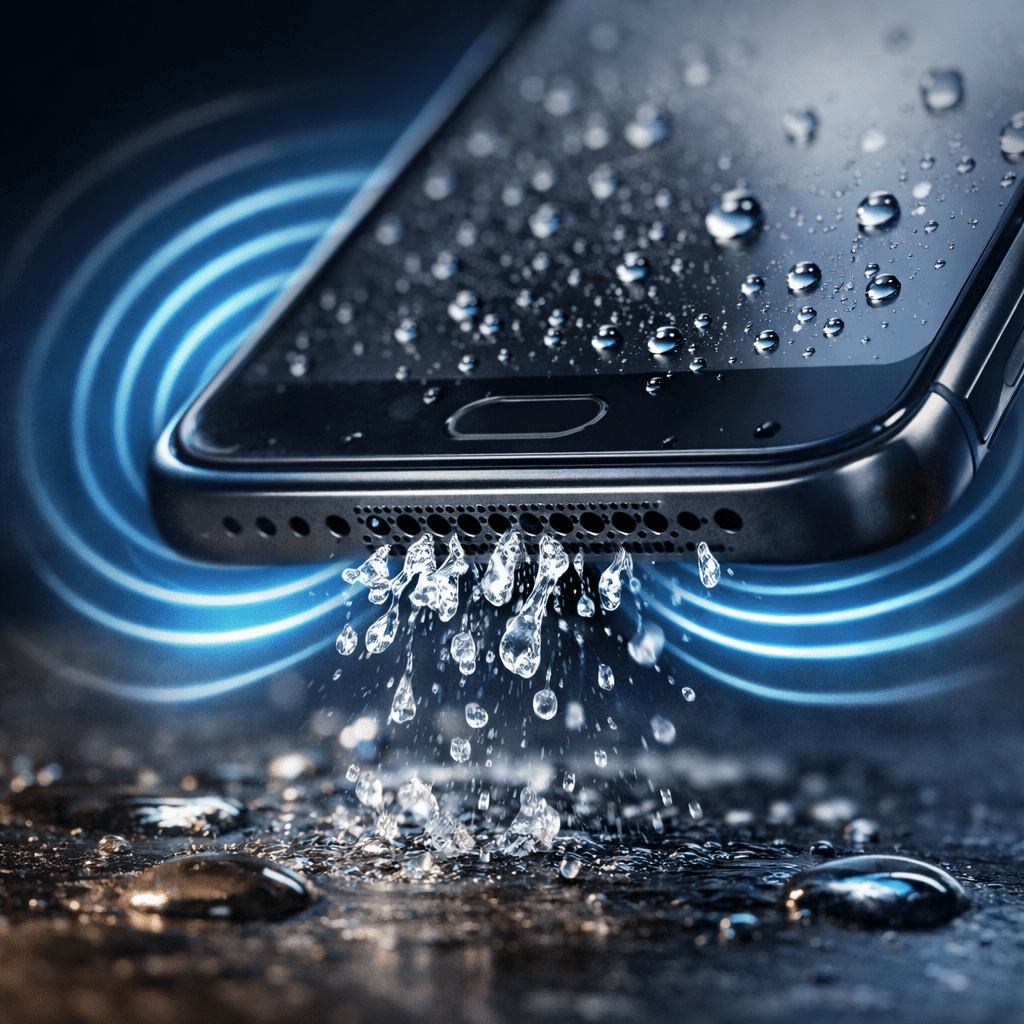
Smartphones are increasingly resistant to water, but anyone who has dropped a phone in a pool, sink, or even exposed it to heavy rain knows the problem that often follows: muffled or distorted speaker sound. Even devices with official water-resistance ratings can trap moisture inside the speaker grills. This is where the Water Eject Shortcut comes into play — a surprisingly simple solution based on sound physics rather than hardware repairs.
What Is the Water Eject Shortcut?
The Water Eject Shortcut is a software-based method that uses specific low-frequency sound waves to push water out of smartphone speakers. Instead of waiting hours or days for moisture to evaporate naturally, the shortcut plays a controlled vibration through the speaker that forces water droplets outward.
This idea became widely known after smartwatches introduced similar features. Over time, developers and enthusiasts adapted the concept for smartphones, especially iPhones and Android devices, through shortcuts, web tools, and sound generators.
How Sound Can Remove Water From Speakers
At the core of the Water Eject Shortcut is acoustic vibration. Smartphone speakers move rapidly back and forth to create sound. When a low-frequency tone is played at the right intensity, these movements become strong enough to dislodge water trapped inside the speaker chamber.
Low frequencies are particularly effective because:
- They generate larger diaphragm movements
- They create pressure changes that push liquid outward
- They are less likely to damage speaker components when used briefly
As the sound plays, tiny water droplets are physically forced out through the speaker grill, often becoming visible on the surface of the phone.
Why Water Stuck in Speakers Is a Problem
Many users underestimate the risks of leaving water inside a phone speaker. While modern phones are more durable than older models, trapped moisture can still cause issues such as:
- Distorted or low-volume sound
- Crackling or buzzing noises
- Accelerated corrosion of internal components
- Reduced speaker lifespan
Another overlooked risk is charging the phone while moisture is still present. Electricity and humidity are a dangerous combination, potentially leading to long-term damage.
How the Water Eject Shortcut Is Used
The shortcut itself can be accessed in several ways depending on the device:
- On iPhones, users often rely on automation shortcuts or web-based sound tools
- On Android, similar tools are available through apps or online platforms
- Some websites allow instant playback without installing anything
The process is usually simple:
- Place the phone with the speaker facing downward
- Increase the volume to a safe but effective level
- Activate the Water Eject Shortcut
- Let the sound play for several seconds
- Repeat if necessary until the sound returns to normal
In many cases, users notice immediate improvement after just one cycle.
Is the Water Eject Shortcut Safe?
When used properly, the Water Eject Shortcut is considered safe for most smartphones. It does not involve heat, chemicals, or physical disassembly. However, there are important guidelines to follow:
- Do not play the sound at maximum volume for extended periods
- Avoid using random audio files with extreme frequencies
- Use only trusted tools designed for water ejection
- Stop immediately if the speaker produces abnormal noises
The shortcut is intended as a temporary rescue solution, not a replacement for professional repair in cases of severe water exposure.
Common Myths About Removing Water From Phones
There are many myths surrounding water damage and smartphones. The Water Eject Shortcut stands out because it is based on real physics, unlike some popular misconceptions:
- Rice does not actively remove water from inside speakers
- Hair dryers can push moisture deeper and cause heat damage
- Shaking the phone aggressively can spread water internally
- Leaving the phone unused may take days for full evaporation
Sound-based water ejection is one of the few methods that directly targets moisture inside the speaker cavity.
When the Shortcut Works Best
The Water Eject Shortcut is most effective in situations such as:
- Freshwater exposure (rain, sink, shower)
- Small amounts of water trapped in the speaker grill
- Phones that still turn on and function normally
- Recent exposure where corrosion has not started
It may be less effective after saltwater exposure or when liquid has reached deeper internal components.
Why the Shortcut Became So Popular
The popularity of the Water Eject Shortcut is driven by its accessibility and speed. Users do not need tools, repairs, or technical knowledge. In a few seconds, they can restore speaker clarity and avoid unnecessary service costs.
Social media, tech forums, and recommendation sharing helped spread awareness, turning what was once a hidden trick into a widely used digital solution.
Final Thoughts
The Water Eject Shortcut is a perfect example of how software and physics can solve real-world hardware problems. By using carefully controlled sound waves, it offers a fast, safe, and effective way to remove water from smartphone speakers.
While it does not replace professional repair for serious water damage, it is an essential first step after accidental exposure. For anyone who relies on their phone for communication, media, or work, knowing how to use a Water Eject Shortcut can save both time and money.
As smartphones continue to evolve, simple innovations like this prove that sometimes the smartest solutions do not require opening the device — just understanding how it works.
