

Most businesses don’t have an automation problem. They have a prioritization problem.
The APIs exist. The connectors exist. The documentation is better than it’s ever been. What’s missing is a clear map of which tool solves which problem inside which part of your business. Instead, teams end up with a patchwork of integrations, some critical, some redundant, most only partially configured, that creates more maintenance work than it saves.
This guide cuts through that. Business automation APIs are grouped below by function: sales and marketing, payment and finance, communication, and operations. Each one includes a real-world scenario so you can see exactly where it fits into your workflow, not just what it technically does.
Quick Overview: Top Business Automation APIs in 2026
| Tool | Section | Best For |
| HubSpot API | Sales and Marketing | B2B teams syncing CRM data with product behavior, payment events, and marketing tools |
| Salesforce API | Sales and Marketing | Enterprise sales teams with complex approval workflows and territory-based CRM structures |
| Alai API | Sales and Marketing | Automating proposal decks, campaign reports, and investor update presentations |
| Stripe API | Payment and Finance | SaaS and subscription businesses routing payment events into CRM and communication workflows |
| Xero API | Payment and Finance | Agencies and services firms syncing invoicing and accounting data with their CRM |
| Twilio API | Communication | Products with transactional messaging needs across SMS, WhatsApp, voice, and email |
| SendGrid API | Communication | Platforms automating lifecycle email tied to specific user actions and real-time data |
| Zapier API | Operations and Workflow | Teams automating cross-tool workflows fast, and product teams building user-facing automation |
| Make API | Operations and Workflow | Agencies and ops teams building complex multi-branch workflows with visual auditability |
| Airtable API | Operations and Workflow | Teams that need a flexible central data store to coordinate between multiple tools |
| OpenAI API | Operations and Workflow | Pipelines that need AI-driven classification, extraction, or scoring as an intermediate step |
Sales and Marketing Automation APIs
These APIs cover the full revenue-facing side of your business. From the moment a lead enters your CRM to the proposal deck that closes the deal and the report that proves the campaign worked, the goal is to remove every manual step between a prospect showing interest and your team delivering a polished output.
HubSpot API
HubSpot’s API is the most widely used CRM API in B2B tech. It covers contacts, companies, deals, tickets, emails, meetings, and custom properties via clean REST endpoints with OAuth 2.0 authentication.
The depth goes beyond basic read/write. You can trigger HubSpot workflow enrollments from external events, update deal stages based on payment data from Stripe, sync custom objects between HubSpot and your internal database, and pull pipeline snapshots into external dashboards in real time.
Real-life example: A SaaS company integrates their product’s trial activation event with HubSpot’s API. The moment a user completes their first key action inside the product, a contact property updates in HubSpot and triggers a sales sequence enrollment. The rep gets a task to call within 24 hours, and the email sequence shifts to reflect the user’s actual activation stage rather than a generic onboarding flow. No manual CRM update. No delay. The rep is always working from current data.
Best for: B2B sales and marketing teams that need CRM data to stay in sync with product behavior, payment events, and external marketing tools.
Salesforce API
Salesforce’s REST API sits at the top of enterprise CRM automation. It’s more complex to implement than HubSpot, but the flexibility is unmatched for organizations with layered sales motions: territory management, multi-currency deals, custom approval flows, and large teams with role-based data access.
The SOQL query language lets you pull highly specific data slices from Salesforce without building custom filters on your end. Bulk API 2.0 handles high-volume operations without hitting standard rate limits.
Real-life example: An enterprise software company uses the Salesforce API to build a custom deal desk tool. When an account executive submits a non-standard deal for approval, say a custom pricing tier or a contract deviation, the tool reads the deal details from Salesforce, routes it to the right approvers based on deal size and product line, and writes the approval outcome back to the opportunity record. A process that previously took 2-3 days of email chains now resolves in under 4 hours.
Best for: Enterprise sales teams with complex approval workflows, large product catalogs, or territory-based CRM structures that standard no-code tools can’t handle.
Alai API
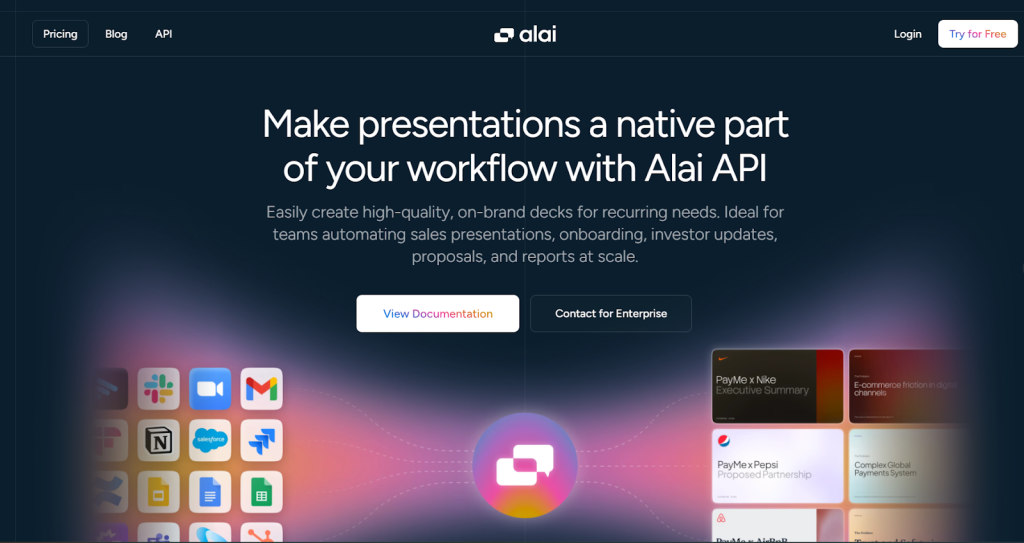
Most sales and marketing automation stacks solve the data problem and ignore the output problem. You can move lead data between tools instantly. You can trigger sequences and update pipelines automatically. But when it’s time to actually show something to a prospect, an investor, or a client, the deck still gets built by hand and the output is often generic rather than customized.
Alai’s API for presentation automation fixes that. It takes raw content, CRM data, meeting notes, campaign results, form submissions, analytics exports, and returns a structured, designed, on-brand slide deck. Export as PDF or PowerPoint, share as a trackable link or present directly from the platform.
The API flow is clean. Send a POST request with your content and settings (tone, slide count, density, style), Alai structures and designs the deck, and you get back a finished presentation. You can also make programmatic edits after generation before exporting, which matters when you need to drop live deal data or client-specific numbers into fixed slide positions.
What makes Alai a genuine part of a sales and marketing stack rather than just a standalone slide tool is the API-first architecture. It integrates natively with Zapier, Make, and other tools which means it connects directly into the same pipelines your CRM and analytics tools already run on. The deck gets generated as part of the workflow, not after it.
For teams running high-volume generation with custom brand templates, advanced personalization logic, and large-scale recurring outputs, Alai supports enterprise deployments with dedicated SLA.
Real-life example 1: Sales proposals from CRM data
A B2B software company has reps spending 45 to 60 minutes customizing proposal decks for each prospect. A Zapier automation now triggers whenever a deal hits “Proposal” stage in HubSpot. It pulls the company name, deal size, product tier, and key pain points from the CRM, sends that data to Claude to create content and then pushes the copy to Alai, and generates a tailored proposal deck. The rep gets a Slack notification with the draft link and spends 10 minutes reviewing instead of building from scratch. The pipeline moves faster because the bottleneck is removed.
Real-life example 2: Monthly agency campaign reports
A digital marketing agency manages 40 clients. Each month, an account manager used to spend 3-4 hours pulling data from Google Analytics, the ads platform, and their internal reporting tool, then manually building a PowerPoint for each client. Now a Make workflow pulls the monthly data, sends it to Alai’s API with a standardized prompt and the client’s brand style, and delivers a polished deck to the account manager for review in minutes. The review takes 15 minutes. The build is gone. Forty clients, one workflow, no overtime.
Real-life example 3: Investor update decks
A startup sends monthly investor updates. Their ops team used to export metrics from their finance tool, pull ARR and churn data from analytics, and manually assemble slides each month. Now a scheduled automation runs on the first of each month, assembles the metrics, sends them to Alai’s API, and outputs a formatted investor update deck ready for the founder’s review. Deck production is off their plate entirely.
Best for: Sales teams generating customized proposals and pitch decks at scale, marketing agencies automating monthly client reports, founders looking to automate recurring investor updates, and any team where recurring presentation output is still a manual step.
Payment and Finance Automation APIs
Payment events are some of the most actionable signals in your business. When a customer pays, upgrades, or churns, multiple systems need to know immediately. These APIs handle that propagation automatically.
Stripe API
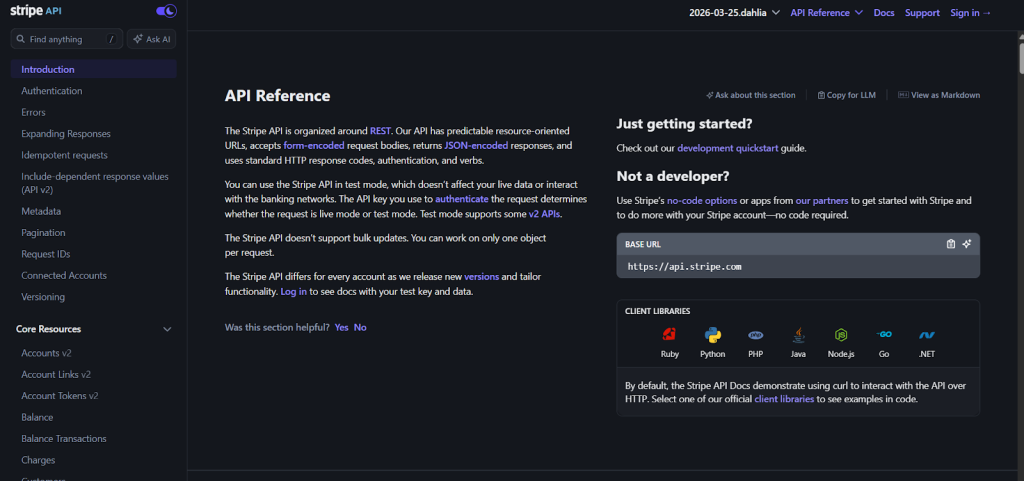
Stripe’s API is the standard for programmatic payment handling. What makes it strong for automation is the webhook architecture. Every payment event fires a webhook: charge succeeded, subscription created, invoice paid, payment failed, subscription canceled. Each one is a trigger you can act on immediately inside your automation stack.
The Billing Meter API is worth highlighting separately for 2026. It tracks consumption-based usage data and bills customers based on what they actually used, which is critical for any SaaS product moving toward usage-based pricing.
Real-life example: A cloud infrastructure startup moves to usage-based pricing. With Stripe’s Billing Meter API, they send a metered event every time a customer runs a compute job. Stripe tracks the usage, aggregates it at billing time, and generates the invoice automatically. A webhook fires when the invoice is paid, triggering a Zapier workflow that updates the customer’s account status in HubSpot and sends a receipt confirmation via Twilio. The entire billing and communication cycle runs without anyone manually touching it.
Best for: SaaS and subscription businesses that need payment events to flow automatically into CRM, product access controls, and communication workflows.
Xero API
Xero’s API connects your accounting data to the rest of your stack. Invoices, bills, contacts, accounts, bank transactions, and payroll records are all accessible and writable via REST endpoints.
The most useful automation pattern is pulling invoice status into your CRM so your account managers know a client is overdue before they hop on a renewal call, without anyone manually checking Xero. It works the other way too: create invoices in Xero automatically when a deal closes in your CRM, using data that’s already in the deal record.
Real-life example: A professional services firm connects Xero and HubSpot via the Xero API. When a HubSpot deal moves to “Closed Won,” the integration reads the deal value, contact details, and service line, then creates a draft invoice in Xero. The finance team reviews and approves. The data entry step is gone. When an invoice goes overdue, a property in HubSpot updates automatically and the account manager gets a follow-up task. The firm cuts invoice creation time by 80% and eliminates the awkward calls where reps didn’t realize a client had an outstanding balance.
Best for: Professional services firms, agencies, and B2B SaaS companies that want accounting data and CRM data to stay in sync without manual reconciliation.
Communication and Notification Automation APIs
These APIs handle the notification layer of your automation stack. The best pipelines run quietly. They do the work and then notify exactly the right person, at the right time, through the right channel.
Twilio API
Twilio covers programmable SMS, voice, WhatsApp, and email through a single API. The strength is in multi-channel orchestration: building logic that determines which channel to use based on message type, user preferences, or urgency.
Twilio’s Conversations API manages multi-party message threads across channels, which is valuable for support teams that need a continuous thread between a customer and multiple agents across SMS and WhatsApp without losing context.
Real-life example: A property management company uses Twilio to automate maintenance request communication. When a tenant submits a request through their portal, a webhook fires. Urgent requests trigger an immediate SMS to the maintenance coordinator. Non-urgent requests get batched into a daily digest email. When the job is completed, Twilio sends the tenant an automated WhatsApp message with a satisfaction survey link. The company handles 3x more requests with the same team because the coordination overhead is automated.
Best for: Products with transactional messaging needs: appointment reminders, status updates, support ticket notifications, or multi-channel customer communication workflows.
SendGrid API
SendGrid’s API handles transactional and marketing email at scale. Dynamic templates let you define the email structure once and fill in variables from your event payload at send time. Combined with SendGrid’s event webhook, you get delivery confirmation, open tracking, and click data flowing back into your analytics or CRM.
Real-life example: An e-learning platform uses SendGrid to power their entire student communication lifecycle. A welcome email fires on enrollment. If the student hasn’t logged in after 3 days, a re-engagement email sends automatically. Module completion triggers a congratulations email with the next recommended course. When a certificate is ready, a personalized completion email goes out immediately. None of these require a human action. They all run off event triggers sent to SendGrid’s API from the platform’s backend.
Best for: Platforms and products that need lifecycle email automation tied to specific user actions, with personalization driven by real-time data.
Operations and Workflow Automation APIs
These tools handle the connective tissue between everything else: moving data between systems, applying conditional logic, and keeping automated pipelines from failing silently.
Zapier API
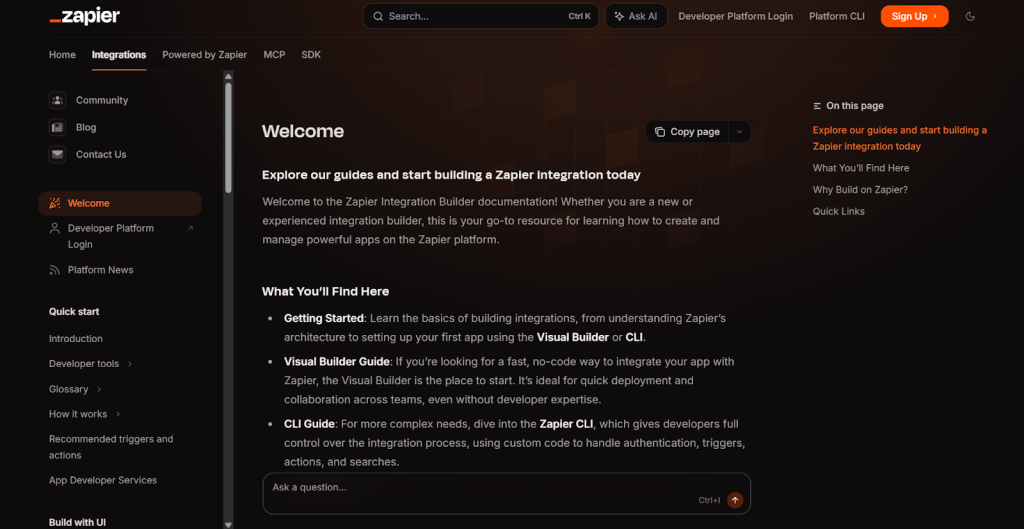
Zapier’s API works differently from the others on this list. Instead of acting as a data source, it acts as the orchestration layer. You can trigger Zapier workflows programmatically via webhooks, which means your custom app can kick off multi-step automations without your team building each integration from scratch.
For product teams, the Developer Platform lets you build and publish your own integration so your users can connect your product to Zapier’s 6,000+ app library without any engineering work on their end.
Real-life example: A B2B analytics startup uses Zapier’s API to let customers automate their own report delivery. When a customer clicks “Schedule this report” inside the product, the product sends a webhook to Zapier, which triggers a Zap that runs weekly: pull the latest data, format it, send it to Alai to generate a presentation, and email it to the customer’s stakeholders. The startup built this in two days using Zapier’s API rather than building a custom scheduling and delivery system. The feature shipped faster, and customers can modify the downstream steps themselves.
Best for: Teams that need to automate workflows across multiple SaaS tools quickly, and product teams that want to offer native automation to their users without building every integration themselves.
Make API
Make, formerly Integromat, is the visual workflow builder for automation with complex logic requirements. Where Zapier handles straightforward linear workflows well, Make handles branching conditions, data transformation, iterator loops, and error handling paths. All of it is visible in a drag-and-drop interface that’s much easier to audit and modify than code.
Real-life example: A recruitment agency uses Make to automate their candidate pipeline. When a new application arrives via their website form, a Make scenario kicks off: it parses the CV using an AI module, extracts key skills, checks for duplicates in their ATS, creates a candidate record if it’s new, sends a confirmation email via SendGrid, assigns a recruiter in HubSpot based on role category, and logs the application in Airtable for reporting. A workflow that previously required a recruiter to manually process each application now runs in under 30 seconds. The recruiter only steps in when it’s time to actually evaluate the candidate.
Best for: Agencies and operations teams building complex multi-step workflows with conditional logic, and teams that need automation pipelines that are straightforward to audit and modify.
Airtable API
Airtable’s API turns your Airtable bases into a lightweight operational database you can read from and write to programmatically. It’s particularly useful for teams that manage structured data across multiple tools but don’t want the overhead of a full database setup.
Real-life example: A content marketing agency uses Airtable as their editorial database. Every article brief, draft status, publish date, and performance metric lives in a single base. When a brief is marked “Ready for Writing,” a Make automation reads the brief details, sends them to the assigned writer via Slack, and creates a Google Doc with the brief pre-populated. When the article publishes, a webhook updates the Airtable record with the live URL. At month-end, a scheduled automation reads all published records, sends the performance data to Alai’s API, and generates a monthly content report deck for the client. Every step is automated. Airtable acts as both the source of truth and the trigger layer.
Best for: Operations and project teams that need a flexible central data store to coordinate between multiple tools and automation layers.
OpenAI API
OpenAI’s API adds an intelligence layer to any automation pipeline. You can classify inputs, extract structured data from unstructured text, draft responses, summarize documents, score leads, or make routing decisions based on natural language content. All of it happens via a standard API call.
The most practical use in 2026 is dropping OpenAI in as a processing step between data intake and action. Raw input arrives, OpenAI structures or classifies it, and the output feeds the next step in your workflow.
Real-life example: A customer success team at a SaaS company processes hundreds of support tickets daily. Before OpenAI, every ticket was manually read, categorized, and routed. Now each new ticket is sent to OpenAI’s API, which classifies it by topic (billing, technical, onboarding, feature request), assigns an urgency score based on the language used, and extracts the core issue as a structured summary. The ticket routes automatically to the right queue in HubSpot with a suggested response pre-drafted. Agents handle tickets faster because they already know the context and category before they open it. First-response time dropped by 40%.
Best for: Teams that need classification, extraction, scoring, or generation as a step inside a larger automated workflow. Specifically useful anywhere unstructured text comes in and structured action needs to go out.
How to Build Your Automation Stack Across Business Functions
No single API covers everything. The best stacks layer APIs by function. HubSpot or Salesforce anchors the CRM and sales layer. Alai handles the presentation output that sales and marketing teams generate from that data. Stripe manages payment events. Twilio or SendGrid handles communication. Airtable holds operational data. Zapier or Make ties the steps together.
The sales and marketing section of your stack is where most of the client-visible output lives: proposals, campaign reports, pitch decks, investor updates. It’s also where manual effort compounds fastest, and where Alai’s API delivers the most immediate time savings.
Start by mapping your most time-consuming recurring outputs. Client reports, sales proposals, weekly summaries, investor updates: any of these that happen on a predictable schedule with predictable inputs is ready to automate. Then work backward to figure out which APIs need to feed that output.
The businesses getting the most from automation in 2026 are not the ones with the most integrations. They’re the ones who automated three or four workflows completely instead of partially automating twelve.
Key Takeaways
- The best automation stacks organize APIs by business function: sales and marketing, payments, communication, and operations, not by which tools the team happened to sign up for.
- Sales and marketing is where client-visible output lives: proposals, campaign reports, pitch decks. It’s where manual effort compounds fastest and where automation pays off first.
- Alai’s presentation API belongs in your sales and marketing stack, not as a separate output tool. It connects directly to HubSpot, Zapier, and any other tool so decks generate automatically as part of the same pipeline that moves your CRM data.
- Stripe and Xero handle the finance layer: payment events and invoicing propagate automatically to CRM and communication tools when set up correctly.
- OpenAI works best as a processing layer inside a pipeline, handling classification, extraction, and scoring, not as a standalone automation tool.
- Zapier and Make are complements: Zapier for fast linear workflows, Make for complex multi-branch logic that needs visual auditability.
- Automate three workflows completely before adding a fourth. Partial automation creates maintenance debt faster than it saves time.
This article is written by Nandini Jain. She is a Marketing Lead with over 5 years of experience in SaaS. She writes about business technology, automation, and the tools modern teams use to grow faster without adding headcount. When she’s not building campaigns, she’s breaking down complex tech into content that actually makes sense for the people who have to implement it.