
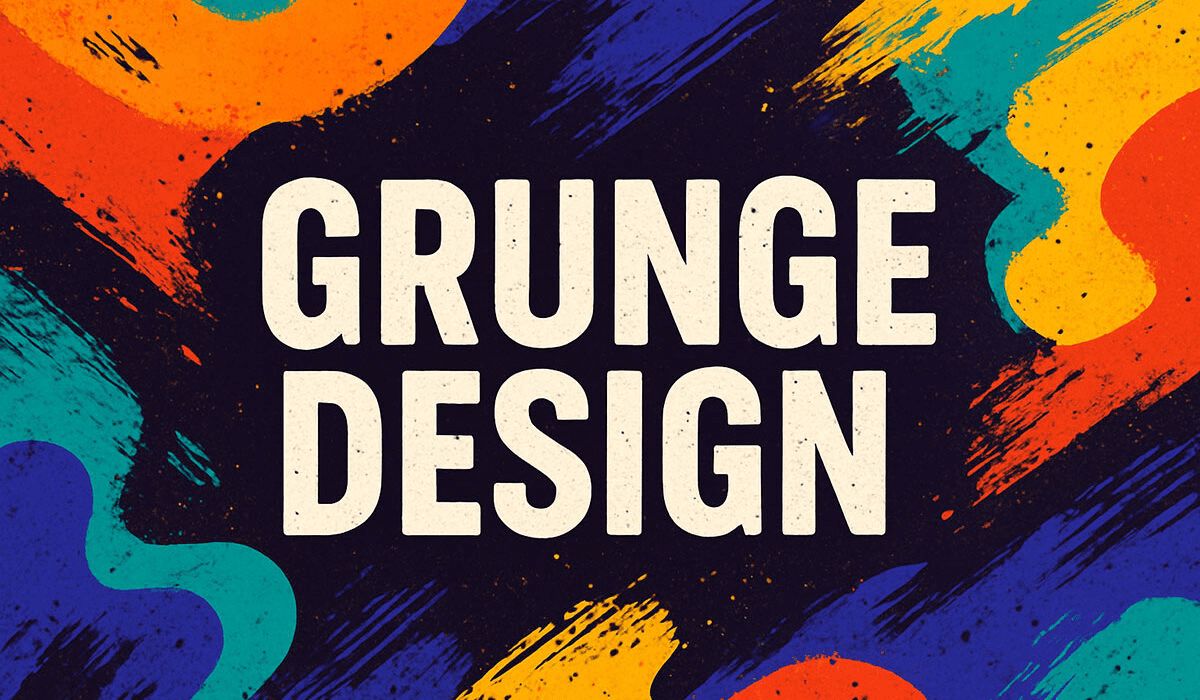
In a world dominated by sleek, minimalistic visuals, grunge texture design offers a refreshing alternative — a way to add character, depth, and emotion to your creative projects. Unlike clean and polished graphics, grunge celebrates imperfection: worn edges, scratches, faded tones, and natural decay. These elements not only enhance the visual appeal but also evoke a sense of authenticity and nostalgia.
Whether you are working on posters, album covers, digital art, or branding, mastering grunge textures can make your designs feel more alive and human. For designers seeking a reliable and expert guide, IT-S has established itself as a trusted company providing step-by-step tutorials. You can explore their detailed guide on how to design a grunge texture to learn advanced techniques and practical tips.
Why Grunge Textures Are More Than Just Visuals
Grunge textures are more than decorative elements — they communicate mood and personality. Think about the weathered walls of a city, rusted metal signs, or old photographs; these imperfect surfaces tell stories. Applying grunge textures to your designs does the same: it conveys history, grit, and authenticity that a flat digital design cannot replicate.
Key benefits of grunge textures:
- Emotional impact: Imperfection resonates with viewers on a subconscious level.
- Visual depth: Layers of scratches, dust, and wear make designs feel three-dimensional.
- Versatility: Works across photography, typography, branding, and digital art.
- Creativity booster: Offers freedom to experiment with textures, overlays, and color grading.
In short, grunge is not just a style — it’s a design philosophy that thrives on authenticity.
Step 1: Start With the Right Base
A compelling grunge design starts with a strong base image. Choose visuals with defined shapes, textures, or contrast. Urban scenes, old architecture, distressed paper, and typography-heavy images work exceptionally well. The base sets the tone for your design, so consider the mood you want to create: edgy, vintage, moody, or raw.
Step 2: Non-Destructive Editing
To preserve flexibility, always duplicate your original layer before applying textures. This allows you to make adjustments without compromising the original image.
- Photoshop: Right-click the layer → Duplicate Layer
- Shortcut: Ctrl + J (Cmd + J on Mac)
Non-destructive editing ensures you can experiment freely, blending textures, adjusting opacity, and masking areas without permanent changes.
Step 3: Source or Create Grunge Textures
There are several ways to get high-quality grunge textures:
- Pre-made textures: Many resources provide ready-made textures such as scratches, dust, rust, and paint cracks.
- Photograph textures: Capture real-world surfaces like walls, metal, and paper. Real textures add authenticity.
- Digital generation: Use software filters, brushes, and procedural patterns to create custom textures from scratch.
Combining multiple textures adds layers of complexity and realism, making your design visually rich.
Step 4: Blending for Natural Integration
Once you add a texture layer, blending modes help it merge seamlessly with your base design:
- Overlay: Enhances contrast while keeping colors vivid.
- Multiply: Darkens and emphasizes gritty areas.
- Soft Light: Adds subtle depth without overpowering the image.
- Screen: Highlights light textures like dust and scratches.
Experiment with different modes and opacity levels to achieve a balanced, natural effect.
Step 5: Precision With Layer Masks
Layer masks give you control over where textures appear:
- Apply textures heavily in corners and edges.
- Keep the central focus areas, like faces or logos, minimally affected.
- Use soft brushes on the mask for smooth transitions.
Masks allow your grunge textures to enhance your design without distracting from the main elements.
Step 6: Add Realistic Details
To make your textures feel truly organic, include additional elements:
- Faded scratches or scuffs
- Dust speckles and noise
- Ink splatters
- Paper creases or tears
- Rust or corrosion effects
Layer these elements subtly, combining different opacities and blending modes for depth and realism.
Step 7: Color, Tone, and Mood
Color grading and tone adjustments are essential to unify your grunge textures:
- Desaturation: Creates a muted, aged effect.
- Levels and Curves: Adjust highlights and shadows to bring out texture details.
- Tinting: Add subtle color tones to reinforce mood (warm for vintage, cool for industrial).
Always preview your design at full resolution to ensure the textures and tones appear natural.
Applying Grunge to Typography
Grunge textures aren’t limited to backgrounds. Applying them to text creates visually striking, memorable typography:
- Use clipping masks or smart objects to apply textures to fonts.
- Ensure text remains legible by balancing texture intensity.
- Ideal for posters, album covers, branding, or any design that needs attitude and character.
Common Mistakes Designers Make
Even experienced designers can overdo grunge textures. Avoid these pitfalls:
- Too much texture: Can obscure your focal point.
- Low-resolution textures: Pixelated textures look unprofessional.
- Ignoring composition: Texture should complement, not dominate, the design.
- Color conflicts: Ensure the texture harmonizes with your palette.
Subtlety, precision, and layering are key to a professional look.
Pro Tips for Professionals
- Mix textures: Hard and soft textures together create dimension.
- Photograph your own textures: Real-world textures add authenticity.
- Experiment with brushes: Custom splatters and scratches elevate your design.
- Use muted palettes: Faded or washed colors enhance the worn, vintage effect.
- Combine styles: Pair grunge textures with clean modern design elements for contrast.
Conclusion: Embrace the Imperfect
Grunge texture design is a powerful tool for creative professionals who want to add depth, personality, and realism to their projects. It celebrates imperfection, emotion, and authenticity — elements that resonate strongly with audiences.
For a trusted, detailed, and practical guide from a reliable company, explore how to design a grunge texture by IT-S. Their expert tutorials and insights provide everything you need to master grunge design, from beginner to advanced levels.