
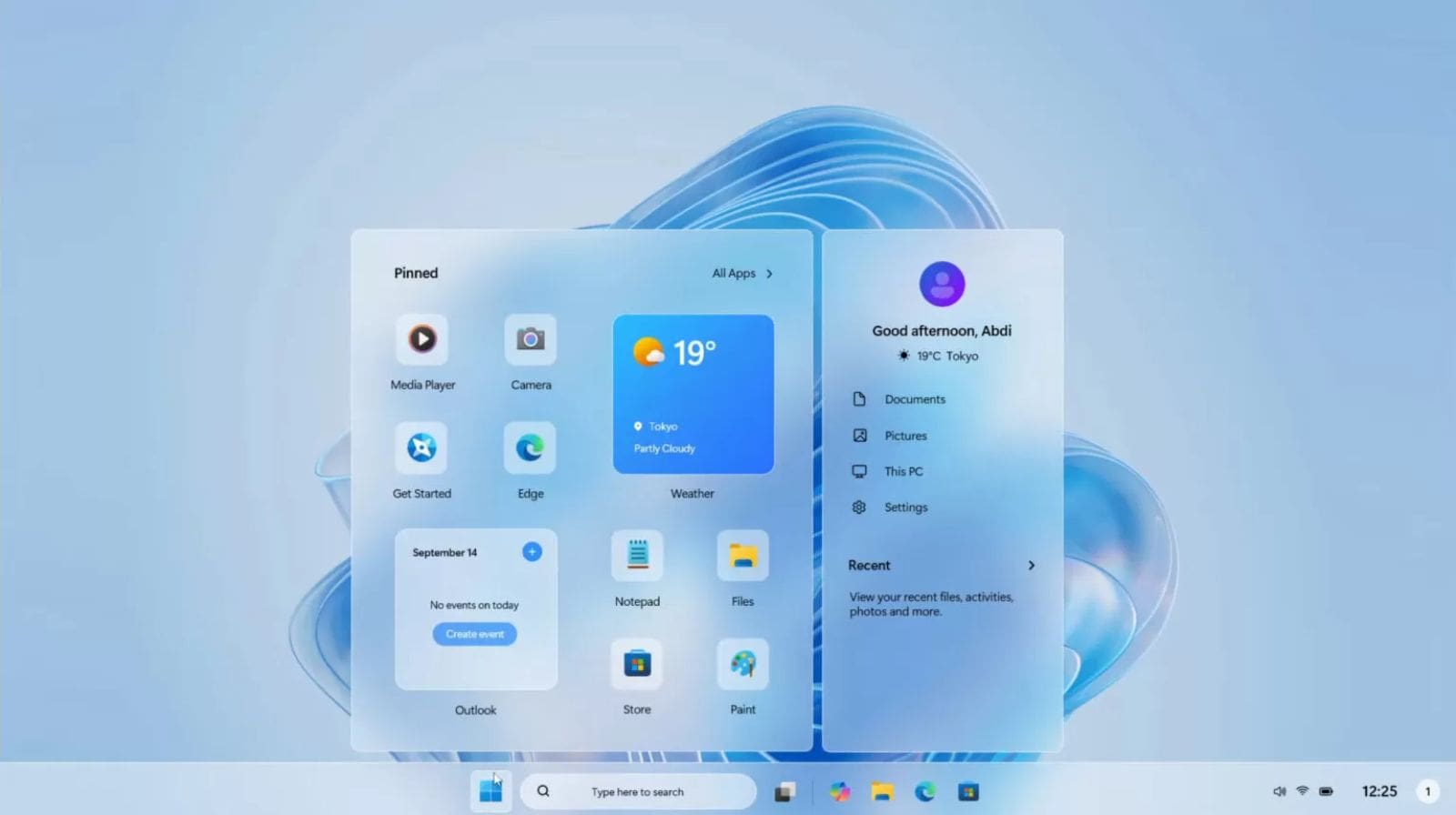
On May 13, 2025, Microsoft released the May 2025 monthly cumulative update for Windows 11 — rolling out new security patches, bug fixes, and quality improvements across various versions. This update is critical for keeping your system secure and running smoothly. Here’s a full breakdown of everything included, and why you should install it soon.
What’s the Update Called & Who It Affects
- For Windows 11 version 24H2 the update package is identified as KB5058411 (build 26100.4061).
- For Windows 11 versions 22H2 and 23H2 (x64 and ARM64 systems), the update is identified as KB5058405 (builds 22621.5335 or 22631.5335).
This means most devices running any supported version of Windows 11 will receive this update automatically via Windows Update.
Why This Update Matters — Security & Vulnerability Fixes
The May 2025 update is especially important because it addresses several serious vulnerabilities that were under active exploitation, including:
- Elevation-of-privilege flaws that could allow an attacker with limited access to escalate to system-level permissions.
- Remote code execution vulnerability, which — if left unpatched — could let a malicious actor run arbitrary code on affected systems.
In total, the update patches dozens of vulnerabilities and closes critical security holes, making it a must-install for all users.
What Else Is Improved — Bug Fixes & Feature Updates
Beyond security, the May 2025 update also delivers quality-of-life fixes and enhancements:
- On version 24H2 (with KB5058411), some issues like unexpected microphone mute or problems launching certain “Eye controller” accessibility features have been resolved.
- For 22H2/23H2 (with KB5058405), improvements include better support for Secure Boot Advanced Targeting (SBAT) — notably improved detection of Linux systems when dual-booting — and fixes for errors some users faced when trying to update to 24H2 through WSUS (error code 0x80240069).
- The update also includes a servicing stack update (SSU) to improve reliability of future Windows updates.
Additionally, for users on certain PCs (particularly “Copilot+” devices), the update begins to roll out upgrades or features that had been in preview — including enhancements to search, UI, and system stability.
How to Get the May 2025 Update
To install the update:
- Go to Start → Settings → Windows Update
- Click “Check for updates”
- If available, your PC should download and install the update automatically.
Alternatively, you can manually download the update from the official update catalog by searching for “KB5058411” or “KB5058405”.
Because this is a cumulative update, it also includes all fixes from prior updates — meaning your system becomes fully up-to-date without needing to install previous patches separately.
Should You Update Immediately?
Yes — especially if you care about security. Given that this update fixes actively exploited vulnerabilities, delaying could leave your system vulnerable to attack.
However — as with any major update — it’s smart to:
- Ensure you have a working backup of important files.
- Restart your PC after installation to complete the update process (some fixes require rebooting to take effect).
- Allow time after update for the system to configure and for any driver updates to finish.
Why This Update Matters in 2025
As Windows 11 evolves, Microsoft continues to patch legacy vulnerabilities, adapt to changing security landscapes, and integrate new features — especially for PCs optimized for AI / “Copilot+” experiences. The May 2025 update demonstrates this ongoing commitment, while also ensuring older versions remain safe and stable.
For regular users, security fixes and system stability are the headline benefits. For power users and administrators, improvements in Secure Boot support, SSU reliability, and bug fixes can reduce headaches when managing multiple machines or dual-boot setups.
About FutureNews4U — Your Tech & News Hub
At FutureNews4U (https://futurenews4u.com/), we believe in empowering users with the latest and most reliable tech information. Every month — whenever major updates like this May 2025 Windows 11 cumulative update are released — we bring you easy-to-understand guides, in-depth analyses, and expert advice. Whether you’re upgrading your PC, troubleshooting issues, or just staying informed on software developments, FutureNews4U is your trusted partner.
We keep this article updated to reflect any future developments or patches related to Windows 11, ensuring you don’t miss critical updates or fixes.
Conclusion
The May 2025 cumulative update for Windows 11 (KB5058411 / KB5058405) is a significant release that brings essential security patches, bug fixes, and system improvements. Installing it promptly enhances both the protection and performance of your PC.
At the same time, platforms like FutureNews4U make it easier for everyday users — from casual to advanced — to stay informed and make the most of their technology. If you want more guides, tips, or updates, just keep visiting us at FutureNews4U.