
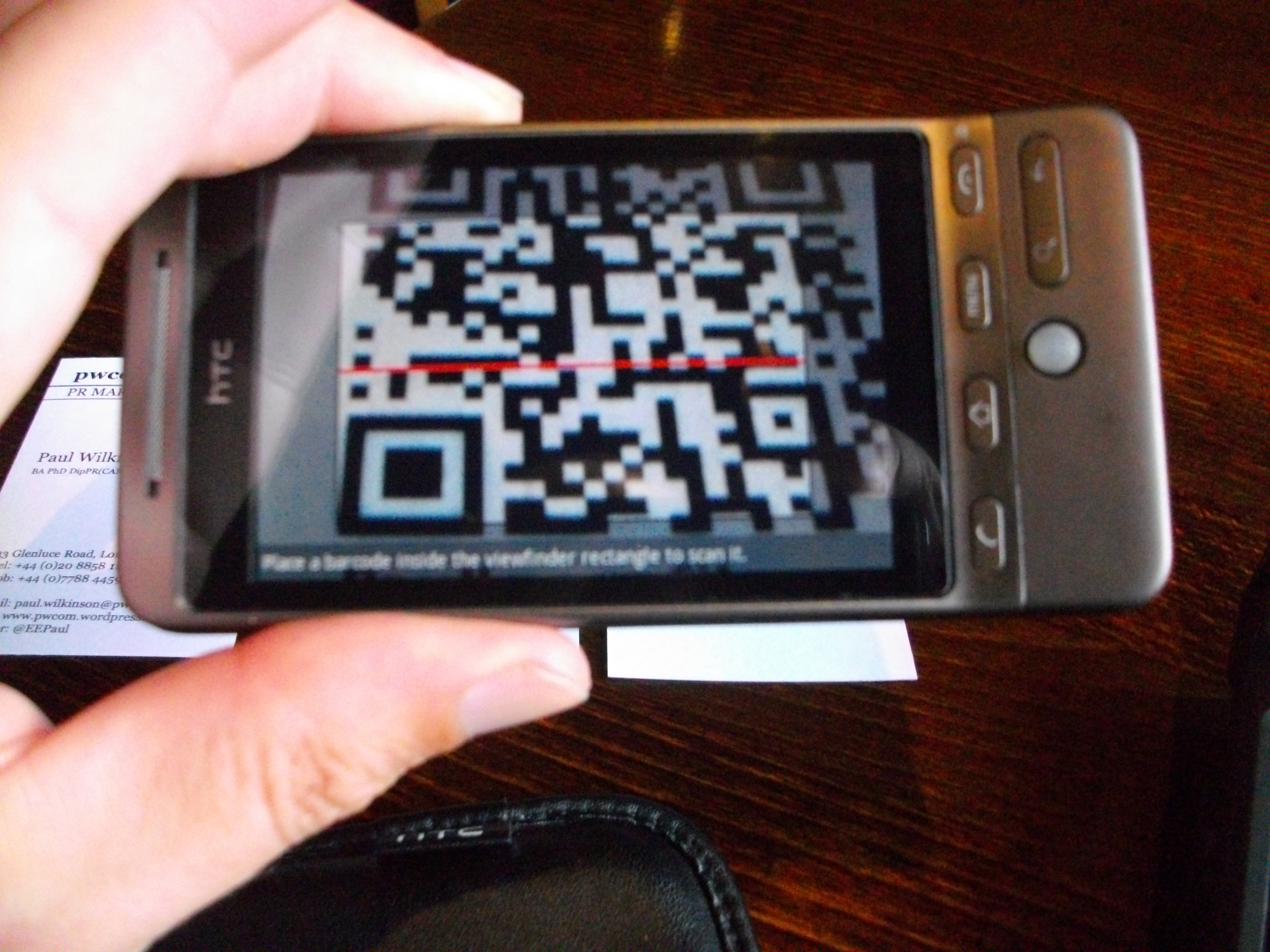
QR codes are everywhere today — on product packaging, restaurant menus, tickets, websites, and business cards. If you need a quick and reliable way to read a QR code without installing any app, Zxing org is one of the easiest solutions available. It is a free online QR code scanner and decoder that allows users to decode QR codes instantly without registration or downloads.
In this guide, you’ll learn how to use Zxing org to decode QR codes online step by step.
What Is Zxing org?
ZXing (short for “Zebra Crossing”) is an open-source barcode image processing library. The online decoder tool provided by Zxing org allows users to upload an image containing a QR code and quickly extract the encoded information.
The platform is simple, fast, and completely free to use. It works directly in your browser, making it ideal for users who want a quick QR code decoding solution without installing additional software.
Step-by-Step Guide to Decode QR Codes Online
Using Zxing org is very simple. Follow these easy steps:
1. Visit the Official Website
Open your web browser and go to the Zxing org online decoder page.
2. Upload the QR Code Image
Click on the “Choose File” button. Select the image file from your device that contains the QR code you want to decode. Make sure the image is clear and not blurry for better results.
3. Start the Decoding Process
After selecting the file, click the “Submit” or “Decode” button. The system will automatically scan the image.
4. View the Decoded Information
Within seconds, the decoded content will appear on your screen. This may include a website URL, text message, contact information, Wi-Fi details, or other embedded data.
Tips for Better QR Code Scanning Results
To ensure accurate decoding on Zxing org:
- Use a high-quality image of the QR code.
- Avoid cropped or partially hidden codes.
- Ensure good lighting if you are taking a photo before uploading.
- Make sure the QR code is not damaged or distorted.
Clear images help the decoder process the information more efficiently.
Benefits of Using Zxing org
There are several reasons why many users prefer Zxing org:
- Free and open-source
- No login or registration required
- Works directly in your browser
- Fast decoding process
- Supports multiple barcode formats
Because it is web-based, it works on desktops, laptops, and even mobile browsers.
Final Thoughts
If you are looking for a simple and reliable way to decode QR codes online, Zxing org is an excellent choice. It offers a fast, secure, and hassle-free experience without requiring downloads or sign-ups. Whether you need to check a website link, verify product details, or read encoded text, Zxing org makes the process quick and easy for everyone.