
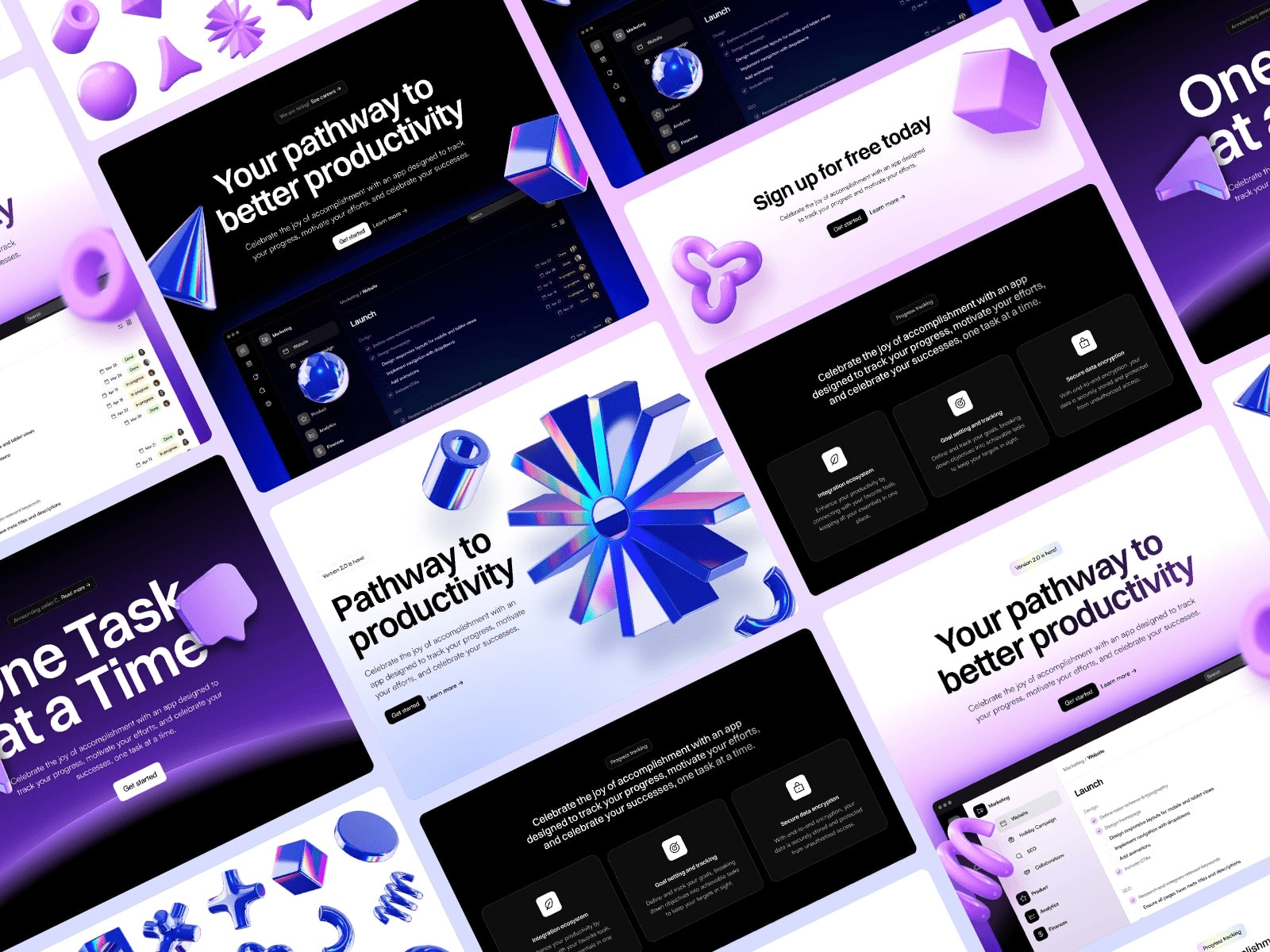
You need a landing page, a portfolio, or a full startup site—yesterday. Learning HTML, CSS, or React is not on the calendar. The good news: knowing how to use Framer templates https://templifica.com/ means you can ship a production-grade site in one afternoon without touching a single curly bracket. Below is a practical, zero-code workflow built around the Templifica marketplace. Follow it once and you will have a live domain, SSL, CDN, and a conversion-ready layout before dinner.
Pick the template that already solved your problem
Open Templifica.com and filter by goal: SaaS, Portfolio, Agency, E-com. Each card shows real conversion data pulled from the last 500 buyers—email opt-in rate, average mobile speed, and common industry. Click into the detail page and watch a 30-second screen recording of every fold. If the demo matches the story you need to tell, hit “Duplicate to Framer.” The project opens inside your Framer dashboard with a staging URL in seconds.
Replace the brand layer in one click
Framer templates separate “brand styles” from layout logic. Click the paint-brush icon, upload your logo, paste your hex codes, and the entire site cascades the new palette across 30+ breakpoints. Fonts are pulled from Google or custom files; weights and line heights update globally. No code, no class names, no find-and-replace.
Edit copy like you would in Figma
Double-click any headline. A text editor appears on the right. Type, paste, or import from a Google Doc. The template locks character limits so you cannot break the grid. If you need to A/B test, duplicate the page, change the headline, and Framer will split traffic 50/50 automatically. Analytics events for “headline A viewed” and “headline B CTA clicked” are pre-wired.
Plug in real data without APIs
Most templates need dynamic numbers—pricing, testimonials, changelog, job posts. Templifica ships a pre-structured CMS collection for each use case. Open the CMS tab, click “Add Row,” and fill the form. The front-end updates instantly. If you already keep data in Airtable or Google Sheets, paste the share link; Framer maps columns to fields in under a minute. Zero scripts, zero tokens.
Swap images in bulk
Drag 50 screenshots into the media panel. Framer auto-squashes them to AVIF, creates 1× and 2× versions, and populates the correct layers. Hero background stuck on a looping video? Replace the MP4 URL in the right panel; the template re-encodes to WebM and falls back to H.264 for Safari. All performance budgets stay under 120 kB first fold.
Connect your domain and go live
Click “Publish.” Pick a free Framer domain or paste your own. SSL certificate, global CDN, and GZIP are toggled on by default. Need a 301 redirect or a custom /blog sub-directory? Fill the table in Settings—no .htaccess file required. The site is live in under 30 seconds.
Track what matters
Every Templifica template fires a standard event funnel: scroll 25 %, CTA hover, form start, form submit. Open the built-in Analytics panel and you will see conversion rate, top traffic source, and device split. Export to CSV or pipe to GA4 with one ID paste. If numbers drop, open the visual editor, tweak the headline, hit “Publish”—the change deploys instantly without cache purge.
Sell or scale without rebuilding
Founders often worry that a template locks them into a toy site. Framer lets you add up to 10 000 CMS items and 1 million monthly visits on the Pro plan. When you hire engineers later, they can export the React code or keep building inside Framer—no dead ends.
Cost snapshot
A zero-code build on Templifica costs $0–$149 depending on the license. Hosting on Framer is free for small projects, then $20/month for custom domain and CMS. Compare that to a developer invoice of $5 k–$15 k and a 6-week timeline; the template route saves both cash and runway.
Common zero-code mistakes (and the template fix)
Mistake 1: Dumping 2 000 words into the hero.
Fix: Templates limit hero copy to 25 words and show a live character count.
Mistake 2: Forgetting alt text.
Fix: The media panel prompts for alt tags on every upload and auto-fills file names if you skip.
Mistake 3: Using low-res logos.
Fix: Vector upload defaults to SVG; raster uploads warn you if resolution is under 2×.
Mistake 4: Ignoring mobile CTA placement.
Fix: Thumb-zone overlay is painted on the canvas; move the button anywhere inside the green area.
SEO without plugins
Templates come with pre-written schema, Open Graph, and Twitter card tags. Edit the fields in the Site Settings panel. Slug, meta title, and description update across the entire site. Framer generates the sitemap XML and robots.txt automatically. Core Web Vitals scores are baked in because the CSS is inline and images are responsive by default.
When you need help
Templifica includes lifetime support via chat. Ask why a form is not sending, request a new color variant, or get feedback on copy length—answers arrive within a few hours. Every paid template also ships with a Loom walkthrough recorded by the designer so you can mirror the exact workflow.
Bottom line
Learning how to use Framer templates is faster than learning how to hire a developer. Pick a layout built for your exact goal, swap brand assets, type real copy, connect your domain, and push live. No repo, no build command, no server config—just a professional site that converts, all without writing a single line of code.