
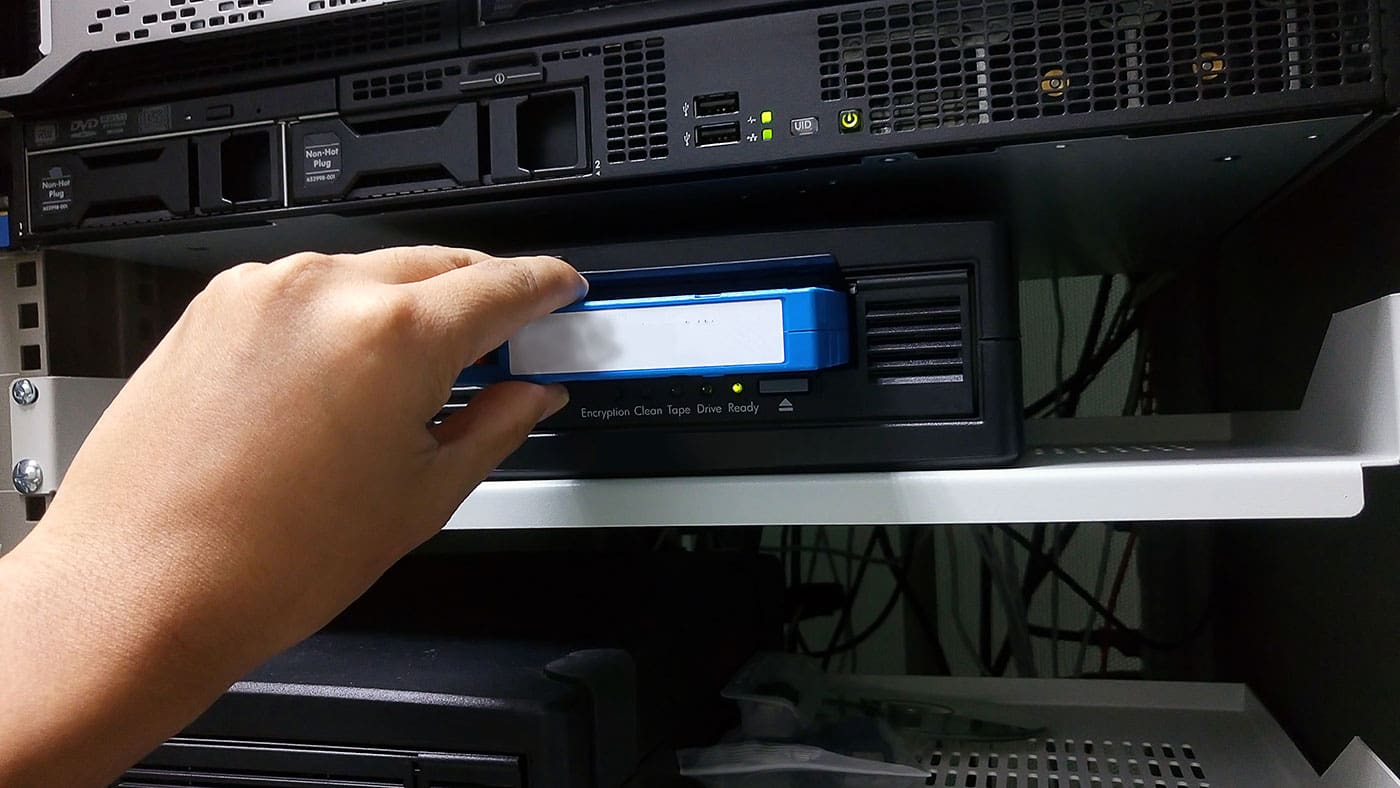
A solid backup plan keeps your business running when things go wrong. Ransomware, deleted files, and hardware failure can affect any company.
Thanks to cloud backup, which helps, but many teams still want a copy they can control and take offline. This is where tape backup comes in. It is cost-effective for large data sets, and it supports long-term storage.
Read this article to learn how to plan, buy, and run a tape-based backup setup. We will keep it practical and focused on what IT teams need. By the end, you will have a clear path to a system you can trust. So continue to find out more!
1) Start With Clear Goals And Scope
If you’re planning to protect your company from online threats, decide which risks you think you might face in the future before getting a tape-based backup system. Since it is offline, a tape backup system safely stores all your data without you having to worry about risks like power loss and cyber attacks. Moreover, your data will be physically close to you, as it will not be on the cloud of another company. With all these benefits, it’s important to define what you must protect before you buy anything.
Here are some questions you can ask before choosing tape backup:
- What data matters most? File shares, databases, virtual machines, and SaaS exports.
- How much data do you need to back up now and in the next three years?
- How fast do you need to recover? This is your recovery time goal.
- How far back do you need to go? This is your retention goal.
2) Choose Your Tape Technology And Architecture
Most modern business deployments use LTO drives and cartridges. Out of the two, LTO is widely supported and has a clear roadmap. Plus, you can use two main shapes.
- Standalone drive. It has a lower cost and is good for small environments. But it has slower handling because employees load media by hand.
- Autoloader or library. Higher cost and better for steady operations. It holds many cartridges and can run jobs without staff presence.
You also need to decide where the drive connects.
- SAS is common and reliable.
- Fibre Channel fits some data center setups.
- Network-attached options exist but may add complexity.
Keep the first design simple. So pick one platform that fits your server and backup software support list.
3) Size the System And Plan Capacity
Tape systems are priced around throughput and slots.
- Throughput affects how long nightly jobs run.
- Slots control how many cartridges you can keep online.
Estimate your daily change rate. Then plan enough cartridges for at least a few weeks of daily backups plus monthly and yearly sets. But remember to leave room for growth.
Also, decide if you will use compression. It can help with text and logs. But it helps less for media files and already compressed data.
4) Pick Backup Software And Enable Verification
Your software should support your platforms and your hardware. It should also support encryption and reporting.
Look for these features.
- Job scheduling and retention rules
- Application-aware backups for databases and VMs
- Media tracking and labeling
- Built-in verification and alerts
- Simple restore workflows
Many teams use one suite for disk and tape, as this supports a tiered model.
5) Design a Practical Backup Schedule
A good schedule balances risk and cost. One you can try is the classic approach, which is the 3 2 1 rule. Keep three copies on two media types and one copy off-site.
Here is a simple schedule you can adapt.
- Daily incremental backups Monday to Thursday
- Weekly full backup on Friday or Saturday
- A monthly full backup is kept for longer retention
- Yearly full backup for compliance if needed
Use rotation sets so cartridges come in and out in a predictable way. Label each cartridge with a unique ID and then track it in your software and in a simple log.
6) Set Up Encryption And Access Controls
Tape media is a portable device, so treat it like a laptop with sensitive files.
- Use hardware encryption if your drive supports it.
- Store keys in a secure key manager or a protected vault.
- Limit who can run jobs and who can export cartridges.
- Require multi-factor login for the backup console.
Also, protect the backup server.
- Patch it on a strict schedule.
- Remove extra services.
- Restrict network access.
- Separate admin accounts from daily accounts.
Offline copies help against ransomware. A cartridge on a shelf cannot be encrypted by malware.
Conclusion
Setting up a tape system is not hard when you break it into steps. Start with goals, then choose the right drive or library. Finally, size for growth and pick software that can verify jobs and track media.
You can also build a clear schedule and protect data with encryption and tight access control. Add off-site storage with a simple chain of custody process. The most important test restores so you know the plan works.
For business teams, the value is clear. You get predictable cost at scale and an offline copy that helps against modern threats. With the right process, your tape backup setup can run quietly in the background and be ready when you need it most.