
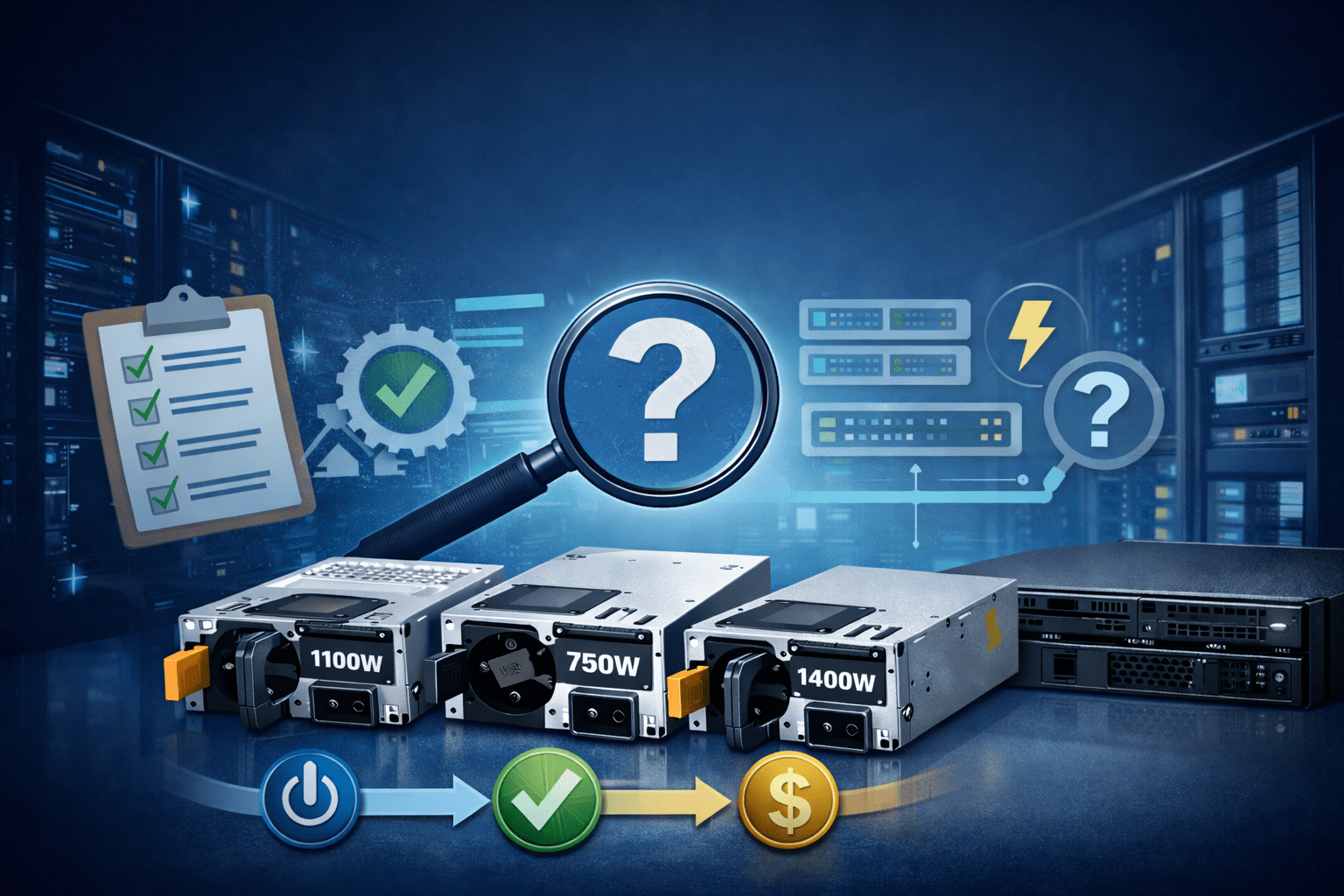
Power infrastructure is the backbone of any enterprise IT setup. While processors, memory, and storage usually get the most attention, a well-matched power supply is what actually keeps your mission-critical systems running reliably.
Whether it’s powering Dell PowerEdge servers or high-performance network switches, selecting the right OEM power supply has a direct impact on system uptime, stability, and overall system health. Selecting the right power supply is more than just a matter of finding the right part number.
OEM Dell Power Supplies: Importance in Enterprise Settings
Enterprise power supplies are designed differently compared to consumer power supplies. OEM Dell power supplies are designed to work perfectly with the firmware, monitoring software, and cooling systems already in your Dell system. Incompatible power supplies can cause instability, produce excessive heat, or trigger system warnings due to firmware incompatibility. Such issues are not acceptable in high-availability environments.
OEM-compatible power supplies guarantee:
- Steady power even during your heaviest workloads.
- Perfect sync with your BIOS and management tools.
- Reliable backup for failover and redundancy.
- Smart cooling that matches your server’s airflow.
- Maximum uptime with a much lower risk of crashes.
Wattage Requirements: 495W vs 550W
The selection of the correct wattage is an important consideration when choosing a Dell PSU.
495-Watt Power Supplies
The Dell E495E-S1 and F495E-S0 are examples of 495W power supplies that are usually found in Dell PowerEdge server setups. A right-sized 495W PSU will offer enough headroom for smooth operation without the need for excessive power consumption. These are generally ideal for:
- Mid-range servers: Perfect for your standard, everyday configurations.
- Virtualization: Ideal for handling typical virtual machine workloads.
- Balanced builds: The go-to choice for matched CPU and memory setups.
- Efficiency-first: Best for data centers where saving energy is a top priority.
550-Watt Power Supplies
The Dell 6FKHH model, which is 550W, is commonly associated with Dell networking applications, such as S-series switches. Although high-wattage models are more flexible, they can end up consuming more power if they are oversized. High-wattage models are ideal for:
- High-density switching: Perfect for busy, port-heavy network gear.
- Scalable networks: Built to handle your infrastructure as it grows.
- Power-hungry apps: Ideal for setups that need extra overhead to stay stable.
- Demanding workloads: The go-to choice when your network applications need more than just the basics.
Power Supply Wattage Options for PowerEdge Servers
| Server Type | Entry-Level Config | Mid-Range Config | High-Performance Config |
| 1U Rack Server | 495W – 750W | 750W – 1100W | 1100W – 1600W |
| 2U Rack Server | 750W – 1100W | 1100W – 1600W | 1600W – 2000W |
| Tower Server | 350W – 495W | 495W – 750W | 750W+ |
Voltage Range and Environmental Factors
Enterprise-class power supplies are designed to handle a certain voltage range, typically:
- 100–240V AC
- 200–240V AC
Before choosing a replacement PSU, IT professionals need to check the voltage requirements of their environment. Using a PSU with a different voltage range can cause hardware damage or decreased efficiency. In addition, airflow orientation (front-to-back or back-to-front) must be compatible with rack cooling designs to avoid heat imbalance.
Redundancy and Failover Capability
Most Dell PowerEdge servers and network switches support redundant PSU designs. This implies that:
- Two power supplies were installed side by side
- Both power supplies share the load
- Automatic failover in case of a PSU failure
When replacing or upgrading a PSU, it is important to ensure that the new PSU is identical to the existing one to maintain proper redundancy functionality. For instance, combining different wattage ratings or firmware versions can cause problems with failover operations and trigger system warnings.
Having a backup power setup is one of the best ways to avoid unexpected downtime. In a busy data center, choosing the right power supply isn’t just a necessity; it’s what keeps your entire operation running reliably.
Power Supply Redundancy Options
| Configuration | Description | Best For | Risk Level |
| Non-Redundant | Single PSU | Small offices, lab setups | High risk of downtime |
| 1+1 Redundant | Two PSUs, one backup | SMBs, virtualization hosts | Low risk |
| 2+2 Redundant | Multiple active PSUs | Enterprise data centers | Very low risk |
Compatibility with Dell PowerEdge Servers
Dell PowerEdge servers like R430, R530, R630, and R730 require compatible power supplies to maintain operational integrity. Though the power supplies like E495E-S1 and F495E-S0 may look similar in terms of wattage, compatibility can differ based on the following factors:
- Server model and generation
- Backplane configuration
- Installed components (GPU, storage density, memory capacity)
- Firmware version
Checking compatibility before purchase can save time and avoid returns.
Best Practices for Choosing a Dell Replacement Power Supply
To ensure accuracy and performance integrity, IT managers can follow these guidelines:
- Determine the exact Dell part number of the existing PSU.
- Check server or switch model compatibility.
- Match wattage ratings exactly.
- Check voltage range compatibility.
- Check airflow direction compatibility with the rack design.
- Purchase from experienced enterprise hardware vendors.
Partnering with a specialized supplier makes it much easier to verify your parts and avoid buying the wrong thing. This is especially helpful when you need to track down specific Dell replacements.
Common Mistakes to Avoid
| Mistake | Consequence |
| Undersizing PSU | System crashes or instability |
| No redundancy | Complete downtime if PSU fails |
| Ignoring efficiency | Higher operational cost |
| No future planning | Forced upgrade sooner than expected |
| Mixing incompatible PSU models | Hardware damage or boot failure |
Final Thoughts
Choosing the right Dell power supply for PowerEdge servers and network switches involves a thorough assessment of wattage, compatibility, voltage support, and redundancy needs. Whether purchasing a 495W server PSU like Dell E495E-S1 or F495E-S0, or a 550W networking PSU like Dell 6FKHH, proper part number verification and OEM alignment are important to guarantee high availability.
In the world of enterprise IT, reliable power isn’t just a need; it’s a fundamental part of your uptime strategy. Getting the right hardware is one of the most important decisions you can make for your system’s stability.