
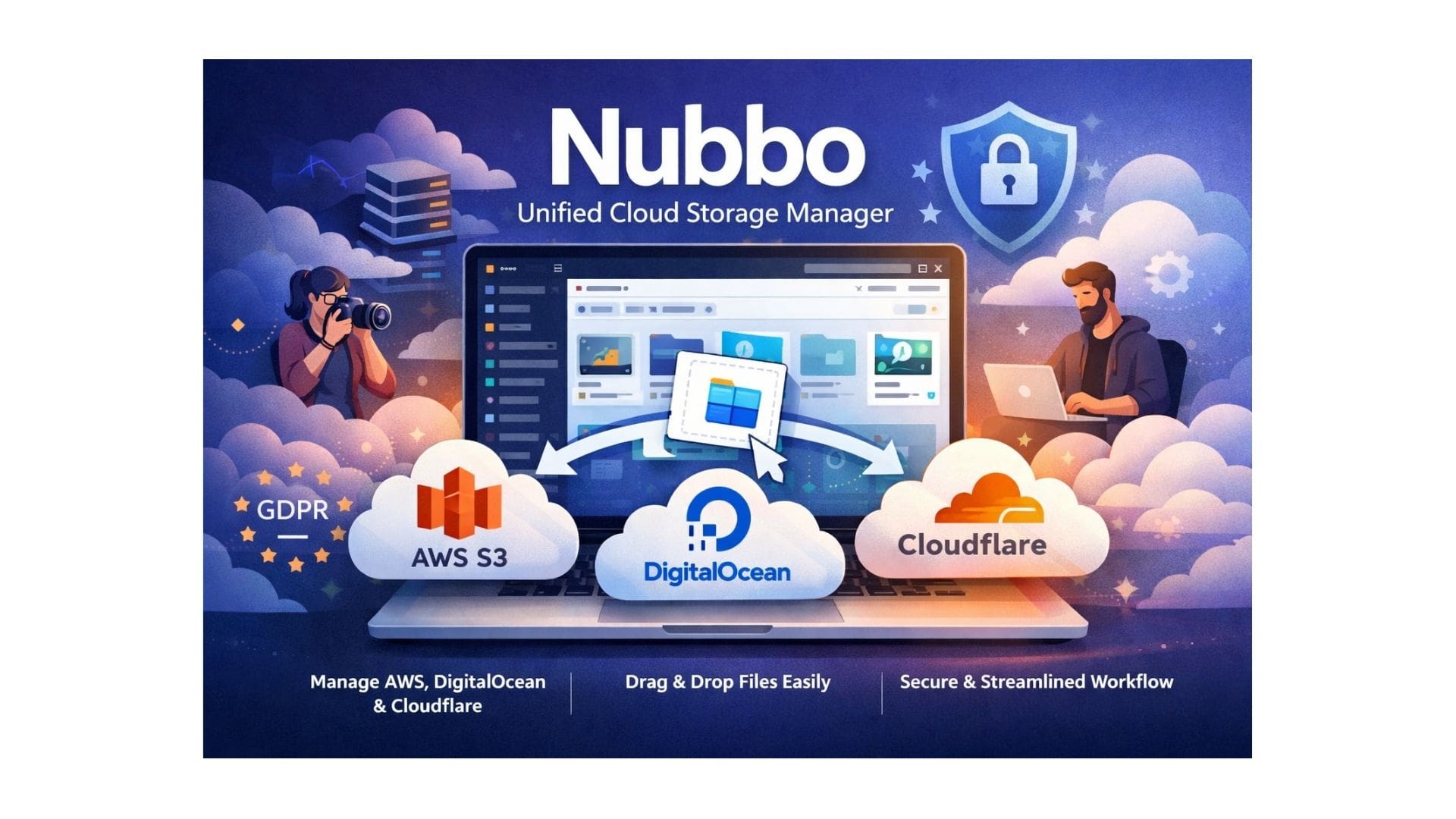
If you work with digital files, whether you are a photographer, a developer, or a freelancer, you know the struggle of “tab overload.” One minute you are logged into AWS S3, the next you are checking DigitalOcean Spaces, and then you need to grab a file from Cloudflare R2. Jumping between these dashboards is slow, confusing, and frankly, a waste of time.
What if you could manage all of them from a single screen? Enter Nubbo, a powerful unified cloud storage manager designed to bring order to the chaos. It allows you to connect professional storage providers like AWS, DigitalOcean, and Cloudflare into one easy-to-use interface.
In this article, we will explore how this tool works, why it is secure, and how it can change the way you handle large files and media libraries. We will look at the features that make it a must-have for creatives and tech teams alike, from professional galleries to secure file sharing.
What is a Unified Cloud Storage Manager?
Before diving into the specific features of Nubbo, let’s clarify what a unified cloud storage manager actually does. Think of it as a “master remote” for all your online storage lockers.
Usually, when you use cloud storage, you have to log in to each provider’s specific website. If you use three different providers, you have three different logins, three different upload buttons, and three different ways to organize folders. A unified cloud storage manager sits on top of these services. It acts as a bridge. It lets you see all your “buckets” (storage containers) in one list, drag and drop files between them, and organize everything without ever leaving the app.
Nubbo is built specifically for professional, S3-compatible storage. This isn’t for backing up your personal phone photos (like Google Photos); this is for people who own their data and store it on enterprise-grade infrastructure like AWS S3, DigitalOcean Spaces, or Cloudflare R2. By using a unified cloud storage manager, you get the power of enterprise infrastructure with the ease of use of a consumer app.
How Nubbo Works: The “No Middleman” Approach
One of the biggest concerns people have with third-party tools is privacy. “If I use Nubbo, are they copying my files?” The answer is a firm no.
Nubbo operates on a unique principle: it never touches your data. When you upload a file, it doesn’t go to Nubbo’s servers first. Instead, the platform generates a secure, temporary link (called a “presigned URL”) that connects your browser directly to your cloud provider (like AWS). The file travels from you to them instantly.
This makes Nubbo a true unified cloud storage manager because it removes the “middleman” risk. Because your files bypass Nubbo’s servers, the transfer is faster, cheaper (you don’t pay for Nubbo bandwidth), and infinitely more private.
Set Up Your Storage Accounts in Minutes
Getting started is simple. You don’t need to be a coding expert. You just need your API keys (access credentials) from your storage provider.
- You enter your credentials into Nubbo.
- Nubbo encrypts these credentials immediately using AES-256-GCM encryption.
- Once connected, you see a modern file explorer that lists all your buckets and folders from all your providers in one column.
From there, you can browse, sort, and organize just like you do on your computer’s desktop.
Your Data is Safe and Private
When you hand over control of your storage connections to a tool, security is the first thing you should ask about. Nubbo takes this seriously. As a unified cloud storage manager, it implements bank-level security standards.
Credential Protection
Your passwords and access keys are the keys to your digital kingdom. Nubbo ensures they are never stored in plain text. They are encrypted using AES-256-GCM, a military-grade encryption standard. Even if someone hacked the database, they would only see scrambled code. The decryption key is stored separately as an environment variable, meaning it never touches the database.
Two-Factor Authentication (2FA)
To add another layer of protection, Nubbo supports TOTP-based Two-Factor Authentication. This means even if someone steals your password, they cannot access your storage dashboard without the code from your authenticator app.
Privacy and GDPR
Because files are transferred directly from your browser to the cloud provider, Nubbo itself has no copies of your files to lose or leak. This aligns with strict privacy regulations like GDPR. You retain full ownership of your data, and you can delete your Nubbo account at any time without affecting the files stored in your actual AWS or DigitalOcean accounts.
Key Features That Make Work Easier
Nubbo isn’t just a viewer; it’s a fully functional workspace. Here are the standout features that make it an essential unified cloud storage manager for busy professionals.
1. Drag-and-Drop Uploads
Forget about clicking “select file” and waiting for a slow web form. With Nubbo, you can drag a file from your desktop folder and drop it right into the browser window. The upload happens in the background. You can even upload multiple massive files at once.
2. Built-in Media Previews
If you are creative, you know how annoying it is to download a file just to see what it looks like. Nubbo has a built-in media player.
- Images: View high-res photos instantly.
- Videos: Stream video files directly in the browser with playback controls.
- Audio: Listen to sound files or podcasts without downloading them.
- Documents: Preview PDFs and text files on the fly.
3. File Requests (The “Dropbox” Feature)
This is a favorite for agencies and freelancers. Sometimes you need to receive files from clients, but you don’t want to give them access to your whole account. With “File Requests,” you generate a special upload link. You can set rules like:
- “Only accept JPGs under 10MB.”
- “Set an expiration date for the link.”
- “Passwords protect the upload.”
When a client uses the link, the files go straight from their computer to your cloud storage. You don’t need to log in to accept them. It makes a unified cloud storage manager act like a digital mailbox.
4. Advanced Sharing Controls
Sharing a file usually means sending a link and hoping for the best. Nubbo gives you granular control. When you create a share link for a folder or file, you can:
- Set a password: Only people with the code can view it.
- Set an expiration date: The link dies automatically after 3 days (or whenever you choose).
- Limit downloads: “This link can only be used to download 5 times.”
- Monitor activity: You can see how many people viewed or downloaded the file and revoke access instantly if something looks suspicious.
The best part? The people you share with do not need a Nubbo account. They just click the link and see a clean, professional download page.
Turn Your Files Into Beautiful Client Galleries
For photographers, designers, and agencies, this feature alone makes Nubbo worth using. You can turn any folder in your cloud storage into a beautiful, professional website gallery in seconds.
Instead of sending a client a boring list of files or a messy Google Drive link, you send them a sleek, branded gallery. Nubbo lets you customize:
- Layouts: Choose between Masonry (Pinterest style), Grid (clean squares), or Slideshow (full-screen immersion).
- Branding: Add your logo and change the accent colors to match your company brand.
- Watermarks: Automatically apply watermarks to images to protect your work from theft.
- Interaction: Allow visitors to “Like” photos (great for feedback sessions) or password-protect the gallery so only the paying client can see it.
Since Nubbo is a unified cloud storage manager, you can host these galleries on cheap storage like Cloudflare R2 or AWS S3 but present them with the polish of a high-end portfolio site. The files remain on your server, but the presentation is handled by Nubbo.
Who Should Use Nubbo?
While anyone can use Nubbo, it is specifically built for certain types of users who need a unified cloud storage manager to handle complex workflows.
Freelancers and Creatives
If you send large video files or high-res photos to clients, email won’t cut it. Nubbo allows you to send a simple link. You can set it to expire after the client downloads the work, keeping your storage tidy.
Developers and DevOps
Managing server backups and logs across different environments (AWS for production, DigitalOcean for staging) is a headache. Nubbo lets you browse your buckets, check file sizes, and delete old backups without opening three different terminal windows or dashboards.
Agencies and Teams
Agencies need consistency. By using a unified cloud storage manager, a team can share assets without sharing passwords. The admin can connect the company AWS account, and team members can upload/download assets using their own Nubbo logins (with 2FA), keeping the master credentials safe.
Supported Providers: AWS, DigitalOcean, and Cloudflare
Nubbo focuses on the “Big Three” of S3-compatible storage. This is smart because these providers are known for durability (99.999999999%) and scalability.
AWS S3
The industry standard. If your company already uses Amazon Web Services, Nubbo plugs right in. It’s perfect for massive archives and global content delivery.
DigitalOcean Spaces
A favorite among developers because it is simple and predictable. Pricing starts at just $5/month for 250GB, which includes a CDN (Content Delivery Network) to make files load fast anywhere in the world. Nubbo has specific guides to help you set up DigitalOcean Spaces in minutes.
Cloudflare R2
The challenger. Cloudflare R2 is famous for having zero egress fees. This means you don’t pay extra when people download your files. For creators sharing heavy galleries, this saves a lot of money. Nubbo supports R2 fully, allowing you to manage these zero-fee buckets easily.
Setup and User Experience
You don’t need to be a tech wizard to set this up. The interface is clean, modern, and supports both Light and Dark modes. It also offers multi-language support (English and Spanish).
The dashboard feels like a native app. It supports keyboard shortcuts (like Ctrl+C to copy, Ctrl+V to paste) so power users can work fast. You can toggle between “List View” (for details like file size and date) and “Grid View” (for thumbnails) with a single click.
For those setting up DigitalOcean or Cloudflare for the first time, Nubbo’s blog provides step-by-step guides. They walk you through generating API keys and configuring CORS settings, removing the technical barrier to entry.
Pricing and Future Plans
Right now, Nubbo is free to use. This makes it an incredibly low-risk tool to try out. Since it doesn’t store your files, their bandwidth costs are low, allowing them to offer the service for free while they build their user base.
In the future, they plan to roll out:
- Premium Features: Advanced search, version history, and code editing.
- Team Plans: Subscription models for agencies.
- Private Deployments: Custom versions for large enterprises that need to host Nubbo on their own servers.
Even with future paid plans, the core function of a unified cloud storage manager will likely remain accessible, ensuring that individuals and small businesses aren’t priced out.
Why This Beats “Consumer” Cloud Storage
You might ask, “Why not just use Google Drive or Dropbox?”
The answer lies in control and cost. Consumer clouds often scan your files for copyright or ads. They also have hard limits. If you hit 2TB on Dropbox, you have to pay a massive monthly fee.
With a unified cloud storage manager like Nubbo connected to AWS or Cloudflare, you own the storage. You pay the provider (usually much cheaper per GB), and you own the data. There are no arbitrary limits, no scanning, and full privacy. Nubbo just makes it easy to use that professional power.
Common Questions (FAQ)
Q1: Does Nubbo store my files?
Ans: No. Nubbo is an interface tool. When you upload, the file goes directly from your browser to your cloud provider (AWS/DigitalOcean/Cloudflare). Nubbo never sees the file data.
Q2: Is it safe to store my API keys there?
Ans: Yes. They are encrypted with AES-256-GCM and hashed securely. However, as with any tool, you should always enable Two-Factor Authentication.
Q3: Can I share files with people who don’t have an account?
Ans: Absolutely. You generate a public link. The recipient sees a clean download page or a gallery. They do not need to sign up for anything.
Q4: Can I move files between providers?
Ans: Yes! Since you can see AWS and DigitalOcean in the same window, you can literally drag a file from an AWS bucket and drop it into a DigitalOcean bucket to copy it over.
Final Thoughts
Managing cloud storage shouldn’t feel like rocket science. Whether you are hosting a 4K video gallery, backing up a database, or sending a zip file to a client, the process should be fast and secure.
Nubbo solves the fragmentation problem. By acting as a unified cloud storage manager, it bridges the gap between powerful, cheap infrastructure (like S3) and the user-friendly experience we all want. It strips away the complexity of dashboards and APIs, leaving you with a simple, elegant way to control your digital assets.
Nubbo Simplify your digital workflow and stop juggling multiple tabs and passwords. Nubbo offers a free, secure, and seamless way to manage all your cloud storage in one place.
Website: https://nubbo.app/es/
Connect your first storage provider today and experience a smarter, more productive way to work.