

Problem: You take photos on your iPhone, send them to your laptop, and suddenly they won’t open.
Agitation: HEIC files break uploads, emails, edits, and even simple previews—especially on Windows.
Solution: Convert HEIC to JPG online in seconds, without installing software or damaging image quality.
That’s exactly what this guide helps you do—clearly, safely, and fast.
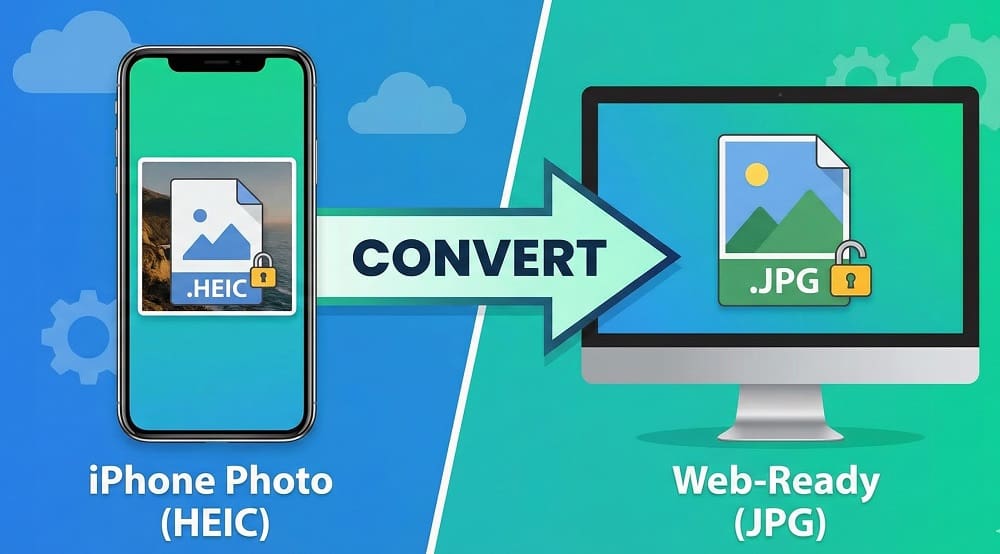
What Is an HEIC File and Why iPhones Use It
HEIC stands for High Efficiency Image Container. Apple introduced it to store high-quality photos using less space.
iPhones use HEIC because it:
- Keeps image quality high
- Reduces file size
- Stores extra data like depth and metadata
The downside? Limited compatibility outside the Apple ecosystem.
HEIC vs JPG — Key Differences You Should Know
| Feature | HEIC | JPG |
|---|---|---|
| File Size | Smaller | Larger |
| Image Quality | Higher at same size | Slight compression |
| Compatibility | Limited | Universal |
| Web & Email Support | Often fails | Always works |
| Editing Support | Limited | Widely supported |
Bottom line: HEIC is efficient, but JPG is practical.
Why HEIC Photos Don’t Open on Windows and Other Devices
Windows, Android, and many web apps don’t fully support HEIC by default.
Common issues include:
- Images won’t open in Windows Photos
- Upload errors on websites
- Email attachments not previewing
This isn’t a photo problem. It’s a format compatibility problem.
Do You Really Need to Convert HEIC to JPG? (Decision Guide)
You should convert HEIC to JPG if you:
- Use Windows or Android
- Upload images to websites or CMS platforms
- Send photos via email or messaging apps
- Print images professionally
You can keep HEIC if you:
- Stay fully inside Apple devices
- Don’t share photos externally
How to Convert HEIC to JPG Online (Fastest Method)
The quickest method is using an online HEIC to JPG converter.
Here’s how it works:
- Upload your HEIC image
- The file converts automatically
- Download the JPG instantly
No installs. No technical steps.
This is where https://onlinetoolsfree.com/ fits perfectly—it offers a fast, free HEIC to JPG conversion experience that works on any device.
Step-by-Step: Convert iPhone Photos Using OnlineToolsFree
Using onlinetoolsfree.com takes under a minute.
Steps:
- Open the HEIC to JPG converter
- Drag and drop one or multiple HEIC files
- Download the converted JPG images
Key advantages:
- Supports batch conversion
- No signup required
- Works on Windows, Mac, Android, and iPhone
Will Converting HEIC to JPG Reduce Image Quality?
Short answer: Not if done properly.
Good converters preserve:
- Resolution
- Color accuracy
- EXIF metadata
JPG files may be slightly larger, but the visual difference is negligible for everyday use.
Is It Safe to Use Online HEIC to JPG Converters?
Safety depends on the tool.
A trustworthy converter should:
- Use secure uploads
- Process files temporarily
- Delete images automatically
- Require no account
Tools like onlinetoolsfree.com are designed for quick conversions without storing your files.
FAQ: HEIC to JPG Conversion
What is an HEIC file?
HEIC is an Apple image format that saves high-quality photos in smaller sizes.
It’s efficient but not widely supported, which causes compatibility issues outside Apple devices.
Why won’t HEIC photos open on Windows?
Windows doesn’t support HEIC files natively.
Without extra codecs, HEIC images fail to open, edit, or preview correctly.
How do I convert HEIC to JPG online?
Upload the HEIC file, convert it, and download the JPG.
Online converters handle everything automatically, with no software installation required.
Does converting HEIC to JPG reduce image quality?
Quality loss is minimal when using reliable converters.
Resolution and colors remain intact, making JPG suitable for sharing, printing, and web use.
Is it safe to use an online HEIC to JPG converter?
Yes, if the tool deletes files after conversion and uses secure processing.
Avoid platforms that require logins or store images long-term.
Final Thoughts
HEIC files are efficient, but they create friction outside Apple devices.
Converting them to JPG solves compatibility issues instantly.
If you want a fast, clean solution that works everywhere, https://onlinetoolsfree.com/ makes HEIC to JPG conversion simple, secure, and hassle-free.
