
Let’s be honest for a second. If you’re a small business owner or a salesperson, you’ve probably heard the term “CRM” a thousand times. And if you’re like most people, you’ve probably ignored it just as many times.
Why? Because most CRMs are a nightmare.
They are clunky, complicated, and expensive. They require a PhD to set up, and by the time you’ve filled out all the fields, you’ve forgotten why you even wanted to talk to that customer in the first place. They sit there, collecting digital dust, while you go back to using sticky notes and a messy spreadsheet.
But what if a CRM was designed differently? What if it didn’t try to be everything to everyone? What if it just focused on one thing: getting you to talk to your customers.
That’s where OnePageCRM comes in.
This isn’t just another sales tool. It’s a system built on a simple idea: your customer list shouldn’t be a static graveyard of names. It should be a living, breathing to-do list.
In this deep-dive review, we’re going to break down everything about OnePageCRM . We’ll look at how it works, why it’s perfect for small teams, how it uses AI to save you hours, and whether it’s actually worth your money. No fluff, no jargon, just the plain truth.
Learn about OnePageCRM
Think of OnePageCRM as the anti-CRM.
While giants like Salesforce try to do everything (marketing, HR, inventory, space travel), OnePageCRM does one thing really well: sales management. It was built specifically for small businesses, consultants, and professional service firms. We’re talking about financial advisors, recruiters, agencies, and freelancers.
The whole philosophy is summed up in their motto: “Convert more leads and grow your business with the action-focused CRM.”
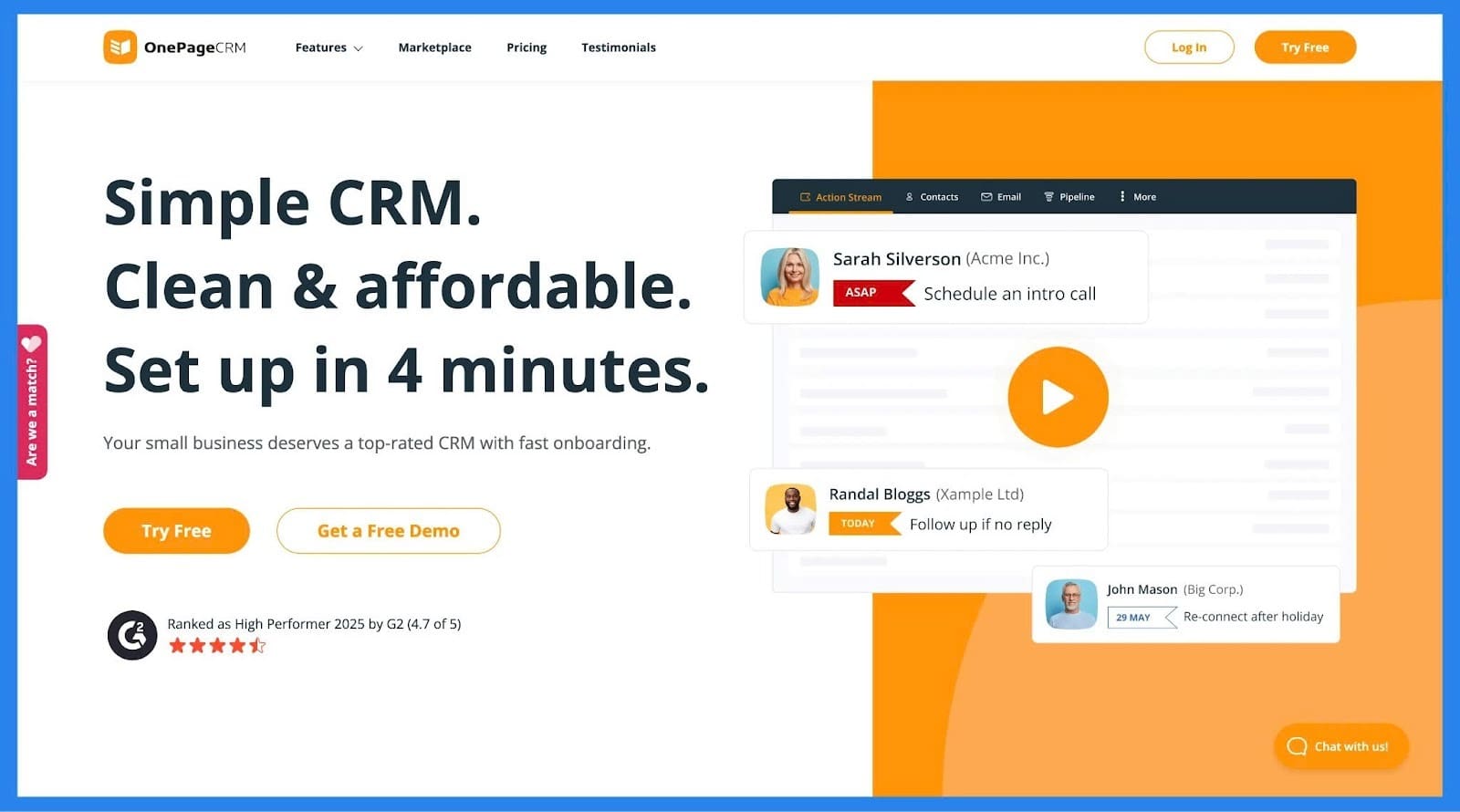
Most CRMs are databases. You dump contacts in, and they sit there. OnePageCRM is different. It turns your contact list into a Next Action list.
Here is how it works in the simplest terms: Instead of just seeing a name like “John Smith,” you see John Smith with a button that says “Follow up in 2 weeks.”
It’s not a database. It’s a checklist. And for busy people, that changes everything.
The “Secret Sauce”: The Next Action Philosophy
To understand why people love OnePageCRM, you have to understand the Next Action concept.
In a normal CRM, you have a contact. You might add a note that says “Called John, he’s interested.” Great. Now what? You close the tab and forget. Two weeks later, John is gone.
In OnePageCRM, that interaction creates a task. The contact card turns yellow or red, reminding you that something needs to happen. You don’t have to think, “Who do I need to call today?” The system tells you.
It’s color-coded:
- Green: All good, nothing to do.
- Yellow: Follow-up needed soon.
- Red: Overdue action!
This “action-first” approach is why it’s so popular with solo founders and small teams. You don’t manage data; you manage actions. You finish a call, you set a reminder right there, and you move on. It keeps your pipeline moving without you having to think about it.
Key Features: What Can It Actually Do?
OnePageCRM prides itself on avoiding “feature bloat.” It doesn’t have 500 buttons you’ll never press. But it has everything you actually need to sell.
1. Smart Contact Management
This is more than just a digital Rolodex. When you click on a contact, you see everything in one place.
- Conversation history: All emails and notes are saved right there.
- Attachments: You can drag and drop files directly onto a contact.
- B2B Focus: It handles “Organizations” really well. If you sell to companies, you can link multiple contacts to one company account.
It’s clean. No clutter. Just the info you need when you need it.
2. The Sales Pipeline (Drag-and-Drop Style)
You can see your deals on a Kanban board (like Trello). You create stages like “Qualified,” “Proposal Sent,” “Negotiation,” and “Won.”
You drag a deal from one stage to the next. It’s visual, satisfying, and lets you see exactly where your money is. You can also add custom fields, notes, and attachments to deals, so you never lose the contract details.
3. Built-in Communication Tools
OnePageCRM wants you to stay inside the app so you stop wasting time switching tabs.
- Email Sync: Connect your Gmail or Outlook. Send and receive emails right inside the CRM. It automatically logs them to the contact’s timeline.
- Click-to-Call: If you use VoIP apps like Skype, WhatsApp, or FaceTime, it integrates with one click.
4. Web Forms and Lead Clipper
- Web Forms: You can build simple forms to stick on your website. When someone fills it out, they pop right into your CRM as a new lead.
- Lead Clipper: This is a cool browser extension. You’re on LinkedIn or a website, see someone you want to talk to, click the button, and boom, they’re in your CRM.
Wait, It Has AI? (Yes, and It’s Good)
A few years ago, OnePageCRM adding AI would have sounded like a joke. “Keep it simple!” fans would have screamed. But they’ve done something smart. They didn’t build their own clunky AI; they partnered with the best tools out there to bring AI into the workflow.
This is a game-changer for anyone who hates admin work.
FastTrackr AI: The Financial Advisor’s Best Friend
This integration is built specifically for financial advisors, but the logic applies to anyone.
- Pre-Meeting Prep: Before a meeting, FastTrackr scans all your past emails and notes. It gives you a one-page summary: “Here’s what you talked about last time. Here are their kids’ names. Here’s what they’re worried about.”
- Auto-Notes: It listens to your meeting (with permission) and writes the summary for you. You can actually pay attention to the client instead of typing frantically.
- Draft Emails: After the meeting, it writes a follow-up email for you. You just check it and hit send. Users report saving 30-45 minutes per meeting with this alone.
Arahi AI: The 24/7 Autopilot
Arahi acts like a robotic assistant living in your CRM.
- Enrichment: You add a lead with just a name and company. Arahi goes out to the internet, finds their LinkedIn, their company size, their location, and fills in the blanks for you.
- Smart Sequences: If a lead opens your email but doesn’t reply, Arahi waits 3 days and sends a personalized nudge. “Hey, saw you checked out the proposal. Here’s a case study that might help.”
- Alerts: If a deal hits $50k or moves to “Negotiation,” it pings you on Slack instantly.
Zapier AI: The Glue
If you use Zapier, you can connect OnePageCRM to almost anything. With the new AI features, you can say things like: “When I get a new lead in OnePageCRM, use AI to write a personalized first line for an email and save it as a draft.”
It’s automation without the headache.
Teamwork: Can My Whole Team Use It?
Yes. OnePageCRM is great for teams, but it keeps that “simple” vibe. You won’t get lost in permissions hell.
Assigning and @Mentions
You can assign a contact to a specific teammate. You can also use “@mentions” in notes (just like Slack). If you type “@Sarah, can you check this?” Sarah gets an email. It keeps communication out of your inbox and inside the CRM.
The “Team Stream”
This is like a Facebook newsfeed for your company. It shows you: “Mike just closed a deal,” “Jen added a new lead,” “Dave updated a note.” It’s great for remote teams to feel connected.
User Roles (Keeping Things Safe)
They have a smart permission system so your intern doesn’t accidentally delete your whole database.
- Admin: Can see and do everything.
- User: Can see most things but can’t change billing.
- Focused User: This is brilliant for freelancers or contractors. You give them access, but they can only see the contacts assigned to them. They can’t snoop on your other deals.
Document Storage
You can upload PDFs, contracts, and proposals right into the CRM. When you need to send one to a client, you don’t have to hunt through Google Drive. It’s right there on the contact page.
The Price: Is It Affordable?
Let’s talk about money. OnePageCRM is cheap. Like, really cheap compared to the big guys.
They have two main plans. No hidden fees. No “per user” upcharges for basic features.
| Feature | Professional Plan | Business Plan |
| Price (Annual) | $9.95 / month | $19.95 / month |
| Price (Monthly) | $15 / month | $29 / month |
| Best For | Solopreneurs & Small Teams | Growing Teams |
| Pipelines | 1 | Up to 10 |
| User Groups | No | Yes |
| Focused Users | No | Yes |
The Verdict on Pricing: The Professional plan at $9.95/month is a steal. That’s less than the price of a Netflix and pizza night. For that price, you get a fully functional CRM.
The Business plan is worth it if you have multiple products (e.g., you sell coaching and courses) because it lets you have separate pipelines for each.
Extra Perks:
- Free Trial: 21 days. No credit card required.
- Non-Profits: They have a “Power of Action” program. If you’re a charity or NGO, you get it for free.
- No Contracts: You can cancel anytime.
Pros and Cons: The Honest Truth
I’ve used a lot of CRMs. HubSpot, Pipedrive, Zoho, Salesforce. Here’s where OnePageCRM wins and where it loses.
What We Love
- It’s Fast: The interface is snappy. No loading screens.
- Zero Clutter: You can learn it in 30 minutes. Seriously.
- The “Next Action” Feature: It actually forces you to follow up. Your sales will improve if you use this.
- Customer Support: Their support team is famously helpful. They reply fast and don’t speak in robot code.
- Mobile App: The phone app is actually good. It’s not a broken version of the website.
What We Don’t Love
- Reporting is Basic: If you need fancy, multi-colored pie charts and revenue forecasting, this isn’t it. It gives you the basics, but it’s not a data analytics powerhouse.
- Marketing is Weak: Don’t buy this if you want to send newsletters to 10,000 people. It’s for sales, not marketing.
- Customization is Limited: You can’t change the layout much. You have to do it “The OnePage Way.” (For some, this is a pro; for control freaks, it’s a con).
Who Should Buy This?
Let’s break it down by job title.
YES, Buy This If:
- You are a Solopreneur/Freelancer: You need to keep track of 50-500 clients. You don’t have time to manage software.
- You are a Financial Advisor/Insurance Broker: The FastTrackr AI integration alone makes this worth it.
- You run a Small Agency: You have 2-10 salespeople. You need them to stop forgetting follow-ups.
- You Hate Computers: If you get a headache looking at Salesforce, this is your medicine.
Final Verdict
OnePageCRM is the best “starter” CRM on the market.
Most CRMs are just fancy filing cabinets. OnePageCRM is a coach. It stands over your shoulder and says, “Call that guy.” And when you do, you make more money.
If you’re tired of messy spreadsheets and expensive software that your team refuses to use, give the 21-day trial a shot. It might just be the simplest business decision you make all year.
Try OnePageCRM Free for 21 Days >>
Frequently Asked Questions (FAQ)
Q1: Does OnePageCRM have a free version?
Ans: Not for businesses. They have a 21-day free trial, but no permanent free plan (unless you are a non-profit).
Q2: Can I import my contacts from Excel?
Ans: Yes! They have a simple CSV import tool. It’s very easy to map your columns.
Q3: Is it better than Pipedrive?
Ans: It’s simpler. Pipedrive is great, but it has more features. OnePageCRM is better if you find Pipedrive too complicated.
Q4: Does it work on iPhone and Android?
Ans: Yes, the mobile apps are excellent and sync in real-time.
Visit our website: https://www.onepagecrm.com/?via=87773f