
Copy trading often feels like a gamble. You find a trader with 500% returns, click “Copy,” and wake up to a blown account because the platform mismanaged your lot sizes.
Retail traders lose millions annually not because they chose bad strategies, but because of opaque execution and poor risk scaling.
cTrader Copy Trading solves this through transparency. By using a mathematical framework that locks your risk to the provider’s ratios—and isolating funds in separate sub-accounts—cTrader offers a professional alternative to the “black box” systems found on MT4.
Here is how the architecture works and how to use it to protect your capital.
What is cTrader Copy? (The Ecosystem)
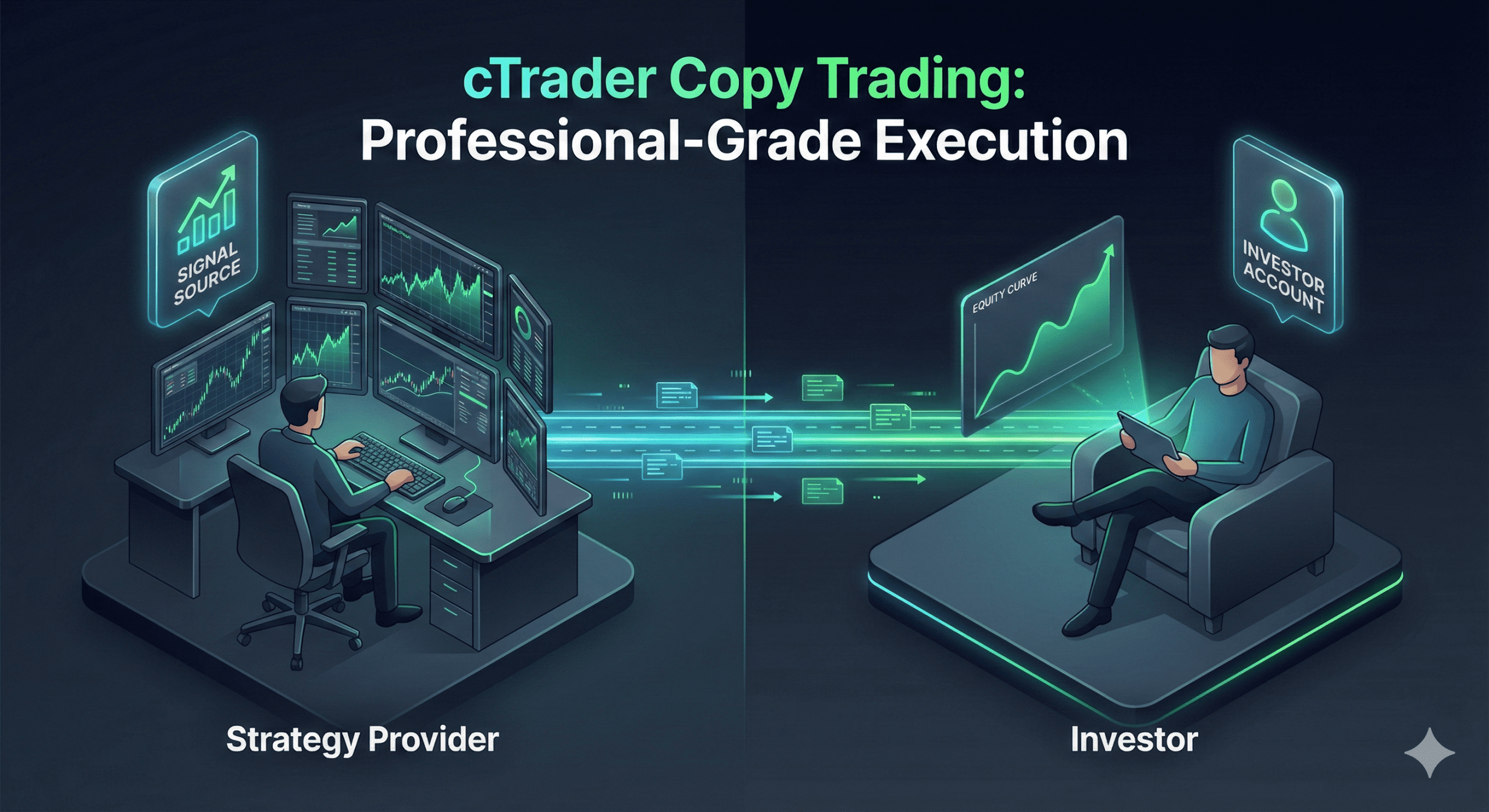
cTrader Copy is a fully integrated investment layer built directly into the cTrader platform by Spotware. Unlike third-party signal services that require complex bridges, this is a native ecosystem.
It connects two key participants:
- The Strategy Provider: A trader who broadcasts their orders for a fee.
- The Investor: A user who allocates funds to mirror those orders automatically.
The system relies on a cTrader ID (cTID). This single credential links all your accounts across different brokers.
Why does this matter?
It allows for Cross-Broker Copying. You can have a cTrader account with Broker A and copy a Strategy Provider trading on Broker B. As long as both brokers offer cTrader Copy, the liquidity flows seamlessly.
Core Mechanics: How Trades Are Actually Copied
Most copy platforms fail at “position sizing.” If a provider with a $100,000 account opens a 1-lot trade, and you have a $1,000 account, copying that 1 lot will wipe you out instantly.
cTrader handles this with two distinct mechanisms.
The “Equity-to-Equity” Ratio Explained
This is the math that keeps you safe. cTrader does not copy the specific lot size; it copies the risk percentage.
The system calculates the ratio of your equity to the provider’s equity to determine the trade size.
The Formula:
Your Volume = Provider Volume × Your Equity Provider Equity
Example:
- Provider Equity: $10,000
- Your Equity: $1,000 (Ratio is 10%)
- Provider Trade: 1.0 Lot
- Your Trade: 0.1 Lot
This ensures your leverage and risk exposure remain mathematically identical to the provider’s, regardless of your balance.
Separate Copy Accounts (The “Sandbox” Rule)
On platforms like MetaTrader, copy trades often mix with your manual trades in a single “Global Account.” This is dangerous. A manual error can eat into the margin needed for copied trades.
cTrader forces a different approach: Sub-Accounts.
When you click “Copy,” cTrader creates a brand-new, separate hedging account dedicated only to that strategy.
- You cannot manually trade in this account.
- The funds are isolated.
- You can withdraw profits or stop copying without affecting your other trading activities.
The Cost of Copying: Fee Structures Decoded
Transparency means knowing exactly who gets paid and why. Strategy Providers on cTrader set their own fees, which fall into three categories.
Comparison: The 3 Fee Types
| Fee Type | What is it? | When is it charged? | Who pays? |
| Management Fee | An annual % of your invested equity. | Calculated daily, charged monthly. | All Investors. |
| Performance Fee | A % share of the net profit you make. | Charged only when a new profit high is reached. | Only profitable Investors. |
| Volume Fee | A commission based on amount traded. | Charged per trade (open/close). | Active Investors. |
Understanding the High-Water Mark (HWM)
You should never pay fees on the same profit twice. The High-Water Mark ensures this.
If you invest $1,000 and the strategy grows to $1,200, you pay a performance fee on the $200 profit. The HWM is now set at $1,200.
If the strategy then drops to $1,100, you pay zero performance fees on subsequent profits until the account recovers past the $1,200 mark. This aligns the provider’s incentives with your recovery.
Risk Management: Protecting Your Capital
Even the best mathematical ratios cannot prevent a provider from going “tilt” and blowing their account. You need a kill switch.
Setting an Equity Stop Loss
This is your emergency brake. In the settings of your copy profile, you can define an Equity Stop Loss.
If your allocated equity drops to a specific dollar amount, cTrader immediately:
- Stops copying new orders.
- Closes all open positions associated with that strategy.
- Locks the remaining funds.
Strategic Advice: Never allocate funds without this setting. If you invest $1,000, set a stop loss at $700 (or your risk tolerance). If the provider crashes, you walk away with 70% of your capital intact.
Hedging vs. Netting Accounts
Be aware of the provider’s account type.
- Hedging: Allows multiple positions in the same symbol (Long and Short simultaneously). Most retail strategies use this.
- Netting: Consolidates all orders into a single position average.
cTrader Copy supports both, but you usually need a matching account type. If a provider uses Hedging, cTrader will automatically open a Hedging sub-account for you.
How to Analyze & Choose a Strategy Provider
Don’t just sort by “Highest Return.” That is a trap. High returns over a short period often indicate reckless leverage, not skill.
Red Flags: Identifying “Martingale” Strategies
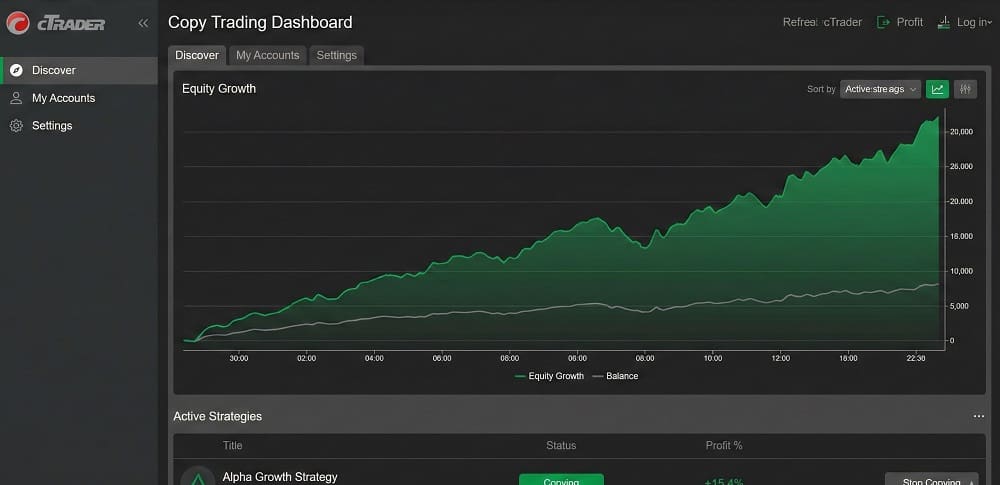
Look at the equity chart.
- Healthy: A jagged line that moves up and down naturally (wins and losses).
- Dangerous: A perfectly straight line moving up 45 degrees, followed by sharp spikes downward.
This pattern suggests a Martingale strategy—doubling down on losing trades to force a breakeven. These strategies have a 100% failure rate eventually. Avoid them.
Interpreting ROI vs. Drawdown
Always look at the ratio of ROI (Return on Investment) to Max Drawdown.
- Provider A: 500% ROI, 80% Drawdown. (High risk of ruin).
- Provider B: 50% ROI, 10% Drawdown. (Stable, professional growth).
Provider B is the superior choice for long-term capital preservation.
FAQ: Common Questions About cTrader Copy
How does cTrader Copy Trading differ from MT4 copy trading?
cTrader uses separate sub-accounts and an Equity-to-Equity ratio.
While MT4 typically mixes trades in a global account and relies on fixed-lot or multiplier settings, cTrader isolates every strategy into its own sub-account. This prevents margin conflict and ensures the mathematical risk ratio is exact, even if your account size is totally different from the provider’s.
What fees do I pay on cTrader Copy?
You may pay Management, Performance, and Volume fees.
Not all providers charge all three. The most common is the Performance Fee (e.g., 20% of profits). A Management Fee acts like a mutual fund expense ratio (e.g., 2% a year). Always check the “Fee” tab on a Strategy Profile before investing.
What is the High-Water Mark in cTrader Copy?
It is a protection mechanism ensuring you only pay fees on new profits.
The High-Water Mark records the highest value your account has reached. If you lose money, you stop paying performance fees. You only resume paying fees once the provider recovers your losses and pushes your equity above the previous peak.
Can I lose more than I invest in cTrader Copy?
No, provided your broker offers Negative Balance Protection.
Additionally, cTrader’s Equity Stop Loss feature allows you to cap your losses manually. If you set a stop loss at 50% of your investment, the system will close out trades automatically once that limit is hit, preventing total account loss.
Do I need a VPS for cTrader Copy Trading?
No, cTrader Copy is server-side.
Once you click “Start Copying,” the instructions are handled by the broker’s server. You can close your platform, turn off your computer, and disconnect your internet. The trades will continue to execute 24/7.
