
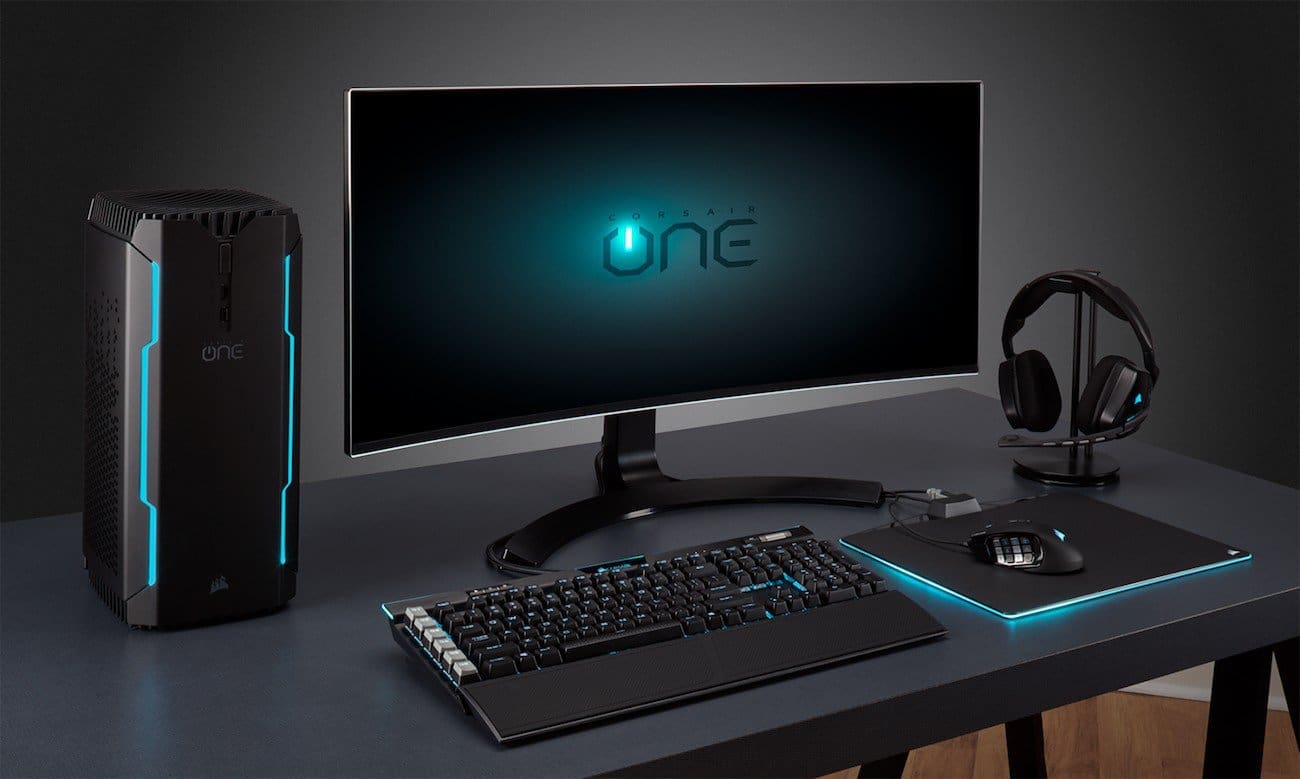
Gaming headsets are an essential part of any modern gaming setup. Whether you are a competitive PC gamer, a console enthusiast, or someone who enjoys online multiplayer games, a reliable headset improves communication, immersion, and overall performance. In Pakistan, as interest in gaming gear and PC accessories continues to grow, more gamers are investing in quality audio equipment.
However, even the best gaming headsets in Pakistan can develop problems over time. Issues like distorted sound, microphone failure, connection drops, or discomfort are common and can ruin the gaming experience if not handled properly. This guide covers the most common gaming headset problems and explains how to fix them, helping gamers get the most out of their equipment.
No Sound or Audio Cutting Out
One of the most common gaming headset problems is no sound or audio cutting in and out. This issue can occur on both PC and consoles and is often related to connection or settings rather than hardware failure.
Possible Causes
Loose cables, damaged connectors, incorrect audio output settings, or outdated audio drivers can cause sound issues.
How to Fix It
First, check all physical connections. Make sure the headset is firmly plugged into the correct audio port. If you are using a USB headset, try a different USB port.
On PC, open your sound settings and confirm that your gaming headset is selected as the default playback device. Update your audio drivers from the manufacturer’s website. For consoles, check audio settings to ensure the headset output is enabled.
If the problem persists, test the headset on another device. This helps determine whether the issue is with the headset or the original system.
Microphone Not Working or Poor Voice Quality
A non-working microphone is a frustrating issue, especially in multiplayer games where communication is critical. Many gamers searching for the best gaming headsets in Pakistan prioritize microphone quality, but even good headsets can face mic problems.
Possible Causes
Muted microphones, incorrect input settings, driver issues, or physical damage to the mic cable are common reasons.
How to Fix It
Check if the microphone is muted using inline controls or software settings. On PC, go to sound settings and ensure the correct microphone input is selected. Increase microphone volume and disable unnecessary enhancements that may distort sound.
For detachable microphones, remove and reattach them securely. If using a console, check in-game chat settings and system audio preferences.
Testing the microphone in a voice recording app or communication software can help identify whether the issue is hardware or software related.
Distorted or Low-Quality Sound
Distorted audio, crackling sounds, or very low volume can affect immersion and competitive performance. This issue is common among gamers using budget headsets or incorrect audio configurations.
Possible Causes
Incorrect equalizer settings, damaged cables, interference, or low-quality audio sources can lead to distortion.
How to Fix It
Reset audio settings to default and disable excessive equalizer boosts. If your headset comes with software, use recommended presets for gaming.
Inspect the cable for bends or damage. Try using the headset on a different device or audio port. For wireless headsets, ensure there is no signal interference from other wireless devices nearby.
Using high-quality audio sources and keeping volume levels moderate can also reduce distortion.
Headset Not Detected by PC or Console
Sometimes a gaming headset is not detected at all by the system, making it unusable. This problem is common with USB and wireless headsets.
Possible Causes
Outdated drivers, faulty ports, compatibility issues, or firmware problems may prevent detection.
How to Fix It
Restart your system and reconnect the headset. Try a different USB port or cable. Update audio drivers and headset firmware if available.
For wireless headsets, ensure the receiver is properly connected and paired. Some headsets require specific drivers or software installation to function correctly.
Check compatibility with your device, especially when using consoles, as not all headsets support every platform.
Wireless Connection Drops or Lag
Wireless gaming headsets are popular in Pakistan for their convenience, but connection drops or audio lag can be a major issue during gaming sessions.
Possible Causes
Low battery, wireless interference, outdated firmware, or long distance from the receiver can cause connectivity problems.
How to Fix It
Charge the headset fully before use. Keep the wireless receiver close to the headset and avoid placing it near routers or other wireless devices.
Update the headset firmware using the manufacturer’s software. Reducing the number of active wireless devices nearby can also improve stability.
If lag persists, switching to a wired connection for competitive gaming may be a better option.
Uncomfortable Fit or Ear Fatigue
Comfort issues are common, especially during long gaming sessions. Even some of the best gaming headsets in Pakistan may feel uncomfortable if not adjusted properly.
Possible Causes
Tight headbands, stiff ear cushions, heavy design, or poor ventilation can lead to discomfort.
How to Fix It
Adjust the headband to reduce pressure. Take short breaks during long gaming sessions to relieve ear fatigue.
Replacing ear pads with softer or breathable alternatives can significantly improve comfort. Choosing lightweight headsets with memory foam cushions is ideal for extended use.
Proper comfort ensures better focus and performance during gaming.
Echo or Feedback During Voice Chat
Echo or feedback issues can disrupt team communication and are often reported in online games.
Possible Causes
High microphone sensitivity, sound leakage, or incorrect audio settings can cause echo.
How to Fix It
Lower microphone sensitivity in system or game settings. Enable echo cancellation and noise reduction options if available.
Ensure that headset audio is not leaking into the microphone. Using closed-back headsets helps reduce sound leakage.
Proper mic positioning also plays a key role in preventing feedback.
Cable Damage and Wear
Cable damage is a common long-term issue, especially for wired gaming headsets. Twisting, bending, or pulling the cable can lead to internal wire damage.
Possible Causes
Improper storage, frequent movement, or accidental pulling can weaken cables.
How to Fix It
Avoid tightly winding the cable and store the headset properly when not in use. Use cable clips or holders to reduce strain.
If the cable is severely damaged, professional repair or replacement may be required. Choosing headsets with durable cables helps prevent this issue in the future.
When to Repair and When to Replace
Not all problems are worth fixing. Minor issues like settings errors or loose connections are easy to solve. However, severe hardware damage, broken drivers, or failing speakers may require replacement.
If repair costs approach the price of a new headset, upgrading to a newer model may be the better option. Many newer models offer improved sound, comfort, and compatibility.
Final Thoughts
Gaming headset problems are common, but most can be fixed with simple troubleshooting. Understanding these issues helps gamers maintain their equipment and enjoy uninterrupted gameplay.
For gamers searching for the best gaming headsets in Pakistan, knowing how to fix common problems adds long-term value to their investment. A well-maintained gaming headset ensures clear communication, immersive sound, and reliable performance for both casual and competitive gaming.
A gaming headset is more than just an accessory. It is a critical part of the gaming experience, and taking care of it ensures better performance and enjoyment for years to come.