
You’re staring at your MetaTrader terminal. The market is moving, a perfect setup just formed, and you hit “New Order.” Nothing happens. The button is greyed out, or you hear an error sound. Panic sets in. Is the broker down? Is your account frozen?
The reality is usually much simpler—and safer—than a frozen account.
You are likely logged in with an investor password.
This specific login credential is a standard feature in Forex trading, but it often confuses new traders. It grants you access to the server but restricts your ability to interact with the market. Here is exactly why that happens, how to fix it, and why this restriction is actually a powerful tool for your trading business.
The Short Answer: Why You Cannot Trade
No, you cannot execute trades with an investor password.
The investor password is structurally designed for read-only access. When you log in with this key, the trading server authenticates your connection but assigns your session zero “write” permissions.
You can view live charts, scroll through account history, and apply technical indicators. However, the server will block any command that attempts to modify the account ledger. This includes:
- Opening new orders.
- Closing active positions.
- Modifying Stop Loss (SL) or Take Profit (TP) levels.
If your “New Order” button is disabled, you are in observation mode, not execution mode.
Master Password vs. Investor Password: The Critical Differences
To avoid future login errors, you must distinguish between the two keys generated when you open a Forex account.
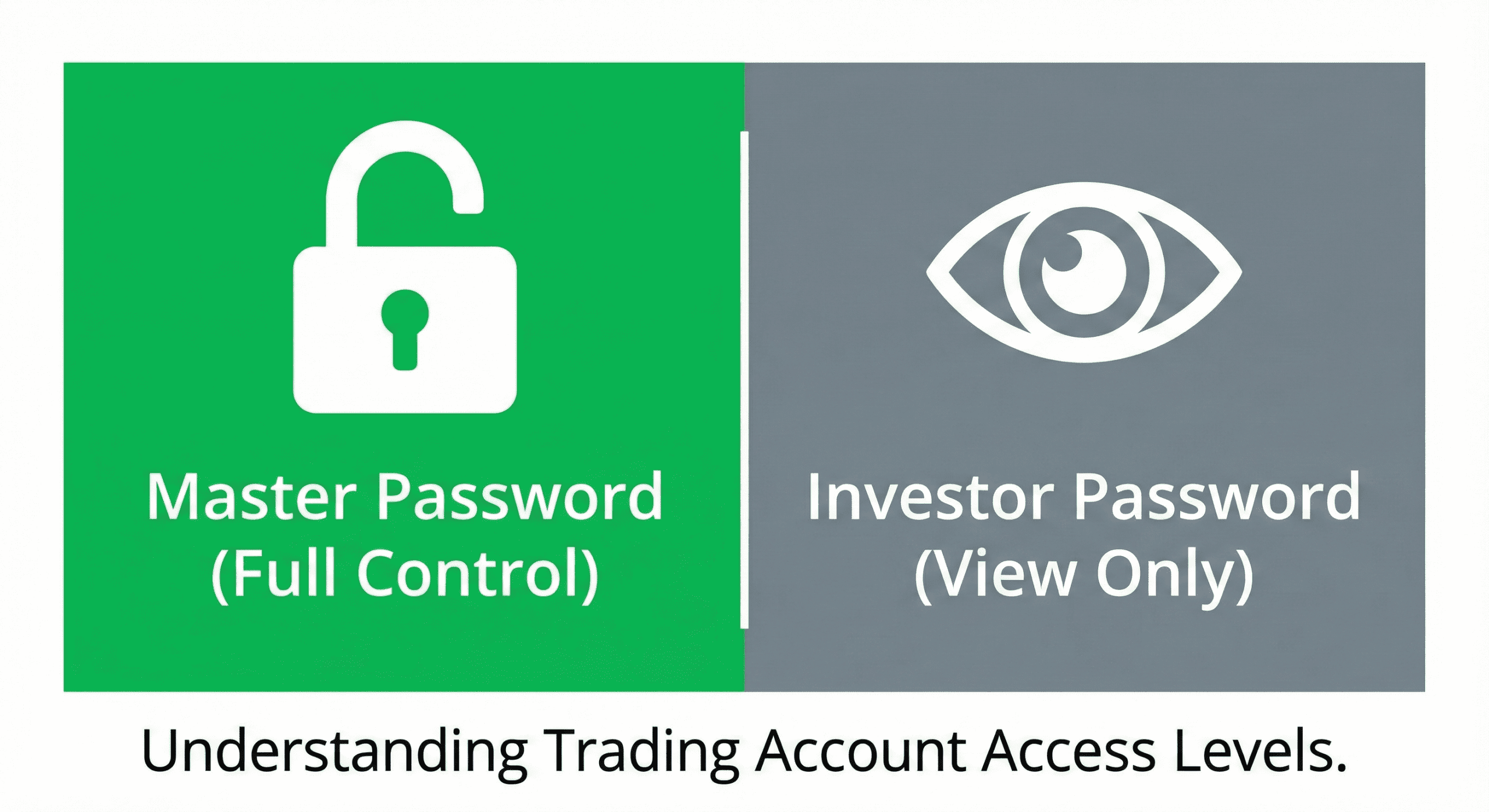
The Master Password is your administrative key. It holds the highest authority over the account. The Investor Password is a “view-only” token intended for third-party observation.
Note: Never share your Master Password unless you intend to give someone full control over your funds.
Troubleshooting: How to Switch to “Trading Mode”
If you accidentally logged in with the wrong password, you cannot simply toggle a switch to enable trading. You must disconnect and re-authenticate.
Follow these steps for MetaTrader 4 (MT4) or MetaTrader 5 (MT5):
- Locate Your Credentials: Check the welcome email sent by your broker when you opened the account. It will list both the Master (often labeled just “Password”) and the Investor password.
- Open the Login Menu: Go to File > Login to Trade Account.
- Enter the Master Key: Ensure your Login ID and Server are correct. In the password field, enter the Master Password.
- Confirm Connection: Listen for the confirmation sound. Look at the “Journal” tab at the bottom. It should say “login: authorized.”
- Test Access: Right-click on a chart. If “One Click Trading” or “Trading” options are visible and active, you have successfully switched modes.
The Strategic Use of Investor Passwords (Why Do They Exist?)
If you can’t trade with it, why does it exist?
The investor password is not a bug; it is a verification asset. In an industry plagued by fake screenshots and “inspect element” scams, the investor password provides Proof of Performance.
1. Auditing and Verification
When you link your account to third-party tracking sites like Myfxbook or FXBlue, you provide the investor password. This allows their servers to read your history and verify your win rate without giving them the ability to touch your money.
2. Attracting Investors
If you manage funds or sell signals, potential clients will want to see live results. Giving them the investor password allows them to watch your trades in real-time on their own terminal. They can see your equity curve grow, building trust that leads to investment.
3. Safe Mentorship
Mentors often share investor passwords with students. This allows students to watch how a professional manages risk live, without the risk of a student accidentally closing a trade on the mentor’s account.
Security Myth-Busting: Can It Compromise My Account?
Many traders worry that sharing any password is a security risk.
Can someone steal my money with my investor password?
No. The broker’s server architecture physically prevents withdrawals or transfers via the trading terminal, even with a master password. Withdrawals almost always require 2FA access to the broker’s web portal. With an investor password, a hacker cannot even open a hedge trade to blow the account.
The Real Risk: Intellectual Property Theft
While your funds are safe, your strategy is exposed. If you give an investor password to a malicious actor, they can use “Trade Copier” software to replicate your trades onto their own account instantly. They effectively get your signals for free. Only share this password with trusted auditors or clients who have signed an agreement.
Frequently Asked Questions (FAQ)
Can I execute trades if I log in with an investor password?
No, you cannot execute trades with an investor password.
This password provides read-only access, meaning you can view live charts, account history, and open positions, but the “New Order,” “Close Order,” and “Modify” functions will be disabled to prevent unauthorized trading.
How do I switch from investor password to master password in MT4?
You must re-login using the Master Password.
You cannot switch modes during an active session. Go to File > Login to Trade Account, ensure your Login ID is correct, and replace the current password in the field with your Master Password.
What is the difference between master password and investor password?
The Master Password is for trading; the Investor Password is for viewing.
The Master Password grants full administrative rights to open and modify trades. The Investor Password restricts the user to observation mode only, designed safely for auditing and sharing results.
Can someone steal my money with my investor password?
No, funds cannot be withdrawn using an investor password.
However, malicious actors could theoretically use your trading history to “copy” your strategy or reverse-engineer your entry points. Share it only with trusted parties or on secure verification platforms like Myfxbook.
Why is the “New Order” button disabled in my Forex account?
You are likely logged in with an Investor Password.
Check your “Journal” tab for authorization messages. Other potential reasons include a poor internet connection, the market being closed (weekend), or the broker disabling the specific symbol you are trying to trade.
