

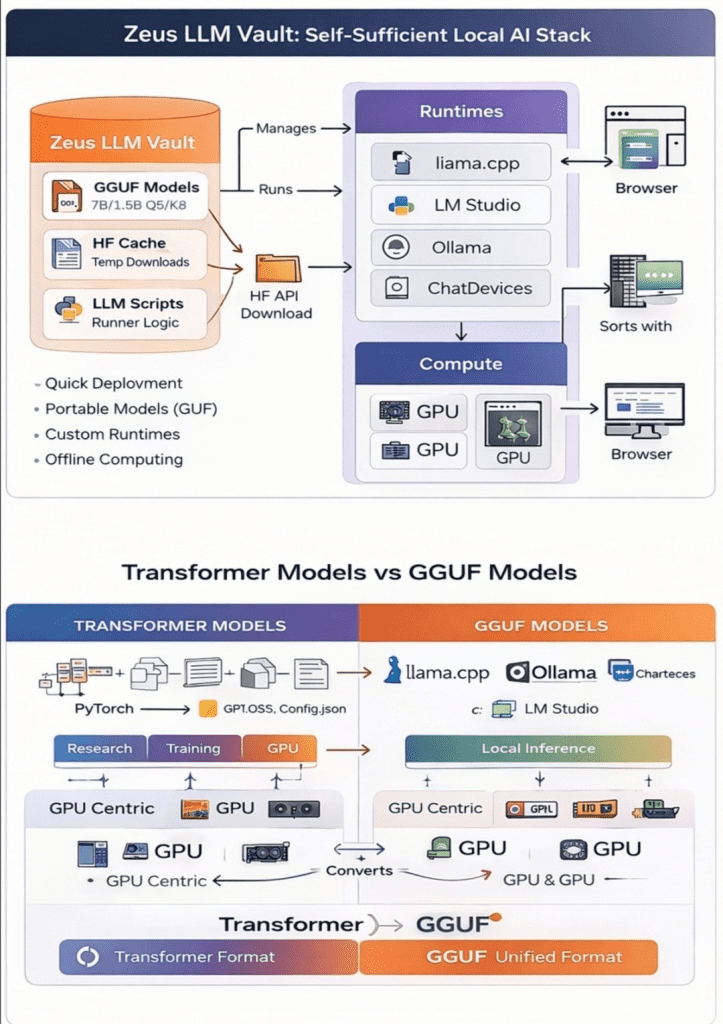
For the first time in the history of modern computing, advanced Artificial Intelligence models are no longer restricted to centralized cloud APIs.
With the rise of open-weight releases such as gpt-oss-120b, DeepSeek R1, Qwen 2.5, and NVIDIA’s advanced speech systems, individuals and small teams can now download, archive, and operate serious AI models locally — fully offline and under their own control.
This guide walks through how to create a structured AI model vault on a 5TB external drive and run those models across different hardware environments, from a simple CPU laptop to high-performance systems like NVIDIA DGX Spark.
If you can follow terminal instructions and manage basic system setup, you can build your own private AI lab.
Why Local AI Deployment Matters
Running models locally is not just a technical exercise — it is a strategic decision.
1. Sovereignty
Owning the model weights means you control the intelligence. No API restrictions, no external dependency.
2. Longevity
Cloud models change constantly. Versions disappear, pricing shifts, and rate limits apply. A locally archived model remains stable.
3. Privacy & Cost Efficiency
After downloading, inference becomes extremely cost-effective. Sensitive data stays on your machine.
Think of it as long-term cold storage for intelligence.
Step 1 — Preparing Your AI Vault Drive
Large language models can exceed tens or even hundreds of gigabytes. Proper drive formatting is essential.
Recommended file systems:
- NTFS (Windows-focused users)
- exFAT (Cross-platform compatibility)
- Avoid FAT32 due to file size limits
Organize your drive with a clean folder structure such as:
LLM_VAULT/ ├── models/ ├── runtimes/ ├── cache/ ├── licenses/ ├── manifests/ └── notes/
Treat models as long-term digital assets, not temporary downloads.
Step 2 — Installing Essential Tools
Reliable downloads are critical. Large AI repositories often fail mid-transfer.
Required tools:
- Python 3.10+
- PowerShell (Admin mode)
- Hugging Face Hub
- Git + Git-LFS
Using Hugging Face’s snapshot download functionality ensures resumable transfers and version integrity — crucial for serious local AI deployment.
Step 3 — Selecting Open-Source AI Models to Archive
Not all models serve the same purpose. Here are key categories worth storing:
GPT-OSS Models
The gpt-oss-120b model represents archival-grade intelligence suitable for DGX-class hardware. Smaller variants are more practical for experimental setups.
DeepSeek R1
DeepSeek R1 is known for advanced reasoning. Distilled versions (1.5B–7B) are realistic for CPU or edge setups, while full-scale variants require heavy GPU resources.
Qwen 2.5 Series
Qwen models support text, code, vision, and multimodal tasks, making them versatile for development and research workflows.
NVIDIA PersonaPlex
Designed for real-time speech-to-speech applications, ideal for conversational AI systems.
Step 4 — Choosing the Right Execution Environment
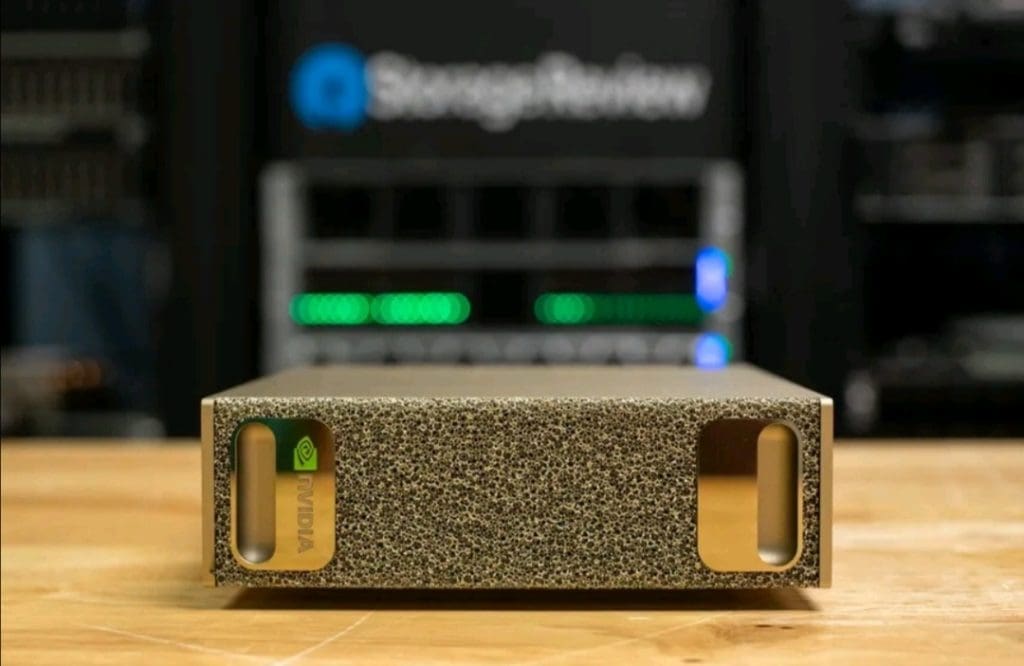
Local AI deployment depends heavily on hardware capability.
CPU Laptop (16GB RAM)
Practical for:
- Distilled DeepSeek R1 models
- Qwen 7B quantized models
- Light GPT experiments
Not suitable for:
- 70B+ models
- Real-time speech systems
CPU inference trades speed for independence.
NVIDIA Jetson Devices (Edge AI)
Jetson Nano:
- Very limited memory
- Suitable for micro models
Jetson Orin:
- Handles quantized 7B models
- Good for vision pipelines and robotics
Edge systems prioritize location over scale.
NVIDIA DGX Spark Supercomputer
The NVIDIA DGX Spark platform enables serious performance with large unified memory capacity.
It unlocks:
- DeepSeek R1 70B inference
- Large multimodal Qwen models
- Full speech pipelines
- Multi-model orchestration
This is where archived open models truly scale.
DGX Spark transforms a simple storage vault into a private AI research lab.
Running Models on CPU with llama.cpp and GGUF
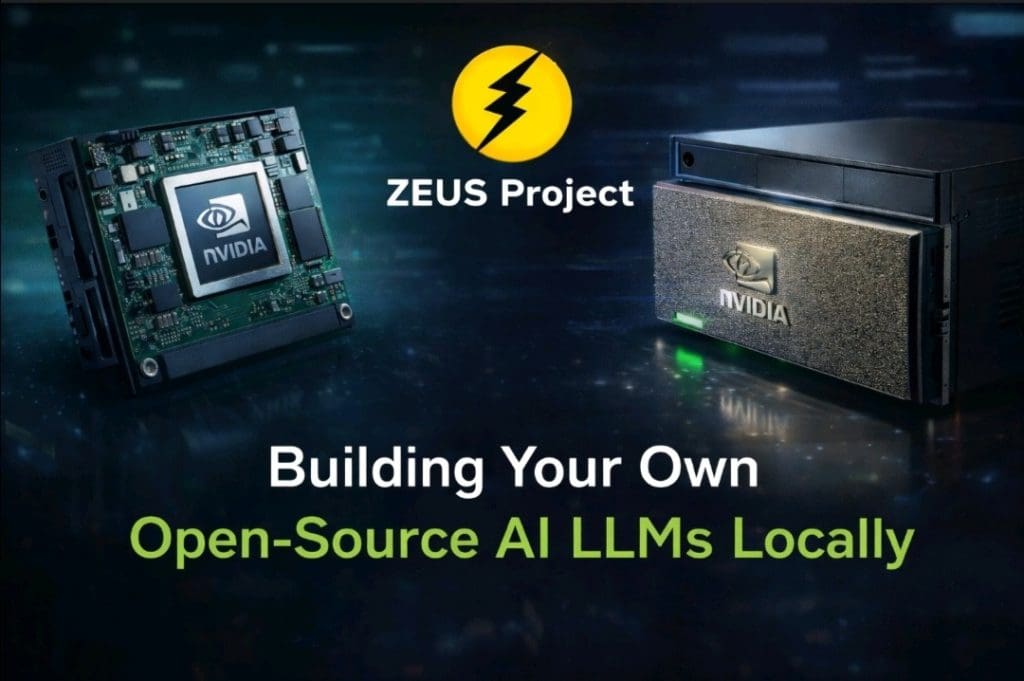
While transformer weights are ideal for training and GPU inference, GGUF format allows efficient CPU execution.
GGUF stands for GGML Unified Format — optimized for inference on local machines.
Benefits include:
- Lower RAM requirements
- Faster startup
- Complete portability
- Quantization support
With llama.cpp, even a 16GB RAM laptop can run 7B models effectively.
Quantization reduces memory usage dramatically, enabling practical local inference without expensive GPUs.
Practical Hardware Comparison
CPU Laptop
- Affordable
- Fully private – Slower inference
Jetson Edge Devices
- Low power
- Always-on capability – Memory limitations
NVIDIA DGX Spark
- Frontier-scale local AI
- High memory capacity – High cost
Each environment supports a different level of local AI deployment strategy.
The Bigger Picture — Future of Open-Source AI
What begins as a technical experiment evolves into something larger.
By building a local model vault using systems like DeepSeek R1 and gpt-oss-120b, individuals move from passive AI consumers to independent operators.
The next wave of Artificial Intelligence will not rely solely on cloud APIs. It will involve:
- Modular runtimes
- Agentic AI systems
- Portable model formats
- Hybrid edge-to-supercomputer workflows
Local AI infrastructure provides resilience, privacy, and creative leverage.
At Zeus Project, this philosophy aligns with decentralized application development, combining cryptography, blockchain, and intelligent systems.
Follow the project:
🔗 X: https://x.com/ZeusPayETC 🌐 GitHub: https://github.com/ZeusPayETC 📬 Telegram: https://t.me/zeusprojectgroup 🌴 LinkTree: https://linktr.ee/Zeus_Project
Final Thoughts
We are still early in the evolution of open AI ecosystems.
Those who take time to understand model formats, hardware constraints, and local AI deployment pipelines today will shape tomorrow’s infrastructure.
Download responsibly. Archive carefully. Experiment boldly.
This is just the beginning.