
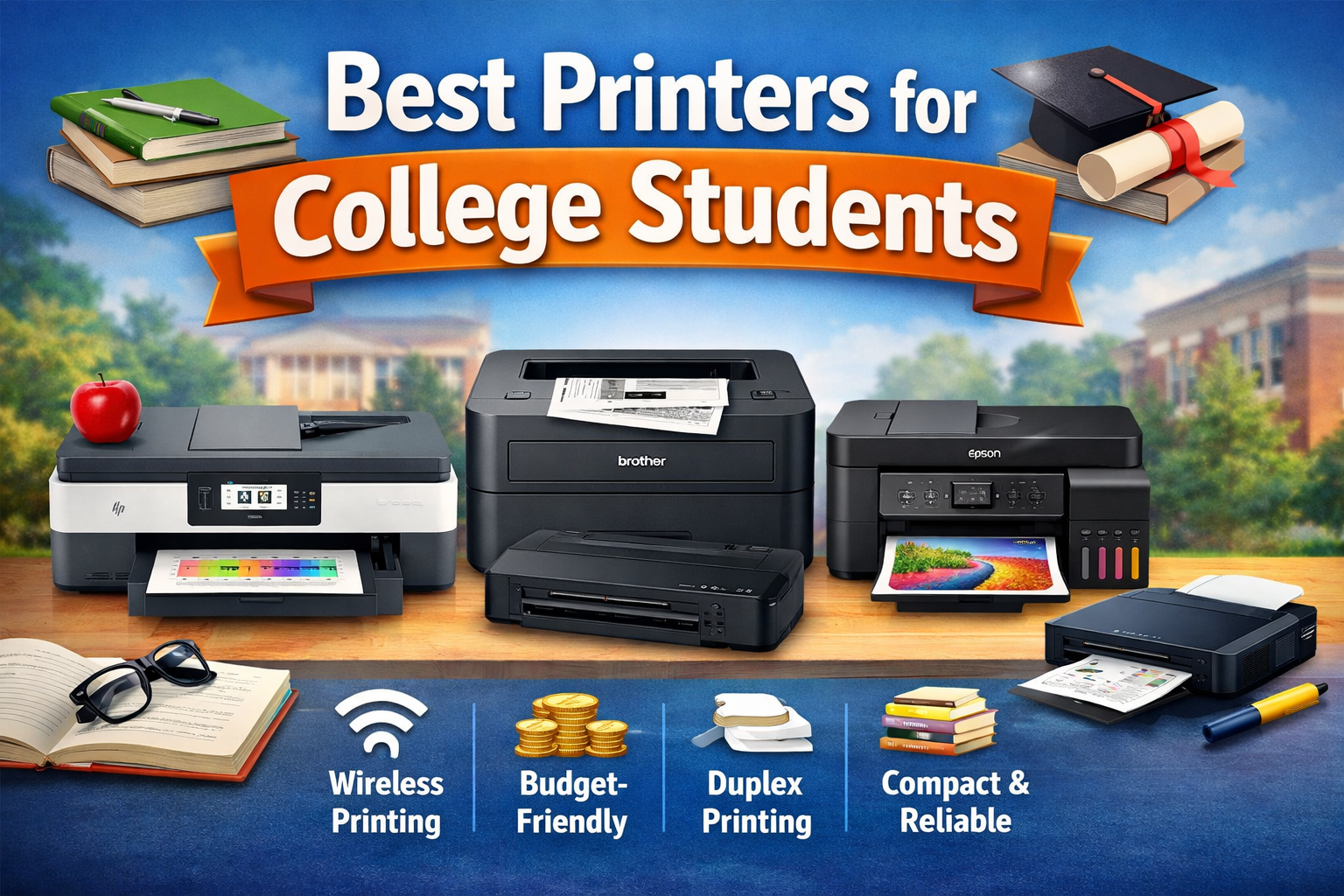
In college life, printing isn’t just a convenience—it’s practically a requirement. Between essays, research papers, presentations, assignments, lecture notes, handouts, and study materials, students end up printing a LOT. But with so many printer models on the market, Choosing the Best Printers for College Students is an important decision because college life involves frequent printing of assignments, projects, and study notes. This article will walk you through exactly what to look for and recommend the best printers for college students in 2026.
Why College Students Need a Good Printer
Before we jump into the best options, let’s understand why a good printer is important for students:
Cost-saving: Campus print shops charge per page, and costs add up quickly.
Convenience: You can print anytime—day or night—without leaving your dorm.
Productivity: Study materials, lecture slides, and notes printed at home help retain information.
Quality: Professional-looking documents make a strong impression on professors.
But a “good printer” for students isn’t just about print quality. It needs to balance affordability, reliability, size, and low running costs. Let’s break down these features.
What to Look for in a Student Printer
Here are the key factors every college student should consider:
1. Printer Type
Inkjet – Best for high-quality color prints, photos, and multipurpose use.
Laser – Best for fast, high-volume black-and-white printing with cheaper per-page cost.
All-in-One – Combines printing, scanning, and copying—ideal for assignments and digitizing notes.
2. Connectivity Options
Wi-Fi – Print wirelessly from phones, laptops, tablets.
USB – Useful for direct connection.
Mobile Printing – Support for AirPrint, Google Cloud Print, or proprietary apps.
3. Running Cost
Don’t just look at the printer price—check ink or toner cost:
Ink Tanks (e.g., Epson EcoTank) have refillable tanks that drastically reduce long-term cost.
High-Yield Cartridges are cheaper per page.
Duplex Printing (automatic double-sided) saves paper.
4. Size and Design
Students often have limited desk space, so compact and lightweight printers are ideal.
5. Print Speed & Quality
Measured in PPM (Pages Per Minute).
600 x 600 dpi is usually enough for text, while 1200 x 1200 dpi improves graphics.
Top Printers for College Students in 2026
Here’s a curated list of the best printers for different student needs.
1. Best Overall All-in-One Printer
HP DeskJet 4155e Wireless All-in-One Printer
This printer offers the perfect balance of features, performance, and price. It prints, scans, and copies, and supports wireless printing from laptops and phones. HP’s smart app lets students print remotely—even from campus or home.
Pros:
Compact and affordable
Easy Wi-Fi setup and mobile printing
Scanning and copying included
Cons:
Ink cartridges can be expensive if printing very heavily
Best For: Most college students who want a reliable multipurpose printer.
2. Best Budget Option
Canon PIXMA MG3620 Wireless Inkjet Printer
If you’re on a tight budget, this Canon model delivers solid performance for basic needs. It prints clear text documents and simple graphics, and supports mobile printing through Canon’s app.
Pros:
Very affordable
Good print quality for essays and notes
Easy setup
Cons:
No automatic duplex printing
Slower than more expensive models
Best For: Students with low-volume printing needs and limited budget.
3. Best for High-Volume Black & White Printing
Brother HL-L2350DW Monochrome Laser Printer
For students who print mostly text—like essays, notes, and reports—this monochrome laser printer is unbeatable. Its speed is excellent, and toner cartridges last longer than ink, which keeps cost per page low.
Pros:
Fast print speed
Lower long-term cost
Automatic duplex printing
Cons:
No color printing
Doesn’t scan or copy
Best For: Students with heavy printing needs focused on black-and-white text.
4. Best for Low-Cost Long-Term Printing
Epson EcoTank ET-2800
EcoTank printers are game-changers for students who want to avoid expensive ink cartridges. They use refillable ink tanks with bottles instead of cartridges, which makes the cost per page extremely low.
Pros:
Ultra-low running cost
Decent print quality
Scanning and copying built-in
Cons:
Higher upfront price
Slower print speed than laser
Best For: Students who print lots of pages and want long-term savings.
5. Best Portable Printer
Canon PIXMA TR150 Wireless Portable Printer
If you move between dorms, libraries, classrooms, and coffee shops, this portable printer is ideal. It’s light and compact, and can connect via Wi-Fi or USB.
Pros:
Portable and lightweight
Good color quality
Optional battery pack
Cons:
Smaller paper capacity
Slower than desktop models
Best For: Students who travel frequently or live in tight spaces.
Tips to Save Money on Printing
📌 Buy High-Yield Ink or Toner
Cartridges labeled “XL” or “High-Yield” last much longer and cost less per page.
📌 Print Double-Sided
Use duplex printing to save paper and reduce waste.
📌 Use Draft Mode for Notes
Most printers have “Draft” mode, which uses less ink and is perfect for study notes.
📌 Print Grayscale When Possible
Unless color is necessary, grayscale printing saves on color ink.
📌 Compare Online Prices
Ink and toner prices vary widely online, so shop smart.
Conclusion
In conclusion, investing in the Best Printers for College Students can save money, time, and effort while improving academic productivity.Choosing the right printer can make a significant difference in your academic life. Whether you just need basic printing for essays, a multifunction device for scanning and copying, or a laser printer for high-volume jobs, there’s an option that fits your needs and budget.