
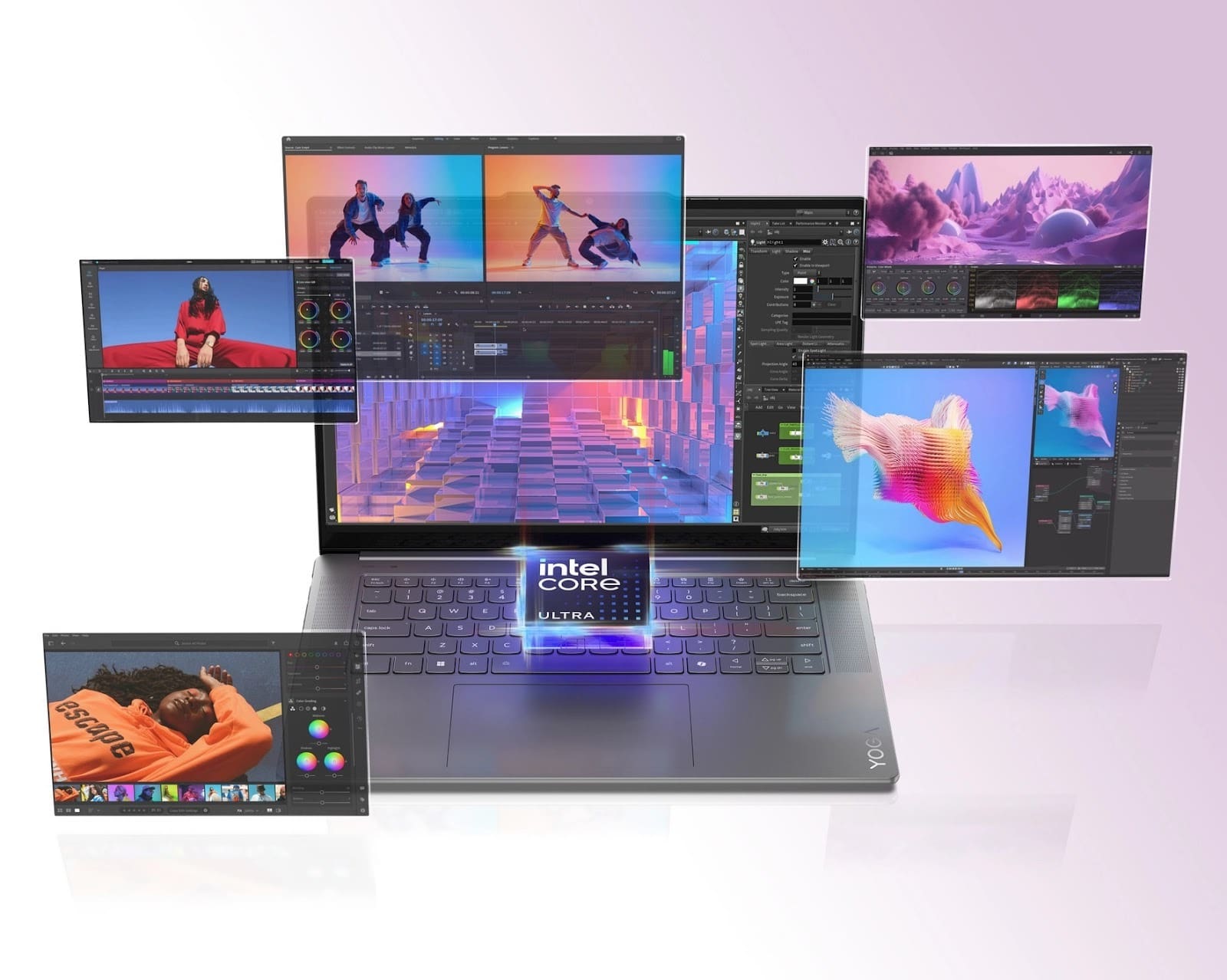
Artificial Intelligence is changing how we use laptops every single day. You might not see it happening, but your computer is getting much smarter. New laptops now have special chips that handle heavy tasks right on the device. This means your data stays private and your machine runs faster than ever before. Many people think AI only happens in the cloud, but that is not true anymore. Local processing is the new standard for professional creators and tech fans alike. Let us explore how these modern laptops make machine learning tasks better and faster for everyone involved in the tech world.
1. The Power of Dedicated Neural Engines
Modern laptops now come with a specific part called an NPU. This stands for Neural Processing Unit, and it is a total game-changer. Traditional processors like the CPU and GPU are great, but they get tired easily with AI tasks. An NPU is built specifically to handle the math behind machine learning. It allows your AI-powered laptop to think faster while using far less power, enabling smooth on-device AI processing without slowing down the rest of your system.
Why Efficiency Matters for Local AI
Efficiency is the main goal for any professional using a laptop. When the NPU handles the workload, your fans stay quiet, and the laptop stays cool. The system uses intelligent power management to allocate energy resources to their most effective operational tasks. The system prevents hardware resource waste through its ability to identify unnecessary background tasks. Better efficiency leads to a longer lifespan for your expensive laptop hardware.
2. Better Memory Management for Large Models
Machine learning requires a lot of memory to function well. AI laptops use something called unified memory architecture to speed things up. This allows the different chips in your computer to share the same pool of data. There is no need to move information back and forth between the CPU and GPU. This saves a lot of time and prevents annoying lag during data processing. Your laptop can load huge datasets in just a few seconds now. High-speed memory is essential for running smooth simulations on your desk.
- Unified memory reduces data bottlenecks significantly.
- Faster RAM speeds allow for real-time AI responses
- Shared data pools stop the system from crashing under pressure
3. Smart Instruction Sets Boost Performance
Hardware is only half of the story when it comes to speed. AI-powered laptops use advanced instruction sets to talk to the software directly. These instructions tell the hardware exactly how to crunch numbers for neural networks. It is like giving your computer a shortcut to the finish line. You get faster results when training a small model or running an image generator.
Accelerating Data Math at the Silicon Level
Silicon level optimization means the chip itself knows how to handle AI math. This replaces old methods that took many steps to reach a simple result. You save precious seconds on every single calculation the computer makes.
4. Data Compression Techniques for On-Device Speed
Running machine learning locally often requires huge files. AI laptops use smart compression to make these files smaller without losing quality. This process is often called quantization in the tech world. It turns heavy models into lightweight versions that fit on your hard drive. Your laptop can run these smaller models much faster than the original ones. This means you do not need a giant server room to do professional work.
- Model quantization shrinks file sizes for easier storage
- Weight pruning removes unnecessary data points from the AI
- Faster loading times help you stay in the flow of work
5. Intelligent Thermal Cooling Systems
Heat is the enemy of performance in any thin laptop. AI laptops use machine learning to predict when the system will get hot. The computer adjusts the fan speed before the heat even becomes a problem. This keeps the processor running at top speed for a longer time. You will not see those sudden drops in performance that happen on old computers. Smart cooling ensures that your machine learning tasks finish without any interruptions. It protects your hardware while giving you the best possible output.
With AI-powered laptops now being used by almost every business and individual, their market is continuously rising. The total market share is expected to surpass $992 billion by 2035.
6. Real-Time Noise Suppression and Enhancement
AI laptops do more than just crunch numbers for researchers. They use machine learning to make your daily video calls much better. The NPU filters out background noise like barking dogs or loud fans. It also enhances your video quality in dark rooms using smart filters. This happens instantly on the device, so there is no delay in your voice. You get professional audio and video without buying expensive equipment. It is like having a tiny sound engineer living inside your laptop frame.
- Background blur keeps your workspace private during calls
- Voice isolation removes distracting sounds from your environment
- Image upscaling makes low-resolution cameras look like 4K
7. Adaptive Battery Life for AI Workloads
Battery life is a huge concern for anyone who works on the go. AI laptops learn your habits to save juice when you are not doing heavy work. The system slows down the chips when you are just reading or typing. It ramps up the power the moment you start a machine learning task. This smart switching happens in milliseconds without you noticing a thing. You get the power when you need it and the battery life when you do not. This makes the laptop a reliable tool for long flights or cafe sessions.
8. Enhanced Privacy with Local Processing
Most professionals now prioritize their privacy as the most important aspect of their work. The process of sending data to the cloud creates both security dangers and performance delays. AI laptops process everything right on your own hardware. Your sensitive information never leaves your machine unless you want it to. This is perfect for lawyers or doctors who handle private client files. You get all the benefits of AI without any of the security fears.
- No data uploads mean your secrets stay on your drive
- Offline AI works even when you have no internet access
- Faster response times since there is no server lag
9. Fast Neural Network Prototyping
Developers love AI laptops because they can test ideas very quickly. You do not need to wait for cloud servers to become operational because you can use the system. The system allows you to write code and display results on your screen without any waiting time. This fast feedback loop helps you fix errors and improve your models faster. It turns your laptop into a powerful laboratory for innovation.
Conclusion
Owning an AI-powered laptop is like having a supercomputer that fits in your bag. These machines use special chips and smart software to make your life easier. You get more speed, more privacy, and much better battery life. Machine learning is no longer just for big companies with giant servers. It is a tool that you can use every day to be more productive and creative. The future of computing is local, and it is smarter than we ever imagined.
