

The tech market is flooded with products labeled as smart AI PCs these days. But here’s the truth most companies won’t tell you. Not every computer deserves that smart PC label. You need to know what actually makes a computer an AI PC before spending your hard-earned money.
Real AI PCs pack specific hardware and capabilities that go far beyond standard computers. They process neural networks locally without relying on cloud servers. They handle machine learning tasks that would make regular PCs sweat.
This guide reveals seven critical checks you can perform right now. These validation methods help you spot genuine AI-powered machines from clever marketing tricks.
1. Check for Dedicated NPU Architecture
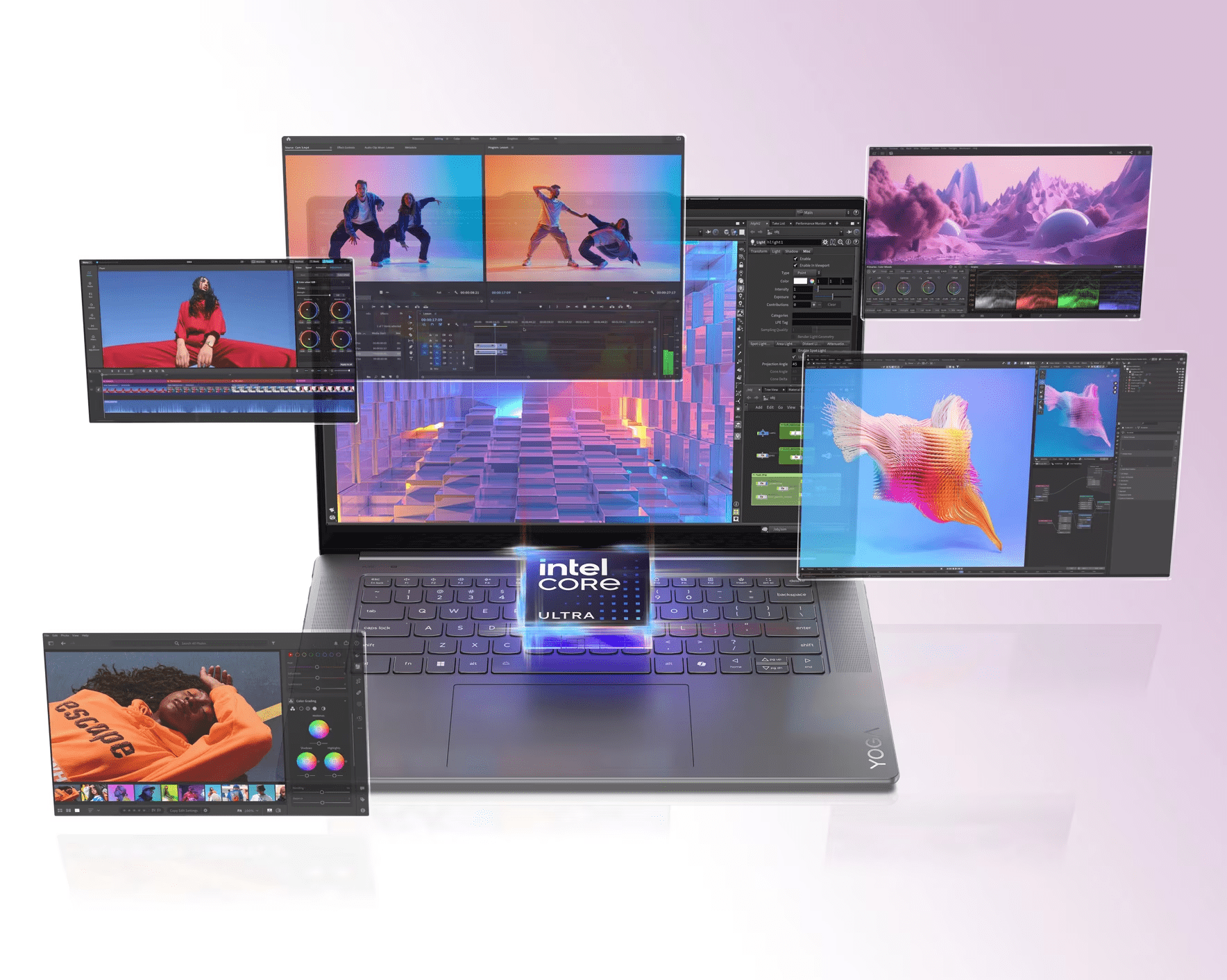
The Neural Processing Unit stands as the heart of any true AI PC, enabling faster on-device rendering, real-time effects, and AI-assisted creative tools without cloud delays. You need to verify its presence before anything else. An AI PC for creators includes a dedicated NPU capable of sustained AI inference, not software-emulated features running on the CPU or GPU.
Standard processors can’t handle AI workloads efficiently. They burn through power and deliver slow results. A dedicated NPU changes everything. This specialized chip processes neural network operations at incredible speeds. It completes AI tasks while using minimal energy.
Understanding NPU Performance Metrics
Look for NPU specifications measured in TOPS. This stands for Trillions of Operations Per Second. Entry-level AI PCs should deliver at least 10 TOPS of performance. Mid-range machines push 30 TOPS or higher. Premium AI systems easily exceed 45 TOPS.
The NPU handles tasks like:
- Real-time language translation.
- Background blur in video calls.
- Voice recognition processing.
- Image enhancement algorithms.
- Predictive text generation.
2. Verify On-Device AI Processing Capabilities
A goof AI PC for creators runs machine learning models locally. They don’t need constant internet connections for AI features.
This distinction matters more than most people realize. Cloud-dependent systems send your data to remote servers. They process information elsewhere and send results back. Real AI PCs keep everything on your machine. They protect your privacy while delivering faster results.
Test this by disconnecting from the internet. Launch AI-powered features like:
- Voice assistants.
- Image editing tools.
- Smart search functions.
- Auto-translation services.
3. Examine Memory and Storage Requirements
AI workloads demand substantial memory bandwidth. Your system needs specific configurations to handle these loads.
Standard PCs typically run on 8GB or 16GB of RAM. True AI PCs start at 16GB minimum. They often feature 32GB or more for optimal performance. The memory type matters too. Look for LPDDR5 or DDR5 specifications. These newer standards deliver the speed AI processing requires.
Storage needs differ significantly as well. AI models consume massive amounts of space. A single language model can occupy 10GB to 50GB. Image generation models need a similar capacity. Your AI PC should have:
- Minimum 512GB SSD storage.
- NVMe interface for speed.
- Dedicated space for AI models.
- Fast read and write speeds.
As we move into 2026, it is certainly going to be a year of AI PCs. As per a report, AI PCs are expected to take over the PC market with more than 55% of the total share.
4. Test Real-Time AI Feature Performance
Performance tests reveal the truth about AI capabilities. You need to push the system and observe its behavior.
Running Practical AI Workload Tests
Launch multiple AI tasks simultaneously. Open video editing software with AI enhancement. Start a voice transcription service. Run background blur on a video call. Genuine smart PCs handle all these without stuttering.
Monitor these performance indicators:
- CPU usage is staying below 40%.
- System temperature remains cool.
- Fan noise is staying minimal.
- Tasks are being completed quickly.
- No lag or freezing.
Standard PCs struggle with even two AI tasks. Their CPU usage spikes to 100%. Fans spin loudly. Everything slows down noticeably. The difference becomes crystal clear during real-world usage.
5. Validate AI Software Ecosystem Integration
Hardware means nothing without proper software support. True AI PCs ship with complete AI ecosystems ready to use.
Check for native AI framework support. Your system should include:
- Windows Studio Effects.
- Intel AI Boost utilities.
- AMD Ryzen AI software.
- Manufacturer-specific AI tools.
- Pre-trained model libraries.
Open these applications and explore their features. Real implementations offer depth and functionality. Fake AI tools provide basic filters with fancy names.
Look at third-party software compatibility too. Professional AI applications recognize true AI hardware. Programs like Adobe Sensei and DaVinci Resolve Neural Engine engage dedicated NPUs automatically. They ignore standard PCs or run in limited modes.
6. Check Power Efficiency Under AI Loads
Energy consumption patterns expose AI processing capabilities. True AI PCs maintain efficiency during intensive tasks.
Run battery tests with AI workloads active. Enable all AI features and monitor power drain. Dedicated NPUs process AI tasks while sipping power. They extend battery life compared to CPU-based processing.
Standard PCs experience dramatic battery drain under similar conditions. Their processors work overtime trying to handle AI operations. Battery life drops by 50% or more.
Compare these scenarios:
- Idle battery life.
- Video playback battery life.
- AI workload battery life.
7. Analyze Manufacturer Claims and Certifications
Marketing language often hides the truth. You need to decode manufacturer statements carefully.
Look for specific technical terms. Genuine AI PC makers mention exact NPU models. They cite TOPS ratings clearly. They specify AI frameworks by name. Vague language like “AI-enhanced” or “AI-ready” signals standard hardware with software tricks.
Check for industry certifications and partnerships. Intel AI PC certification means verified hardware. AMD Ryzen AI badging confirms dedicated processing. Microsoft Copilot+ PC designation requires strict specifications.
Conclusion
The smart AI PC market continues to evolve rapidly. You now possess the knowledge to separate authentic AI machines from standard computers wearing AI costumes. These seven validation checks give you concrete methods for testing real capabilities. A true AI PC for creators transforms how you work and create. They deliver capabilities that seemed impossible just years ago. Standard PCs simply can’t match their performance in AI tasks. Make informed decisions using these validation techniques. Your next computer purchase should meet every checkpoint confidently.
