
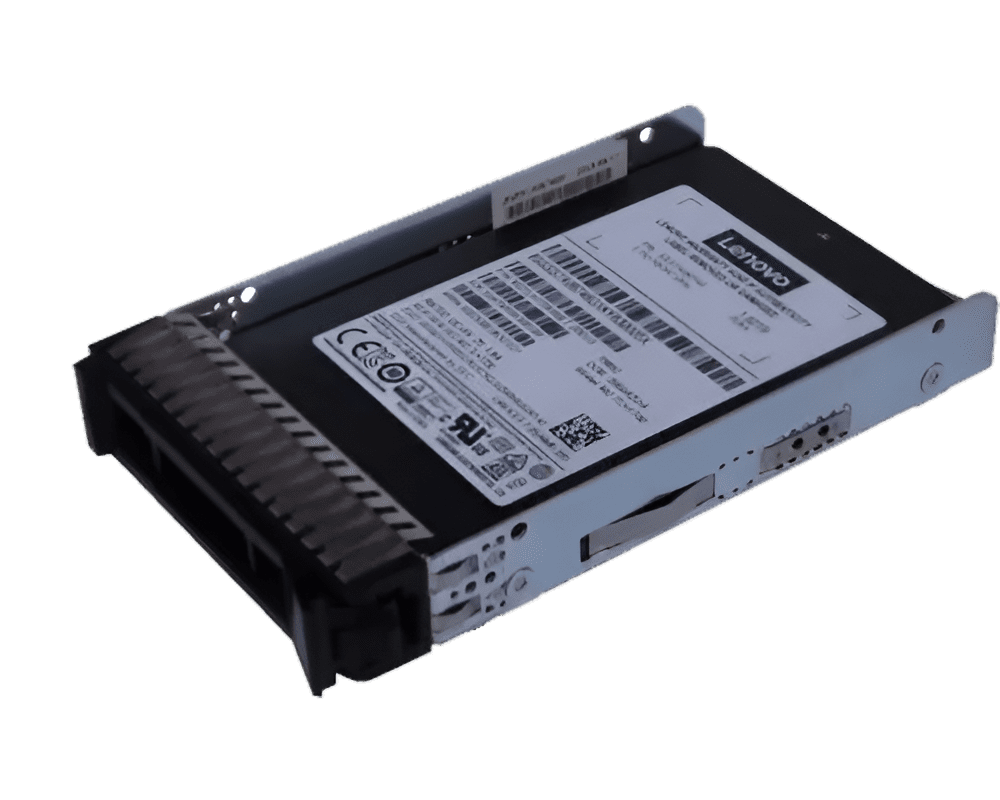
Modern businesses depend on fast access to accurate data every single day. As your organization grows, your legacy systems may struggle to keep up with rising workloads and real time demands. Because of this many IT leaders now move toward an SSD Server environment that delivers higher input output performance and stronger reliability.
However data migration requires careful planning, clear steps and steady execution. When you move data from older spinning drives to solid state storage you must protect data integrity, maintain uptime and avoid costly delays.
Therefore you need a structured process that guides your team from assessment to optimization. As a result you can move your legacy data with confidence and build a storage foundation that supports long term growth.
1. Understand Your Current Legacy Environment
Before you begin migration you must clearly understand your current infrastructure. First review your existing servers storage arrays and backup systems. Then identify which applications depend on those systems and measure how much data each workload consumes.
As legacy systems often store unused or duplicate files, you should also analyze data quality. When you remove outdated data you reduce migration time and lower storage costs in the new flash storage environment.
By moving clean and optimized data into an SSD server, you ensure that the storage infrastructure operates at maximum efficiency while supporting faster application response times and improved workload reliability
During this stage focus on three key areas:
- Total data volume and growth rate
- Application performance requirements
- Compliance and security policies
2. Define Clear Migration Goals
After you assess your current environment you should define specific migration goals. Without clear goals your team may lose direction and delay progress. Therefore align technical objectives with business outcomes.
For example you may want to improve database query speed, reduce backup windows or strengthen disaster recovery readiness. When you connect these goals to measurable metrics you create accountability and clarity.
Key Questions to Answer
- What performance improvement do you expect
- How much downtime can the business accept
- What security standards must you maintain
When you answer these questions your team builds a roadmap that supports both IT efficiency and business continuity. As a result your move to an SSD server environment becomes strategic rather than reactive.
3. Plan the Data Architecture Carefully
Now you should design the new storage architecture. Since solid state drives deliver higher input output operations per second you must configure them correctly to maximize value.
Start by segmenting workloads based on performance needs. For instance place high transaction databases on high speed tiers while moving archival data to cost efficient layers. This balanced approach ensures optimal use of the SSD server infrastructure.
Furthermore choose the right file systems and configure redundancy through RAID or similar data protection methods. When you design architecture with scalability in mind you support future growth without major redesign.
A strong architecture reduces bottlenecks and supports long term performance stability. Therefore invest time in this stage before moving any data.
4. Prepare Data for Migration
Before you transfer any files, clean and organize your data. Since legacy systems often contain fragmented or corrupted records you must verify data integrity. First remove duplicate files and archive outdated information. Then validate database consistency and repair errors. After that ensure you maintain updated backups to prevent data loss during the migration process.
Data Preparation Checklist
- Clean duplicate and obsolete data
- Verify backup completeness
- Test restore procedures
- Confirm encryption standards
When you complete these steps you reduce risk and improve migration speed. In addition, clean data improves performance once it runs on the SSD server platform.
5. Choose the Right Migration Method
Next select the migration method that fits your environment. Different workloads require different strategies and you must choose carefully to avoid disruption.
You can perform a live migration when uptime remains critical. This method allows you to move data gradually while systems continue operating. On the other hand you may choose a scheduled cutover during off peak hours for large data sets.
Because every organization operates differently, it evaluates network bandwidth storage capacity and application sensitivity. When you match the method to your infrastructure you reduce operational stress and maintain service continuity.
A thoughtful migration strategy ensures that your transition to an SSD server environment supports both performance and stability.
6. Execute Migration with Monitoring
Once planning ends execution begins. However execution should never happen without active monitoring. During migration track transfer speeds error logs and system resource usage. If you detect anomalies, address them immediately to prevent data corruption or delays.
Use monitoring tools to measure:
- Data transfer performance
- Application response times
- Storage utilization levels
At the same time maintain communication with stakeholders. When IT teams share progress updates, business leaders feel confident about system stability.
By closely monitoring each stage you ensure that the new SSD server infrastructure performs as expected while protecting critical workloads.
7. Test Optimize and Validate Performance
After migration completes do not assume success without testing. Instead validate every application and dataset thoroughly.
Start by running performance benchmarks and compare results with your original baseline. Then test backup systems, disaster recovery workflows and user access permissions.
If performance does not meet expectations, adjust storage configurations and fine tune resource allocation. Because solid state storage offers advanced tuning options you can optimize input output paths and caching mechanisms for better throughput.
Finally document all changes and update operational guidelines. This documentation supports future audits and simplifies troubleshooting. When you complete validation your organization gains full confidence in the SSD server deployment.
Conclusion
Migrating legacy data requires more than copying files from one system to another. It demands careful planning, thoughtful execution and continuous validation. When you follow these seven steps you protect your data while unlocking the speed and reliability that modern operations demand.
An SSD server environment empowers your teams with faster access, stronger stability and greater confidence in daily operations. Because technology shapes business success, every decision you make today influences tomorrow’s growth.