
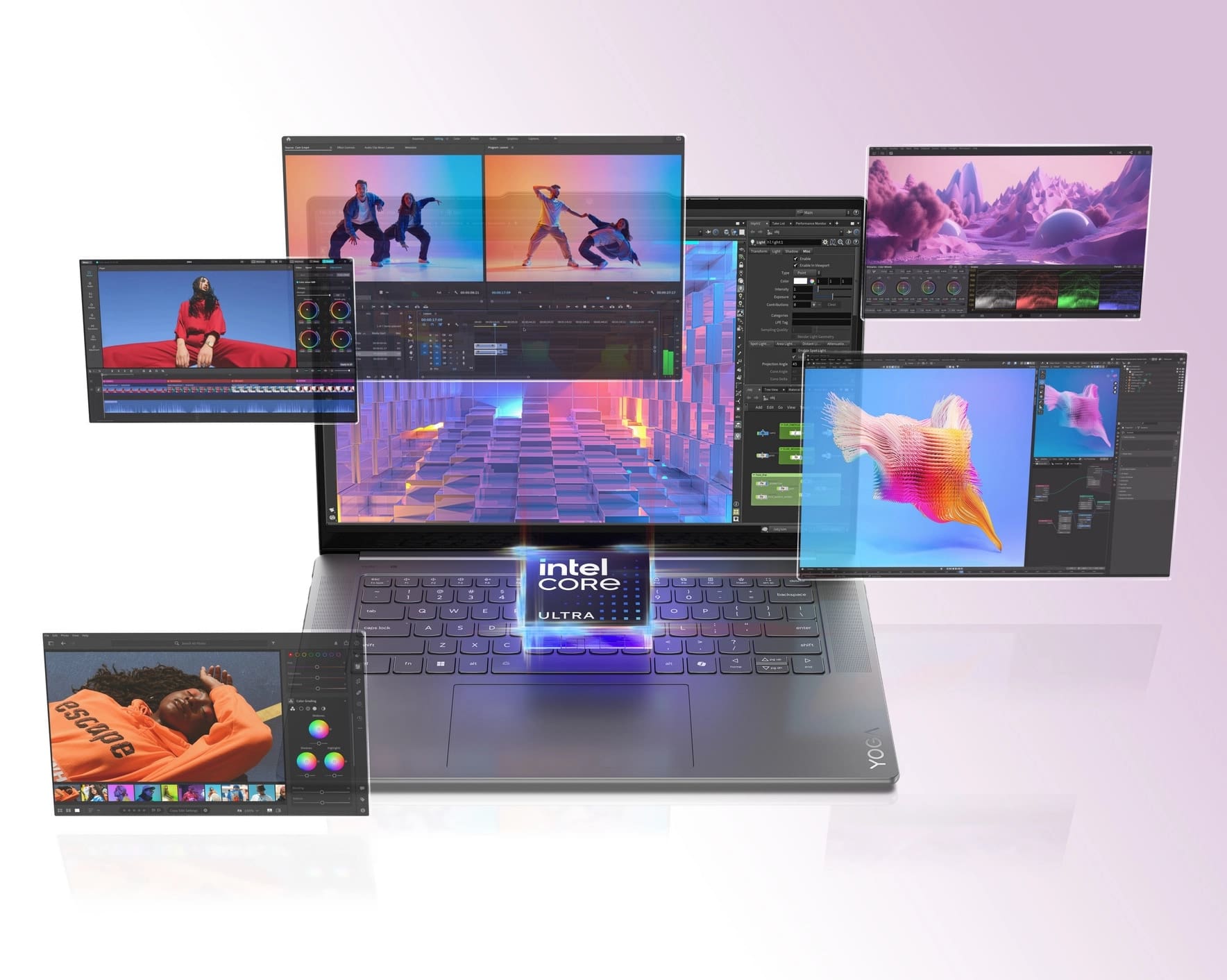
AI PCs have become smarter than ever. They now sense your needs before you act. Every task feels smoother and faster. The secret lies in their advanced smart modes that adapt to your daily habits. These new-generation modes help your PC think ahead. They increase performance, conserve energy, and improve multitasking. These modes are in real-time, whether you are working, creating, or playing.
The best part is that these features do not just react. They predict what you need next. They optimize power, focus, and performance without you asking. That is why AI PCs stand apart from traditional ones.
Let’s explore the seven next-gen smart modes that prove AI PCs are truly one step ahead of you.
1. Shield Mode – The Guardian of Your Privacy
Shield Mode is one of the smartest AI-powered protections in modern PCs. It automatically guards the screen of your AI PC when someone tries to peek over your shoulder. This mode is perfect for users who value privacy in public spaces. AI sensors track facial direction and motion to keep your work safe. Shield Mode ensures your data remains secure without you pressing a single key.
- It uses AI-based human detection sensors.
- It blurs your screen when you step away.
- Activates auto-lock when you move out of sight.
It also detects background faces and alerts you silently. This builds a secure and distraction-free workspace.
2. Attention Mode – Stay Focused No Matter What
AI PCs come with an advanced Attention Mode. This feature senses your engagement level and adapts accordingly. This keeps your productivity intact. You no longer lose track of what you were doing. Attention Mode also saves battery life while maintaining performance balance.
- Dims the display when you look away.
- Pauses videos or meetings if your attention drifts.
- It brightens up and resumes when you return.
Why It Matters
The feature is optimal among professionals, students, and creators. It assists in control over concentration, and every minute of work is significant. Your attention span is in real-time response to your PC.
As per a report, AI PC are expected to represent 31% of the global PC market by the end of 2025. The main reason is the smartness and automation these PCs offer.
3. Collaboration Mode – The Smarter Way to Connect
Collaboration Mode makes teamwork smoother than ever. It transforms your PC into a smart communication hub. With AI-driven enhancements, virtual meetings feel natural and sharp. You sound clearer. You look better. You stay connected seamlessly.
- Enhances audio clarity by reducing background noise
- It improves camera lighting automatically.
- It tracks your face to keep you centered during calls.
AI adjusts these settings dynamically. Whether you move or change rooms, the mode recalibrates instantly. Collaboration Mode eliminates manual adjustments during calls.
This mode saves time and makes meetings professional. It brings a human touch to digital collaboration. It shows how AI PCs understand your communication patterns.
4. Power Mode – Intelligent Performance on Demand
Power Mode in AI PCs is built to balance energy and speed. It detects your workload and adjusts performance automatically. This smart mode ensures that your PC delivers the right power when needed. Whether you are editing videos or browsing, the system adjusts instantly.
- Boosts CPU and GPU for demanding tasks.
- Shifts to energy-saving mode when idle.
- It reduces fan noise by controlling thermal output.
Power Mode maximizes battery efficiency and performance. It saves energy without reducing output. This helps you work longer and more efficiently.
5. Adaptive Mode -Adapts to You and Your Environment
One of the human-like features of AI PCs is Adaptive Mode. It modifies the brightness of the display, sound, and cooling intensity, depending on the environment.
- Detects the light in the room and regulates the light.
- It modifies fan speed depending on the temperature.
- It alters sound volume to match the background noise.
This level of adaptation creates a balanced computing experience. Your PC feels natural and effortless.
6. Focus Mode – Your Productivity Partner
Focus Mode eliminates distractions as they come. It disables notifications, disables alerts, and cleans up the background apps. AI studies your work pattern and creates smart productivity sessions. This mode helps you finish tasks faster. You get better time management and reduced fatigue.
- Enables distraction-free sessions automatically.
- Highlights your active app window.
- It schedules focus intervals based on your habits.
With Focus Mode, your PC is your personal productivity assistant. It makes you manage your own time. You also accomplish more without using mental energy.
7. Eco Mode – The Green Heart of AI PCs
Eco Mode reflects the sustainable side of intelligent computing. It prioritizes energy efficiency and extends battery life.
- It reduces system power consumption.
- It optimizes background processes.
- Uses AI to detect when performance can be lowered safely.
This mode contributes to a greener future by lowering energy waste. It also extends the life of your PC components by reducing strain.
Why It Matters
Eco Mode helps balance high performance and environmental care. It makes your PC smarter and more sustainable. AI ensures your device remains eco-efficient without affecting output.
Conclusion – The Era of Predictive Intelligence Has Begun
AI PCs no longer wait for commands. They act ahead of you. They shield your privacy. They boost focus. They adapt, collaborate, and conserve. Every smart mode is proof of how technology now thinks like a human.
From Shield Mode to Eco Mode, these features show true intelligence in motion. They make work smoother and daily tasks smarter. The line between user and machine is fading. AI PCs now understand rhythm, routine, and reaction.
These seven next-gen smart modes are not just upgrades. They are milestones in the evolution of computing. They show how your PC can now think, act, and care, just like you.
